How To Connect My Xerox Printer To Wifi
Phaser 3330 - Connect to a Wireless Network Using the Wireless Install Wizard. Installation of Xerox 3025 Wireless Printingxerox workcentre 3025 wifi setupxerox 3025 wifi setupworkcentre 3025wifi setup3025xerox 3025 prin configurati.
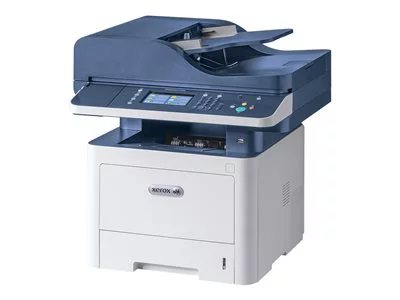
Xerox Workcentre 3345 Black And White Multifunction Printer Lenovo Us
Connect to a Wireless Network Manually.

How to connect my xerox printer to wifi. During configuration simply select Network EthernetWireless when prompted then Yes send my wireless settings to the printer recommended With compatible printers its that easy to connect an HP printer to WiFi. Select the printer and click print. Select the printer and click print.
When your document is ready to print select print on your device and find the wireless printer on the dropdown menu. Its extremely easy to use and is done from the comfort of your printer display. Select WLAN and then press the OK button.
Does my Xerox printer or multifunction device support. Select I Agree if you accept the Xerox License Agreement. If the printer is connected with an Ethernet cable select Ethernet.
Httpsxeroxbz2Mc7IqPThis video demonstrates how to easily print from your Android phone or tablet to a VersaLink MFP or Printer as well as co. A video is provided at the end of these steps. Wi-Fi Direct can be used as a backup connection to support wireless printing from non-networked devices and to access advanced settings in CWIS.
Ugreen usb c printer cable usb type c to usb 20 type b printer scanner cable cord high speed compatible for brother hp canon lexmark epson dell xerox samsung etc and piano dac 6ft black 46 out of 5 stars. Touch Primary Network and select the appropriate network type for how the printer is connected. Configure the printer manually.
In order to set up a wireless connection insert the wireless printer adapter into the wireless adapter socket on the back of the printer. The Xerox Print Service plug-in enables Android printing to many Xerox printers and MFPs without the need for third party apps or additional print drivers. Press the UpDown arrows to select Network and press OK.
Press the updown arrows to select. After the adapter is installed and wireless networking is enabled and configured the adapter is able to connect to a wireless network. Press the Down arrow until Wi-Fi.
Yes you can connect to the Wi-Fi network access point at any location. If prompted enter the Administrator Password using the alphanumerical keypad. A wireless network connection is typically faster than USB and allows direct access to the printer settings when using Xerox CentreWare Internet Services.
Right-click on the 6505 and go to Printer Properties Go to Ports Add port Standard TCPIP Port New Port and complete the wizard Please be sure to select Accept Solution and or select the thumbs up icon to enter Kudos for posts that resolve your issues. These are a simple steps of how to add a Xerox printer to your network. At the printer control panel press the Machine Status button.
At the control panel press the. Uses near-field communications NFC to allow you to tap your mobile device to a wireless printer or MFP to establish a direct connection. Open Easy Printer Manager Select Advanced Settings hover over Device Settings then select Network Settings.
Connect the Printer to a Wireless Network Using the Wireless Wizard. Xerox Print Service Plug-in for Android. Connect one end of the Ethernet cable into the Ethernet port on the rear of the printer and the other end to a LAN drop or hub.
Connecting to a Wireless Network Manually. Enables mobile printing to many Xerox printers and MFPs without the need for third-party apps. Power off the printer.
Select your Phaser 6180MFP Multifunction Printer from the list of available printers and then click the Install button. When your document is ready to print select print on your device and find the wireless printer on the dropdown menu. Press the Machine Status button.
If the optional Wireless Network Adapter is installed and connected to a wireless network then select Wi-Fi. Many Xerox WiFi printers and WiFi all-in-one printers come with automated set-up wizards making it very easy to get started with wireless printing. Turn on your printer and connect one end of the usb cord to your printer and the other end to the usb otg cord.
Easily print photos web pages and documents when your mobile device is connected to a compatible Xerox printer through a wireless network. Find your printer on the list and then tap to select it. On the Network Confirmation screen note the IP Address then touch X.
Many Xerox WiFi printers and WiFi all-in-one printers come with automated set-up wizards making it very easy to get started with wireless printing. If your printer was not in the list type the printers IP address directly into the Enter Printers IP. Press the Down arrow until Network is displayed then press OK.
Set up the Wireless Network Using the Easy Wireless Setting Program. The default is 1111. Press the button to enable wireless on the printer to display the PIN.
Select WPS wPIN Code and then press the OK button. Press Menu on the printer control panel select Network and then press OK. These are a simple steps of how to add a Xerox printer to your network.
Of printers that are available on the Wi-Fi network. Enable Wi-Fi Direct from the Easy Printer Manager application on your computer. The optional wireless network adapter plugs in to the back of the control board.
When connecting to a wireless network that does not include a WPS-compliant router set up and.

Xerox B210 Wifi Setup And Driver Install Via Usb Youtube

Xerox Printer Setup Printer Driver And Torubleshooting

Xerox Workcentre 6515 Dni Color Laser Printer Multifunction Dell Usa

How To Setup And Connect Xerox Phaser 3260 Printer To Wifi

Pin On Computer Stuff
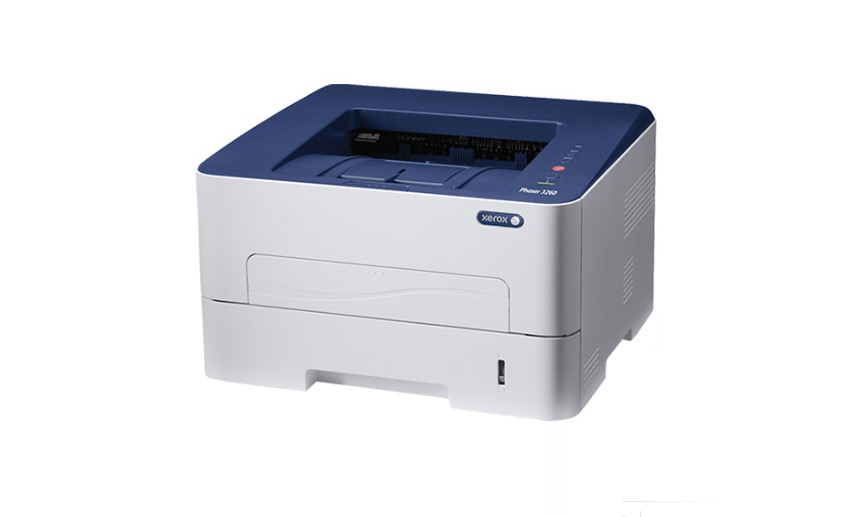
Setup Configure Xerox Phaser 3260 Wireless Printer Using A Macbook Pro By Vinod Sharma Medium

Xerox Phaser 3020 How To Print Configuration Supplies Information Youtube
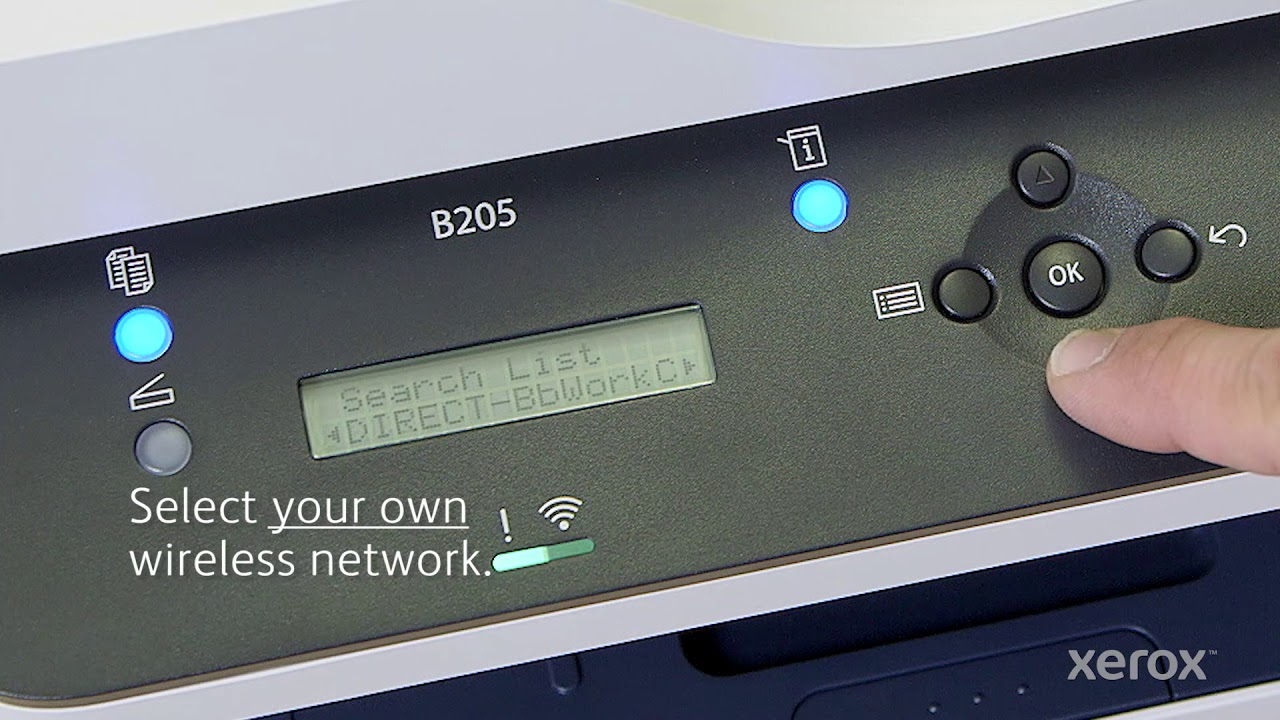
Xerox B205 Wifi Setup Youtube
Xerox Workcentre 3215 Driver Download Multifunction Printer Best Laser Printer Laser Printer

Xerox Printer Comes In Two Types One Is Inkjet And Second Is A Laser Printer And There Are Many Reasons That Can Affect Printer Laser Printer Support Services
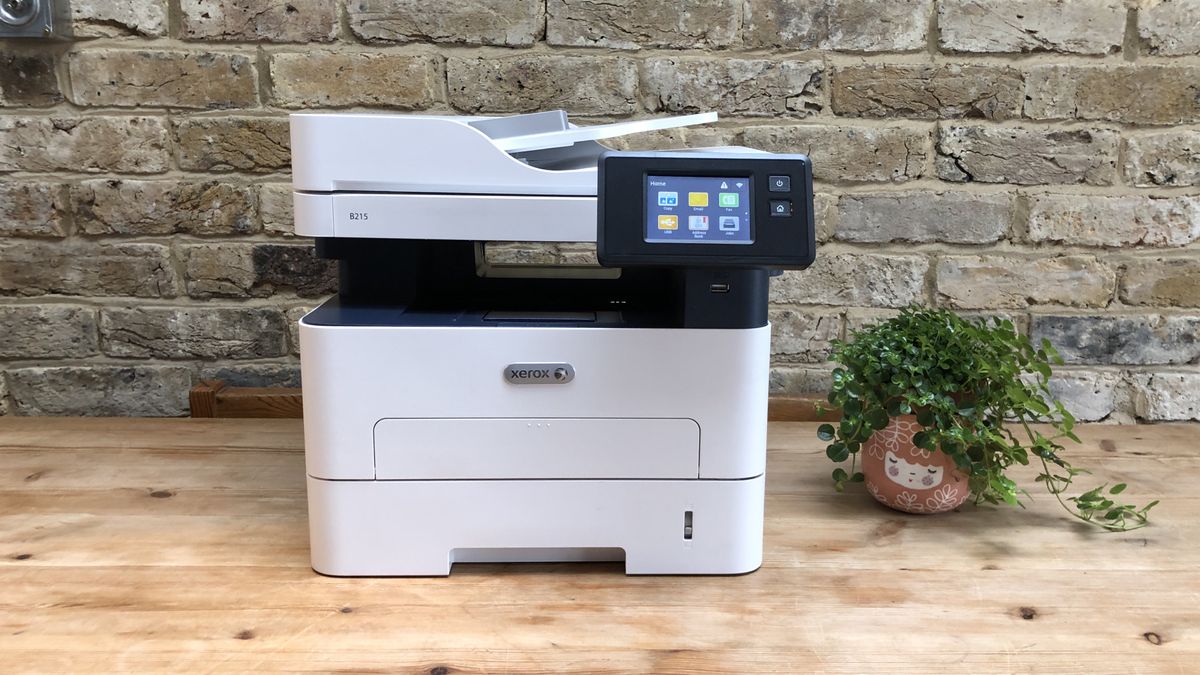
Xerox B215 All In One Mono Laser Printer Review Techradar

Xerox Phaser 6510 Driver And Software Free Downloads Mobile Print Wireless Networking Printer
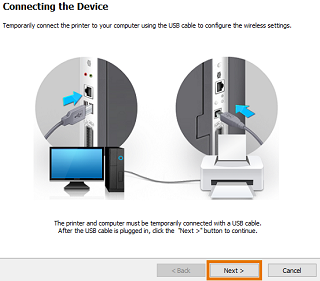
Connect The Printer To A Wireless Wi Fi Network Using The Xerox Easy Wireless Setup Program

Xerox Workcentre 3025 Wifi Setup Youtube

Connect The Printer To A Wireless Network

Xerox B205 Ni Multifunction Printer Print Copy Scan Up To 31 Ppm Letter Legal Ps Pcl Usb Ethernet And Wireless 110v Newegg Com

Xerox B210v 1200 X 1200 Dpi A4 Wi Fi Multifunction Printer Printer Black And White Printer

Amazon Com Xerox Workcentre 7545 7545 P Color Multifunction Printer Certified Refurbished Office Products

Having Any Printer Issue Then Get Xerox Printer Technical Support Number 1 855 253 4222 And Call Here The Xerox Technic Phone Numbers Printer Computer Service


Posting Komentar untuk "How To Connect My Xerox Printer To Wifi"