Dell Computer Hard Drive Removal
Remove the Battery and Bottom Door. Buy one hereAmazon USA.

Pin On Computers
Youre going to need to get inside the computer and itll be a.

Dell computer hard drive removal. You can use your old hard drive as an external drive with a hard. Remove the two 00 1mm screws on both sides of the hard drive. It might be also he.
Your Dell laptops hard drive contains all the files folders and operating system that makes your computer run. Remove the hard drive from the hard-drive bracket. To remove the hard drive from the laptop all you need is a small Philips head screw driver.
Remove the System Cover. Hard drives are one of the most important parts of a computer system. Removing your laptops hard drive as you would expect has very little to do with software.
Slide and remove it to access the hard-drive cable. If so press in on the tabs that retain the front cover and pull forward. To reassemble your device follow these instructions in reverse order.
Remove the hard drive. Remove the screws on the rear of the PC. Disconnect the hard-drive cable from the hard drive and remove it from the computer.
Slide both side panels off from the back of the PC. You will be handling hardware throughout the process. To reassemble your device follow these instructions in reverse order.
There are many users asking help for password recovery on Dell laptop desktop computers but we cant find a comprehensive or ultimate tricks on such topic. In this Dell laptop tutorial we are going to show you how to install and replace the Hard Drive on your Inspiron 15-3567 laptop. These installation instructions have be made into 8 easy to follow printable steps.
Back up your data. It is sometimes necessary to remove your Dell laptop hard drive when replacing or updating your drive with a new one. Here is a quick video on how to quickly and easily remove the hard drive from a Dell Desktop.
Unscrew the screws that hold the panel in place. Remove the 4 screws securing the drive in the bay. Pry the hard-drive bracket apart to release the hard drive.
Each computer model is. Disconnect the computer and all attached devices from their electrical outlets. Answer 1 of 3.
Were going to do our best not to lose any data but as Murphys Law will tell you things happen. Carefully detach any cables that may also be attached to the. Dell Inspiron 15-3567 P63F002 Hard Drive Removal Installation.
Open the computer case. Disconnect the power and hard-drive cables from the drive. Disconnect the cables from the back of the drive.
Release the latch to open the hard drive. Turn off your computer and unplug it from everything. Once removed it can be replaced upgraded with a new hard drive.
Depends on the model. Remove the two or four screws that secure the hard drive and bracket in place. It entails doing a lot of screwing and unscrewing so prepare to channel into your inner handyman.
In this article well cover all possible password problems you may experience with Dell computer. Remove the two or four screws that secure the hard drive and bracket in place. Lift up to remove the drive from the system.
For Latitude E6420 XFR. After you are done with the hard drive. If you happen to.
Grasp the Mylar tab and gently poll it upward to release the hard drive from its compartment. Usually theres a panel on the bottom. Remove the 2 screws that hold the hard-disk drive bracket to the chassis and lift the bracket away from the chassis.
Push the hard-drive bracket to release it from its lock1 and lift the hard drive from one edge2. Disconnect the optical drive power cable. Obviously turn off the laptop and remove the battery and make sure its not plugged in.
Remove the three hard drive-securing screws and then remove the hard drive from the bracket. For Latitude E62xx E54xx E55xx. This video illustrates a Dell computer which does not have screws holding the side-slide on.
Pull up on the drive-release latch and then slide the drive towards the back of the system. Slide the drive out of the bay. Slide the hard drive out of the computer and remove.
On other cases it may be necessary to remove the front of the PC so that you can remove the drive cage. Here is a quick video on how to quickly and easily remove the hard drive from a Dell Desktop. Pull the hard drive cover away from the hard drive and set the cover aside.
It should come off and you should be able to see you hard drive. Grasp the Mylar tab and gently poll it upward to release the hard drive. Remove the bracket-securing screw and then remove the drive bracket from the computer.
Need to reset the Hard Drive password set on your Dell computer. Disconnect the optical drive data cable. Take a hard drive out of any Desktop computer.
Remove the Battery and Bottom Door. Removing a Hard-Disk Drive.

Dell Latitude D600 D610 D500 80gb Hard Drive Ide Laptop 4200 Rpm No Os Installed Laptop Hard Drive Hard Disk Drive Driving

Hitachi 0j34282 750gb 5 4k Rpm Sata 9 5mm 2 5 Hard Drive Toshiba Driving Hard Drive

7 Steps How To Remove Hard Drive From Laptop Laptop Hard Drive Hard Drive Laptop

How To Upgrade The Ssd Hard Drive In A Dell Xps 13 9360 Jeff Geerling Dell Xps 13 Dell Xps Ssd

Memory Labs 794348926411 500gb Hard Drive Upgrade For Hp G72 B57cl G72 B60ss G72 B60us Laptop Reviews Questions And Answe Laptop Hard Drive Hard Drive Driving
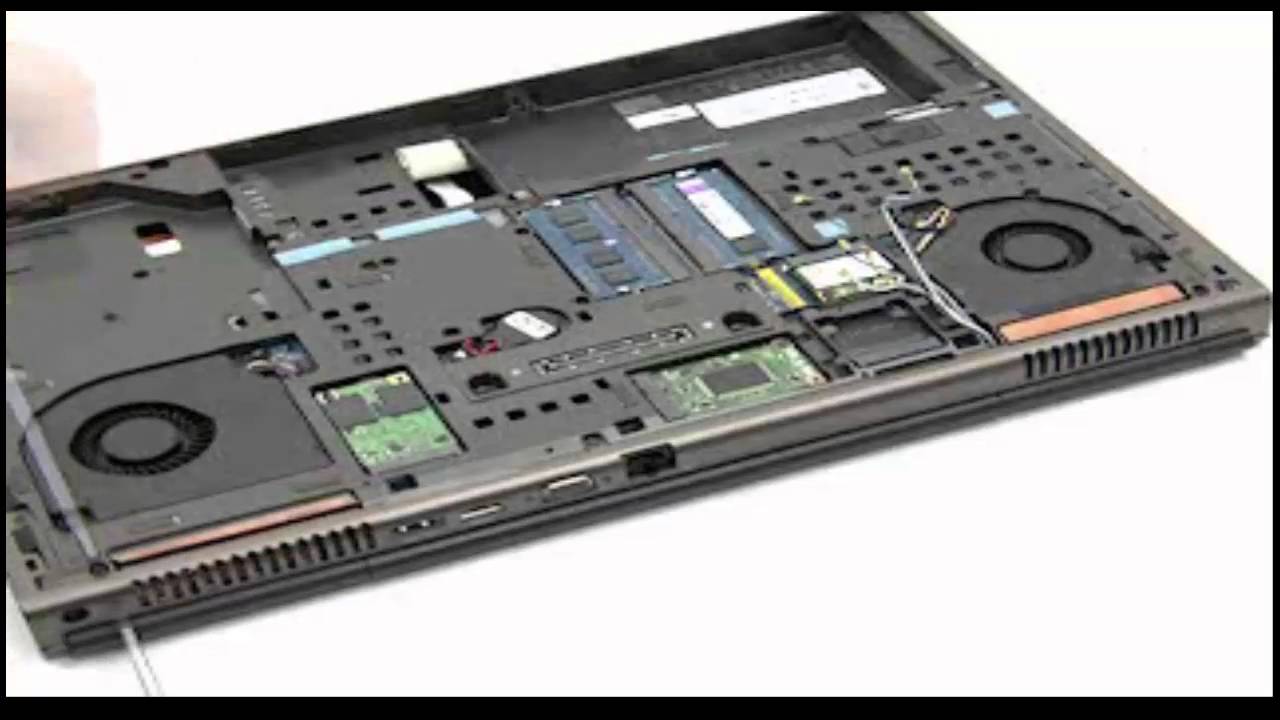
174 Dell Precision M6700 Disassembly Process Youtube Dell Precision Disassembly Dell

Pin On Dell Cares

7 Steps How To Remove Hard Drive From Laptop Hard Drive Laptop External Hard Drive
Steps For Performing A Hard Drive Diskcheck On Your Dell Pc Delltips Hard Drive Driving Performance

How To Disassemble Dell Inspiron N4010 Laptop Removing Hard Drive Dell Inspiron Laptop Hard Drive

Get Everything You Need To Run Office Right Here And Save In Bulk Purchases Laptop Hard Drive Seagate Hard Disk Drive

300gb Dell Poweredge Hdd 15000rpm Sas P N 341 8358 Hdd Hard Disk Drive Memory Upgrade

Pin On Computer Repair
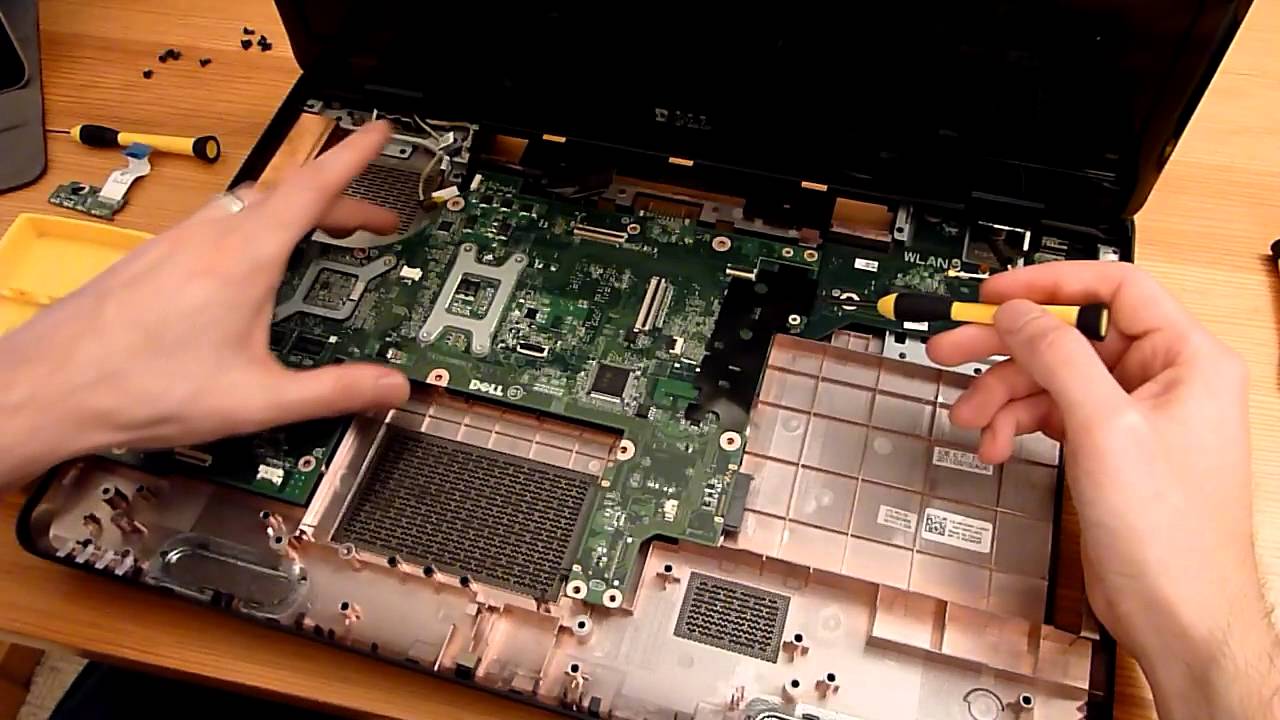
Pin On Technology Computers

Pin On Dell Hard Disk Drives

How To Replace Motherboard Dell E6400 Youtube In 2021 Motherboard Dell

Pin On Products
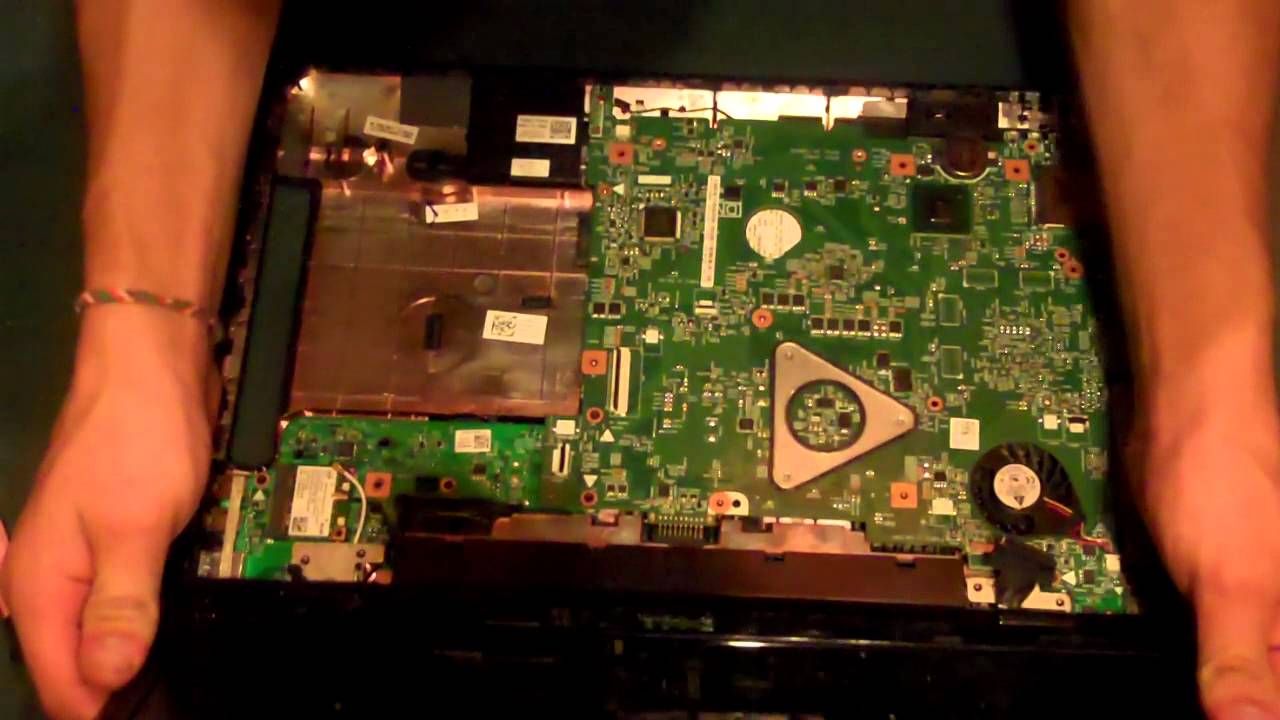
Pin On Fav Vids

How To Remove A Hard Drive From A Laptop Computer Laptop Hard Drive Hard Drive Hard Disk


Posting Komentar untuk "Dell Computer Hard Drive Removal"