Tomtom Stuck On Tomtom Screen
When the TomTom hasnt been charged properly and dies during the reset it may not start again. Tomtom been patched via ttactivator and now stuck in recovery mode.
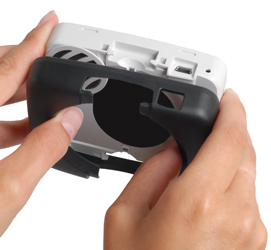
Resetting Your Navigation Device Tomtom Support
Select Run TomTom HOME.

Tomtom stuck on tomtom screen. Pressing down the onoff button. Perform a soft reset while the device is connected to the computer. Units TomTom 1EX00 Automotive Mountable 35 Screen Car GPS Units TomTom Start Car GPS Units TomTom Car GPS Units TomTom Vehicle Electronics and GPS TomTom Go Car GPS Units TomTom XL Car.
If this does not work then the software will need to be reinstalled. I came back the computer had gone to sleep Which it couldnt do if it was working on something and the TomTom was stuck on the start up screen. I do not know which version I am on and have no software loaded.
Resetting your TomTom. I held down the power button to do a factory reset and nothing. Drive confidently and avoid surprises like road closures.
Every time switching on load to tomtom screen then reboots again tomtom screen and cogwheels start to spin and shows computer with red x. Stuck with tapeglue so you. In order to fix this problem first try to reset the device.
I held down the power button until the screen turned green and shut off. My tomtom is stuck on the tomtom screen - black background red logo with tomtom and the hands. The screen goes black and then after a few seconds the device reboots into recovery mode.
From here it is getting stuck and wont boot into the navigation software. The TomTom Go Navigation App is compatible with Android Auto and Apple CarPlay. I then installed United Kingdom and ROI 9054800_Installer from a link on this forum thanks 3.
Ive tried resetting the device via the proper method many times but it hasnt fixed the problem. Then a possible underlying cause of the buttons being stuck and the screen not responding is the buttons connection to the watch. TomTom Start stuck on start screen.
I am away on holiday and need to get home. If the touch screen remains black after holding the power button for a few seconds the following steps may resolve the issue. 6 Quickly connect the USB cable to your navigation device.
In order to fix this problem first try to reset the device. Identified model number 8RS00 Special Edition released 2013. Tomtom Sat nav stuck in shop demo mode.
If you do not see a spinning cogwheel or wheel turn off your device and start again from step 6. Access the most precise and up-to-date World maps now smaller in size and quicker to update wirelessly at no extra cost. Avoid getting stuck in traffic with TomTom traffic technology - trusted by millions every day.
Anyone know what that problem is. I had planned a route and the voice prompts work. Click OK and follow the on-screen instructions.
Installed on my One V3 plus a fresh quickgpsfix. Why is my TomTom stuck on the start up screen. Connect the device into the computer and go to the Delete App file.
Project the map on a larger screen. The watch will not respond or turn on. After turning my TomTom on it goes to screen legal notice tap then goes to drive to screen tap then I go to AB1 to add a destination tap and the unit freezes.
I know the live update is working as it flashes up occassionally but the device then goes back to the tomtom screen and just stays there. First make sure you charge the TomTom for at least 2 hours. Connect your computer to the Internet and then connect your TomTom ONE to your computer using the USB cable.
Then it did nothing. Anyway when booting up Im getting past the TomTom splash to a custom welcome screen I put in some time back - the only way to clear the screen is to reset. Try the one for Rider K4.
When connected to pc ttactivator not. -I then tried formatting the internal drive on the device fat32 and then updating the device via tomtom home it loaded all of the files onto the tomtom but after updating the Application 7522 which tomtom home keeps suggesting the device was meant to re-boot but it didnt- still stuck on splash screen Ive even tried this using a. Today with an overcast sky quickly picked up 7 and stayed pretty much on 9 occasionally 10.
- Answered by a verified Electronics Technician. If this does not work then the software will need to be reinstalled. The device turns on but the start up screen will not go away.
Should work on One 3rd. Sadly only seems to cover TomTom Rider devices not my TomTom One 3rd Edition. If the pop-up window does not appear browse to the TomTom device on your computer and run the file named Install TomTom HOME.
Press down the onoff button for 30 seconds. TomTom Runner Troubleshooting. It shows a screen with a spinning cogwheel or wheel depending on which device you have.
Unit continues to re-start itself - Answered by a verified Electronics Technician. The power button no longer would work. A pop-up window appears.
We use cookies to give you the best possible experience on our website. I can run the emulator. May 2018 edited September 2018 in GO x00-x50 series ONE START EASE XL XXL TomTom HOME hello all im not sure what happened but i woke up one morning and my tomtom 4eq50 is stuck on the start screen with the tomtom logo on the left.
Home2 updated it to navcore version 8xxx and then a further update to version 9057. I then ran the latest FastActive to patch the map and update the metatxt. TomTom Tom 1EX00 Battery Replacement simple quick - YouTube TOMTOM - 1EX00 Mode demploi Manuel utilisateur TOMTOM.
Up to 20 cash back I backed up my tomtom device and now it is stuck on the legal notice screen. Receive alternative route options with trusted arrival times. Screen Wont Turn On.
Online Library Tomtom 910 Manual Tomtom 910 Manual TomTom GO 910 GO 710 GO 510 Language Type Català PDF Ceština. Tomtom pro 7100 stuck in recovery mode Hi does anyone knows how to exit from recovery mode. As such you can easily project the map onto your cars navigation screen.
If the device is stuck on the start up screen it is most likely an issue of corrupt software or the TomTom application is not formed on the device. To help solve this you can dismantle the buttons and. Navigation device does not turn on.
Charge the device for at least 2 hours. I bought a new Tomtom One from Currys the other day. Up to 20 cash back I turned on my TomTom XXL this morning and only see a screen.
It was annoying upon opening the packaging to find the device wasnt brand new and had been opened previously as the screen had a couple of finger prints on it and the screens protective cover was stuck on the manual booklet not one for making a fuss. Navigation TomTom Go 5000 LCD Screen And Touch Screen Replacement Instructions Detailed Tutorial on using TomTom XL and XXL GPS Navigation System V841 Page 933. If the device is stuck on the start up screen it is most likely an issue of corrupt software or the TomTom application is not formed on the device.
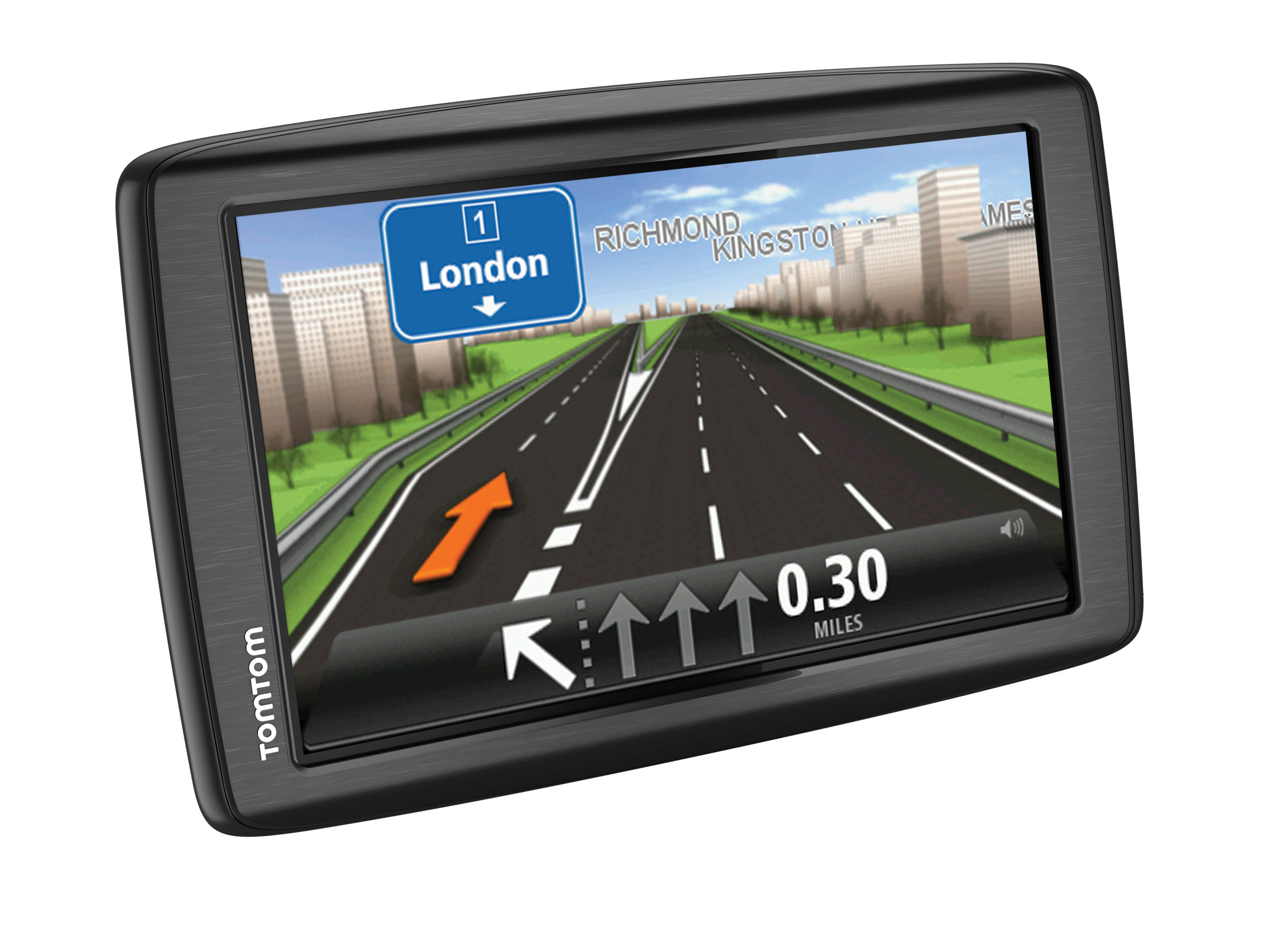
Tomtom Start 60 Europe Review

How To Fix Tomtom Xl Stuck On Logo Screen Connected Wiki

Device Stuck On Recovery Screen Tomtom Community

Tomtom Start Stuck On Start Screen Youtube
Tomtom One Stuck On Status Screen Tomtom Forums

Tomtom Go 5000 Review Techradar

Stuck On Screen With Red X And Wire Tomtom Community

Tomtom Start 50 Stuck After Map Update Tomtom Community

Amazon Com Tomtom Start 52 5 Inch Sat Nav With Uk Lifetime Maps Automotive
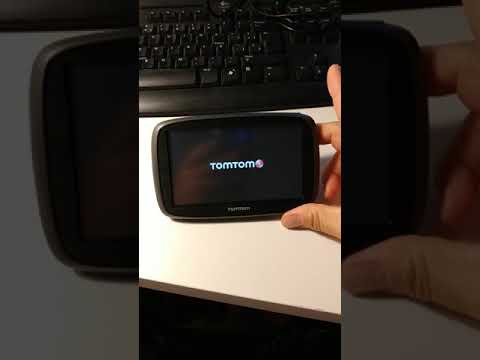
Start 50 Locked On Tomtom Black Screen Tomtom Community
Tomtom Via 1605tm Troubleshooting Ifixit


How To Fix Tomtom Xl Stuck On Logo Screen Connected Wiki
My Tomtom Stuck I Try Update But Now Stuck Tomtom Community
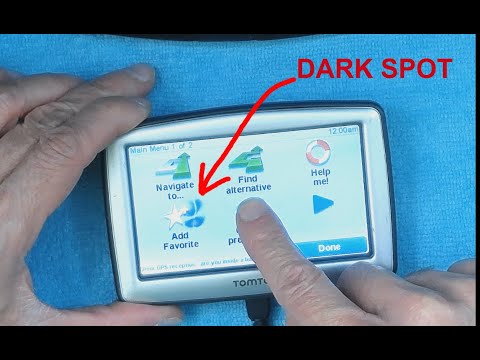
How You Can Fix An Empty Tomtom Xl Screen Hardware Rdtk Net

Resetting Your Navigation Device Tomtom Support
Tomtom One Stuck On Status Screen Tomtom Forums

How To Replace The Battery In A Tomtom Go 510 Satnav Device 15 Steps Instructables

How To Fix Tomtom Xl Stuck On Logo Screen Connected Wiki
Tomtom Not Working 877 578 9345 Tomtom Frozen Issue


Posting Komentar untuk "Tomtom Stuck On Tomtom Screen"