Iphone 3gs Camera Not Working
Then launch it to try again. When I turned it on everything was normal but I noticed that the auto-brightness was not working.
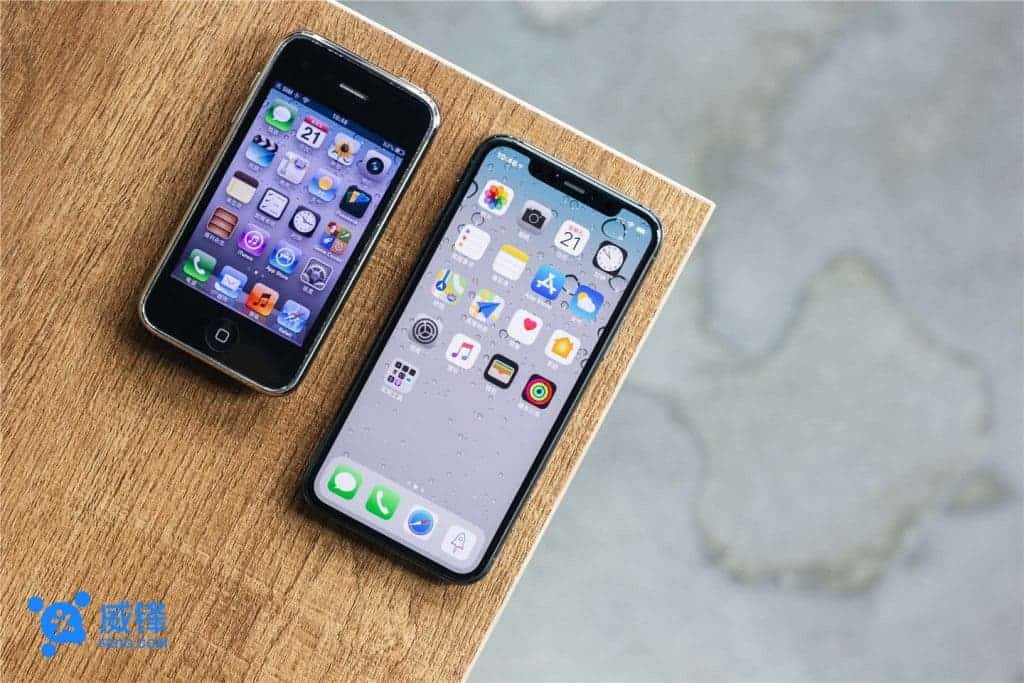
Iphone 11 Pro Vs Iphone 3gs See Ten Years Of Apple S Development
Iphone 3gs Vs Ipod Touch 4g.
Iphone 3gs camera not working. You can see that the latest iOS version is available. So not only are you stuck on an outdated version of iOS the iPhone 3GS sluggish CPU will seriously struggle to run even the most basic of apps. I updated the phone the day it came out oh its the 8GB and everything has been fine except for the odd app needing updated to work properly.
Well today I noticed that photos Im taking with the built in camera app are not accessible. Force close the Camera app. Browse Files User Library Media DCIM Delete ALL Images.
Hello everyone I have this phone which camera was not working. Olympus SP-565UZ The iPhone 3GS has good background definition. When i click on the camera on the main menu it opens the application but it stays shut with a barrier on it and i cant take picture and anythingeverything is disabled.
Hold home and power together for 10 seconds until the apple appears and then release buttons and allow to reboot. If your iPhone touch screen is not working after youve reinstalled the app send a message to the app developer. IPhone 3Gs camera not working Friday July 23 2010.
If the iPhone front camera not working or the back camera you might be having an outdated iOS. If thats the case we cant be certain if it is yet then there wouldnt be anything physically wrong with your iPhone 7 camera and you wouldnt have to get any hardware repaired. Iphone 2g The iPhone is a line of Internet and multimedia-enabled smartphones designed and marketed by Apple Inc.
If your camera isnt working any longer a replacement is cheap and the repair is pretty simple to perform. Go to Settings app and choose General. So first of all you should clean iPhone 3gs Camera Module and Motherboard of the Mobile Phone.
One on 5710 another on 42410 Neither come to me yet. Click File Import from your iDevice name Select All Images and Delete. Iphone 3gs camera not working.
What to do if item was not delivered to me in more than month. And when I tried to make a call I couldnt hear any ringing and the screen wont turn off by itself. Is there any way to control where my postages are.
If this doesnt work then Id look for a new part fairly cheap and follow the guide here iPhone 3GS Camera Replacement. Tested and proven to work 100 on SoCoMoCo s iPhone 3GS. Two 23 mm Phillips 00 screws with full threads securing the logic board and camera.
Iphone 2g Camera Not Working. Considering the rear facing camera is the only camera in the iPhone 3G and iPhone 3GS its pretty important to many users. The first iPhone was introduced on January 9 2007.
Download iFile from Cydia. I jailbroke my iPhone 3GS on iOS 431 and the camera stopped working so i jailbroke my iPhone 3GS on iOS 432 to see if that will help but the camera still doesnt work. Iphone 2g Camera Not Working.
All you have to do is to tap on the Update and Download option. Now lets see some tips to fix the iPhone camera wont reverse problem below. Sounds like the camera needs replacing but first Id try a hard reset.
Remember its only using a 620MHz CPU and most of the apps that you use on your phone have evolved a lot in the past 10 years developing alongside the latest SoCs inside Apple and Android phones. Go to Settings General Restrictions on your iPhone. In iPhone 3gs Camera Not Working problem can occur because of the faulty Camera Module or its bad connection to the Cell Phones Motherboard.
Hey guys I recently opened up my iPhone 3GS 32GB to change my battery and them reassembled it. The Home screen is what you see below in the screenshot below. Find the app on your iPhones Home screen.
Sorry about sound qualityhow i fixed the shutter on my 3gs running on 41 problem was by first restoring my phone then jailbraking it using limerain. You can simply upgrade it to solve it. Go to mac application and open Preview.
Connect iPhone to iTunes. Have you dropped the iphone. I have bought 2 items on eBay.
First you flash out your data and restart your iPhone you completely wipe the software from your iPhone but if it is still not working then there is a possibility that there is a problem in your camera hardware. The most recent one I try to take shows up in the came. The iPhone 3GS struggles to pick out detail when a variety of light levels are present.
Remove the following 8 screws. Press and hold on the app icon until a menu appears. Release Of The New Iphone.
Five 23 mm Phillips 00 screws with partial threads securing the logic board to the rear panel. I tried a restore but nothing. Enable the Restrictions and then make sure you have turned on.
One 29 mm Phillips 00 screw from beneath the Do not remove sticker. When your iPhone 7 camera is not working youre sometimes dealing with a software problem such as an app crash.

Gallery Iphone 3gs Teardowns Reveal Underclocked Cpu More Wired
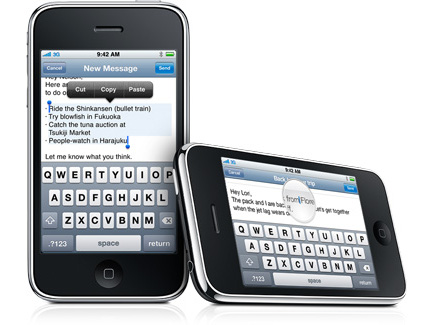
Iphone 3gs Review Techradar

Iphone 11 Pro Vs Iphone 3gs See Ten Years Of Apple S Development

Apple Iphone 3gs Microphone Mic Not Working Problems How To Fix It Http Ift Tt 2yiizya Iphone Online Learning Solutions

Iphone 3gs Full Phone Information Tech Specs Igotoffer
Iphone 3gs Camera Review


Apple Iphone 3gs Help And Support T Mobile Support
Iphone 3gs Camera Review

Iphone 3gs With Broken Screen Stock Photo Download Image Now Istock


Iphone 3gs Is Alive Kicking And Can Be Yours For A Mere 40 Here S How
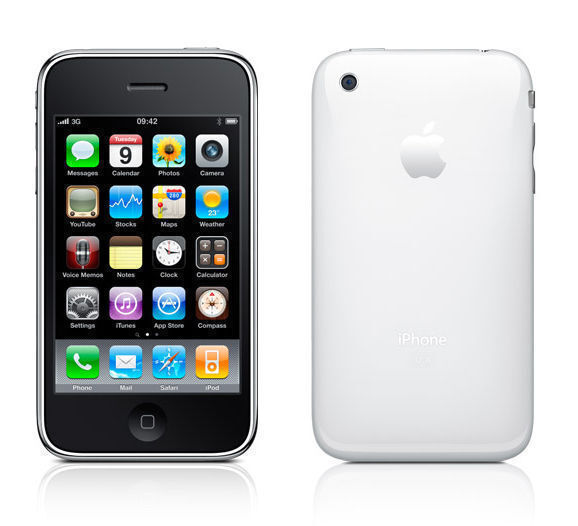
Apple Iphone 3gs 16gb White At T A1303 Gsm For Sale Online Ebay

How To Replace The Rear Camera In An Iphone 3g Or Iphone 3gs Imore

Apple Iphone 3gs Overview Digital Photography Review
Iphone 3gs Repair Ifixit


New Iphone 3gs 3mp Camera Video Compass And Voice Control Wired

Iphone 3gs And Iphone 3g Ultimate Diy Repair Guide Imore
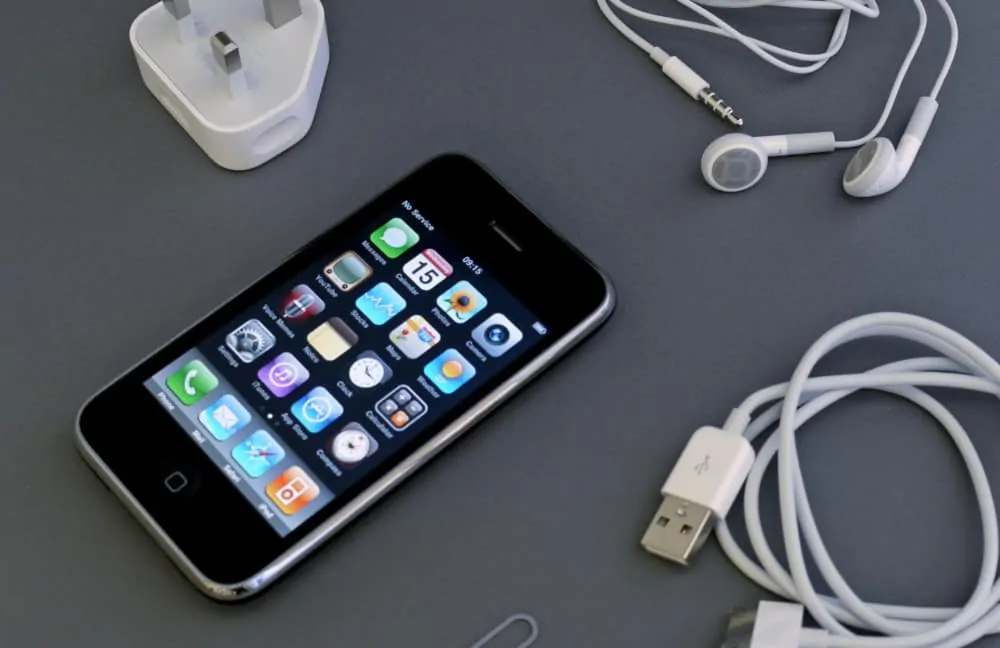
Could You Still Use Iphone 3gs In 2020 Let S Investigate

History Of Iphone 3gs Faster And More Powerful Imore

Review Apple Iphone 3gs Wired


Posting Komentar untuk "Iphone 3gs Camera Not Working"