Msi Laptop Battery Light Blue
If your MSI laptop not charging the battery and the charging indicator is flashing orange please proceed as follows. Blue blinking battery led.
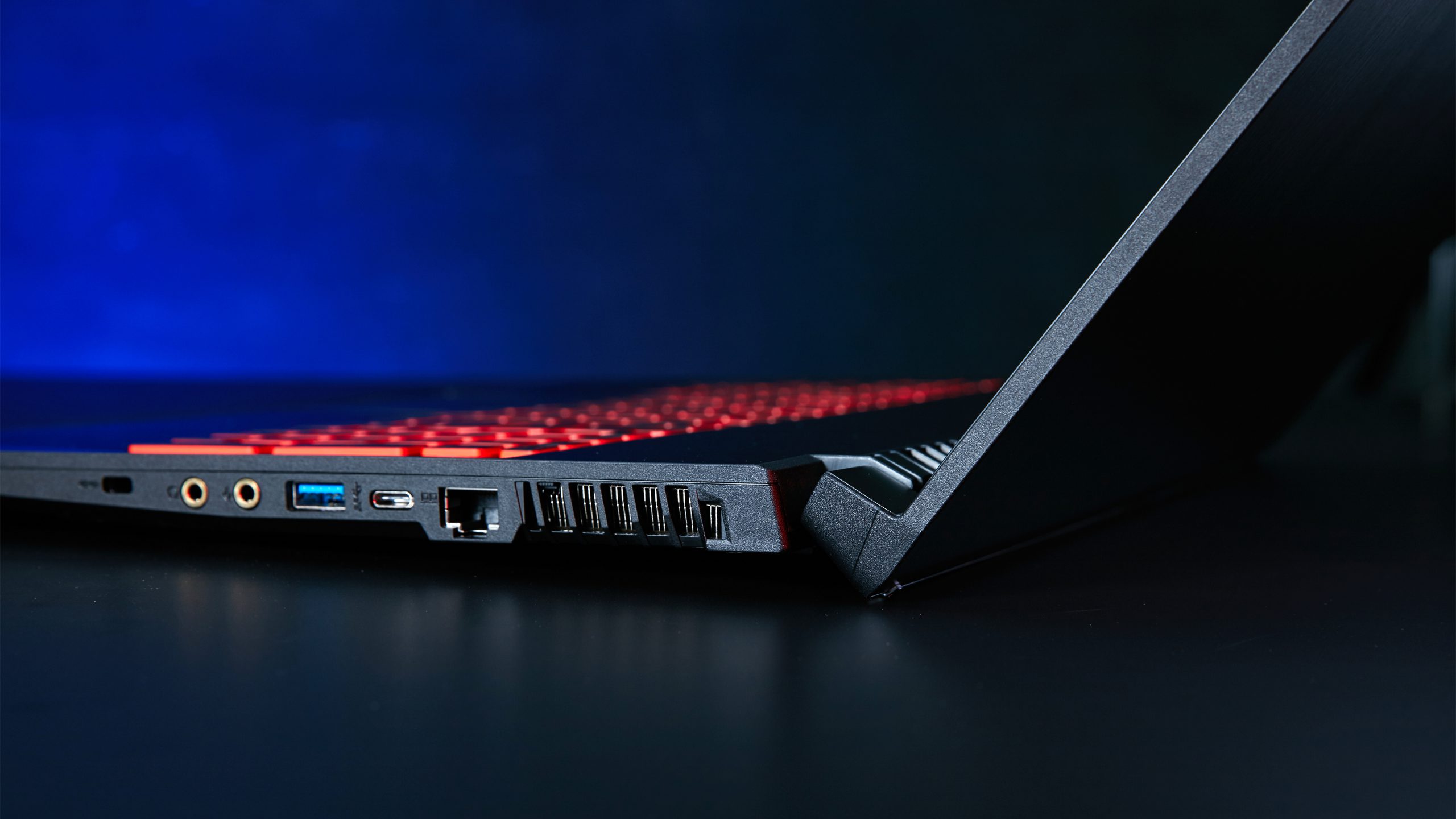
Review Msi Gf75 Thin For Demanding Players On A Budget
Not open for further replies.

Msi laptop battery light blue. Same power LED colors are used for my MSI gaming laptop. I have an msi gt60 laptop. Anepoch BTY-M6K Laptop Battery for MSI Stealth Pro GS63VR 7RG 7RG-005 7RG-036CN GF63 Thin 8RC 8RD 9SC 8RD-050NL 8RD-031TH 010ES GF75 Thin 3RD 8SC 8RX 9SC 9SC-088CN MS-17B4 MS-16K3 114V 524Wh 4600mAh.
Hi guys my original battery was starting to bloat after around two years using my MSI GS65 8RF. My old battery in my MSI GS70 died on me and I ordered 2 new replacement batteries over Amazon. In most all MSI notebooks flashing battery led indicator means problems with charging.
If still blinking orange LED battery is likely unrecoverable due to being drained for extended period below critical level less than about 4. Blue blinking battery led. If you can try another adapter ensure that it has the exact same power specifications and connecting plug and see if it will.
GT series is the extreme flagship model designed to push the limits of what a gaming laptop could be. Discussion in MSI started by IT-forester Oct 14 2017. I recently switched my PC to a different case.
We use only the highest quality lithium-ion cells that are lightweight last longer and charge faster. On front of the laptop the power supply light Blue LED is blinking and the battery light is in RED. MSI E6630 GT60 GT70 GX60 GX70GT660-003US GT660-004CA GT660-448PL GT660R-494US GT663-415NE GT663-417CS.
They may indicate if your wifi is on numlock is on etc Can you stop this from happening yes normally you have 4 options. Discussion in MSI started by gust0007750 Jul 16 2018. MSI GS65 8RF - Battery light blinking orange on new battery.
That is to let you know whether your laptop is using the low power blue for cool Intel integrated graphics or faster amber for hotter Nvidia graphics in case you cannot tell by your laptop running warmer and fan running more. Open the Start menu which on left corner of the system and click on the MSI Battery Calibration app under MSI. When replacing your laptop battery quality is key.
Built with overclockable processors top-of-the-line. 100 New Battery Precise Capacity. Press and hold the power button more than 10 seconds.
Use MSI Battery Calibration Software to try Calibration. Compatible with Laptop Model. 5 coupon applied at checkout Extra 5 off with coupon.
It aims to give subscribers content on MSI whether it is a selfpost or a linkpost aslong as it has something to do with MSI. The button light is there to remind me I guess. If steady orange charging LED dont try to turn machine on till steady blue.
Open the Start menu which on left corner of the system and click on the MSI Battery Calibration app under MSI. Posted by 4 years ago. 50 out of 5 stars 3.
It seems to have no pattern to its blinking whatsoever. However when the battery is full and. Here is the download link to download MSI Dragon Center App directly from the Official Website.
Although the battery seems at. The most probable explaination is battery age. Hold down power button for more than 15 seconds.
Excited to have been able to find a solution for our customer. As a world leading gaming brand MSI is the most trusted name in gaming and eSports. Activity lights are an important part of your computing experience they tell you when the PC is busy charging or charged plugged in etc.
It is preinstalled into the laptop but you need to uninstall it and download it again as the preinstalled software does not work properly and has many bugs and glitches. I ordered a replacement battery and installed it and everything seems fine. With MSIs exclusive technologies like our renowned cooling system Cooler Boost and all-inclusive Dragon Center software youll have all the tools you need to conquer your enemies.
Recently the battery light has been flashing blue continuously when fully charged The only way Ive found to stop it is to unplug the power cord and. A full list of compatible MSI laptop models is listed above. The MSI Dragon Center app is designed to control the settings of the gaming experience on the laptop.
Each battery is tested and is backed by a 2 year warranty and 30-day money back guarantee. But there is a blue blinking light in the top left corner. That is entirely normal.
Answer 1 of 6. Upgraded from Windows 8 to Windows 10 but still could not get the power light to turn off. Then insert a paperclip into the battery reset pinhole on the bottom cover for 30 seconds.
I installed one of them and after 2 days of usage the LED light on the laptop started to blink red even if the laptop wasnt on. If your MSI laptop not charging the battery and the charging indicator is flashing orange please proceed as follows. I plugged everything back in it turns on fine everything is working as normal.
It doesnt light up when fast startup is enabled because as stormy13 put it its kind of a hybrid sleep as it stores information on the disc before. MSI Gt60 0ne Battery indicator Flashing Blue Light even when turned off. Battery health at 100 and can use the laptop normally on and off charger.
It could be something with the BIOS settings but i just dont know what. We stand by our principles of breakthroughs in design and roll out the amazing gaming gear like motherboards graphics cards laptops and desktops. After 2 days of usage the first battery cant keep the laptop running more then 5-10 secs.
Orange charge light on laptop is blinking 08-10-2017 0442 PM. Use MSI Battery Calibration Software to try Calibration. This light was not blinking in the old case.
This subreddit is about the famous laptop company called MSI Micro-Star International. Aug 21 2015. Any ideas of what this is.
If the battery indicator light does not come on with the AC adapter connected you either have a faulty adapter make sure the power outlet is working faulty charging circuit in the laptop or a faulty battery. Plug the charger back in. The blue light is supposed to be on in case I need to clear my CMOS and is only on when the computer is off and when power is connected through it.

Msi Prestige 15 Review 2020 Pcmag Australia

Best Buy Msi Ge66 Raider 15 6 Gaming Laptop I7 10870h 32gb Memory Nvidia Geforce Rtx 3080 1tb Ssd Titanium Blue Ge66210

Msi Laptop Won T Turn On Charging Light Does Work Troubleshooting Linus Tech Tips

Msi Ge65 Raider Review Portable Power Understated Glory

Msi Gl63 9sd 1041in Review Ndtv Gadgets 360

Msi Modern 14 A10m 460 14 Ultra Thin And Light Professional Laptop Intel Core I5 In 2021 Intel Core Hd Notebook Msi

Msi Gs65 Stealth Thin Review A Nearly Perfect Gaming Laptop The Verge
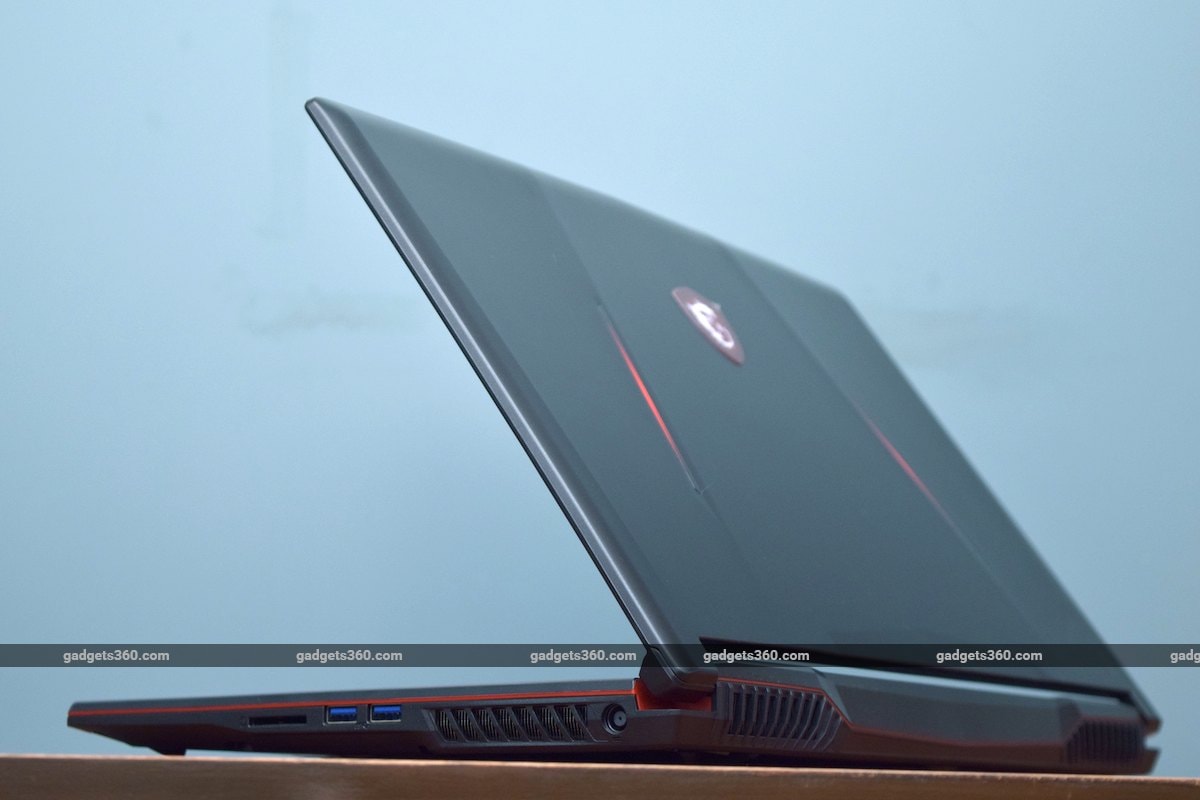
Msi Gl63 9sd 1041in Review Ndtv Gadgets 360

Msi Ge66 15 6 240hz Gaming Laptop Intel Core I9 Nvidia Geforce Rtx 3080 1tb Ssd 32gb Memory Black Ge6611202 Best Buy

Msi Ge76 Raider Light Em Up

Msi Gl63 9sd 1041in Review Ndtv Gadgets 360

Msi Ge66 Raider 15 6 Gaming Laptop Intel Core I9 32 Gb Memory Nvidia Geforce Rtx 3080 2 Tb Ssd Titanium Blue Ge6611227 Best Buy

Msi S Ge66 Raider Dragonshield Review Beautifully Extra Gaming Laptop The Verge

Msi Gl63 9sd 1041in Review Ndtv Gadgets 360
Random Turned On Led Light On Laptop Newbie Endeavouros

Msi Gaming Gf63 Thin 2019 Review Impressive Gaming Performance In Lightweight Body Technology News

Msi Ge65 Raider Review Portable Power Understated Glory

Msi Gl63 9sd 1041in Review Ndtv Gadgets 360

Msi Gf65 Thin 10ue 092 15 6 144 Hz Ips Intel Core I7 10750h Nvidia Geforce Rtx 3060 Laptop Gpu 6 Gb Gddr6 8 Gb Memory 512 Gb Nvme Ssd Windows 10 Home Gaming Laptop Newegg Com


Posting Komentar untuk "Msi Laptop Battery Light Blue"