Insert A Line In Google Docs
Their are three types of line you can draw in google docs. Thats the easiest solution.

How To Draw A Line In Google Docs In 2021 Google Docs Draw Google
Select the option From Drive option if you already have a vertical line template saved in the google drive.

Insert a line in google docs. Google docs insert signature lineyou can also send a link to the document to your teammates and vendors with the help of signNow for Android. You can Save the How To Make A Vertical Line In Google Docs here. To draw a number line on google docs math number line following are.
Google Docs users can use any of the below methods to enter vertical lines. In google docs you can draw a line by inserting a horizontal line from the Insert menu or you can use the google drawing tool to insert lines. With Google Docs new Add page break before function you may now set a paragraph to always commence on a new page.
The signature will appear in your document within the space where you placed your cursor. You can then select where you want the line to go above below or to the side of the paragraph the type of line you want the width dashes or dots and the color and how far you want it from. Now draw or scribble your signature within the drawing area using your mouse or stylus.
How to make a horizontal line in google docs Note to keep in mind. You can insert any type of lines in google docs by using the drawing tool. For horizontal line you can use Insert Horizontal Line option under the insert menu Method 2.
Open Google Docs document 2. In the future it can be added to the document with one click. You cannot format a horizontal line that has been drawn using the Insert Horizontal line menu command.
If you choose the New option a new window will open and you can draw your line. Drawing option Use the Drawing option under Insert menu. This is especially important.
Lets see example of Horizontal line Method 1. Fill in the fields the information of which is constantly repeated and save the template. The first method involves using shapes to format your horizontal line.
How To Make A Vertical Line In Google Docs are a subject that is being searched for and favored by netizens today. How to make a number line on google docs is shown in this Google Docs tutorial video. If you wish to insert a horizontal line into Google docs go to the menu and click Insert and the.
Then select Line dropdown option and pick Line option. To add a line below a header that runs to the right margin put your cursor in the header and go to Format Paragraph styles Borders and shading. The insert is highlighted in yellow.
Google Docs users can insert a horizontal line using Horizontal line menu option under Insert menu. Open your Google Docs. When youre proud of your signature select Save and shut.
But there is a workaround. If you are wondering How to draw a vertical line diagonal line o. Now all you need to do is tilt the content of this cell so that the horizontal line becomes diagonal.
While you cannot insert a diagonal line in Google Sheets you can insert a regular horizontal line and then tilt it to make it look like a diagonal one. Instead you can Insert Drawing and then simply draw a line that is as long as youd like and as thick or whatever color you want it to be. Before we learn the steps of the previously mentioned methods theres one important thing you.
Click on the Insert tab located at the top left corner as shown below. Get all royalty-free pic. We Have got 11 images about How To Make A Vertical Line In Google Docs images photos pictures backgrounds and more.
Answer 1 of 4. How to insert a line in google docs is shown in this How to draw line in google docs video. At this point your cell would look something as shown below.
How do I insert lines in Google Docs. You can go to. Video shows how to Insert horizontal line in Google Docs.
You can create a stub to regularly add a signature line to all documents from Google Docs. You can just press the underline key as many times as you like to obtain the length of line that you want. Select the New option if you want to create the vertical line from scratch.
In the Drawing window select Line Scribble. Go to Insert Option 3. Use the full-featured solution to generate an eSignature and reuse it in the future for document verification.
Click on Drawing an. Click on the line icon and make a line drawing tool and then click on save and close to insert your lines in google docs. Open the Google Docs click on the Insert tab and then select DrawingNew to open the google drawing tool in google docs.

Using The Publish To Web Tab In Google Docs Google Docs Google Language

Formatting Google Doc Guided Notes Guided Notes Google Docs Google

Google Docs Uses Benefits And Importance Of Using Google Docs Klient Solutech Education Quotes For Teachers Quotes For Students Teachers Learning
21 Google Doc Features You Didn T Know Existed But Totally Should Business Articles Education Tech Writing Resources

Create A Background Image Or Watermark On A Google Doc Google Docs Teacher Tech Google Education

How To Change All Margins In Google Docs Faq Google Docs Blog Writing Marketing Proposal

How To Insert A Horizontal Line In Google Docs Solve Your Tech Google Docs Horizontal Line

How To Flip Text In Google Docs Google Docs Text Google Sheets

How To Add A Text Box In Google Docs Faq Label Templates Business Template Google Docs
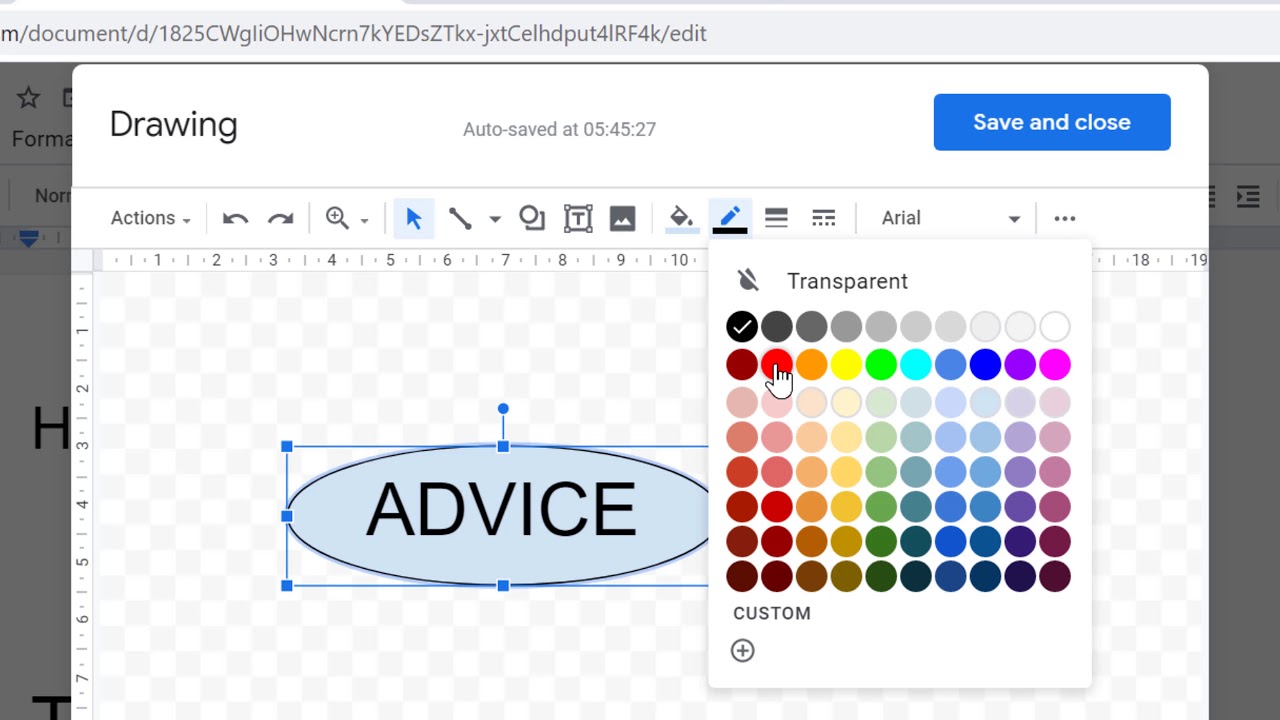
How To Circle A Word In Google Docs Google Docs Words Circle

How To Insert A Picture Into A Google Doc Solve Your Tech In 2020 Google Docs Google Image Search Change Image

How To Indent Paragraphs In Google Docs Paragraph Google Docs Google

When Students Fill Out Information On A Worksheet Typically There Is A Line For The Students To Place Their A Google Education Teacher Tech Teaching Technology

How To Replace A Word In Google Docs Explained Google Docs Google Words

Build Your Own Mini Movies In Google Docs With Story Builder Story Builder Google Google Docs

Now Draw Better In Google Docs With 3 New Features Google Docs Google Tools Google

Now You Can Customize Headers Footers And Page Numbers In Google Docs Google Education Technology Tutorials Professional Development For Teachers
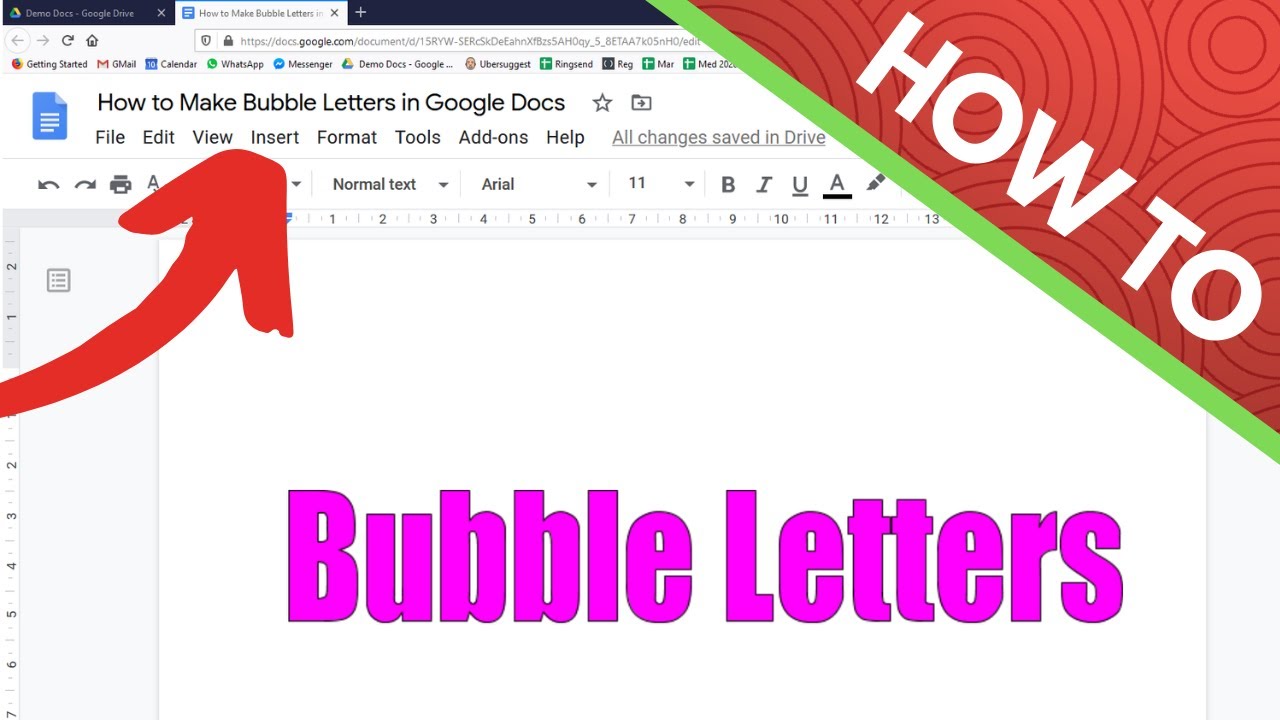
Google Docs Bubble Letter Font Google Search Bubble Letter Fonts Bubble Letters How To Make Bubbles

Google Docs Insert Boxes Not Lines Teacher Tech Instructional Coaching Google Docs


Posting Komentar untuk "Insert A Line In Google Docs"