How To Turn Off Iphone 7 Without Screen
Go to Settings General and open Assistive Touch. IPhone 8 Screen Replacement - iFixit.

How To Connect Itunes Without Computer Youtube In 2021 Iphone Itunes Funny Iphone Wallpaper
If you have Low Power mode enabled Auto-Lock will be set to 30 Seconds and you wont be able to tap on the option to change it.

How to turn off iphone 7 without screen. As soon as the screen goes blank release both buttons. What do you do if your iPhone is frozen and wont turn off. If the screen still wont rotate try another app like Safari or Messages which are known to.
In Display Brightness settings scroll down and tap Auto-Lock. In Settings tap Display Brightness. If you are using an iPhone that has a Home button then you will need to swipe up from the bottom of the Home screen instead of swiping down from the top-right of.
2 Press Home button and power button together for a while until your screen turn off. You will see the Assistive Touch menu. Press on the Power and Volume Down buttons at the same time and wait for the Apple logo to appear on the screen.
Then tap to open the Assistive. The location of this button depends on the model. Then press and hold the Power button until the device restarts.
On the Settings screen scroll down and tap on Display Brightness. Use the following steps to turn off your iPhone if its screen is unworkable. Up to 50 cash back The good news is that you can make it even if you cannot use the slider that appears on the screen if you want to turn off your device.
Press and hold the SleepWake button on your iPhone. Force restart iPhone 7. This usually takes about 3 seconds or longest is 5 seconds to happen.
No you will either have to let the battery deplete itself or disconnect it. Up to 50 cash back If you own an iPhone 77 Plus then here is how to force restart iPhone without a screen. 5G is a popular feature for iPhone 12 and 13 but its not readily available to everyone yet.
Open Settings on your iPhone. This guide will teach you how you can turn off iPhone without power button easily. All I can do is a hard reset by holding down the sleep and down volume button but that just resets it and Im trying to completely turn it.
To turn off the autocorrect feature Tap the Settings icon. 7 hours ago How to Disable the Auto Rotate Setting on an iPhone 11. How to Turn Off iPhone Without Screen with Home Button Press and hold the LockUnlock button located either at the top or on the right side of your iPhone.
Apples newest iPhones the iPhone 13 Mini iPhone 13 13 Pro and 13 Pro Max are capable of connecting to 5G wireless networks much like the iPhone 12That means if your carrier has 5G coverage where you live or work you should see faster speeds and a. Httpsgooglb9GwNG Here is an i. Tap General Tap Keyboard Tap the slider next to Auto-Correction to disable autocorrect.
Here you can add new options. Force-restart an iPhone 7. This will successfully turn off your iPhone without screen.
Stop iPhone Screen From Turning Off Automatically. Press and quickly release the Volume Down button. When you can see the Apple logo on your iPhone screen it is the time to release both the buttons.
The steps in this article were performed on an iPhone 11 in iOS 1361. Switch off your iPhone 7 Plus 7 6 6S SE 5S 5 5C 4S 4 or iPad with. Turn your iPhone or iPod touch sideways.
Here is the guide for removing the screen and disconnecting the battery. You will have to wait for the screen to show Slid to Power Off message prompt appearing on the screen. Press and hold the side button until the screen turns off and then turns back on.
If the method in this video does not work you may want to take a look at DrFone - iOS System Recovery with no data loss. Follow the steps below to stop iPhone screen from turning OFF Automatically so that you can keep using your device without any interruption. Im attempting to turn off my iPhone 7 but the touch screen and home button are completely broken and the screen is black so whenever I hold the sleep button I cant swipe the slider to power my phone down.
On Display Brightness screen tap on. Release both buttons immediately the iPhone screen turns black. If you want to turn your phone off and LEAVE it off without ability to swipe.
1 Use the power button but this involved a swipe to shut the phone off. You will need to keep holding and pressing the sleepwake button. This will turn it off.
To change it first disable. Simultaneously press and hold the Home button. Simultaneously press and hold the Home button located below the screen of your iPhone.
Do not leave the SleepWake button. Touch the Customize Top Menu button. How do you force shutdown an iPhone 7.
You can release the side button when the Apple logo appears. SettingsAccessibilityVoice ControlSet up Voice ControlShut down ScreenTap Slider say Swipe Right Was this answer helpful. There are two solutions to shut off iPhone without using touch screen and home button.
Press and hold both the WakeSleep button and the Home button. How to Restart iPhone 8 and iPhone X without Screen. Press and hold both the volume down button and the SleepWake button at the same time.
Tap the Portrait Orientation Lock button to make sure that its off. How to Turn Off the Auto Rotate iPhone Setting Solve. Swipe up from the bottom edge of your screen to open Contol Center.
This tutorial is about how to turn off screen time without passcodeSome iphone working models are iphone 6siphone 6iphone 77 plusiphone 88 plusiphone.

Apple Iphone 7 32gb Rose Gold At T A1778 Gsm For Sale Online Ebay Iphone Apple Iphone Apple Iphone 7 32gb

How To Restart Iphone Or Ipad Without Home Button And Power Button In Ios11 Iphone Ipad Ios 11

How To Record A Call On Iphone 7 And Iphone 7 Plus Any Ios Iphone Iphone 7 Plus Galaxy Phone

How To Remove Reset Any Disabled Or Password Locked Iphones 6s 6 Plus 5s 5c 5 4s 4 Ipad Or Ipod Unlock My Iphone Phone Hacks Iphone Smartphone Gadget

How To Set Reset Passcode And Fingerprint On Iphone 6s 6plus 7 7plus Iphone Iphone 6s Fingerprint

Apple Iphone 7 Plus 32gb Black Verizon A1661 Cdma Gsm For Sale Online Ebay Iphone Apple Gadgets Iphone Wallpaper Iphone Cute

How To Turn Off Iphone Xr Simply And Easily Tutorial Iphone Iphone Tutorial Iphone Xr
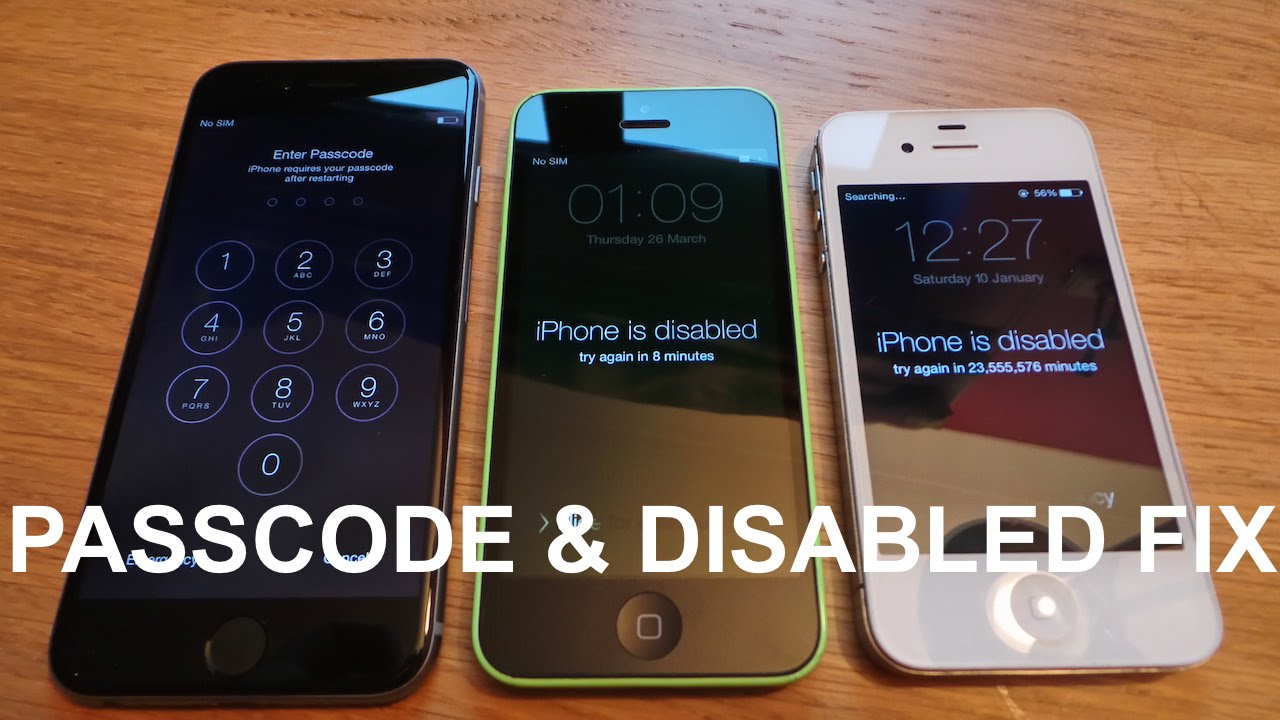
How To Remove Reset Any Disabled Or Password Locked Iphones 6s 6 Plus 5s 5c 5 4s 4 Ipad Or Ipod Unlock My Iphone Phone Hacks Iphone Smartphone Gadget

How To Turn Off Message Preview On Iphone Lock Screen In Ios 11 Ios 11 Iphone Buy Cell Phones Online

Lost My Phone And Forgot How To Turn Off The Thing Just Needs Factory Reset But Screen Still Cool Instagram Pictures Tumblr Photography Cute Boyfriend Pictures

How To Unlock The Disabled Iphone Without Restore When You Forgot Iphone Passcode Unlock Iphone Unlock Iphone Free Iphone

How To Turn Off Message And Email Preview On Iphone Lock Screen Iphone Ipad Samsung Galaxy Phone

How To Screen Record With Audio On Iphone Open Control Center 3d Touch Or Long Press The Screen Record Icon You Ll See Micr Iphone Settings App Iphone Screen

Reset Apn Settings On Iphone 7 Plus Iphone 7 4g Lte Not Working Iphone 7 Plus Iphone 7 Iphone

Turn Off Hide Message Preview On Lock Screen Iphone 7 7 Plus Iphone Lockscreen Iphone Hidden Messages

Iphone 7 Rose Gold Activation Lock Intact Working Screen With No Visible Scratches No Major Dents And All Buttons Working Iphone 7 Rose Gold Iphone Iphone 7

Iphone Screen Broke Miami Iphone Repair Iphone Screen Iphone Screen Repair Iphone
Iphone 7 Inside Wallpaper Iphone Wallpaper Inside Iphone 7 Plus Wallpaper Iphone Homescreen Wallpaper

How To Reset An Iphone Or Ipad Without Screen Time Passcode Screen Time Unlock Iphone Screen


Posting Komentar untuk "How To Turn Off Iphone 7 Without Screen"