How To Design A Header In Photoshop
Designing your website layout in Photoshop Tutorial 3. In this tutorial I am going to share with you that how to designing a website or blog header in adobe Photoshop CS5Ill use layer styles and a host of other expert techniques to create a sleek modern website header.

Create Modern Youtube Channel Art Banner In Photoshop Cc Youtube Channel Art Channel Art Youtube Banner Design
Layer containing the circle shape you drew.
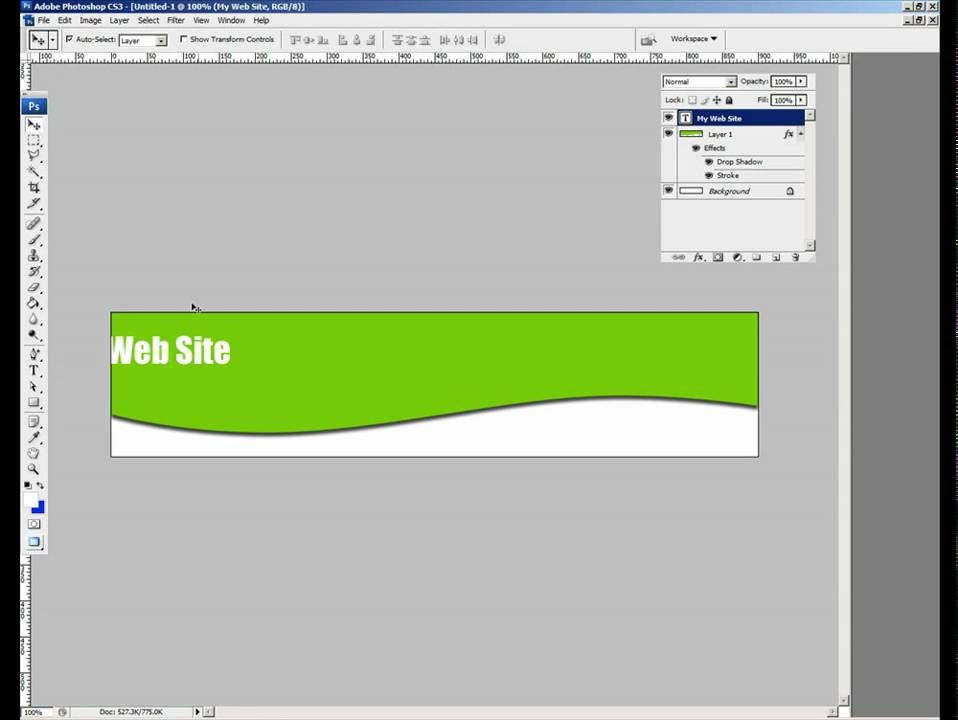
How to design a header in photoshop. HttptinyccvhuuzyLearn How to design Cool and Creative Website header design in. In particular from the homepage main intro image to the header image for each page the header is decorated with an image that symbolizes each menu. Now when your design is ready you can go to the next step to creating your website which is to make slices.
Copy the Layer Effects from the bar layer and paste them into the new one. Welcome the best and the biggest collection of website templates online. Set it to 1px and your foreground color to 5D6372 and draw a vertical line.
1 When I create a new Photoshop document Im specifying a 75 inch wide image but when I import it into Pages the image doesnt fill the whole width of the page which shows 75 inches when I view the Pages ruler. Now open treepsd in the demo folder. This is a Photoshop beginner tutorialLearn how to create anim.
Right click on the layer and select Duplicate Layer. This will create a rounded rectangle around out text. Creating a unique website header Tutorial 2.
No matter what type of design you are working on a blog informational site or a portfolio these headers go a long way in giving your website the character and style it needs. Name the layer header in the layers panel. Its nice to have it in place when youre putting the design together though so you can see how a finished header.
Open Photoshop and click on FileOpen and select the header image from your website folder. Slicing your layout in Photoshop. By following this Tutorial you will learn how to design Navigation Bar in Photoshop.
Click on layer header and press shiftctrlu to desaturate the picture. To do this create a new layer and fill a taller rectangle with black. This can create a more three-dimensional feel to the shape.
Now we go to our tools and choose a rounded rectangle tool. This can be the same photo for every blog post header if you want but I recommend changing it up for every post. This image was obtained from sxchu.
This header will be used in making a Template in Photoshop. How to create an artistic header image in Photoshop When you create a website you need an image. In this video tutorial well learn how to create simple banner design in Photoshop.
So its important to get it looking good. Next youll change the color of the shape so it looks more like an egg. First of all lets create a new document with a size of 1071263.
Set the radius to 15px and create a rectangle similar to the following. I had to futz with the Photoshop width to get it to fill the width of the Pages document. The Background color is white.
Next youll want to insert your base photo. Move the layer so its underneath the logos but above the globe. Here is another useful and important Photoshop Tutorial for you in todays Photoshop Tutorial we are going to work on Orange Header Design in Photoshop.
The most important graphical element of any website is its header. Drag the lines to start warping the shape in the direction you desire. Insert your base photo.
Choose File Open and navigate to the file. Click and hold your mouse a few pixels above and to the left of the first letter of your text then drag it down to the lower right. Choose the square shape tool and draw a 780x30 shape and position it at the bottom of the header.
Why does this happen. So today in this post I have collected best of the 20 great and cool photoshop header tutorials that teach you how to create a beautiful header for you website or blog. This tutorial is part of a 4 page tutorial on how to create a simple website using Photoshop.
The color is set to f98909. Select it and click Open. This is your navigation bar.
Name the second layer candle. Andrea Wilson teaches you how to make a curved header in Photoshop. Simply press Command T or Control T for Windows users and right click in the bounding box a menu will appear select Warp.
Move the glow bottom layer down to below your new bar layer. You wont be able to see the desaturation as the layer is behind the candle layer. Select the line tool under shapes tool.
Looking in the Layers panel youll see that Photoshop automatically made a new shape.

Header Collection On Behance Header Design Header Photoshop

How To Design Twitter Header Photoshop Tutorial Photoshop Tutorial Twitter Header Photoshop

Free Online Web Banner Ads Design Photoshop Tutorial Banner Ads Design Banner Ads Web Banner

Beautiful Web Banner Ad Design Photoshop Cc Tutorial Youtube Banner Ads Design Web Banner Design Ad Design

Photoshop Tutorial Web Design Simple Banner Website Banner Design Banner Ads Design Banner Design
How To Make A Curved Header In Photoshop Photoshop Photoshop Tutorial Photoshop Cs6

Header Collection On Behance Collection Graphic Design Illustration Photoshop

Colorful Wavy Headers Website Header Design Header Design Photoshop Web Design

How To Design A Eye Catching Website Header Banner Photoshop Tutorial Photoshop Tutorial Header Banner Ps Tutorials

Learn How To Create Simple Banner Design In Photoshop Photoshop For Beginners Youtube Banner Design Banner Banner Advertising

Banner Design Banner Design Photoshop Design Web Banner Design

Download This Vector Banner Design Ribbon Photoshop Png Free Download Download Icons Photoshop Icons In 2021 Banner Template Photoshop Banner Design Banner Template

How To Design A Twitter Header In 5 Steps Photoshop Tutorial Photoshop Tutorial Cover Photo Design Twitter Cover Photo

Free Gfx Free Photoshop Banner Template Clean 2d Custom Colors Banner Design Intended For A Banner Template Photoshop Youtube Banner Template Banner Template

Introduction To Header Design Header Design This Header Design Process Checklist Is Engineered To Help Header Design Website Header Design Photoshop Web Design

Promotional Web Banner Design Photoshop Tutorial Apple Graphic Studio Web Banner Design Photoshop Design Web Banner
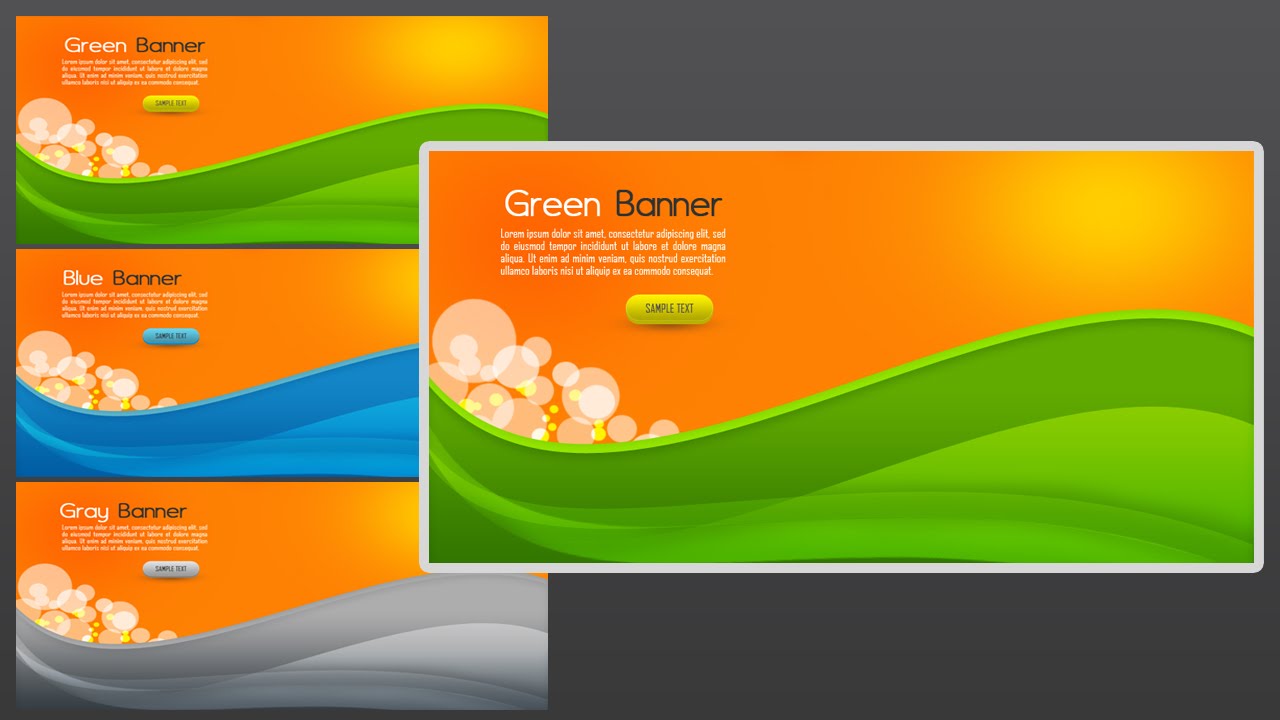
Photoshop Tutorial Web Banner Abstract Photoshop Tutorial Web Banner Photoshop

Twitter Headers How To Make Twitter Banner In Photoshop Twitter Banner Twitter Header Banner Ads

How To Design Professional Web Banner Photoshop Tutorial Web Banner Design Web Banner Banner Design


Posting Komentar untuk "How To Design A Header In Photoshop"