Hard Drive No Power Fix
Place the drive to your ear holding it gently and plug the USB cord into the adapter and you should hear a whirring noise as the HDD. If this happens then you can quite easily replace the PCB with one that is working and bring your hard drive.

Pin On Electronic Hipster
Its not safe to crack open a hard disk drive pull out its guts and shove in new.
Hard drive no power fix. Ad We SALVAGEDATA Beyond Recovery. Hard drive repair is hard work requires special tools and training and has to be done in a clean environment. Ad We SALVAGEDATA Beyond Recovery.
Ad Computer Repair in Seattle. However an adaptor used to charge a phone can be also used as a power source to determine if the hard drive is getting power. Disconnect the power cord from the system.
Basically youd have to figure out the internal SATA channel detach it from the USB converter wire it to a SATA connector and add a power connection to the drive. Submitted by DataRecoveryGroup on Fri 01302015 - 1607. There are three popular methods mentioned below that will fix your external storage drive in no time.
How to fix hard drive by swap the PCB board1. Fix corrupted internal hard drive using CMD Require Windows Disc Built-in Windows CMD is a very useful tool with which you can check and fix bad sectors and repair damaged MBR on the internal hard disk. Get Fast 100 Successful Hard Drive Recovery.
Its a common problem power is applied to a hard drive and the hard drive. Let Our Professionals Get You Quick Easy 100 Successful HDD Recovery. Fix internal hard disk with free partition software Not require Windows Disc 1.
But in short you find the 33v power pins on the HDD and put a strip of non-conducting tape over them. If you cannot determine whether the drive is spinning or not while fixing the scenario where the hard disk is not detected here are a few steps. Ad 36 Years Near WD Corporate Location All Passport and MyBook Models Recovery Old and New.
Often when theres a power surge or the drive overheats it can damage the board. Call toll-free 877 315-7111. How to find the correct donor board2.
03082016 by Flying Dutchman flyingdutchman - most of the drives. Remove the power cable when the hard disk. Boot the computer and try to catch some noise.
Power off the system. Why the PCB board firmware BIOS transfer is. Get Fast 100 Successful Hard Drive Recovery.
Or click here to receive a free quote. Heres What You Can Try. Hard Drive Not Spinning.
Let Our Professionals Get You Quick Easy 100 Successful HDD Recovery. Ad 3 Steps Recover DeletedFormattedLost FilesTry Free Scan Your Hard Disk Now. Call Us Today for a Free Diagnostic.
Seems janky but it works and its safe for the drive. If the drives damage is not physical you can repair the unreadable and corrupt device without any hassle. Any Condition including Dropped and Water Damaged is Usually Recoverable Dont Panic Call.
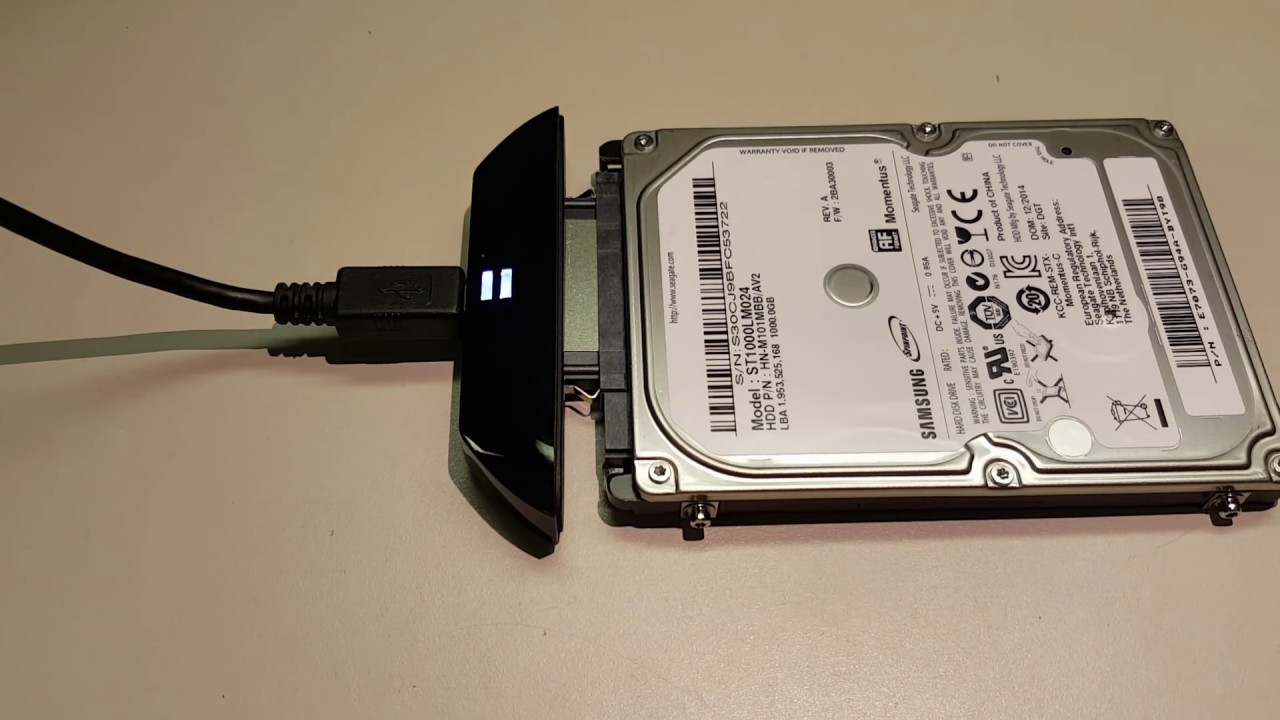
How To Fix Your Computer Harddrive In Under 5 Min Youtube

5tb External Hard Drive Repair Not Spinning No Power Motherboard Repair Youtube

Pin On Recycle Hard Disk Drive
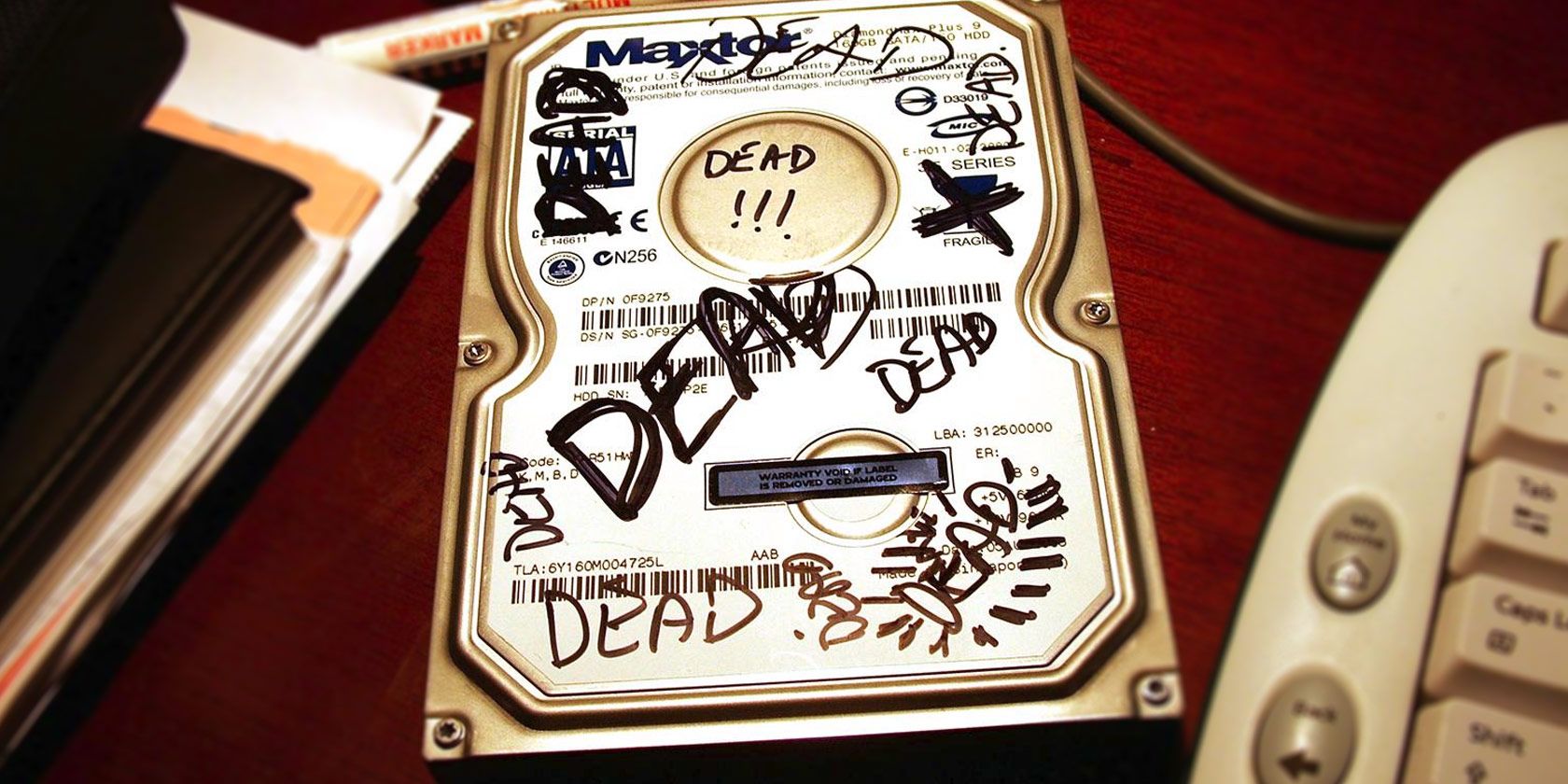
How To Repair A Dead Hard Disk Drive To Recover Data
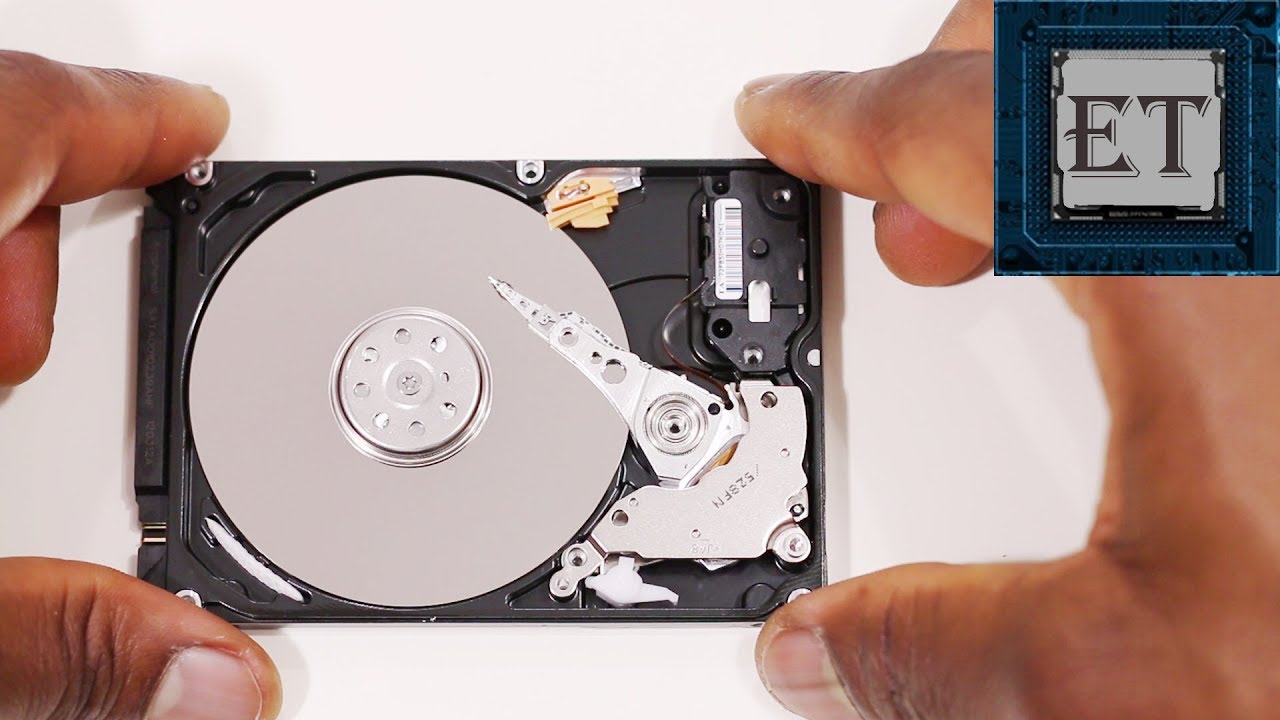
How To Repair A Broken Hard Drive With Beeping Or Clicking Noise Recover Your Data Youtube

Pin On Dell Cares
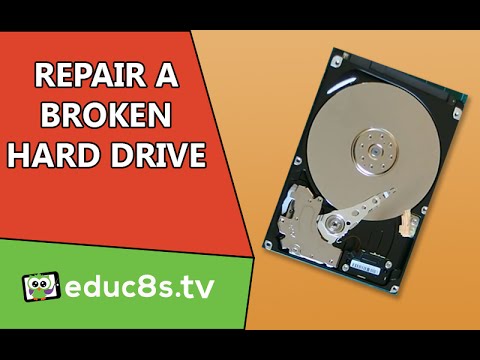
Tutorial How To Repair Broken Hard Disk Drive And Recover Your Data Beeping Sound Or Clicking Youtube

Pin On The Nerdy Side

Pin On Dell Cares

Can T Eject External Hard Drive Windows 10 Fixed With 5 Tips External Hard Drive Windows 10 Hard Disk Drive

Pin On Hard Drive Repair

Pin On Diy How To Fix Hard Drive
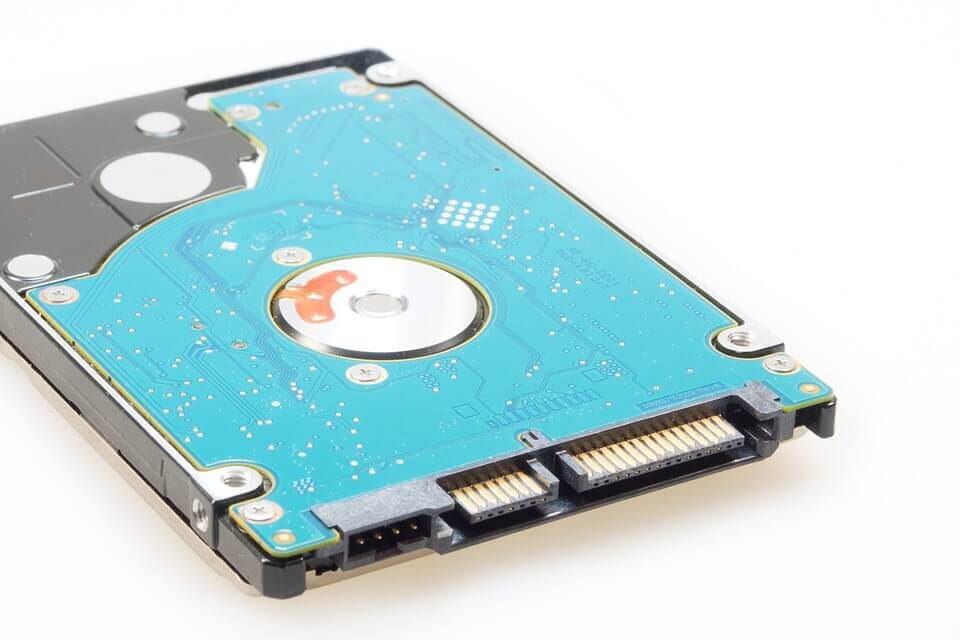
Corrupted Hard Drive Know How To Fix It Stellar Data Recovery

Seagate Data Recovery Seagate Data Recovery Recovery

Hard Drives 4tb 6tb Not Spinning No Power Motherboard Repair Youtube

Pin On Data Recovery
How To Repair A Corrupted Hard Drive And Fix My Storage Disk

Lacie Data Recovery Data Recovery Computer Hardware Disk Drive

Pin On Seagate Hard Drive Repair


Posting Komentar untuk "Hard Drive No Power Fix"