Not Enough Memory To Run Microsoft Excel 2007 Windows Xp
Microsoft Excel 2013 - Not Enough Memory to run Microsoft Excel. How much space is left on your hard drive.

5jlto1p52he2ym
To the right of run Microsoft Office Diagnostics click the button Diagnose.

Not enough memory to run microsoft excel 2007 windows xp. Answered By CapeSteve 15 points NA 96679. Out of Memory Memory Limits Memory Leaks Excel will not start. I tested logging in as Administrator in my local domain and every MS Office applications are running properly.
Cognos Controller is a 32-bit product and therefore it can only use 32-bit versions of Excel. I have read of many problems trying to get Excel or Office 2007 to work in Windows 10. If you used a variable it would be.
Try to free up some space. The issue does not happen if we navigate to the same file via the File Open dialog. The problem is occurring on several computers that I have tried including with Windows 8 Excel 13 Im not even able to delete 1 row of data 30-40 columns with data I have other bigger files with pivot tables etc.
Remember full hard drives always cause issues. Excel 32 bit versions have a limit of 2 GB thus working with a large worksheet section leads to generate this error. This 2 Gigabyte limit is a limit on the Virtual Memory address space.
Quit all Office programs. If this is fine then you need to verify your xlstart folder to spot if there is something remaining. Try using less data or closing other applications.
Tony Chen TechNet Community Support. Please close other applications and try again. After installing Kaspersky Endpoint Security 8 on an XP workstation that already had Office 2007 installed previously Word and Excel stop working.
This seems to be a file issue but I. This is for XP. When users try to open Excel 2003 by double clicking an Excel file they get an error.
The easy way to eliminate the error is creating a bat file that is capable of refreshing your font. Why Does Excel Say I Dont Have Enough Memory. For word files There is not enough memory or disk space to run the word Can anybody help me to fix this issue.
This shows that you have no space in your hard drive. Many Excel users will open new Excel sessions each time a new workbook is opened via double clicking on a workbook link. Not enough memory to run Microsoft Office Excel.
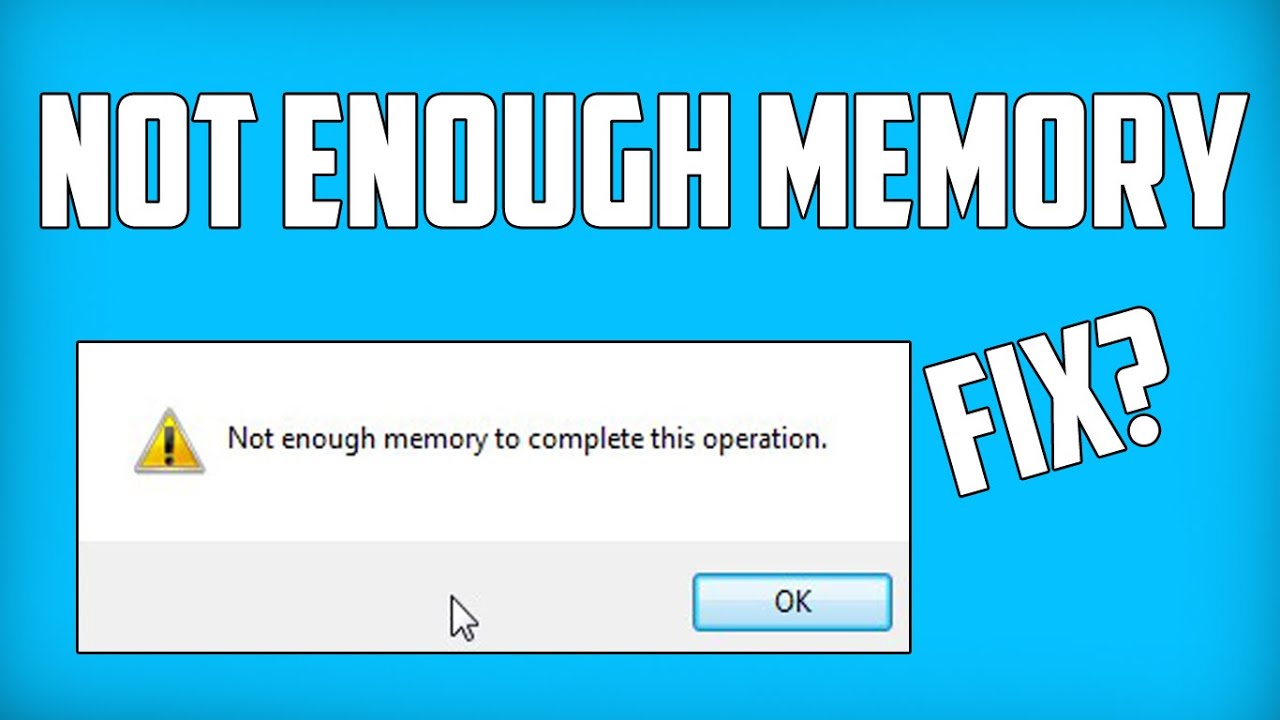
Up to 30 cash back Out of Memory. You can restructure the code include DoEvents at some point in its loop and then check the value of a variable to see if it should quit or just check the system time. There isnt enough memory to complete this action.
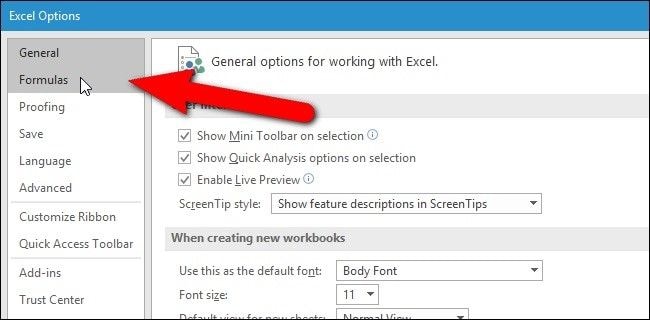
In the System Properties window click on the Change settings option under Computer name domain and workgroup settings section. Not enough memory error on Excel. To increase memory availability consider-Using a 64-bit version of Microsoft Excel-Adding memory.
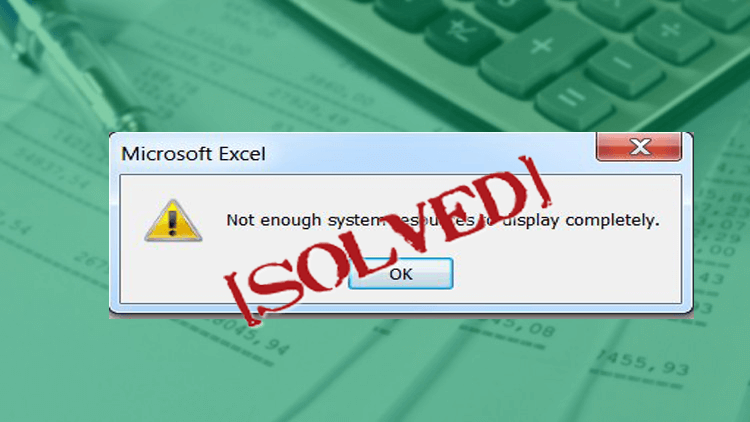
1 week ago Thus your computer may have enough space in its local memory but excel will show Microsoft Excel cannot open or save any more documents because there is not enough available memory or disk space. Copying Formulas to Large Area Its obvious to encounter Excel insufficient memory error if you are trying to copy the formula to large area of your worksheet. Not enough System Resources to Display Completely.
I have just aquired a new desktop PC with Windows 10 and at first copied across my Office 12 to the Microsoft office file however it wouldnt run. There are some steps that need to be followed. Re-open Excel for the first time.
Click Start and then click Search. Please close other applications and try again. And you may try to check the issue in Windows client.
Microsoft PowerPoint Theres not enough memory or system resources to start Microsoft PowerPoint. Microsoft Excel Not enough memory to run Microsoft Excel. Click the Office Button Excel Options and Resources again.
Harassment is any behavior intended to disturb or upset a person or group of people. Excel 2007 and 32-bit versions of Excel 2010 2013 and 2016 are limited to 2 Gigabytes of memory for the Excel process under Windows XPVistaWindows 8 and Windows 10 Windows memory limit. In the All or part of the file name box type Normaldot.
Press the Window key E together on your keyboard to open the File Explorer. I wish this may solve the issue. Have you tried this solution from MS.
The easiest way to run out of memory and get the message Excel can not complete the task with available resources is to have 1 Multiple Excel sessions open and 2 other applications open. Therefore it will never be able to use more memory than the 32-bit limit 2Gb. Excel 2007 Excel 2010 32-bit - memory limit is 2 Gb 2 Gigabtyes Cause 2 - The Excel spreadsheet is too complex to be run on any version of Excel.
You have to free up some space by running disk cleanup utility in your system. Please close other applications and try again. Following are the causes of Excel Not Enough Memory error.
In the File Explorer window right-click on This PC shortcut on the left side of the screen. Please close other applications and try again. So I installed my original copy of Office 2007 and it now runs Excel and Word okay.
And these have no problem. Do a Repair of Excel. Please close other applications and try again.
What operating system are you running. If Office advises that Diagnostics were recently run click the button Run Diagnostics Again. Excel for example gives an error when starting Not enough memory to run Microsoft Office Excel.
MS Word - There is not enough memory or disk space to run Word. Under What do you want to search for click All files and folders. Then youll receive the not enough memorydisk space error because the fonts used by the file youre trying to open are included in that corrupted folder.
Issues like this are related to the security. Does your computer have 4G RAM. At first you need to start with Start-Run enter in excel safe without the quote symbols and then press OK.
Sometimes the font folder may get damaged. If you work with large workbooks external data or charts sooner or later you will get one of the dreaded messages Out of Memory or Excel cannot complete this task with available resources or Not enough System ResourcesMemory to Display Completely regardless of how much RAM or how big a swap-file you. Run only one Excel session.
Not enough memory to run Microsoft Office Excel. Threats include any threat of suicide violence or harm to another. MS Excel - Not enough memory to run Microsoft Office Excel.
Your drives are getting full. Archived Forums Office 2013 and Office 365 ProPlus - IT Pro General Discussions.

Fix There Is Not Enough Memory To Complete This Operation
9 Fixes For Excel Not Enough System Resources To Display Completely Error

How To Fix Excel Not Enough Memory To Run Error Youtube
How To Fix Excel Not Enough Memory Error

How To Fix Excel Not Enough Memory Error

Windows 7 All In One Iso Download 32 64bit Win 7 Aio 2019 Softlay Windows 10 Computer Maintenance Windows

9 Fixes For Excel Not Enough System Resources To Display Completely Error

How To Fix Excel Not Enough Memory Error

How To Fix Excel Not Enough Memory Error
How To Fix Excel Not Enough Memory
How To Fix There Is Not Enough Memory To Complete This Operation Solved Youtube
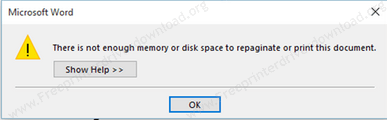
Resolved How To Fix Error There Is Not Enough Memory Or Disk Space To Repaginate Or Print This Document Free Printer Driver Download

Resolved How To Fix Error There Is Not Enough Memory Or Disk Space To Repaginate Or Print This Document Free Printer Driver Download
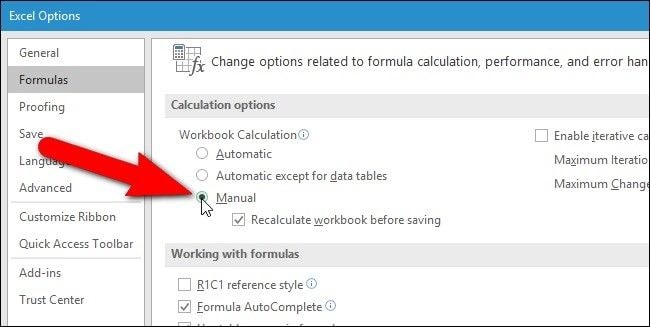
How To Fix Excel Not Enough Memory
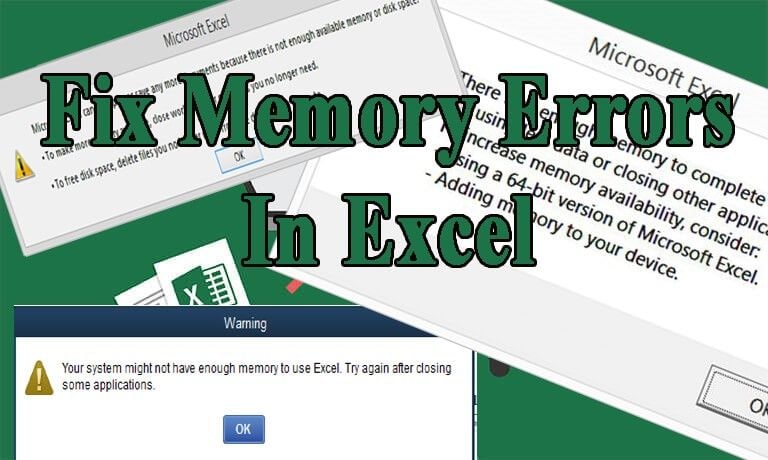
How To Fix Excel Not Enough Memory

How To Fix Excel Not Enough Memory Error
How To Fix Excel Not Enough Memory Error
How To Fix Excel Not Enough Memory
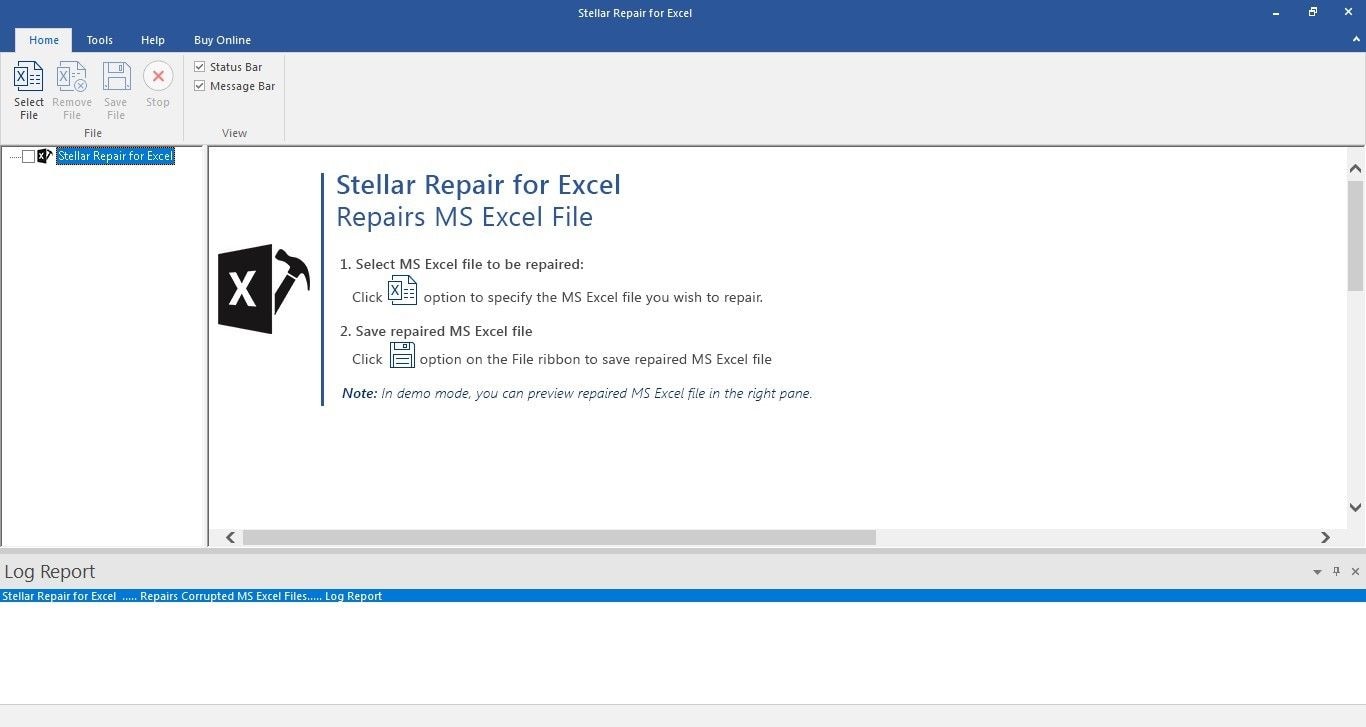
How To Fix Excel Not Enough Memory


Posting Komentar untuk "Not Enough Memory To Run Microsoft Excel 2007 Windows Xp"