Change Download Location Internet Explorer 8
Change IE Download Folder. If you want to set a new folder without moving existing files simply enter the new path eg.
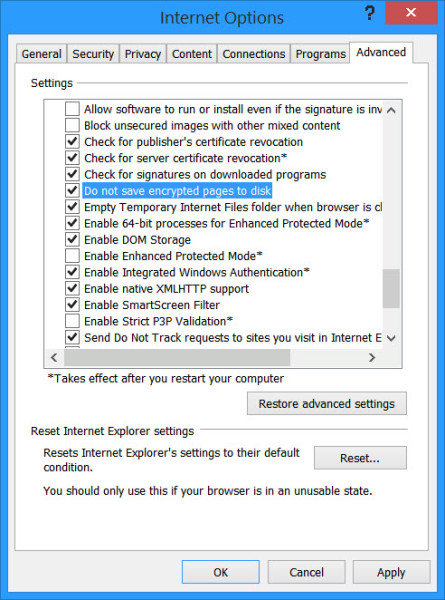
Cannot Download A File From The Internet
There you find the current location listed.
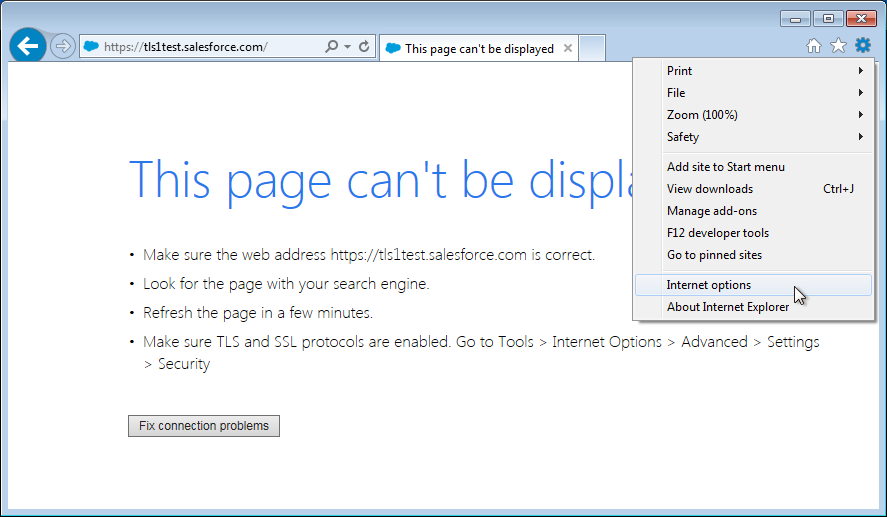
Change download location internet explorer 8. You can change the default download save location in Internet Explorer 11 on Windows 81 PC by following the steps shown in this video. Click OK and you are all set. Hi all - currently testing Win7 and terminal server but have an issue with IE8 - briefly I am blocking users access to C on both the workstation and terminal server so when users try to download a file by default it is blocked as the c has restrictions if you click cancel it will then allow you to select.
If prompted by UAC then clicktap on Yes Windows 78 or Continue Vista. In this video I will show you How To Change Download Location Of Internet Explorer In Windows 10This video helps you to how to locate file or any thing whi. This can be done by pressing Ctrl-j or clicking on Tools View Downloads in the menu bar of the browser.
Internet Explorer is a part of the Microsoft Windows operating system. Open Internet Explorer by selecting the Internet Explorer icon on the taskbar. In download windows click options.
In the View Downloads window click the Options link at the bottom. Internet Explorer saved the download file in the Downloads folder in your Microsoft user account. Learn how to change the download location in Internet Explorer.
If the download location has never been changed Downloads is. If you change the download location in your systems you can change the. Open Internet Explorer select the Tools button and then select View downloads.
Switch to the location tab in the Downloads properties. Press the Windows R keys to open the Run dialog type regedit and press Enter. Verify that the correct location is shown and then click OK to set your new default download folder location.
Here youll also find the option to have Microsoft Edge ask where to save each file. Click the Gear icon in IE and choose View Downloads. The default location is CUsersDownloads.
Ddownloads and hit apply afterwards. Find out how to change the destination path for the downloadsDont forget to check out our si. Right-click the downloads folder and choose properties.
Select the Location Tab and then select move. Use Windows Explorer to go to the current location of the download folder. Click the Tools button and then select Internet options.
Change Internet Explorer Default Save Download Location in Registry. DDownload has been assigned as my new download folder. In the View Downloads dialog box select Options in the lower-left.
Change the value of the string Download Directory to the new path you want to assign as IEs Default Download directory ie. Select Downloads and then in the Location area select Change. Start Regedit and navigate to.
Posted in Windows XP by Community Submission. Click the Options like a link at the bottom of the window. Click Browse button and select a new location folder.
On the Privacy tab under Location select the Never allow websites to request your physical location check box. Content in this vid. To change your downloads folder location in Microsoft Edge.
Is it possible to change the default download location in Internet Explorer 8. Browse to the new location. In the Download Options window type the full path to the new default location you want in the Default download location box or click Browse to find the target folder.
IE8 default download directory. Learn how to change the download location in Internet Explorer. Find out how to change the destination path for the downloadsInternet Explorer has a download.
Choose a different default download location by selecting Browse and then selecting OK when youre done. Open Registry Editor navigate to HKEY_CURRENT_USERSoftwareMicrosoftInternet ExplorerMain find the line with Default Download Directory doubleclick and change to a drive number that doesnt exist on your system ever when you put in a USB drive or stick it will get a drive letter. Open Internet Explorer 9 and then the View Downloads window.
Internet Explorer is a discontinued series of graphical Web Browsers developed by Microsoft Windows. Click the settings icon located in the upper right corner and then click View downloads. Whenever you download any file in IE9 it will save the file at default download location.
I changed the location to K. Find out how you can chage the default location for downloaded files to be saved in Internet Explorer on a Windows 8 based PCHelp support the channel when. In the dialog box select a new location for your downloaded files.
Click Browse button to select the folder you want to set as the default download folder for IE. So if you ever need to change the default download location to other place here is what you can do. IE 8 Default Download Location - posted in Web BrowsingEmail and Other Internet Applications.
In this tutorial we will change default location of IE9 download. Open Microsoft Edge then select Settings and more Settings. The View Downloads window displays all user initiated downloads along with information where they have been stored.
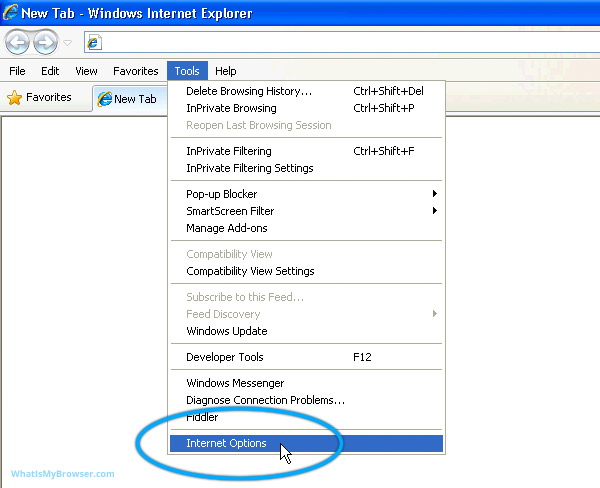
Enable Cookies In Internet Explorer On Windows

Evolution Of The Internet Explorer Brand Logo Evolution History Logo Old Logo

Pin By None On Computer Windows Versions Change Language Microsoft Windows

Pin By Gentwith Skincare On Random Browser Internet Explorer Default

Skrinshot Programmy Internet Explorer 8 Serfing Brauzer
Enable Tls 1 2 In Internet Explorer 8 9 Or 10 It Services

Enable Cookies In Internet Explorer On Windows

Document Tabs For Word X64 Original Name Is Word Tab Add Tabbed Browsing And Editing To Microsoft Word 2010 64 Bit T Microsoft Word 2010 Page Layout Software

Download Free Internet Explorer Ie 8 Offline Standalone Installer Full Setup Internet Demotivational Posters Internet Explorer

Turn On Enterprise Mode And Use A Site List Internet Explorer 11 For It Pros Internet Explorer Microsoft Docs

Pin On Auto Select Language Encoding Setting

Fast Browser Cleaner Free Download With License Key For Pc Fast Browser Cleaner Free Download With License Key Fr Fast Browser Browser Safe Cleaning Products
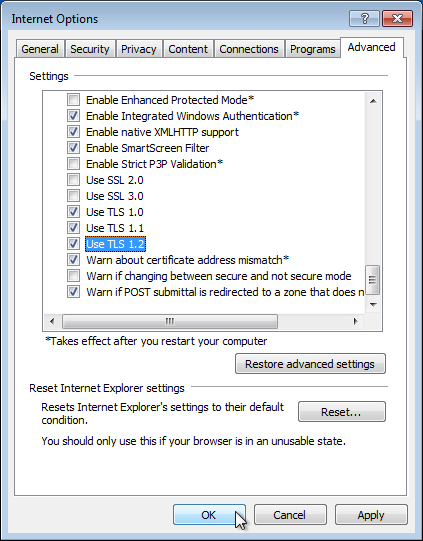
Enable Tls 1 2 In Internet Explorer 8 9 Or 10 It Services

Fix Web Compatibility Issues Using Document Modes And The Enterprise Mode Site List Internet Explorer 11 For It Pros Internet Explorer Microsoft Docs

How To Configure Windows Firewall To Work With Internet Download Manager Idm Management Google Education Internet

Turn On Enterprise Mode And Use A Site List Internet Explorer 11 For It Pros Internet Explorer Microsoft Docs
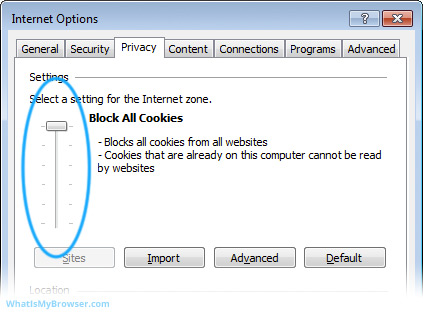
Enable Cookies In Internet Explorer On Windows

Your Current Security Settings Do Not Allow This File To Be Downloaded

Pin On Windows 8 Software


Posting Komentar untuk "Change Download Location Internet Explorer 8"