Does Galaxy Tab 3 Have Screen Mirroring
Touch the Smart View icon. After wasting half a day I came to the conclusion that the tab e does not to have a mirroring option built in.
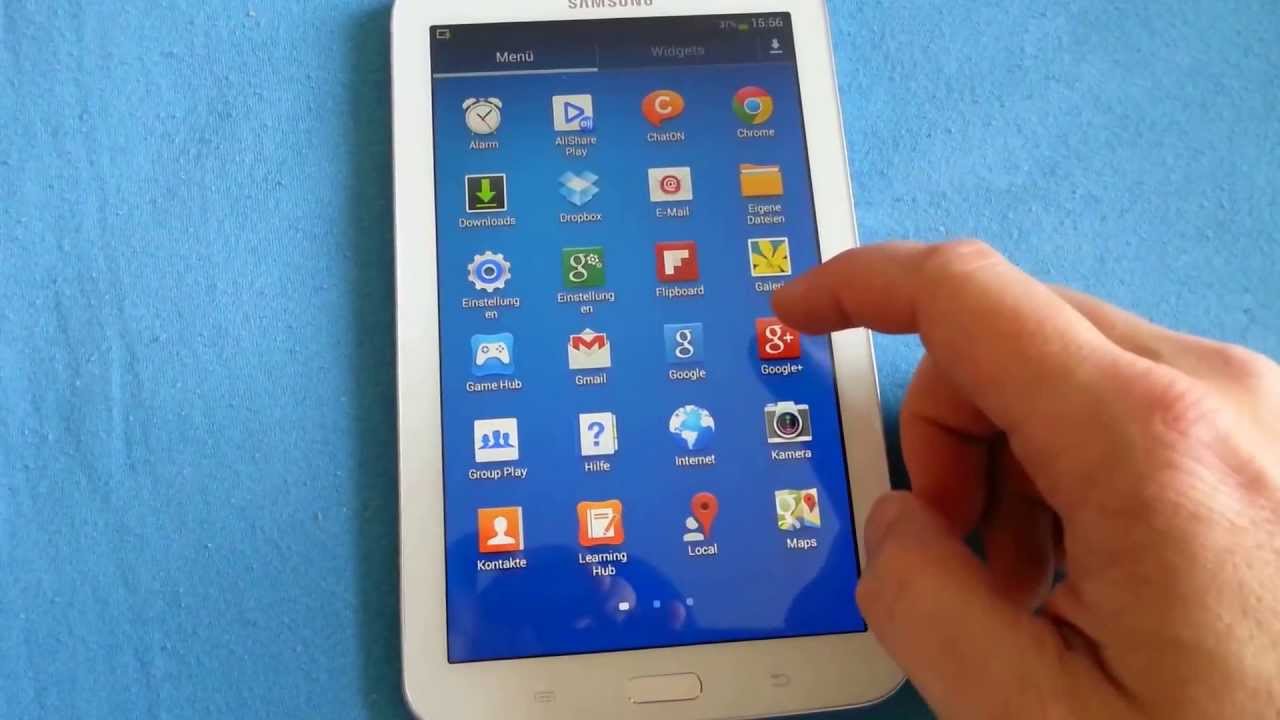
Review Samsung Galaxy Tab 3 7 0 Sm T210 Tablet Notebookcheck Net Reviews
Have screen mirroring turned on in SettingsSystemScreen mirroring on the Roku.

Does galaxy tab 3 have screen mirroring. On some models it may start screen mirroring automatically. 1 Use two fingers held slightly apart to pull down the extended notification menu from the top of smartphone screen. Dont understand why they left screen mirror out.
Other times you may need to swipe down from the top of your devices screen to open the Notification panel. Has anyone found a work around to get screen mirroring on the Tab 3 70. My new Galaxy Tab S3 does not sceen mirror.
I have my Roku cable connected to my wireless router and my Tab A wifi. What kind if TV are you trying to mirror to. I have a SAMSUNG GALAXY TAB 3 I want to display what I see on the Galaxy on my Samsung TV.
Watched my first full movie using Screen Mirroring on my Tab 3 and Samsung Smart TV and it was better than I ever imagined. You can even use Smart View to cast your screen to your computer see how here. Touch the Smart View icon.
But you can still mirror tabs or the entire screen from any PC with the Chrome browser. T-Mobile Galaxy S6 Surface Pro 3 Core I5 Nexus 9 and Moto 360 Past Devices - Phones. 2 Tap Screen Mirroring.
Wait for your phone to search for available screen mirroring. I think the problem is with the tablet. If I cant do screen mirroring it will have to go back.
I have tried it with my Samsung TV model UA40KU7000KXZN and it did not work. The process to screen mirror is very hard to do with the correct software. Connection will take place.
Have screen mirroring turned on in SettingsSystemScreen mirroring on the Roku. Chromecasts screen mirroring is still in beta and works only with some Android devices afaik. User rating 46 out of 5 stars with 6356 reviews.
Galaxy Note 4 Nexus 6 Nexus 5 Galaxy Nexus Nexus S Galaxy Note 3 Galaxy Note 2 Galaxy S5 Galaxy S4 Galaxy S3 Galaxy S2 HTC Incredible HTC EVO 4G HTC EVO HTC Hero Motorola Photon. Including Samsung Galaxy Tab 4 70 Samsung Galaxy Tab 4 80 and Samsung Galaxy Tab. Heres how to share your screen or media files with another screen TV game console etc using your Galaxy Tab A 80.
See all questions answers. I was hesitant to even try it because I had read in other forums that the connection would be bad and the streaming would be interrupted all the time but I found that for the most part to be untrue. Next open the Quick Settings Panel by tapping on the Arrow Down icon.
The Galaxy Tab 3 is not in the list. Slide down from the top of the screen and then slide the row of settings icons all the way to the left. Doing this will will open the notification panel.
This guide will work on all Samsung Galaxy Tabs. On your TV remote press input choose screen mirroring on your Galaxy Note3 go to menu tap settings tap connections tap screen mirroring turn on screen mirroring choose your TV from the list both TV and Note3 will be. You can access it and begin screen mirroring your tablet in just a few steps.
Tap Smart View to activate the feature. Connect the AllShare Cast dongle to the HDMI device using an HDMI A-to-A cable. The following is a guide that will provide you two different methods to connect screen mirroring on the Galaxy J3 to a TV.
3 Your device will now scan for TVs and other devices to which they can be mirrored. For example cruise the net on TAB but it also displays on TV. It packs a 8-inch 1280800 IPS L.
Connection will take place. The above setup works fine with all streamer apps installed on my tab e. From the Settings screen touch Connections Screen Mirroring.
I have the Sprint version which sports the 17Ghz processor which is faster than the 80 and Wifi-direct. I got it work with a Roku 3. Then tap the Samsung DeX notification that says Tap here to switch to screen mirroring.
With Smart View you can play media and mirror your Galaxy Tab screen to numerous wireless receivers such as a Samsung smart TV. Asked by shybear 5 years ago. Samsung - Galaxy Tab A - 8 - 16GB - Smoky Blue.
Slide down from the top of the screen and then slide the row of settings icons all the way to the left. Then I downloaded the localcast app onto my tablet and connected. I have connected my tab e via a HDMI chromecast dongle cost me 30.
Smart View is built into your Samsung Galaxy Tab S7. I tried to screen mirror my Galaxy Note 5 and it worked with both in no time. Make sure you do the following steps to establish connection on both devices.
Start by swiping from the top of the home screen down to the bottom. I got it work with a Roku 3. I have tried it with my WD TV which has a screen mirroring capability and it did not work.
Ive seen this done before but cant figure it out. Its called Screen Mirroring and the option shows up at the top of my cellphone menu at the end next to Hands-Free mode. There are several different ways that you can use the Galaxy J3 to screen mirror onto a TV.

How To Wirelessly Screen Mirror Your Dell Venue 8 Pro 5855 Tablet With The Samsung K4300 Joy Smart Tv Using Miracast Screen Mirroring Tablet Smart Tv

How To Fix Samsung Tab 3 Frozen Screen How To Force Restart Youtube

Samsung To Launch A 13 Inch Tablet By Year S End With Images Samsung Galaxy Tab S Samsung Galaxy Tablet Galaxy Tab S

Full Upgrade Samsung Tab 3 Lite T113 T116 To Android 7 1 2 Nougat From Kitkat Tutorial 2019 Youtube Samsung Tabs Samsung Real Phone

Lioeo Galaxy Tab 3 7 0 Case Kids Tab 3 Lite Case Full Protection Cases Cover With Handle Fo Samsung Galaxy Tablet Computers Tablets And Accessories Kids Tablet
Galaxy Tab 3 10 1 Wi Fi Samsung Support Hk En
Samsung Galaxy Tab A7 10 4 Wi Fi 64gb Gray Sm T500nzaexar Best Buy
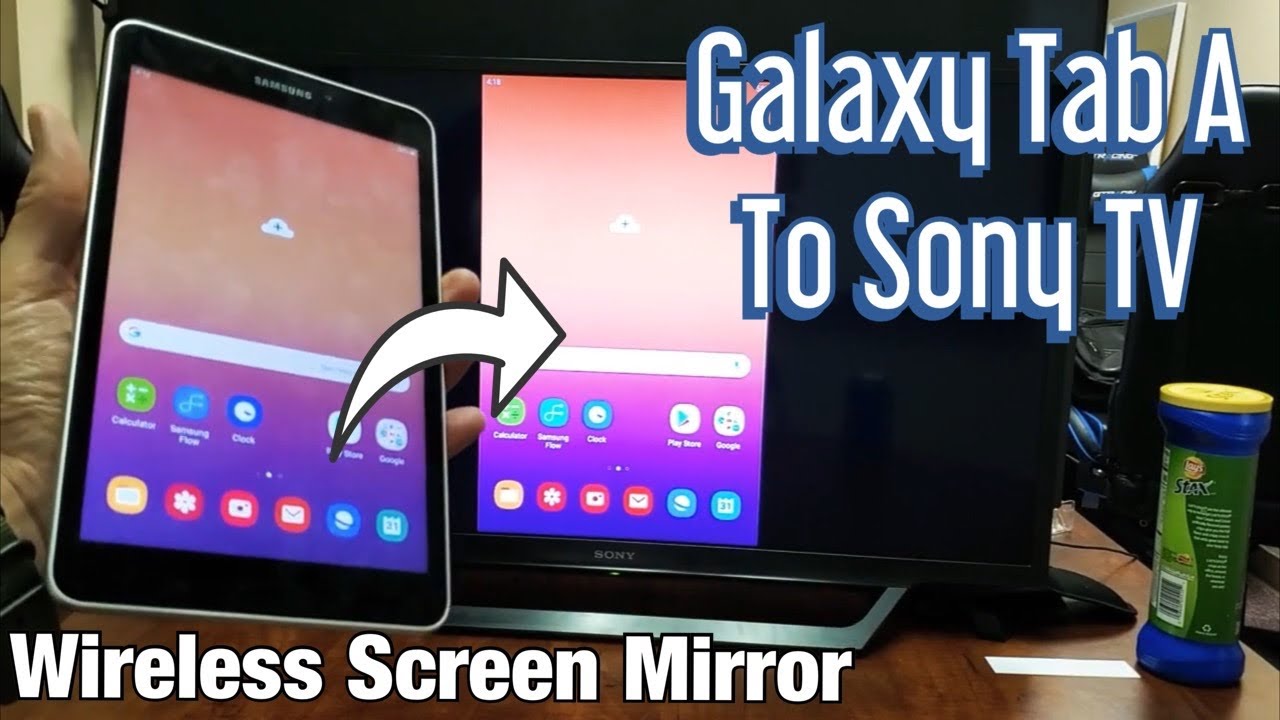
Galaxy Tab A How To Connect Screen Mirror Wirelessly To Sony Smart Tv Youtube
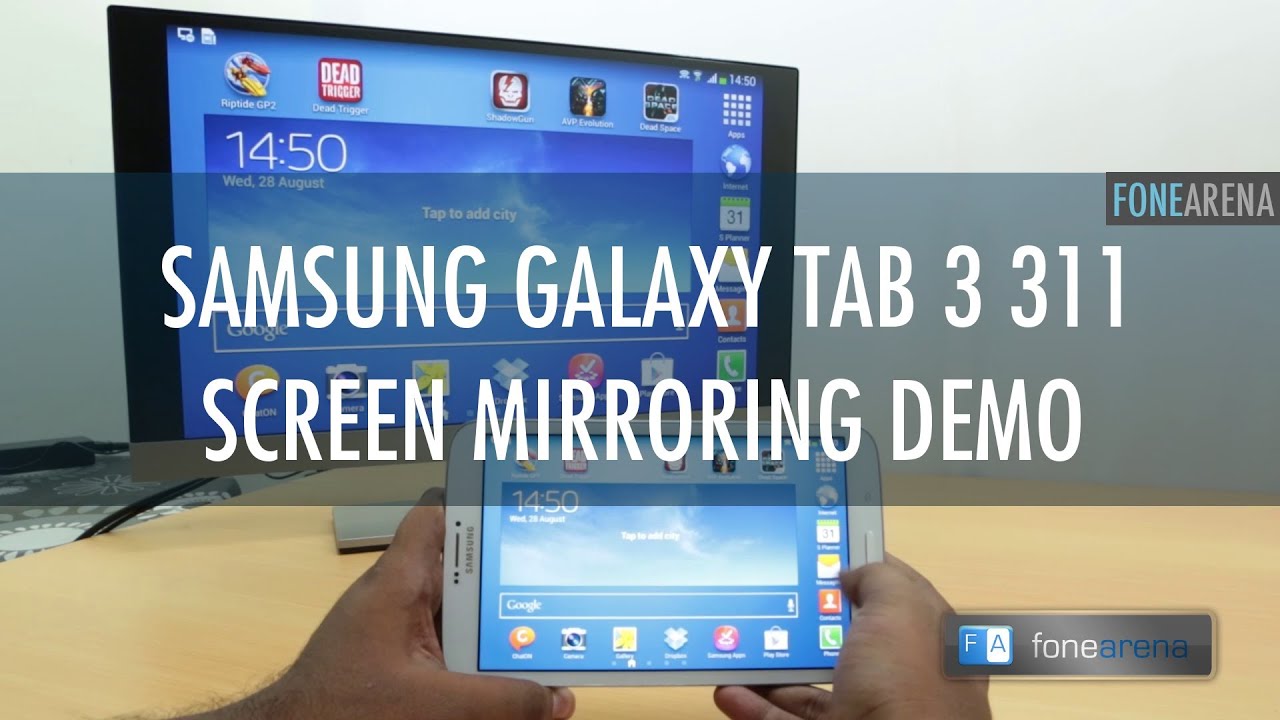
Samsung Galaxy Tab 3 311 Screen Mirroring And Multi Window Demo Youtube

Samsung Galaxy Tab Active 3 Specs Phonearena

3 In 1 Heavy Duty Impact Hybrid Armor Kickstand Hard Case For Samsung Tab 3 Lite 7 0 T110 Samsung Galaxy Tab A 8 0 T350 Samsung Tab A 9 7 T550 Samsung Tab Samsung Galaxy Tab Samsung Galaxy Samsung

Samsung Galaxy Tab 730 White Wi Fi 3g 16 Gb Accompanied With An Exclusive Excluzen Gift Voucher Of Rs 500 F Galaxy Tablet Samsung Galaxy Tab Galaxy Tab
Samsung Galaxy Tab A7 10 4 Wi Fi Tablet 64gb Gray Includes Bonus 64gb Microsd Card Costco


Galaxy Tab A How To Screen Mirror Wirelessly To Lg Smart Tv Youtube

Pin On Tablet Accessories
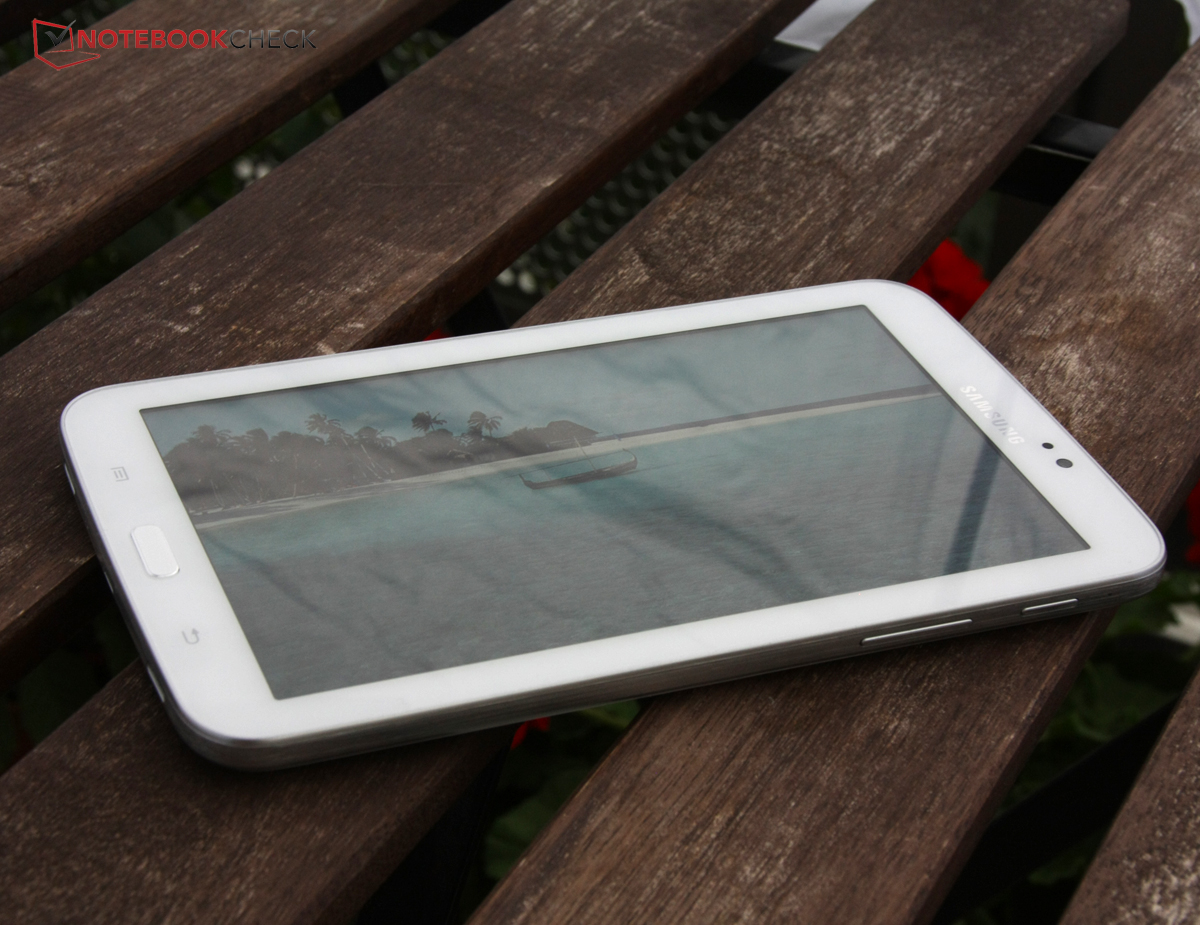
Review Samsung Galaxy Tab 3 7 0 Sm T210 Tablet Notebookcheck Net Reviews

Samsung Galaxy Tab 3 4 7 0 Clear Acrylic Desktop Stand For Pos Kiosk Show Disp Samsung Desktop Stand Tablet Samsung Galaxy Tab

On Wall Ipad Android Galaxy Tab Tablet Enclosure Ipad Wall Mount Wall Tablet Tablet Wall Mount
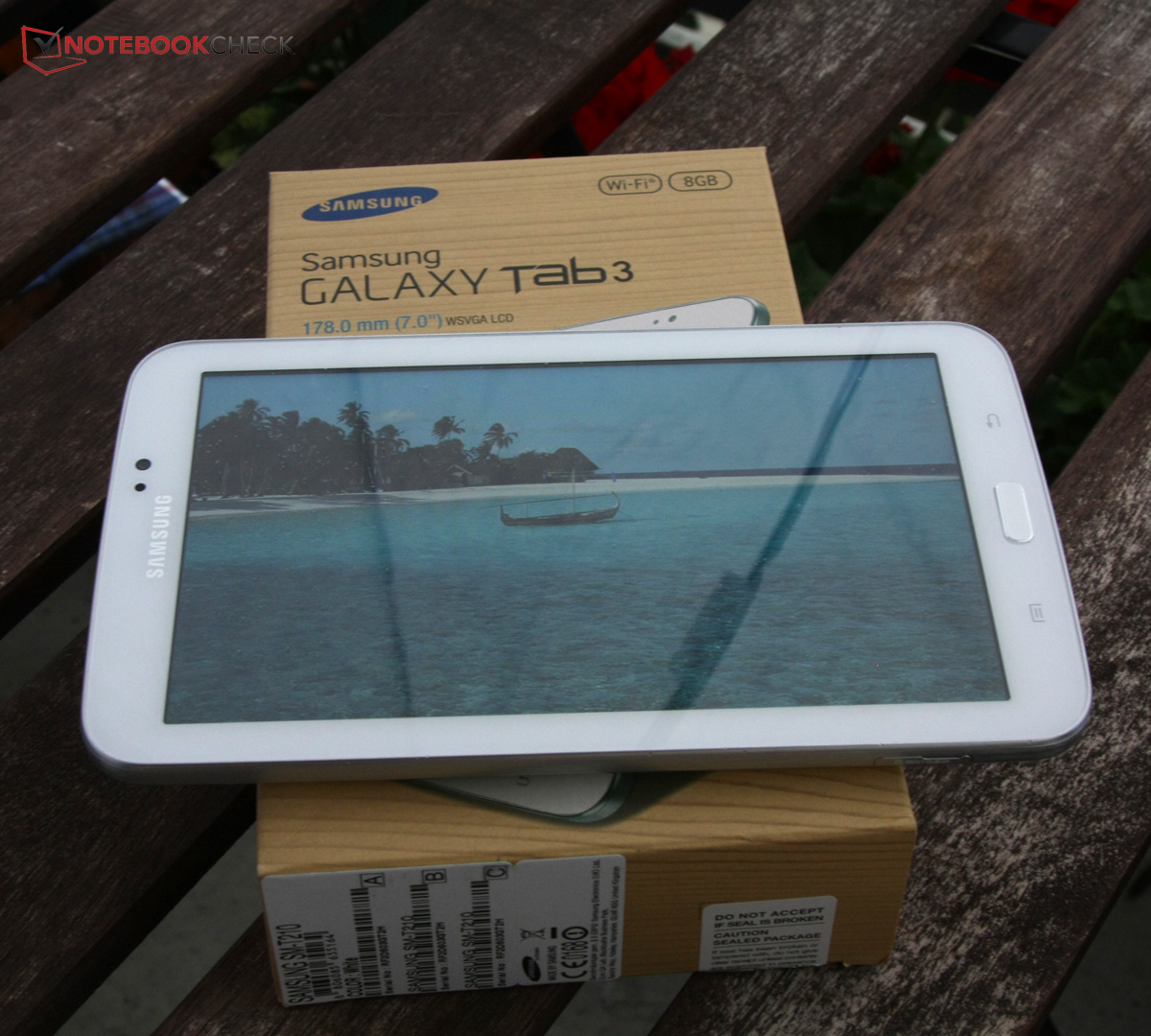
Review Samsung Galaxy Tab 3 7 0 Sm T210 Tablet Notebookcheck Net Reviews


Posting Komentar untuk "Does Galaxy Tab 3 Have Screen Mirroring"