Why Did My Photoshop Turn Black And White
You can change the transparency checkerboard in the Transparency preferences for Photoshop Elements. In the New Layer dialog box type a name for the adjustment layer and then click OK.

56 Best Adobe Photoshop Video Tutorials Collection It Is Time To Learn Hidden Tools Photoshop Video Tutorials Photoshop Video Photoshop
Why does Photoshop turn my colour pics to black and white.

Why did my photoshop turn black and white. Photoshop applies a default grayscale conversion to your image. If your picture is in Gray Scale you cant use the Black White adjustment layer. That will bring up the dialog box shown below.
Using the Desaturate command was certainly quick and painless but the problem is. First Post Mark as Spam Isphoto. Or highlight the text and adjust the sliders in the Color Panel.
Photoshop turned black White Suddenly. Or just highlight the text and click the white swatch in the Swatch Panel. Sometimes when youre working youll want to see how your photo would look against a white wall or perhaps youll need to get more contrast around the edges so you can make.
At the bottom of the Transparency dialog window change the two color squares to any color you want by clicking on the first one and changing the RGB settings in the. In which version of Snow White is her name really Lips Red as Blood Hair Black as Ebony Skin White. Im wording on Elements 50.
The layer is a solid color with lighting effects. This answer is not useful. The Camera Raw Filter also allows you to convert a photo into black and white with one click and it gives you more control.
Choose Layer New Adjustment Layer Black White. Answer 1 of 4. I went to my channels to select RGB but it wont let me press it unless deselect another and when I deselect it it takes away 2 instead of 1.
All my BW is done digitally and I use an Epson 950 and I found the same thing happening. Why do I see a color shift when I place a color correct image. You will lose some contrast but this is easily overcome in photoshop or equivalent.
I have managed this fine in the past so I am wondering if I have accidently changed a setting. I want it to be in color. Go to Edit Windows Photoshop macOS Preferences General.
If you go Image Mode. On a PC go under the Edit menu to PreferencesTransparency. Sounds to me like you have the red channel active.
I cant seem to undo after pressing command 3 to change back photoshop to its original form it just seems to stay black and white. You could always select the whole picture cut and paste into a. In the Preferences dialog select the Use Legacy New Document Dialog and deselect the Auto-Show the Home Screen option.
As soon as I add the photo it turns to black white. It should show up. On a Mac go under the Photoshop Elements menu to PreferencesTransparency.
I am trying to save a file to a jpeg but when I do the background is turning black. Although the BlackWhite Adjustment Layer gives you excellent results there is a better way to convert a color image to black and white. Convert a Color Image to Black and White Using The Camera Raw Filter.
Click the Black White icon in the Adjustments panel that opens. UNLOCK YOUR CREATIVITY - 2 MONTHS FREE ON SKILLSHARE - httpsbitlyben-on-skillshare Watercolor Brushes for Photoshop. Sign in to your account.
These same techniques can be applied to any color you wish to use. Ask Question Asked 7 years 10 months ago. No matter which way you choose Photoshop instantly desaturates all the color in the photo leaving us with a basic black and white version.
Show activity on this post. Answer 1 of 4. The photo now appears in black and white after desaturating the color.
I print in just black ink. Go to your channels pallette and click the RGB layer and see if that helps. I had a play around.
Why does my image turn black and white when I transfer another document. Turning an object from white to black or vice versa is an extreme case and typically a correction will fall somewhere in between these two colors. I am trying to transfer a photo from one tab to another.
One of these features is being able to change the background color of the interface. I have done this before updating to 2019 and it hasnt ever been a problem. And set the color picker to white.
Why is my image turning gray when I paste another image on it. The Photoshop help files would answer this immediately for you. An often fast handy approach is to use color overlay layer style reducing the operation to a few clicks in most scenarios.
I have rasterized the layer to try to solve the problem but it is still happening. Also happened when I saved it as a png. Kindly check the image mode of the another image it may be Grayscale you will find mode under Image menu mode select it to RGB mode then it will remain in color if it is in GRAYSCALE mode.
Photoshop is the best image editor around and its packed with thousands of tiny little features you didnt know you needed. When I transfer one photo to the other tab it turns black and white but I want it to be in color. Why do my Photoshop brushstrokes change color when placed on top of each other.
I am trying to make a simple banner by opening a new file and placing a photo and adding text. Is the background named Index. When I copy a Colour image into a new layer in Photoshop it turns black and white any ideas what I.
Convert Any Image To Black White Vector Silhouette Photoshop Illustrator Adobe Illustrator Graphic Design Photoshop Illustrator Photoshop

Learn To Change Black And White Photo Into Color In Adobe Photoshop Photoshop Tutorial Photoshop Black And White

The Best Ways To Make Your Photos Black White Photoshop Photography Photography Help Photography Techniques

How To Turn An Image Black And White Except For One Color Adobe Photoshop Elements 5 0 Photoshop Elements Tutorials Adobe Photoshop Elements Photoshop Elements

How To Turn A Photo Into A Line Drawing Photo To Line Drawing Photoshop Clipping Mask Photoshop

5 Quick Ways To Convert A Photo To B W In Photoshop Photoshop Photoshop Photography Black And White

28 Beautiful Illustration Effects And Techniques Photoshop Tutorials Photo Editing Photoshop Photoshop For Photographers Photoshop Tutorial

How To Change Black And White To Color In Photoshop Tutorial Photo Res Photoshop Tutorial Photoshop Tips Photoshop

Sami Khan12 I Will Do Adobe Photoshop Editing And Retouching For 25 On Fiverr Com In 2021 Photoshop Editing Photoshop Retouching

How To Use Gradient Maps To Convert An Image To B W Morgan Burks Photoshop Tutorial Graphics Photoshop Photoshop Tutorial

Black White Sketch Ps Action In 2021 Sketch Photoshop Photoshop Actions Realistic Sketch

Photoshop Tutorial How To Turn A Photo Into A Stencil Youtube He Posterize Is It First And Then Uses Threshold Photo To Stencil Portrait Photo Photoshop

How To Change Black And White Into Color Photo In Adobe Photoshop In Hi Photoshop Black And White Pictures New Year Coloring Pages

Free Black And White Action For Photoshop Photoshop Supply Photoshop Actions Photoshop Photoshop Black And White
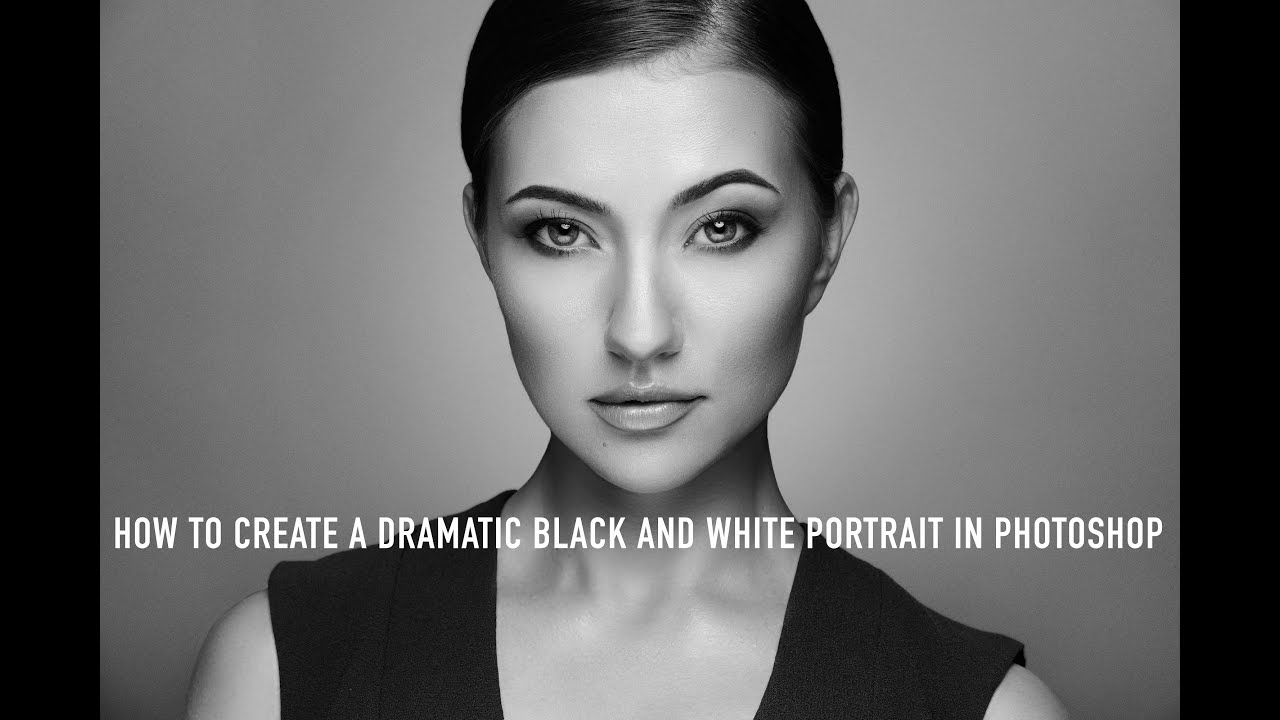
How To Create A Dramatic Black And White Portrait In Photoshop Youtube Blackwhite Photoshop Black And White Portraits Photoshop Photoshop For Photographers

The Best Ways To Make Your Photos Black White Photoshop Black And White Photoshop Photography Photoshop

Convert Any Image To Black White Vector Silhouette Photoshop Illustrator Youtube Photoshop Illustrator Photo To Stencil Photoshop Photography

Systems Control Foundations Applications Stochastic Networked Control Systems Stabilizatio Photography Editing Photography Tutorials Photography Lessons

How To Make A Photoshop Elements Black And White Portrait Convert From C Photoshop Elements Tutorials Photoshop Elements Photoshop


Posting Komentar untuk "Why Did My Photoshop Turn Black And White"