How To Put Music As Your Ringtone On Iphone 5c
Add ringtones to iPhone without iTunes. Connect your iPhone to a computer.

Video How To Easily Make Your Own Ringtones In Garageband For Ios Tuaw Apple News Reviews And How Tos Since 2004 Iphone Iphone Ringtone Custom Ringtones
Click on Apply.

How to put music as your ringtone on iphone 5c. But you do not need to run iTunes when launching Appandora. Now let us see how to set this song as your ringtone on the iPhone. You might not be able to redownload some previously purchased tones.
Transfer your favorite songs from your computer to your Apple iPhone 5c. You also have the option of choosing the ringtone among the songs and sounds available on your Apple iPhone 5c. When youve collected some favourite ringtones on your computer you may want to transfer them to your iPhones 5S iPhone 5C iPhone 5 or any other iPhone versions.
High Here is how to add ringtones to your iPhone 6 5s 5c 5 4s and 4 wirelessly free. And to help you out two more useful tutorials to check out. From now on your contact has a different ringtone on your Apple iPhone 5c from the rest of your contacts.
Download free iphone 5c sound effects ringtones and mp3 music to your Android iPhone or Windows phone. We are going to be taking a 30 second clip max for ringtone is 30s so make sure to select a song with a catchy chorus or some type of melody that would make a good ringtone. When connected to both a power source and Wi-Fi iCloud will automatically back your phone up once a.
Look under Library Songs for the file afterwards. Download and install Ringtones to iPhone Transfer and connect iPhone to the computer via a USB cable. First add the sound file to iTunes and locate it in your library.
Here is how to add ringtones to your iPhone 6 5s 5c 5 4s and 4 wirelessly free. Make sure that your song is in iTunes3. Open iTunes on your computer and find a song that you want to snip.
Download and install Appandora iPhone Music Transfer on your computer. We do not claim to give you all of these methods here but rather to tell you the easiest ways to put music on your phone. Set the default ringtone.
You can do this by dragging and dropping the file directly into the iTunes library. In iTunes click on Tones under On My Device and drag the file here. To transfer your music from your computer simply connect your computer to your mobile phone via a USB cable.
Click AddOpen to finish adding tones. Choose Music from the left window click Ringtones under the All Music section and tap the button to select ringtones you want to transfer. Select the sound file in iTunes and click File Convert Create AAC Version.
Tap Download All Purchased Tones. Make sure iCloud Backup is switched to on. Assign different ringtones for the special people in your life.
Appandora now has been officially renamed Syncios. Transfer files from old iPhone to new iPhone 5S or iPhone 5C Using iCloud. This is how to put ringtones on iPhone.
You might not see this option if you already downloaded all the tones that you purchased or if you havent purchased any tones. The latest version of iTunes must be installed on your computer before running Appandora App Library. Transfer Ringtones from PC to iPhone Freely without iTunes.
In this video we show you how to change all of the default ring tones and how you can al. Drag the m4r ringtone file on the iPhones sync window inside Finder or Music app. Using third-party audio applications on your Apple iPhone 5c.
Never miss a single article review or tutorial here on AskDaveTaylor sign up for my fun weekly newsletter. Install iPhone Ringtones Transfer on your computer and connect your iPhone to the computer using a USB cable. Find your tones select you must have backups in your PC.
Learn how to change ringtones on your iPhone 5c. Getting tired of hearing the same old ring tone over and over again. Click Music in the left Select Ringtones in the right Choose Add file from PC Tick wanted music from the list Click Select to add music to this program.
Set a Custom Ringtone for A Contact on the iPhone and Create Your Own Custom iPhone Ringtone. There are multiple ways to transfer or upload music to your Apple iPhone 5c. Please like and favorite this video hopefully this hel.
I am currently using. Help needed deleting ringtones on iPhone 5C. Check box but doesnt sync to your iPhone well before to jump to the last part try this under iTunes library on sorces tree view Tones press tab until where you will be able to see the ringtones list just delete one of them pressing delete key on your Windows PC also try to add or.
Open your old iPhone and click on Settings iCloud Storage and Backup. Learn how to set a song as your custom ringtone on your iPhone in this short tutorial video1. You can also purchase ringtones from songs in the iTunes Store.
Step 2Connect your iPhone to computer with USB and launch Appandora iPhone Music Transfer. Go to Settings Sounds Haptics. Under Sounds and Vibration Patterns tap any sound.
Therefore press Add a ringtone and then select the ringtone you want to assign to your contact. Hey guys Hawxkilla here giving you a tutorial on how to put free songs on your iPhone iPod or iPad. Selected tones will be added and appear under the tones section.
IPhone comes with ringtones that sound for incoming calls Clock alarms and the Clock timer. Iphone 5c ringtone for mobile phone on mobilering. Go to Settings Sound Ringtone.
This video shows you the simplest way to make a song your ringtone on any iPhone without jailbreaking it and the best thing its FREE. You can now easily put ringtones on the iPhone with these step by step in. Lets Stay In Touch.

Use A Song As A Ringtone For The Iphone Iphone Info Iphone Phone Info
Set Ringtone In Iphone Without Itunes Or Computer Make Any Song As Ringtone On Iphone Youtube

How To Set Any Iphone Song As Ringtone No Itunes No Pc No Jailbreak Free Youtube Iphone Ringtone Iphone Features Any Song
How To Set Custom Ringtones On Iphone 5c 5s Quora

Pinterest

Set Song As Iphone Ringtone Iphone Ringtone Iphone Custom Ringtones

Success Tutorial Iphone Ringtones Greatful Iphone Ringtone Helpful Hints

How To Unlock Ios 7 Iphone 5s 5c 5 4s Any Carrier Sprint At T T Mobile Verizon Youtube Unlock Iphone First Iphone Ios 7

Ringtones For Ios 7 Ios 7 Ringtones Ios
Iphone 5c 16gb Blue Verizon With 2 Year Contract Apple Iphone 5c Apple Iphone 5s Apple Iphone 4s

3 Ways To Get Ringtones For The Iphone Wikihow
How To Add Free Ringtones To Iphone 6 5s 5c 5 4s And 4 Wirelessly Youtube

How To Get A Free Iphone 5c And A Cheap Iphone 5s At Best Buy Cheap Iphones Free Iphone Iphone

Ringtone Maker Make Free Ringtones From Your Music Ringtones For Iphone Free Ringtones Iphone Ringtone
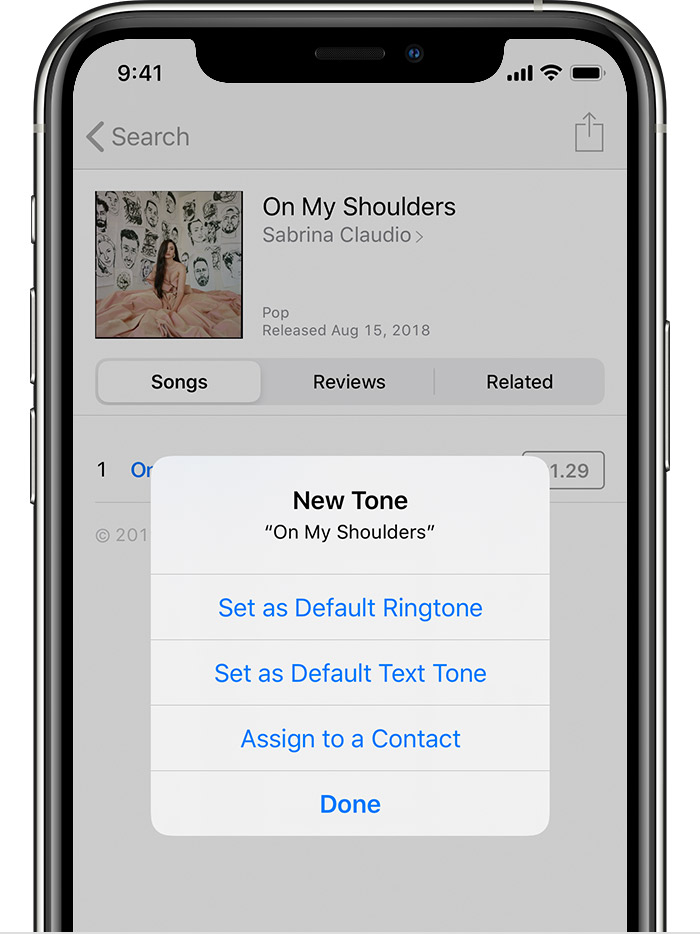
Use Tones And Ringtones With Your Iphone Ipad Or Ipod Touch Apple Support Au
How To Turn A Song Into A Ringtone Iphone Ipad Ipod Touch W Itunes Youtube

Create Add Ringtones To Iphone Without Itunes And Computer
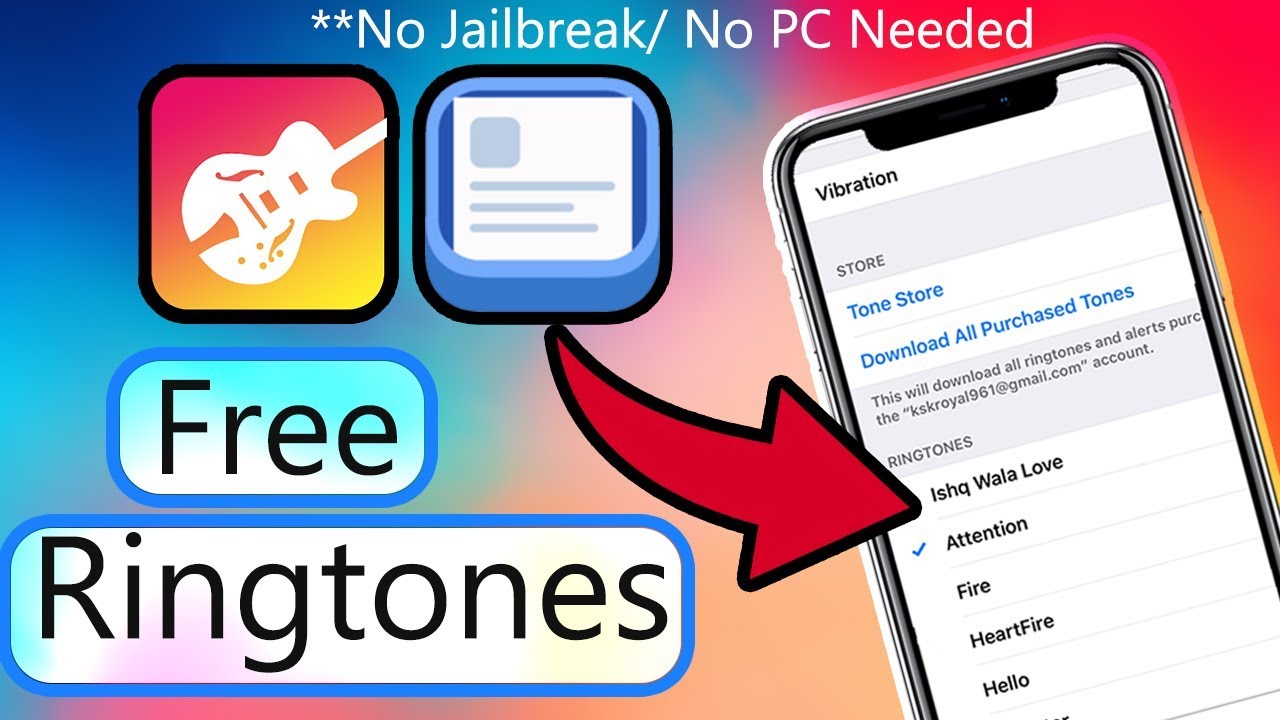
How To Set Any Song As Ringtone On Iphone For Free Youtube
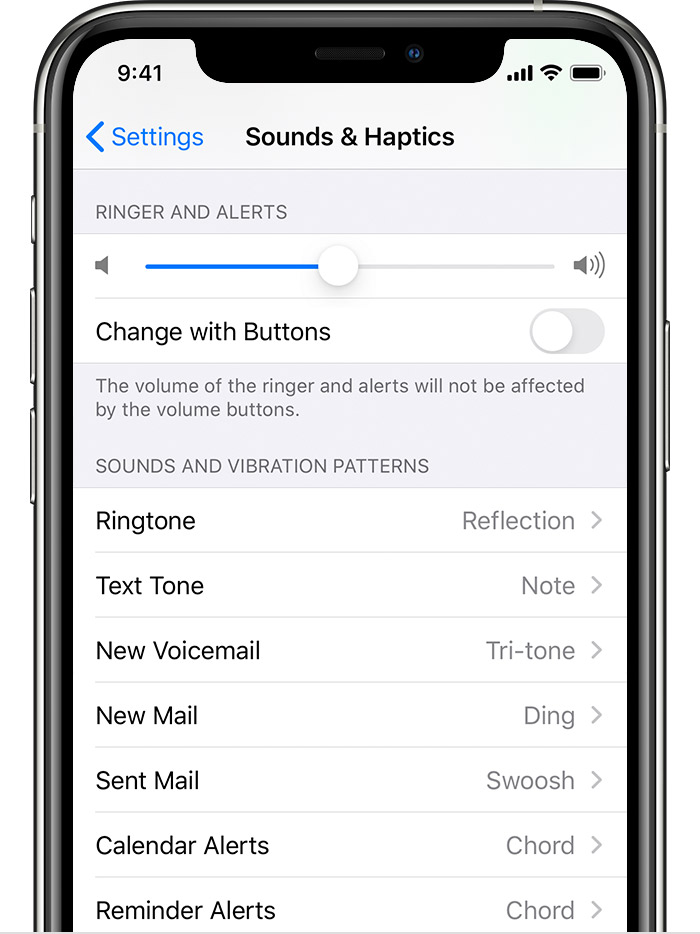
Use Tones And Ringtones With Your Iphone Ipad Or Ipod Touch Apple Support Au


Posting Komentar untuk "How To Put Music As Your Ringtone On Iphone 5c"