Corel Draw 6 Windows 10
Windows 10 and CorelDraw X6 MarkSr79 over 5 years ago Computer upgraded to Windows 10 today and the menu bar now in CorelDraw X6 is no longer Gray it is White and we cant see the Menu items. Ad Buy CorelDRAW Graphics Suite A Professional Collection Of Graphic Design Applications.

Pin On Brainfood
Windows 10 is an outstanding operating system that has given Corel exciting new possibilities for developing our products and powerful new hardware options to boost our users creativity and productivity.

Corel draw 6 windows 10. Corel Software Compatibility and Support on Windows 10. Ad Huge Sale on Coreldraw-suite Now on. Have tried excluding file from anti-virus and cleared temp file logs.
I want to report my experience installing Corel X6 on windows 10 x64 I think it might help others. Take advantage of Corel AfterShot 3 for photo management and image editing instead of downloading Corel DRAW. Intel Pentium Core 2 Duo 22 GHz.
If I try to open a Corel file the system looks. We recently got a new laptop HP zBook G3 it had win 10 pre-installed. Ad Find Deals on Products in Graphic Software on Amazon.
An extensive collection of applications for drawing illustration page layout photo editing web graphics and more. Free corel draw x6 downloads download software at UpdateStar - CorelDRAW simplifies the design process for projects of any scale from logo creation and Web graphics to multipage. CorelDraw X6_X5_X4 - Menu bar not visible in Windows 10CorelDraw X6_X5_X4 menu bar problem in Windows 10 - font and background have same colorPlease answe.
CorelDRAW X6 Corel Draw X6 64bit on Windows 10 deathly slow to load save and problems manipulating text. Everything works fine except Corel. Powerful tools for creating vector illustrations.
Apart from these two. Save on Cameras Computers Gaming Mobile Entertainment largest selection in stock. Ad Shop Electronics with Best Prices Fast Shipping.
Support for Wacom devices and Windows Real-Time Stylus pen input technology on compatible tablets such as Microsoft Surface takes creativity to the next level. 2 GB hard disk space. Get full access to all of the premium features and content in CorelDRAW Graphics Suite 2021 including.
Download Your Free CorelDRAW Trial. Hurry - Limited Offer. When I open Corel it will only open about 50 of the time.
You should now be able to install CorelDraw Graphics Suite X4 on your windows 10. CorelDRAW Windows 10 is a professional graphics editor that has all the necessary tools for creating vector illustrations layouts photo editing and typography. Intel Core 2 Duo or AMD Athlon 64.
When you download CorelDRAW for Windows 10 you can use many universal shaping and drawing. Windows 10 is an outstanding operating system that has given Corel exciting new possibilities for developing our products and powerful new hardware options to boost our users creativity and productivity. Graphic editor bitmap creation Vector illustration Corel CorelDRAW graphic Corel DRAW PaintNET 432 PaintNET is free image and photoediting software for computers that run Windows.
There are no messages. As it was mentioned above a Corel DRAW X6 crack is an illegally manufactured copy of the official program that in theory grants you access to all the original tools for creating graphic designs. Go ahead a launch autorunexe located in the root of your copied install file.
Windows 10710 32 bit atau 64 bit. CorelDRAW 20212310389 Update 1 on 32-bit and 64-bit PCs. Ad Buy CorelDRAW Graphics Suite A Professional Collection Of Graphic Design Applications.
Corel Software Compatibility and Support on Windows 10. This download is licensed as shareware for the Windows operating system from graphics editors and can be used as a free trial until the trial period ends after 30 days. Corel Draw x6 System Requirements.
CorelDRAW X6 has been composed of seven parts and two main applications which include vector illustration program and Photo-Paint an image editing application. Create Anything With This Powerful Suite For Vector Illustration Page Layout More Now. Browse to the CGS14 folder located inside the Setup directory and rename the setupmsi file to setup123msi.
Create Anything With This Powerful Suite For Vector Illustration Page Layout More Now. I have upgraded to Windows 10 and CorelDraw X6 seems to be incompatible.

Corel Draw Graphic Suite X4 Free Download Full Version For Pc Learn Autocad Coreldraw Graphic


How To Create Full 3d Logo Design In Adobe Illustrator Cc Hd1080p Cc Youtube Logo Design Tutorial Illustrator Tutorials 3d Logo Design

Coreldraw Tutorial Logo Of Microsoft Windows Xp Windows Xp Microsoft Windows Microsoft Xp

Pin On Softwares Tips

Coreldraw X6 X5 X4 Menu Bar Not Visible In Windows 10 Coreldraw Windows 10 Windows

How To Activate Coreldraw Graphics Suite X6 X7 On Your Pc Coreldraw Coding Version

Coreldraw Graphic Suite X6 Free Download Full Version Get Into Pc Download Latest Free Software And Apps Coreldraw Free Download Perfume Display

Pin On Painting Wall

Solved Invisible Menu Coreldraw X6 On Windows 10 Coreldraw Windows 10 Toolbar
Pin On Procracksoftwaresfull

Pin On Horas
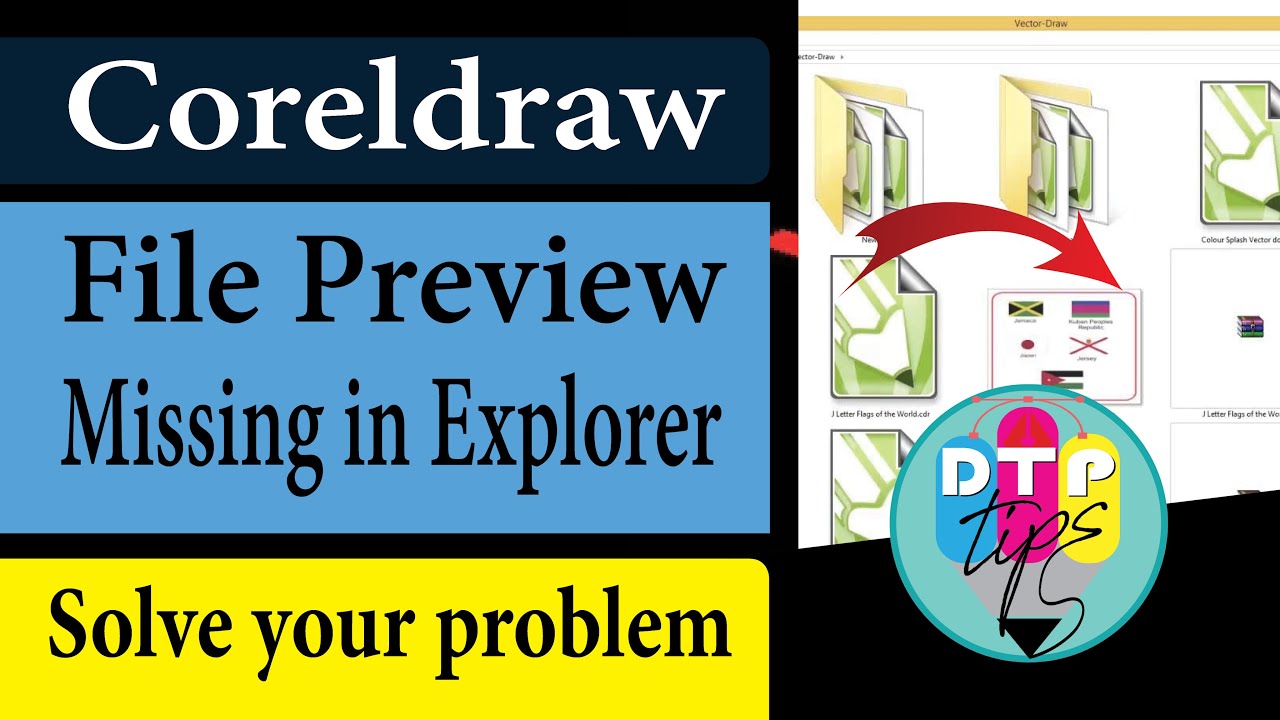
Coreldraw Cdr File Preview Missing In Windows Explorer W English Sub Business Card Design Inspiration Card Design Visiting Cards

Pin On Freelance Shit

Corel Draw X6 Portable Latest Full Version Free Download Software De Desenho Suporte Para Tablet Coreldraw

Corel Draw X6 Website Design Software Drawing Software Coreldraw

Corel Draw X7 Free Download Full Version For Windows Graphics Suite

Corel Draw X7 Keygen Serial Number 32 64bit Updated Lifetime Coreldraw Simple Website Design Portable

Corel Draw X5 Hidden Menu Bar On Windows 10


Posting Komentar untuk "Corel Draw 6 Windows 10"