Hp Officejet Pro 8000 Network Configuration Page
Release the Power button. J7988G HP Jetdirect en3700 Fast-Ethernet External Print Server for Network Capable Hi-Speed USB 20 Peripherals J7942G HP Jetdirect ew2400 80211bg wireless and Fast Ethernet external print server USB 20 10100Base-TX 80211bg.

Best Buy Hp Officejet Pro 9025 Wireless All In One Instant Ink Ready Inkjet Printer Gray 1mr66a B1h
See customer reviews and comparisons for HP Officejet Pro 8000.
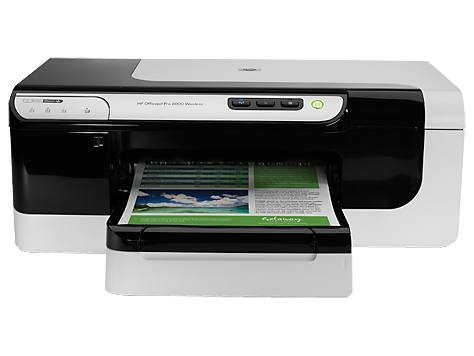
Hp officejet pro 8000 network configuration page. Print professional color for up to 50 lower cost per page and less energy use than lasers1 plus easily print from any room using built-in wireless networking2. This manual is available in the following languages. A Network Configuration Page lists important network settings such as network status and the printer IP address.
Remember compatible ink paper and accessories. Most HP OfficeJet Pro 8000 wireless printers are ENERGY STAR qualified to reduce the impact on the environment and keep money in your wallet. If you want the best print quality HP re commends using HP papers that are specifically designed for the type of project you are printing.
The product prints a network configuration page. Use the printer Toolbox to print a self-test page. From the home screen on the printer control panel swipe down to open the Dashboard and then touch the Wireless icon or Ethernet icon to display the network status screen.
How to set network ip in HP Officejet Pro 8100 l Network SetupStep 1- Keep press the power button then Press the wifi button twice X button three time re. If the product is connected to a network the network configuration page or the wireless configuration page also prints. When you add up the savings your bottom line could increase up to 576.
HP Printer Utility Mac OS X Contains tools to configure print settings calibrate the device clean the printheads print the configuration page and find support information from the Web site. The product prints a network configuration page. In most cases these instructions apply to all versions of a printer model so the LaserJet 4050 instructions would also apply to a.
The HP OfficeJet Pro 9020 series features single-pass two-sided scanning for capturing both sides of a two-sided page at once delivering up to 2x the scanning speed of the HP OfficeJet Pro Premier9010 series which only features two-sided scanning. If you are able to access the Internet and are. Its the one with the wireless icon on it -- the left button in the row of three In addition to the network configuration page a troubleshooting page will also print out which shows the results of some brief diagnostics tests and also shows some basic connection information.
About the HP Officejet Pro 8000. The instructions for printing a config page from an Officejet Pro 8600 can be found on page 145 of the users guide but they are also listed below. The Embedded Web Server EWS page for the product opens.
Issue with either your router or computer. Load plain white paper into the input tray. Touch Network Configuration Page.
Touch Print Reports and then touch Network Configuration Page. The setup menu displays. Depending on your countryregion some of.
It will be the one with the Ethernet icon on it The network configuration page will print out and a. The self-test page prints. HP Officejet Pro 8000 configuration page.
For more information see HP Printer Utility Mac OS X. HP Officejet Pro 8000 A809a and 8000 Wireless A809n Printers - Resetting the Network Settings. It has no problem print from either BUT every time I switch on the Printer it print out the Wireless Network Test Report 1 page followed by HP Network Configuration Page 2 pages which it some times prints.
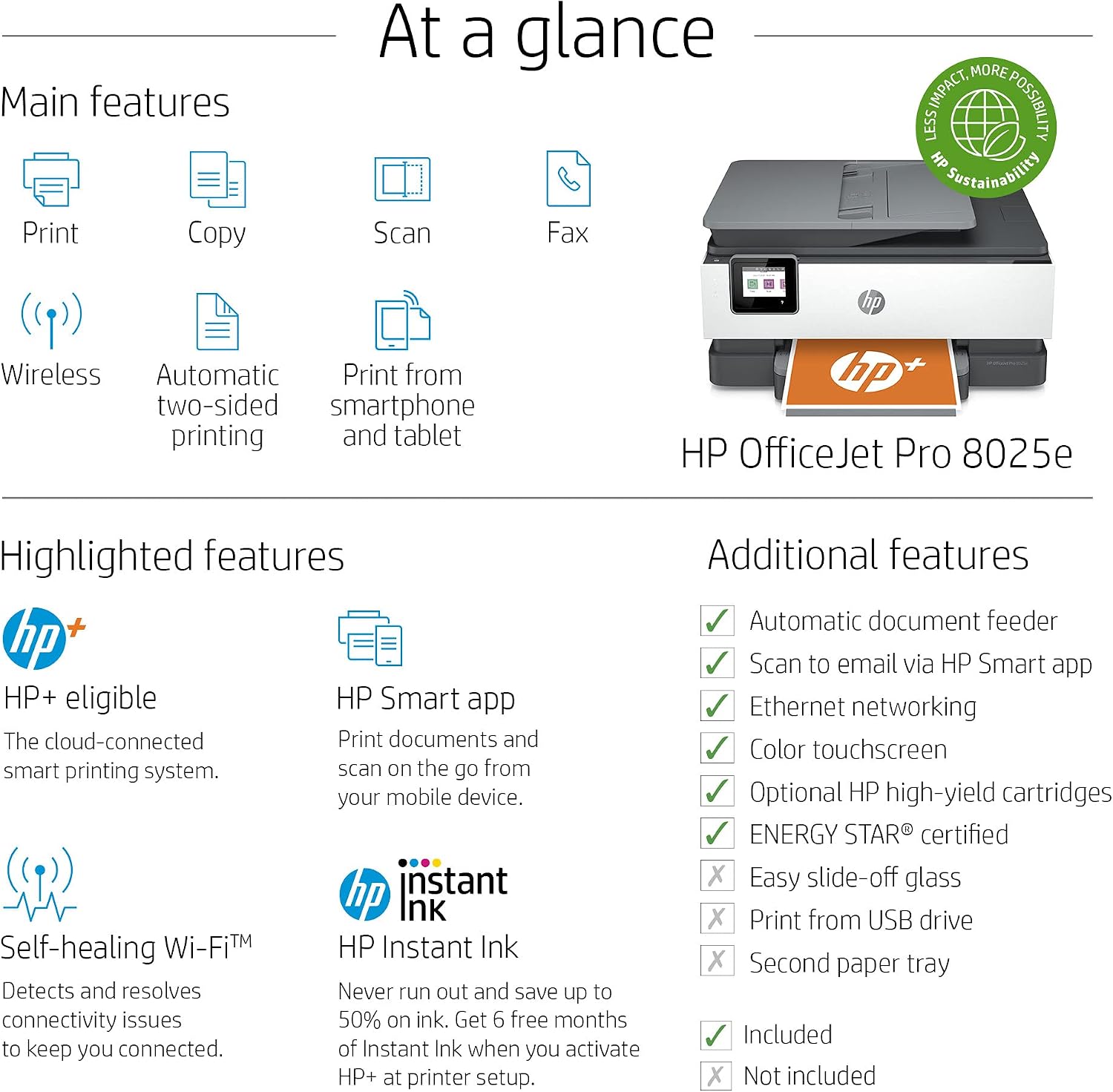
HP Officejet Pros use up to 50 less energy than lasers 1. The HP Officejet Pro 8000 Printer uses four individual inks. On the printer control panel touch the Wireless icon and then touch the Settings icon.
HP Network Configuration Page keeps printing. Hewlett Packard is the most dominant printer company on the market so HP printers are everywhere. If you are unable to get your computer connected to your network contact the person.
Load plain white paper in the paper tray. This video shows the HP Officejet Pro 8000 Printer series A809 but the steps are the same for your printer. Cut your print costs and forget about messy printer cables with the HP Officejet Pro 8000 Wireless Printer.
An example of a network configuration page. View the manual for the HP Officejet Pro 8000 here for free. Who set up your network or the router manufacturer as there might be a hardware.
OFFICEJET PRO 8000 Start 9K¼. To print this page press. The configuration page contains network settings and other information for the printer.
Touch the Down Arrow and then touch Reports. Resetting the network settings returns the settings to their defaults and might help resolve network issues. On the EWS page click the Networking tab.
Follow these steps to print a network configuration report. Load plain white paper in the input tray. To print a configuration page from an Officejet Pro 8000 press the left-most button on the front of the printer in the group of three buttons.
Type the product IP address in the address bar of the Web browser and then press Enter. HP OfficeJet Pro 8000 Wireless Wireless Getting Started Guide 7a 7b 7c HP OfficejetHP Officejet Pro. A Network Configuration Page prints.
On the product control panel touch the Right Arrow and then touch Setup. In the left pane of the Networking screen select Wireless 80211 and then select the IPv4 Configuration tab in. To print a network configuration page from the Officejet Pro 8000 press the Wireless button on the front of the printer.
HP Configuration Pages. HP Officejet Pro 8000 Printer series User Guide - FTP Directory. Find your printer below and click the link for instructions on printing the config page.
- Press the right arrow button. Plus this printer is an ENERGY STAR qualified product. The product prints the network configuration report.
This manual comes under the category Printers and has been rated by 1 people with an average of a 75. HP Officejet Pro 8600 configuration page. 940 Black 940 Cyan 940 Magenta and 940 Yellow.
Original HP high yield ink. Buy direct from HP. Whether youre eyeing the HP OfficeJet Pro 8720 or the HP OfficeJet Pro 8210 you can rest easy knowing your documents are being printed with energy efficient technology.
Say it best with Original HP. On the product control panel press the Resume button and the Wireless button simultaneously and then release the buttons. - Select Print Network Settings.
I have a Officejet Pro 8000 Wireless connected by USB to a XP PC I also connect to printer with a Mac BookPro.
Hp Officejet Pro 8000 Guard Alignment Page Printing Eehelp Com

Hp Officejet Pro 8000 Repair Ifixit


Hp Officejet Pro 8000 Printer Cb092a B1h B H Photo Video

Hp Officejet Pro Printers 8000 Series Hp Singapore
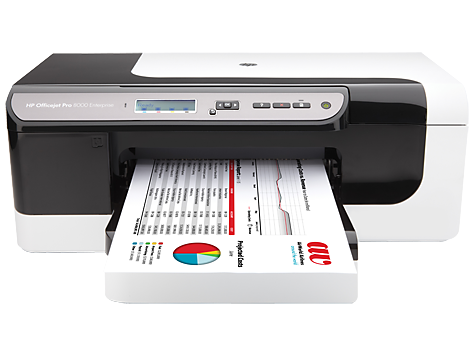
Hp Officejet Pro 8000 Enterprise Printer A811a Software And Driver Downloads Hp Customer Support

Hp Officejet Pro 8000 Hp Official Store

Hp Officejet Pro 8000 A809a And 8000 Wireless A809n Printers Description Of The External Parts Of The Hp Printer Hp Customer Support
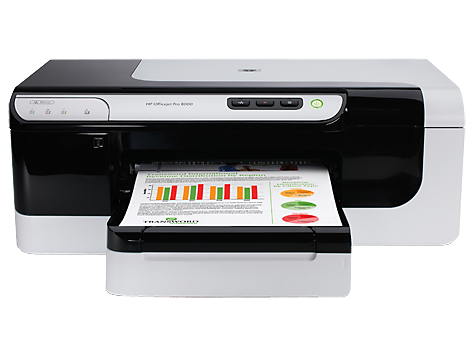
Hp Officejet Pro 8000 Printer A809a Software And Driver Downloads Hp Customer Support

Amazon Com Hp Officejet Pro 6978 All In One Wireless Printer And Instant Ink 5 Prepaid Code Electronics
Hp Officejet Pro 8000 Hp Official Store
Hp Officejet Pro 8000 Wireless Orange And Green Do Not Print Eehelp Com


Hp Officejet Pro 8000 A809 User Manual 140 Pages
Hp Officejet Pro 8000 Wireless Print Out This Partial Test Page After Each Print Job Eehelp Com

Buy Hp Officejet Pro 8000 Series All In One Color Inkjet Printer For Home Office Print Copy Scan Fax 20 Ppm Duplex Print Voice Activated 35 Page Adf Gray Online In Indonesia B093kbf3d9

Printer Specifications For Hp Officejet Pro 8000 And Officejet Pro 8000 Wireless Printers Hp Customer Support
Hp Officejet Pro 8000 Wireless Printer A809n Software And Driver Downloads Hp Customer Support

Hp Officejet Pro 8000 Enterprise Review Hp Officejet Pro 8000 Enterprise Cnet

Hp Officejet Pro Printers 8000 Series Hp Canada
C9297a Hardware Issue Wireless Hp Officejet Pro 8000 A809 Eehelp Com


Posting Komentar untuk "Hp Officejet Pro 8000 Network Configuration Page"