Word 2010 Not Responding When Printing
See if Outlook is down for other users. Whenever a user tries to print the first time from Word 2010 Word gets an hour glass and says not responding for about a minute then finally normalizes and the print job comes out.

What Is Windows 7 Basic Windows Settings For Beginners Inforamtionq Com Microsoft Word 2010 Microsoft Office Word Word 2007
After it opens you can investigate if low system resources are causing your printing issues.
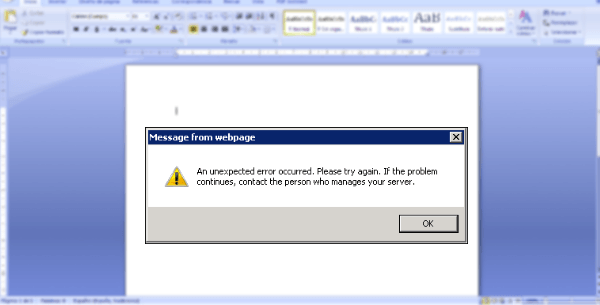
Word 2010 not responding when printing. Word 2003 will not print it or any part of it. To find it press CommandSpacebar and then type Activity Monitor in the Spotlight search bar. Windows 7 64bit New 27 Sep 2011 1.
For other Word versions. But this one will not not even a portion of it. Office 2010 also does file validation checks which cause a delay when compared to older versions.
For Word 2010. Select the Microsoft Office Button and then select Print. Zoom Not Working in Word 2016 Print Layout View All of a sudden today my print layout view in Word 2016 was teeny tiny and the zoom slider on the lower right of the screen was grayed out.
This video will give a fix to the problem of word 2016 not startingrespondingFollow the steps shown in video and resolve the problemerror arising in ms o. Simply right-click on printer drivers and choose Uninstall or Update driver. Ive got a situation with one of my Word documents.
If Office 2010 detects there is a problem with a printer some printing features or the printer may be disabled. Select the printer dropdown menu and then select Print. The problem is that when trying to print from any program the program stops responding.
Pada video ini kita membahas cara mengatasi error pada Ms Word berupa error not responding khususnya untuk windows 10Error not responding pada Ms Office khu. Select the Print to File check box and then select OK. Now when I download and try to open a word document from my professor it does this Windows is not.
Word 2010 not responding Hello I have Windows 7 64bit. You can still access other applications in the session only Word is locked up. Assuming Windows 7 you also want to check your settings for Windows search and indexing.
If your Word document wont print correctly. The simplest way to find out is to restart your computer and then try to print your Word document again. Sometimes re-installing device driver actually corrects many significant issues which are often seems to nearly unsolvable.
Couple of things- check your trust center settings and make sure you allow from network folders. Installing the same set of drivers will not sort the issue here and I guess will not there either if you can then get updated drivers if you can not you could try older drivers. I use google chrome as my browser.
Uninstall Your Printer and then Re-install it Again. Rebooting turning the printer on and off Ive tried everything and it has not worked. And therefore in this solution we will learn to update them to fix Word not responding issue.
When printing a Word Word 2010 with SP1 document multiple copies select collate instead of printing 123 and 123 it prints 111 and 222 and 333 - I downloaded the hotfix as per KB2767296 expanded tried to install and was informed the system did not. We have some printing issues here with Office 2010 that are most definietly problems between Office and the printer drivers. Please close the program.
We would reinstall the printer driver but first we need to uninstall the printer to begin the process. Fix Microsoft Word Has Stopped Working Error. How to Fix Microsoft Word Print Not Working on Windows 10 Hindi-UrduIn Windows 10 How to Fix Microsoft Word Print Not Working How to Getting Printout From MS.
In Word 2010 or a later version display the File tab of the ribbon and then click Options Click Advanced at the left of the dialog box. To prevent Office 2010 from disabling printers set the DisablePrintFeaturesOnCrash registry entry. A problem caused the program to stop working correctly.
2 days agoOutlook is notorious for lack of full text wrapping on printing. To do this follow these steps. Ive tried printing other documents in Word and they print fine.
In Word 2007 click the Office button and then click Word Options. To begin launch Device Manager and locate your printer. Along with this if I try to select a font in word 2007 is also stops responding.
Word 2010 not responding Skubastew. With both issues I can wait a couple of minutes and the program will start working again allowing me to print or select a font. Once you uninstalled the software 2.
I just got Office 2010 and downloaded it off Microsofts website. This does not happen if for example I print a test page. Heres how you can make sure that Word will send those images to the printer as you expect Display the Word Options dialog box.
In this case you cannot use the disabled printers to print documents anymore.
Microsoft Word Not Responding 8 Ways To Fix It

Home How To How To Create A Fillable Form In Word How To Create A Fillable Form In Microsoft Word Lessons Microsoft Word Document Microsoft Excel Tutorial

Create Your Own Graphics In Microsoft Word Microsoft Word Microsoft Words

The System Has Rebooted Without Cleanly Shutting Down First This Error Could Be Caused If The System Stopped R Device Driver Windows 10 Operating System Fix It

Project Gallery Graphic Design Microsoft Word Lessons Words Microsoft

Hp Deskjet 2600 Printers Control Panel Features Hp Customer Support Microsoft Support Hp Products Wireless Networking

How To Insert Phi F Symbol In Ms Word Ms Word Words Symbols
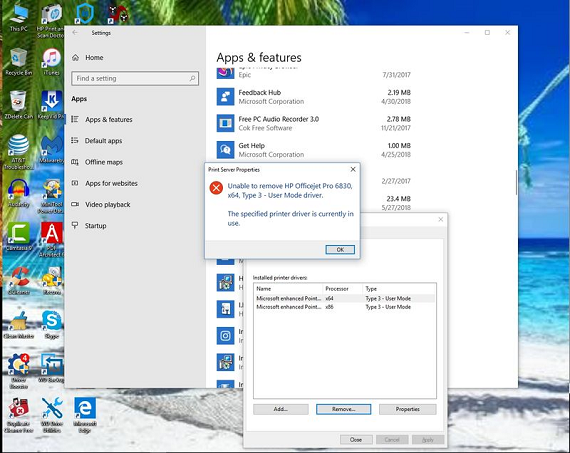
What To Do If Hp Printer Not Printing Word Documents
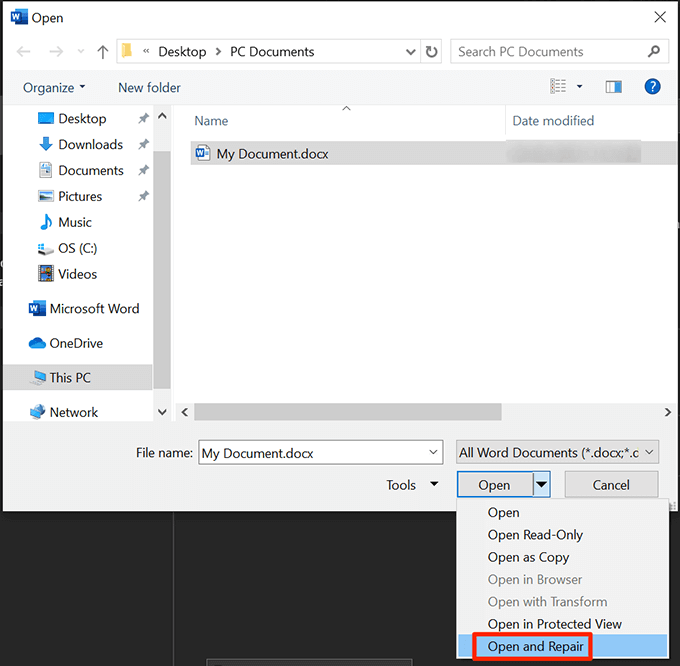
Microsoft Word Not Responding 8 Ways To Fix It
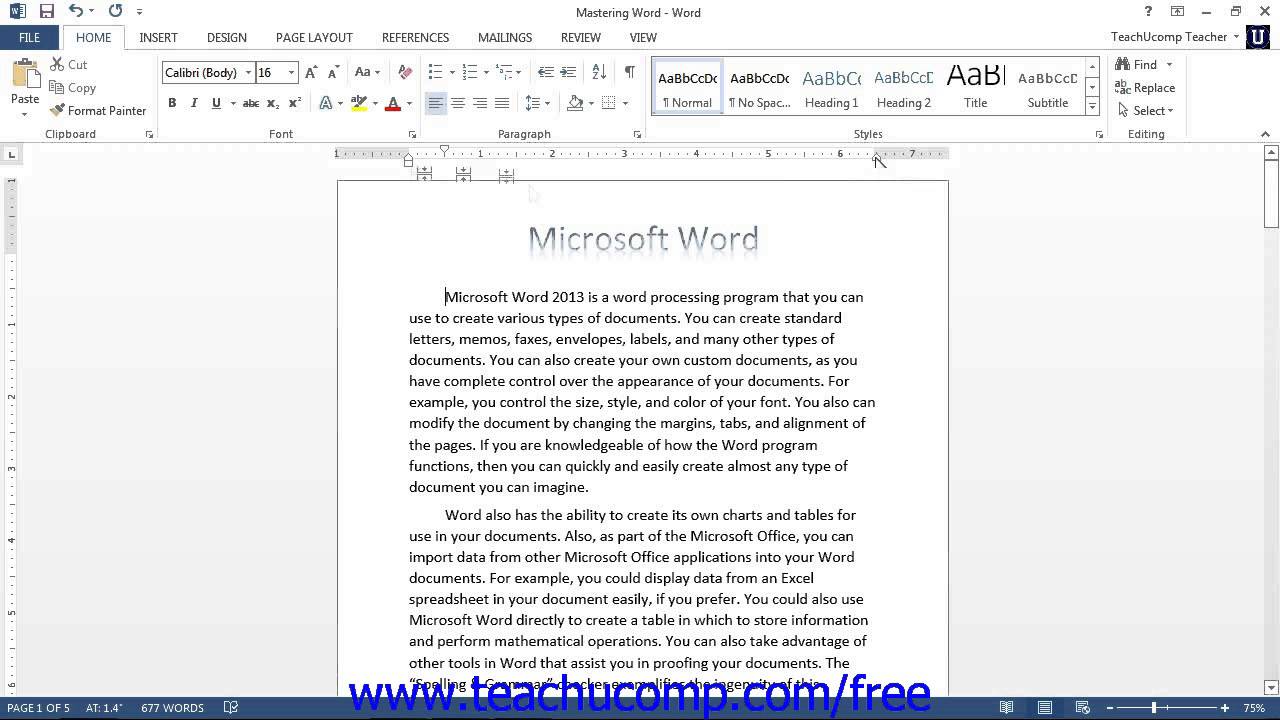
So Glad I Found This Youtube Video Series Word 2013 Tutorial Indenting Paragraphs Microsoft Training Lesson 6 2 Microsoft Open Educational Resources Ms Word
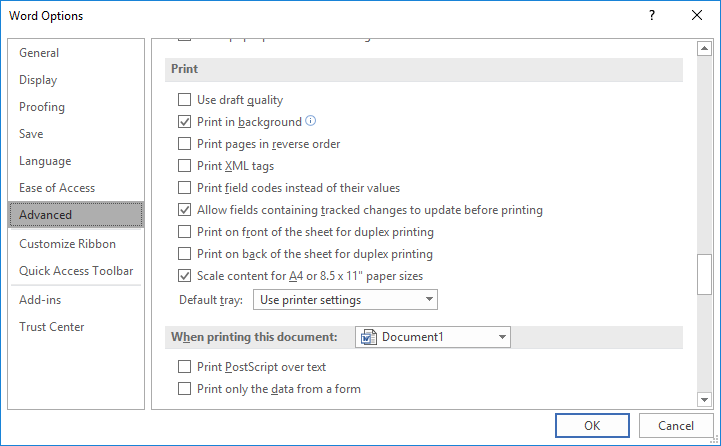
Images Won T Print Microsoft Word
Microsoft Word Not Responding 8 Ways To Fix It

Learn About The Yahoo Mail Updates On The Windows Store Email Account Yahoo Mail Yahoo

Pin On Software

What Is The Microsoft Warning Alert On Edge And How To Get Rid Of It What Is The Microsoft Warning Alert On Edge And How To Get Rid Of It

Publisher 2010 Is Part Of The Microsoft Office Suite And Is Used To Produce Professional Looking Publications Microsoft Publisher Computer Lessons Publishing

How To Add Font In Microsoft Word Microsoft Word Lessons Microsoft Word Microsoft Word Fonts

Tech Promotion Code In 2021 Windows Server 2012 Microsoft Word 2016 Microsoft Software
How To Fix Microsoft Word Not Responding Issue By Microsoft Customer Support Medium


Posting Komentar untuk "Word 2010 Not Responding When Printing"