No Display New Motherboard
It was Display Port - NO SIGNAL at the center of the screen. The green power light is on at the back of the case the orange light on the MB is on.

Pin On Mobile Repairing Tips
PC Powers On but No Display Signal Keyboard LEDs Flashing - posted in Internal Hardware.
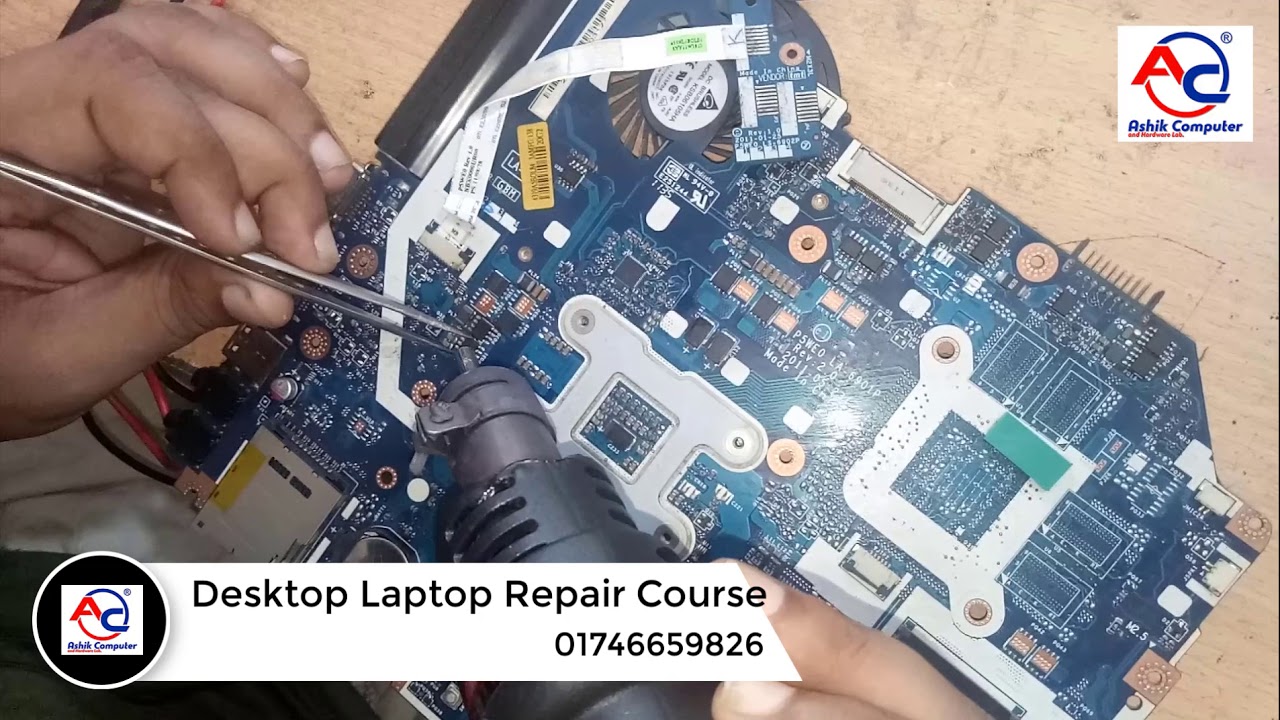
No display new motherboard. One of them will be integrated graphics like Intel or AMD. Ive put together the motherboard cpu cpu cooler ram psu. I cant even boot into BIOS or install Windows 10 from my USB.
Motherboard Troubleshooting - No PowerNo BootNo Display. In the MB manual Yellow-Green is supposed to mean Boot. Further if u cant even see ur.
By this time you have checked on all parts of the computer except for two. I powered off my PC after a few minutes of waiting and unplugging and replugging the HDMI cable. I thought I mightve done something wrong but when I checked the motherboard the Led was yellow-ish green.
Case-Corsair Obsidian 750 Full Tower ATX. No boot means that the computer isnt functioning as expected and while lights can be On or Off in the motherboard no video is display on the screenNo display can also mean no lights LED on the motherboard or no video is being displayed to the monitorBoth terms are interchangeable and are used to describe issues in which the computer doesnt start. PSU-Corsair HX850i 850W Full Modular.
When you press the power button to turn on the computer but there is no display on the monitor please follow the below steps to troubleshoot. But I dont see anything displayed on the monitor. I received a like for like motherboard from Dell after I was told a problem I was having was due to a faulty motherboard.
Nothing on Monitor After Replacing Motherboard. Try booting the computer. Memory-Corsair Vengeance RGB PRO Black 16GB 3200 MHz DDR4.
If you have a modular design try switching cables especially the ATX power connectors. AMD Ryzen 5 5600X. No display after new motherboard installed Closed Report.
After some basic troubleshooting he contacted Ash from HealMyTec. Corsair Vengeance LPX 32GB 2x 16GB 3200MHz DDR4 CMK32GX4M2E3200C16. Enable Integrated BIOs Graphics.
Disconnect the hard drives s optical drive s floppy drive s. This is the system that I am trying to build with an MSI B550M MAG MORTAR motherboard and I just cannot get it to work. Im completely new to system building so please bear with me.
The power works fine the fans are running but there is no display. Set Up the Display Adapter. I tried to assemble it myself.
If its red that means theres a problem with the CPU. This rig will have a graphics card eventually or an apu but regardless Ill be using the motherboards DVI-D to connect the display up which is the main problem. I powered it on again and immediately got no display signal.
Check the power supply. There should be two display adapters located in the menu below. Urgent help with new build no video output.
The power led power switch reset switch motherboard lights mouse light keyboard light another HD in place of the Samsung indicate that the computer has an issue where there is no display DVI and HDMI were tested with two different monitors. Matt built his first new gaming pc but no display on monitor appeared when he turned it on. IN most motherboards the default is PCI.
After Replacing Mobo. Keep 2 sticks of memory and remove the other sticks. I just built a new pc with the following specs.
I tried connecting it. If the motherboard has a built in video remove any other video adapters. Identify your integrated graphics.
Afis11 Posts 3 Registration date Thursday September 27 2018 Status Member Last seen September 27 2018 - Sep 27 2018 at 1224 PM Blocked Profile - Sep 28 2018 at 0445 PM. The motherboard and the power supply. To my knowledge Ive hooked up everything in the exact same place as my old motherboard.
I tried removing the RAM and it beeps 3 times. After installing the new motherboard I pressed the power button. CPU-AMD AMD Ryzen 7 2700X Gen2 8 Core AM4.
Check the graphic card. Hello I recently bought a new motherboard MSI Z7S krait and when I installed it my computer does not seem to. Connect the monitor and power up the system and be patient for a few minutes.
I immediately saw the ASUS ROG splash screen for the BIOS on my monitor before it lost the signal and went black. First check your power supply. As you may know people have look hundreds times for their chosen books like this.
Go to advanced chipset features and turn the Init Display option to AGP. If none of the steps above fixed the issue heres next. Motherboard-Asus ROG STRIX AMD Ryzen X470-F GAMING AM4 ATX.
No display from gigabyte motherboard - help needed 6 posts. I tried to avoid resorting to making a thread but I. Now youll want to enable the integrated graphics in your BIOs.
The monitor remains as if the PC is in sleep mode. 1 you see mainboard have two power suply one is 20 or 24 pin secend one is 4 pin at first you open the proccesore cooling fan and than cheq proccesore heating normaly if proccesore not hot plz change electrolitic capacitore you can see this capacitore with 4 pin power suply after that if no display you can change mosfet tranjistore you can see with 4 pin power suply after that cheq your proccesore. MSI B550M MAG MORTAR - new build no display components work in different motherboard.
Remain the motherboard with CPU CPU radiator fan and a single RAM memory installing on the second RAMs DIMM slots up by the CPU socket Remove all the external peripherals such as USB devices USB flash drive Hard drives and PCI-e cards. No display on Intel DG41RQ motherboard Hi I bought a new Intel DG41RQ C2D E7500 yesterday. If it can be powered on normally then the problem may come from other peripherals.
Go to your Device Manager in Windows and find Display Adapters.


How To Repair Asrock Motherboard No Display 2020 Live Repair Ram Slot Graphic Card Motherboard Repair

Any Motherboard Repair Tips No Diplay No Power G31 G41 H61 Motherboard Repair Power

Motherboard No Display Problem Repair Motherboard Mobile Phone Repair Solving

How To Repair Intel Motherboard No Display Dh55pj Fix Ram Slot Ful Motherboard Display Intel

Repair Gigabyte Motherboard Pch Chip Ga H110m Ds2v No Display Bangla Motherboard Gigabyte Pch
How To Repair Laptop Motherboard No Power Laptop Repair Practical Clas Laptop Motherboard Laptop Repair Repair

How To Successful Repair Msi Desktop Motherboard H61m P3 W8 No Displ Motherboard Msi Repair

Toshiba Satellite L645 Laptop No Display Repair Absolute Computers Laptop Repair Motherboard Toshiba

How To Repair Motherboard No Display No Beeping Error Code 0000 Ba Coding Error Code Motherboard

How To Repair No Display On Monitor Problem Or Processor Motherboard Overheating Problem Problem Solved Problem Display

How To Repair Asrock Motherboard Repair Ram Slot Channel No Display Motherboard Repair Coach Swagger Bag

How To Repair Ecs Amd Motherboard No Display Error Code 0000 High Re Error Code Motherboard Coding

Motherboard Ke No Display Ko Kaise Repair Kare Motherboard Display Phone Repair

China Motherboard G31 915 Dead Or No Display Fix Today I Am Going To Explain You How To Repair China Desktop G31 915 Motherboard Li Motherboard Repair Display

Pin On Mobile Repairing Tips

Pin On Mobile Repairing Tips

Ram Slot Ko Saaf Kare Phone Repair Mobile Phone Repair Motherboard

Laptop No Display Fix Video Card Repair Budget Computer Video Card Laptop Repair Repair


Posting Komentar untuk "No Display New Motherboard"