How To Adjust Brightness On Old Kindle
Step 2 Tap on the Brightness tab hit the slider and move your finger to the right to make the screen brighter. Youll see a Screen brightness slider at.
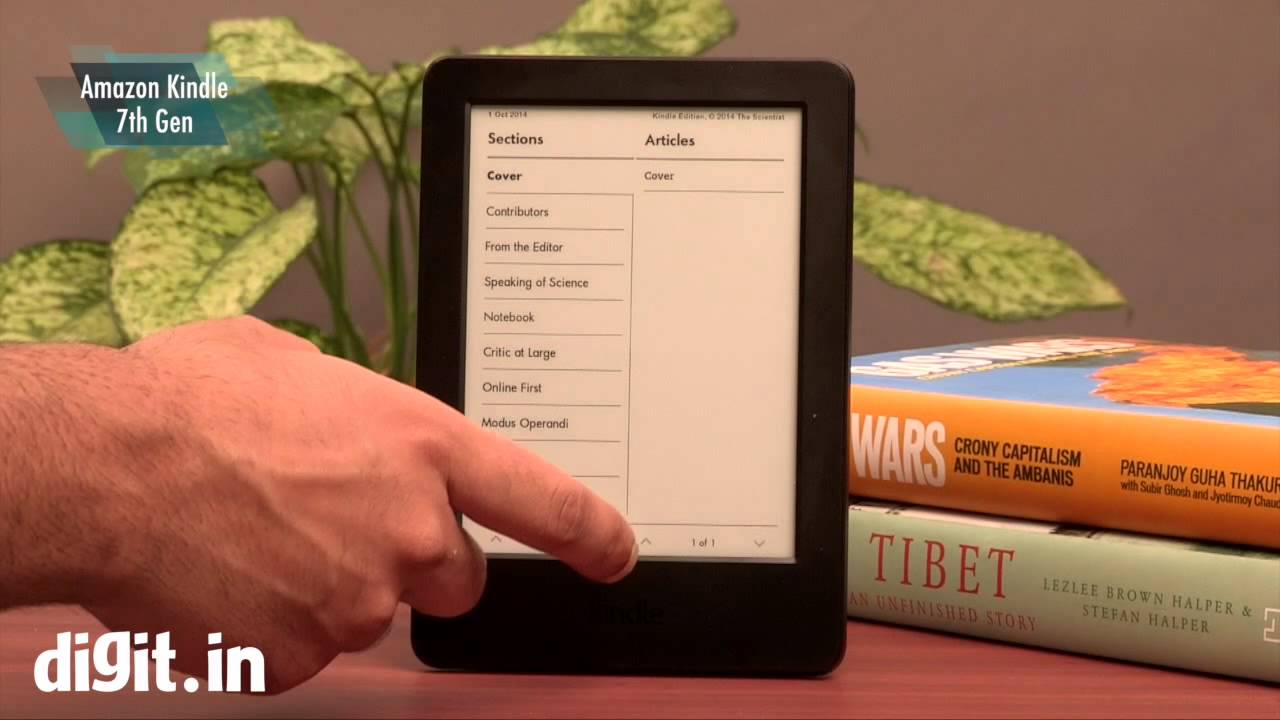
Amazon Kindle 7th Gen Youtube
If you hold the icons at the front or end of the slider you can quickly adjust to minimum or maximum brightness.
How to adjust brightness on old kindle. Answer 1 of 5. You have to change the brightness within the Kindle app by tapping on the Aa-button in the action bar the menu where you can set font size etc. Up to 20 cash back To adjust the screen light while reading tap the top of the screen to show the toolbar and then tap the Quick Actions icon.
Press the - to lower the brightness accordingly and. This is a toggle feature meaning that you tap it to lock your device so that the screen wont dim after a period. If you are in the Kindle App the App overwrites the system brightness.
It displays just like a book would so it does not to harm your eyes for reading much. Adjust the screensaver brightness to be what you want 60 is what I tried. How easy is it to manually adjust brightness on a base Paperwhite.
Yes the bold setting helps up to a point but not enough. The recommended brightness level for optimum display and battery function is ten. PB HD3 GlowLight 3 Tolino Vision 4 Voyage.
Im debating between the base Kindle Paperwhite and the Signature edition that comes with auto adjusting light. To turn the light to maximum brightness press and hold. Not all Kindles have a lighting system unfortunately.
If you do an exchange what youd be looking for is a Kindle Paperwhite cheapest lit model Voyage or. There is a slider where you can set the brightness while reading. If youre using Windows 7 or 8 and dont have a Settings app this option available in the Control Panel.
To turn the light to minimum brightness press and hold. To adjust screen brightness slide your finger along the scale or tap anywhere on the scale to reach the desired setting. I realize this thread is old but in case others wanted to get it to work in the Fully Kiosk browser you enable the screensaver get the PLUS license.
On the Kindle Fire you tap an icon in the upper-right section of the screen. Set the screensaver time to anything other than zero to enable it. Click or tap and drag the Adjust brightness level slider to change the brightness level.
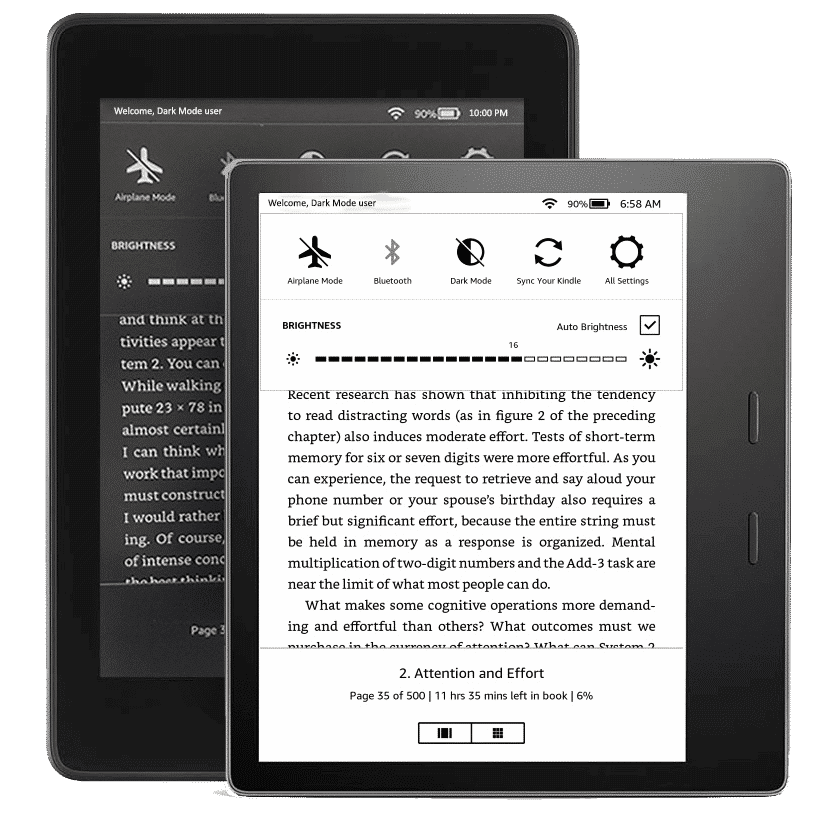
Brightness Tapping this light bulb-shaped icon will bring up a slider that you can drag left or right to decrease or increase your Kindles brightness. It doesnt have a normal screen like that of a mobile phone or a laptop which by design are backlit which means that the device itself generates the light in order for the user to see the images. If you want to reduce the brightness move the slider to the left.
If you use Calibre you could try embedding the Constantia font. In this episode well show you how to adjust your Kindle display settings so that your can make your Kindle easier to read. On this drop-down menu you should see a and - icons.
When in darker. To turn the light to maximum brightness press and hold. Press the icon that looks like a lightbulb and a drop-down menu should appear.
On Fire HDX and HD you swipe down to reach the same menu. Adjust the Screen Light on Your Kindle Tap the top of the screen to show the toolbar and then select the Quick Actions icon. E-ink devices are much more suited for outdoorbright settings particularly compared to LCD backlit devices and will deliver much brighter reading in those types of environments.
ELuminator2 or Mighty Bright XtraFlex2 Please click the accept button if this answers your question if not get back to me with a question. Having a light built into the Kindle will make reading in bed while my partner is sleeping worlds easier. Up to 20 cash back Unfortunately you cannot adjust the brightness.
The only way to adjust the frontlight on Kindles is to tap the gear icon from the menu bar at the top of the screen then use the slider to adjust the brightness. Check out more. First you need to access the Quick Settings menu.
Originally Posted by mand. A lower setting works best for situations with low lighting and a higher setting works best for situations with bright lighting. You access both a short list of commonly used settings Quick Settings and all the more detailed settings for Kindle Fire HD by swiping downward from the top of the screen.
I will try it for a week and in the meantime check out other readers. Fix the Kindle 2s light text display. Make sure the screensaver playlist and URL are empty.
On the Kindle Fire you tap an icon in the upper-right section of the screen. To adjust screen brightness slide your finger along or tap the scale. Tap on the Brightness tab hit the slider and move your finger to the right to make the screen brighter.
Open the Control Panel select Hardware and Sound and select Power Options. To change the brightness enter the following command. The Kindle Fire HD Quick Settings Menu.
You didnt buy a Paperwhite so theres no brightness adjustment option. Store Tapping this cart-shaped icon will open the eBook Store from which you can purchase new content. On the other hand a Kindle Basic doesnt have a backlit screen.
Get-WmiObject -Namespace rootWMI -Class WmiMonitorBrightnessMethodsWmiSetBrightness1brightnesslevel Replace brightnesslevel with the percentage value you want for your displays brightness from 0 to 100. The Kindle app responds to touch much better than the Kobo. HttpswwwhardresetinfoWhenever you need the display to be brighter or darker here is a quick way to adjust the brightness in your Amazo.
Well show you how to increase an. On Fire HDX and HD you swipe down to reach the same menu. I think thats better than bolding the included fonts on the Mini.
How do I adjust the brightness on an old Kindle. You can get a light if you want to read in the dark with the Kindle. To adjust screen brightness slide your finger along or tap the scale.
The Kindle 7 is one of the basic Kindle models that does not come with lighting.
Best Kindle 2021 Which Amazon Ebook Reader Should You Buy Wired

Amazon Kindle Paperwhite Review Digital Trends

How To Change Brightness In Amazon Kindle 10 Adjust Display Intensity Youtube

Kindle Oasis Warm Light Demo And Comparison Youtube
How To Change The Font Size On Your Kindle In 2 Ways

Amazon Gives The Kindle S Interface A Refresh The Verge
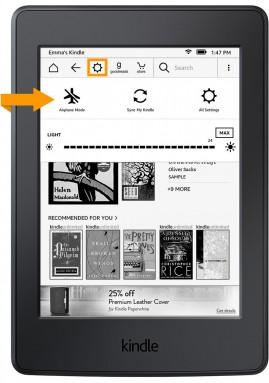
Amazon Finally Gives The Kindle Home Screen An Upgrade Slashgear

Fire 7 Kids Edition Tablet How To Adjust Brightness Increase Decrease Youtube
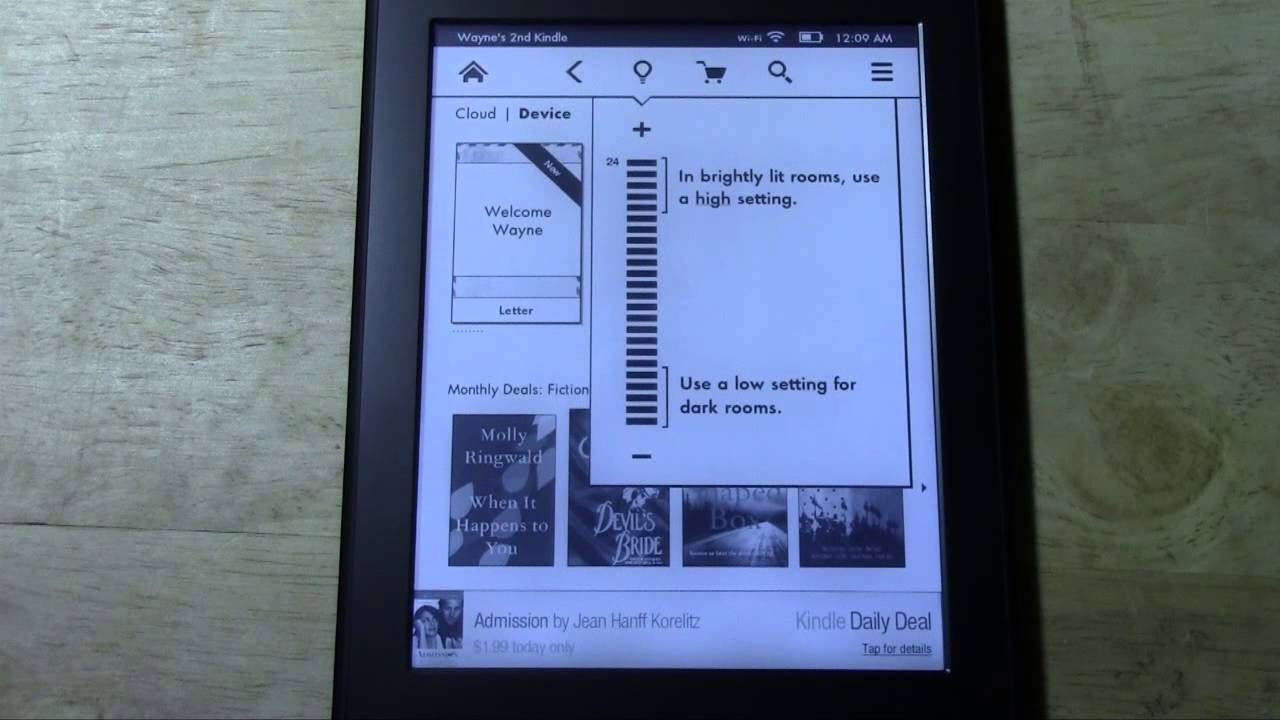
Kindle Paperwhite How To Turn The Backlight On Off H2techvideos Youtube
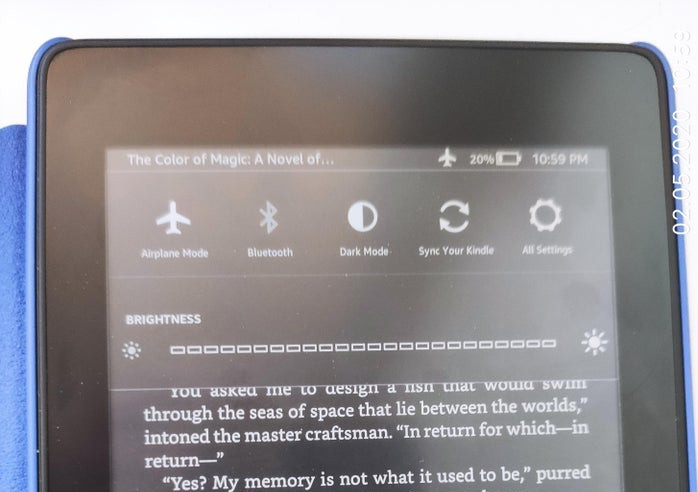
Some Kindles Getting Dark Mode Toggle Added To Quick Settings The Ebook Reader Blog

Kindle Paperwhite 2018 Vs 2017 Brightness And Reading Speed Comparison Youtube

Kindle Paperwhite 2014 Review New And Improved
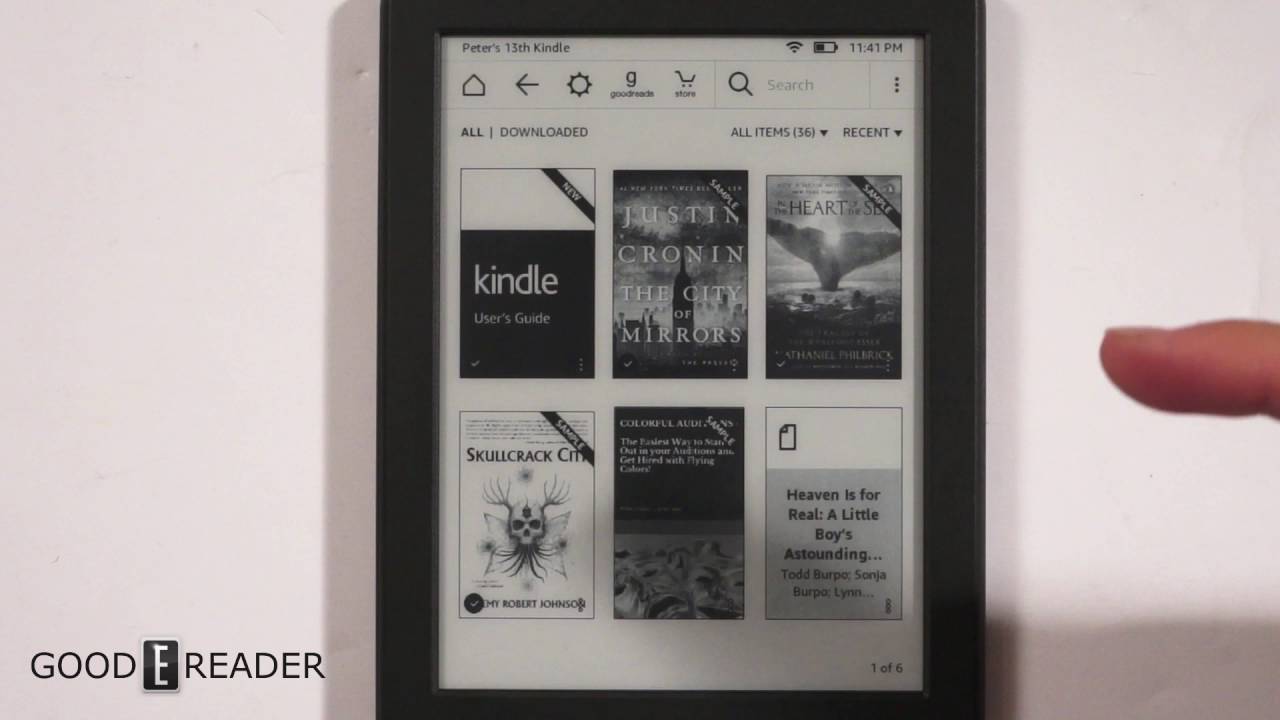
Amazon Kindle 8th Generation Review 2016 Youtube
Amazon Kindle Paperwhite Review 2015
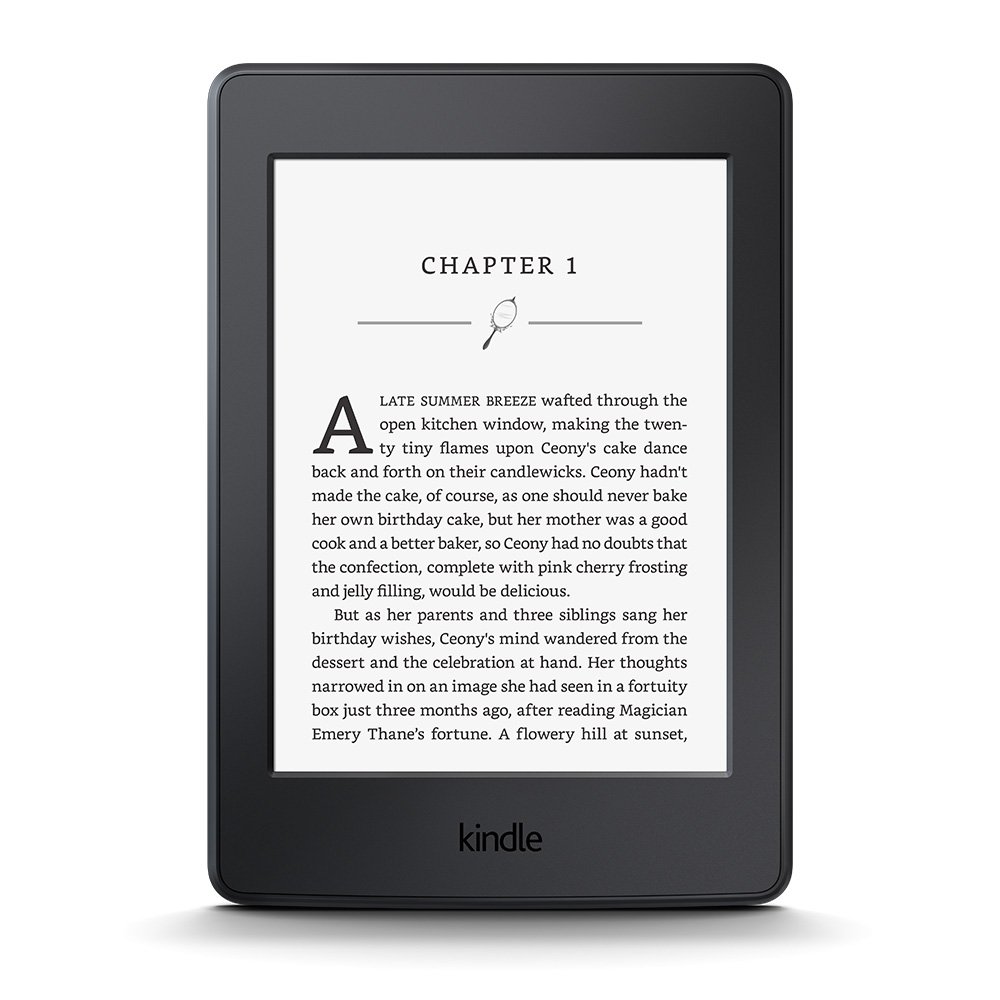

Amazon Kindle Oasis 3 2019 E Reader Review Good E Reader
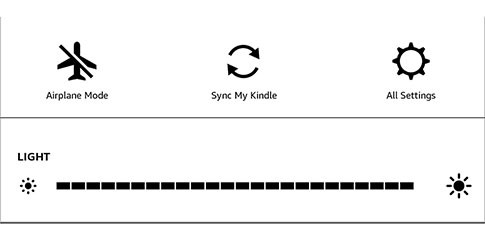
Here S How To Adjust The Screen Light On Kindles The Ebook Reader Blog
How To Use Dark Mode On A Supported Kindle E Reader Good E Reader

C4n5rlidcw24vm
Amazon Kindle 4th Gen Review Youtube


Posting Komentar untuk "How To Adjust Brightness On Old Kindle"