Samsung Flip Connect Macbook
Tap the top arrow for the dropdown menu. Set this to Off to automatically connect with the device when using Smart View.
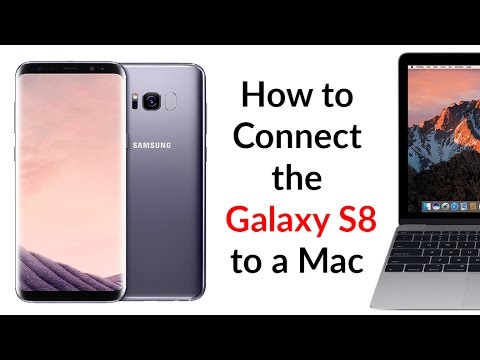
How To Connect The Galaxy S8 To A Macbook Or Imac Youtube Tech Guy Youtube
My iPhone 11 Pro is still stashed safely away on my desk but I just had to get my hands on Samsungs Galaxy Z Flip 5G.

Samsung flip connect macbook. While this is great for some Android users it doesnt cover a big grouppeople using Windows Chromebook Linux macOS or iOS devices. Simply plug your laptop or iPad with adapter into a HDMI MirrorBox and it will flip your signal automatically. Galaxy Z Fold3 5G.
A Bluetooth keyboard mouse and speaker 3 can also be connected. Select the photo or video you want to share and then tap the Share icon in the bottom left. Do not use the power cord with other products.
Select Export and tap Screen share. From here you can turn on the feature. Up to 4 cash back To connect a laptop wirelessly open the action center in Windows select Connect and tap the Flip 2.
From the Device Connect Manager screen you can also select Device List to manage the devices connected to your TV. Installing Flip Printing Software 34 Setting up the printer 34 Exporting to a USB Device 36 Exporting from a Network Drive 36 Sharing your screen 37 Menu Pen 38. You and your teammates no longer need to sort through.
About Press Copyright Contact us Creators Advertise Developers Terms Privacy Policy Safety How YouTube works Test new features Press Copyright Contact us Creators. Bring your classroom or office to life and maximize productivity. Navigate to Device Connect Manager and then select Access Notification.
It spins around and unfolds to reveal a video of a roller coaster on the Main Screen. If connecting wirelessly select Wireless then wait for your desired device to appear. Open the app on your Mac and click the mirror icon located on the top part of your Macs screen.
This function is supported only on Android 80 Oreo and later versions of Samsung mobile devices. To share photos or videos navigate to and open the Photos app on your phone. Facilitators also can preview individual content pages and make instant changes directly on the screen.
Actual viewable area is less due to the rounded corners. A fire or electric shock may result. Guidance is through Mac when are working with Flip.
Up to 4 cash back How to screen share wirelessly on Flip 2. Update and choose USB. Download and install the app on your Mac.
Backup your whole Samsung Galaxy to the Mac with 1 click photos are included. Installing Flip Printing Software 33 Setting up the printer 33 Exporting to a USB Device 35 Exporting from a Network Drive 35 Menu Pen 36 Connect 37 System 39. You can easily flip your screen using a converter box such as this one.
Up to 4 cash back The Samsung Flip 2 allows you to connect your PC to the board remotely meaning any meeting can be started without a PC in the room to avoid delays and help to ensure efficiency. Only use the power cord provided with your product by Samsung. About Press Copyright Contact us Creators Advertise Developers Terms Privacy Policy Safety How YouTube works Test new features Press Copyright Contact us Creators.
Manage with advanced usability. Only use the power cord provided with your product by Samsung. To learn how to connect Mac to Samsung Smart TV with this tool just follow the steps below.
Dont forget to connect your Mac and Samsung TV to the same WiFi network. USB HDMI NFC and screen sharing capabilities enable optimum collaboration and provide interactive content visibility notation and sharing. Please run the program and connect your Samsung Galaxy to the Mac with a USB cable.
Use a Samsung TV and enter the service menu to turn on mirror flipping. For wired sources simply plug in the source you want to connect. In order for devices to connect and present wirelessly the Samsung Flip supports NFC tagged.
Do not use the power cord with other products. A dialogue window with the source will open automatically. Samsung Flip enables you to connect with a variety of documents devices and even cloud services.
To do this navigate to Settings select General and then select Apple AirPlay Settings. Measured diagonally Galaxy Z Fold3s main screen is 76 in the full rectangle and 74 accounting for the rounded corners. A fire or electric shock may result.
Samsung Secret Service Menu. For audio you can use the source speakers without affecting the Flip 2. Ultimately collaboration becomes easier and more effective than ever.
Users are empowered by the Flips versatile connection options. Select the device you want to share with and tap Share. Samsung Flip is an intuitive and easy-to-use digital flipchart for any meeting environment offering enhanced collaboration capabilities in an easy UI with a host of features including brush mode annotation on merge to roll and other collaboration.
Click Export to transfer photos from Samsung to Mac without data loss. Flip Navigation Scroll with Ease. Introducing the Samsung Flip 2 an interactive display that simplifies teamwork without any hassleWith the Flip 2 you can access any web browser directly.
The Flip also offers an optional tray as a more powerful connectivity extension. Tap AirPlay and then tap the name of the TV. Up to 4 cash back Create a connected convenient environment.
Samsung Flips intuitive user-friendly menu simplifies navigation and reduces the time required to access controls or view content in its entirety. I did this and our Flips works fine with Mac. The Galaxy Z Flip 5G is all-around an incredibly fun smartphone.
Discover how the Samsung Flip 2 can cut costs while it streamlines collaboration. Connect stick to the Samsung Flip and choose settings. A fold-out hybrid tablet similar to the Samsung Galaxy Z Fold 2 and a clamshell flip phone design akin to the.
See the 1-2-3 steps to easily transfer photos from Samsung Galaxy to the Mac. According to Jon Prosser Apple has tested two different kinds of iPhone Flip.

Samsung Galaxy Z Flip Review Purewow

Samsung Flip On The App Store

Samsung Galaxy Z Flip 5g 256gb Unlocked Mystic Bronze Sm F707nznaxaa Best Buy
Galaxy S10 Connect To Computer
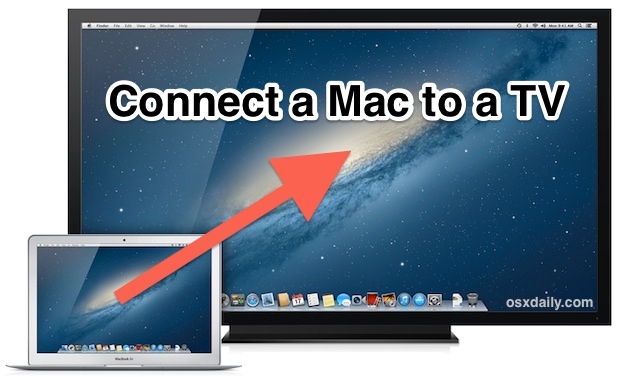
How To Connect A Mac To A Tv With Hdmi For Full Audio Video Support Osxdaily

Samsung Galaxy Z Flip Review Purewow

Does The Samsung Galaxy Z Flip 3 Work With Samsung Dex
Update Samsung Flip 2 Wm55r Wm65r Enables Apple Airplay To Connect With Iphone Ipad And Mac

How To Get A Deal On Samsung S Galaxy Z Flip 3 And Z Fold 3 Pcmag

How To Get A Deal On Samsung S Galaxy Z Flip 3 And Z Fold 3 Pcmag

Samsung Galaxy Book S Vs Macbook Air 2020 Which Should You Buy
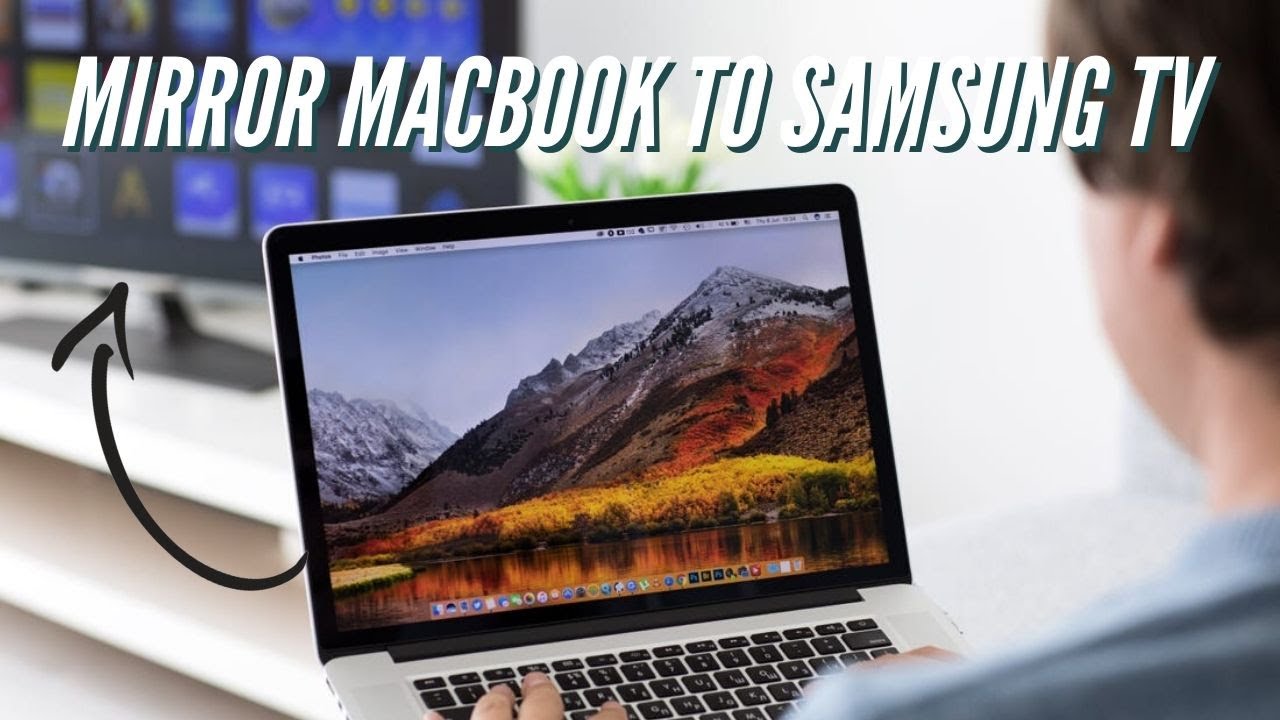
How To Connect A Macbook To Samsung Tv Wirelessly Youtube

Samsung Flip Airtame An Essential Av Hack Airtame

How To Connect Samsung Galaxy Buds Plus To Laptop Iphone And Other Devices

Samsung Flip 2 Mit Apple Ios Verbinden So Gehts Neuer Kurs Bei Udemy Youtube

Galaxy Z Flip Review Samsung S Killer Feature Makes This Flip Phone Shine Cnet

Samsung Flip 2 Mit Apple Ios Verbinden So Gehts Neuer Kurs Bei Udemy Youtube

How To Connect Wirelessly To The Samsung Flip 2

How To Samsung Flip Connect Pc Youtube


Posting Komentar untuk "Samsung Flip Connect Macbook"