How To Get To Netflix On Lg Tv Without Remote
To get started download LG TV Plus for your Apple or Android phone or tablet from iTunes or Google Play. Reason for this is because supplied Magic.
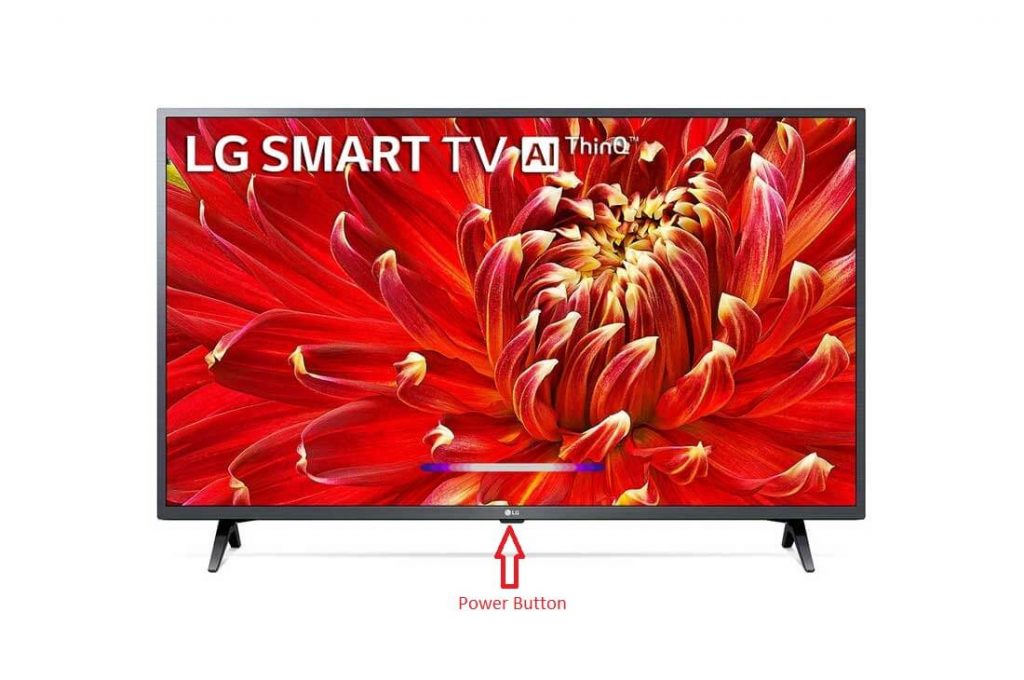
How To Turn On Lg Tv Without Remote Control Techowns
This should take you to a Netflix system information screen with the option to Disable or Deactivate the player from your Netflix account.

How to get to netflix on lg tv without remote. To connect your LG TV Blu-ray player streaming media player or home theater system to your Netflix account make sure you are on the Home screen and select the option below that best describes your device. Whether you have an existing Netflix account or no. The app should automatically find your Smart TV.
Heres everything you need to know. Up to 7 cash back How the LG TV Remote App Works. Select the Sign Out option at the last of Menu and press the Enter Key.
Go to Menu and select Settings and press the Enter Key. Whether you already have an existing Netflix account or want to create a new. In this section you will find an option called Using a Keyboard and Mouse Once you have select that option you can see the recommended mouse and keyboard types.
Go to the top of Netflix app screen. Select Netflix from the Home screen. How can I watch Netflix without a smart TV.
On newer televisions these are typically labeled HDMI 1 HDMI 2 etc. Use a Console If You Have One Handy If you have a gaming console such as a PlayStation or Xbox on hand you can also use the console itself to reset your tv. It is really easy to sign out of Netflix you just need your LG TV remote to perform the steps mentioned below.
I did a cursory search on my questions and found no answers. Turn your smart TV back on and try Netflix. Then open the app choose the type of device youre using and turn your TV on.
The LG support says that not all mouse types may work with LG smart TV. In the case of Michaels TV he cant use any of the Internet features without that specific remote. Next connect your console to the television by plugging in the HDMI cable or VGA cable.
Set up Netflix on your LG Smart TV in just minutes for access to a massive library of TV shows and movies. Demonstrated on LG OLED55C8 in this video I will show two easy ways to display stream information in Netflix app. Any programs available in Netflix are streamed over internet.
Each time you press the input button it will allow you to access the device plugged into that input. First turn off your television but do not remove the power plug. You need to have some sort of a device which connects to internet.
So you need internet and Netflix app instal. Up up down down left right left right up up up up. Ready to get hooked up.
According to the LG support guide all you need to do is check your TVs digital user guild. Getting started with Netflix on a TV. I have a model 49UH6100 and have three questions.
The only way to get Netflix content playing on a TV without an internet connection would be to have a smartphone tablet or computer with an HDMI output connected to the TV. Turn off or unplug your smart TV. One input is also for Tv.
If you see the Netflix option on-screen. Minimum requirement your tv should support hdmi inputs to watch over tv. Once thats done select device scan in the app.
You know the thing that distinguishes a smart TV from other stupider TVs. But it does nothing. Restart your home network.
For LG TV owners in Australia learn how to set up Netflix on your LG Smart TV. If your router is separate from your modem plug it in and wait until no new indicator lights are blinking on. It would be convenient to have it bring up Netflix rightaway.
This application support only with LG webOS Smart TVSetting menu of TV may vary from model to model Please refer user guide of your TV to confirm on this feature. Unplug your modem and your wireless router if its a separate device from power for 30 seconds. Netflix plans start at 9 a month a price that enables you to watch a single screen at a time TV.
Watch Netflix Foxtel Now or Stan on a Big Screen without a Smart. 1 The TV comes with a remote that has a dedicated Netflix button. You may need to do this from your TV remote control and not from your DirecTV remote.
To deactivate the device get into the Netflix screen on that device then using your devices remote control hit the following buttons. How to control set top box with LG TV Remote Universal Remote Note. Inside the user guide there will be a section for your magic remote.

Can You Use An Lg Smart Tv Without A Remote Smart Home Starter

How To Control Lg Tv Without Remote Our Top 3 Methods

How To Change The Input On Lg Tv Without Remote
Amazon Com Replaced Remote Control Compatible For Lg 50pm9700ua Akb72915280 47lw5300 Uc 50pv450c 47lm4600uc Led Hd Tv Electronics
Lg Tv Netflix Not Working Ready To Diy
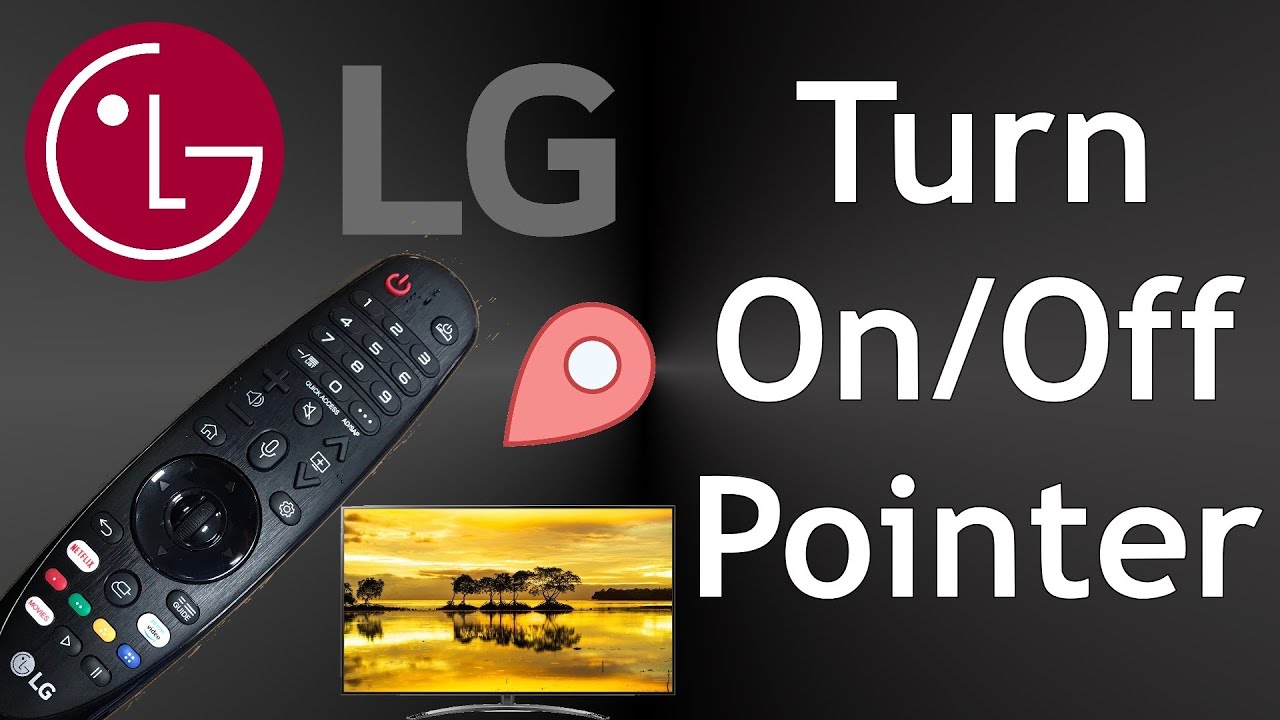
Lg Tv Magic Remote Turn On Off The Pointer Smart Tv Youtube

How To Turn On Off Lg Tv Without A Remote Control Youtube

How To Turn Closed Captioning On Or Off On Lg Smart Tv

Lg Magic Remote 2021 Does It Worth It Splaitor

Smart Tv Tips Tricks Lg Magazine
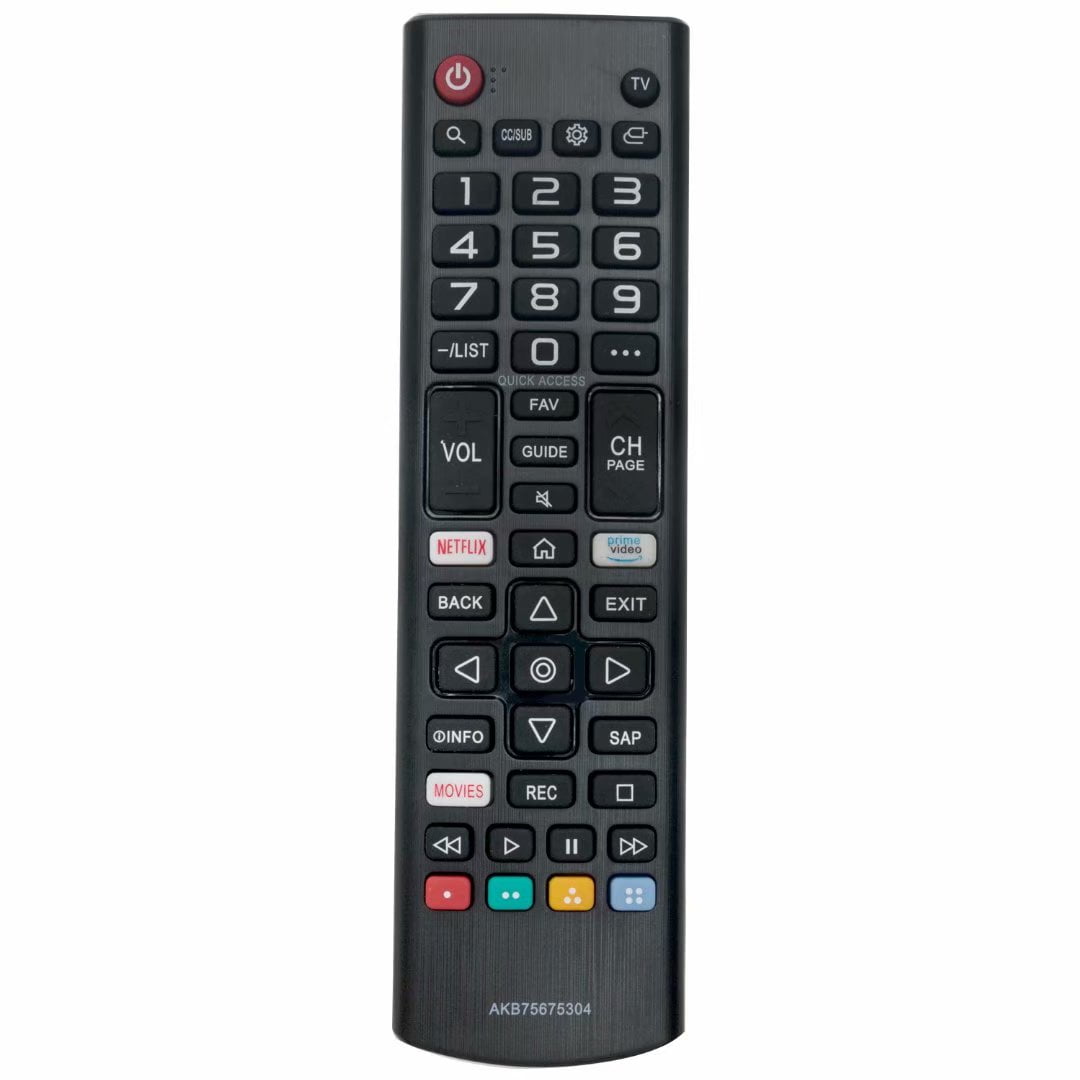
New Akb75675304 Remote Control For Lg Tv 49um7300pua 50um7310pua 70um7370pua Walmart Com

Lg Magic Remote Control 2020 Model Lg Tv Compatible An Mr20ga Walmart Com

How To Turn Off The Voice Guide On An Lg Tv
Lg Magic Remote With Fire Tv Comic Cons 2021 Dates

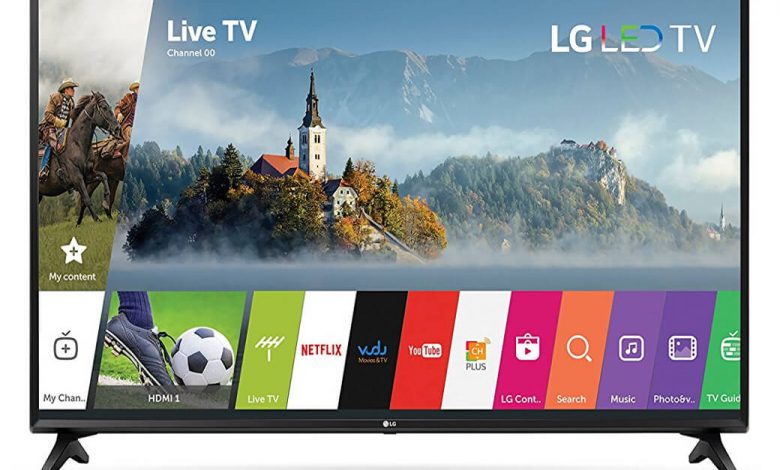
How To Turn On Lg Tv Without Remote Control Techowns

Amazon Com Replacement Tv Remote Control Controller For Lg 55un7000pub 60un7000pub 4k Hdr Uhd Smart Led Tv Electronics
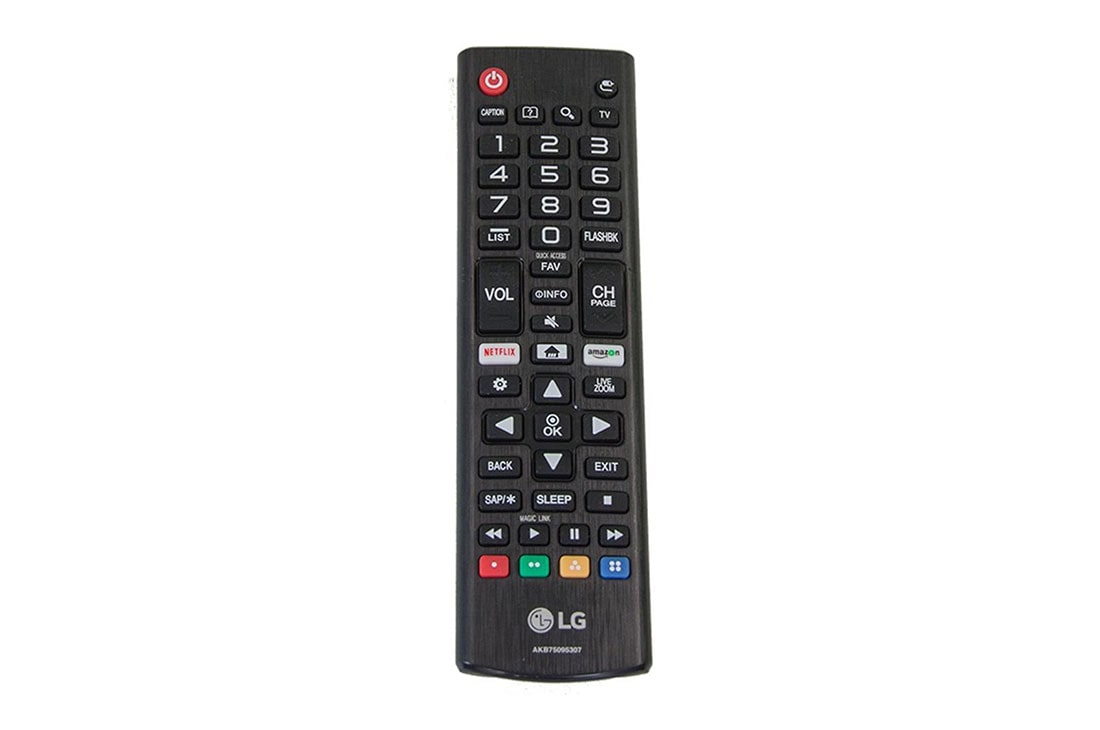
Lg Agf76631064 Replacement Tv Remote Control Lg Usa

How To Connect Your Lg Smart Tv To Wifi With No Remote Youtube
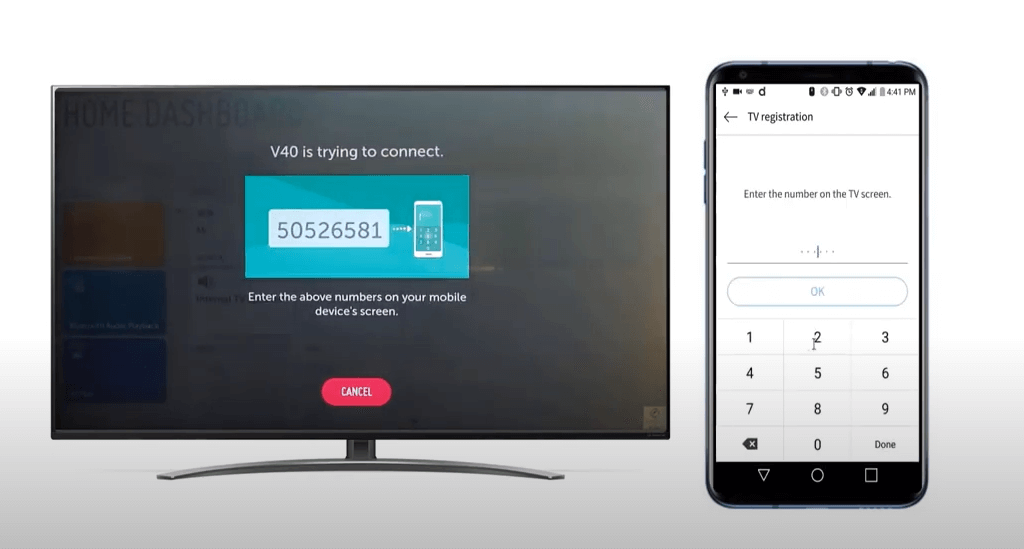
How To Turn On Lg Tv Without Remote Control Techowns


Posting Komentar untuk "How To Get To Netflix On Lg Tv Without Remote"