Disable Iphone Mute Switch
Do you have a case. With many iPhone cases including Apples own Leather and Silicone Cases surround the hardware Mute switch.
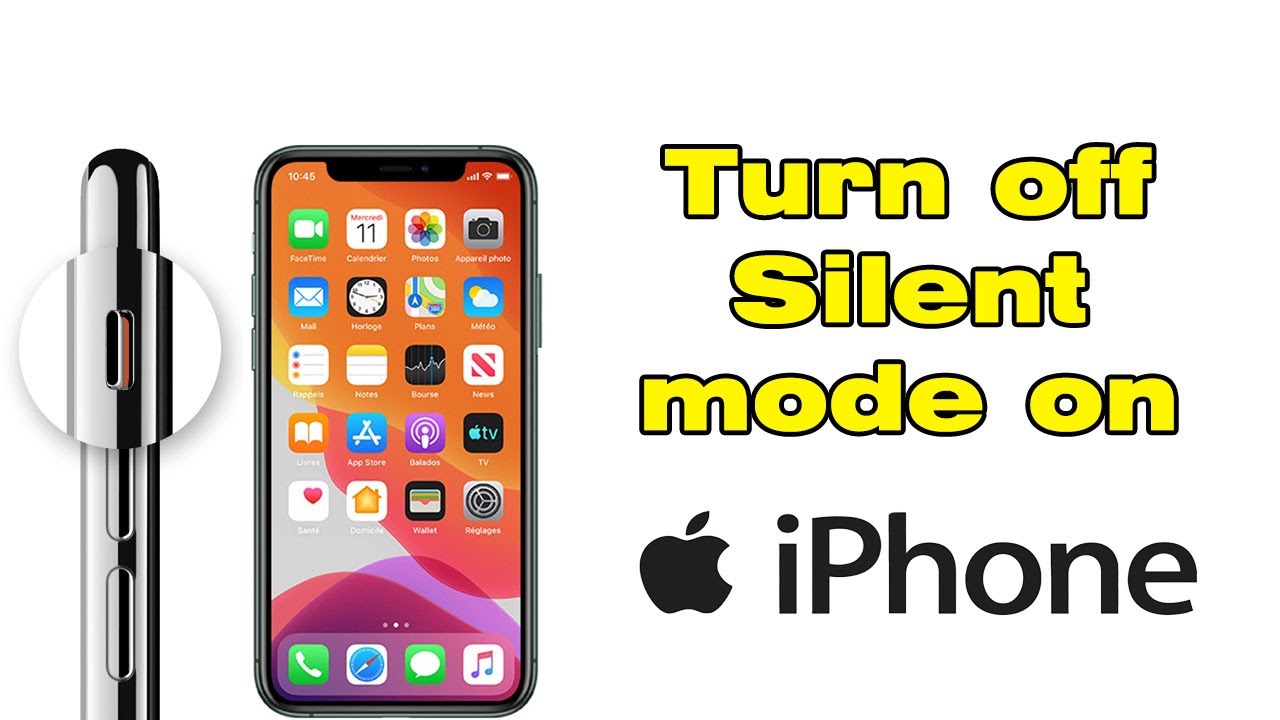
How To Turn Off Silent Mode On Iphone Iphone Silent Mode Youtube
Not everyone has a watch though but the control center should handle that function nicely.

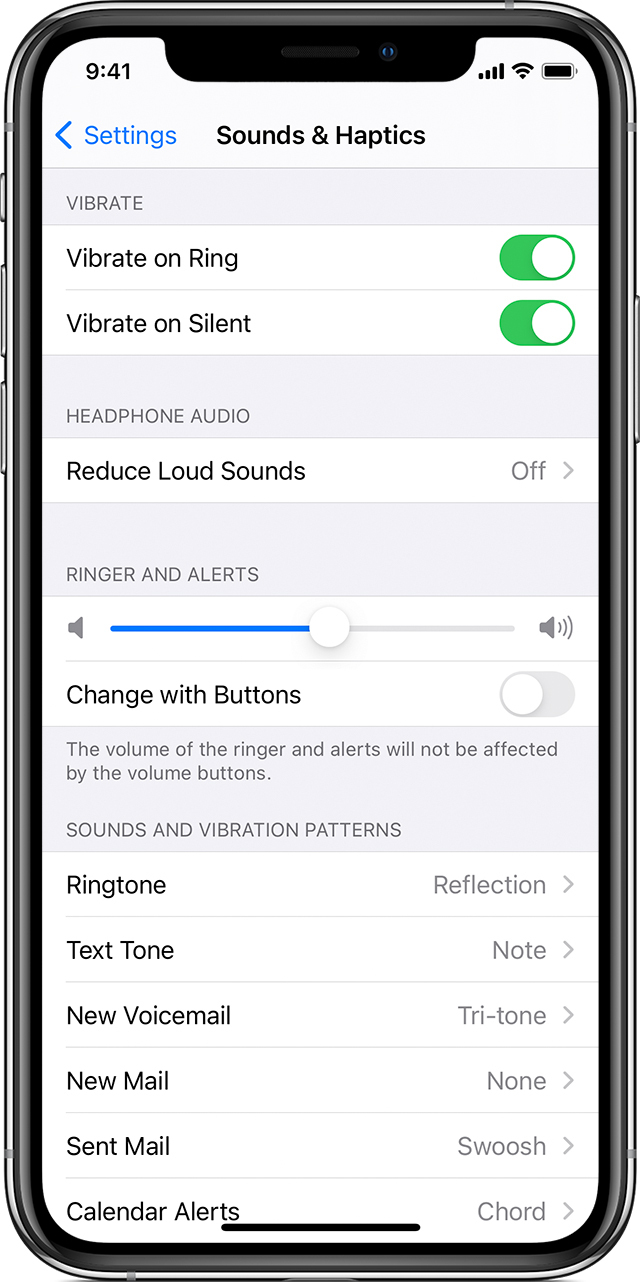
Disable iphone mute switch. Here you can choose the Sounds option and then toggle off Vibrate on Silent. Place a call on hold. I purchased an app for 499 SilentAlert but that doesnt seem to work well.
The mute switch on my iPhone 6 Plus hasnt left the mute position since I got an Apple Watch. From iPad For Dummies. You joked about applying glue but a hardware solution does exist in the form of a case.
Step 2 If your iPhone accessory covers these sensors then the iPhone wont be able. If you dont like the vibrate in silent mode you can go to Settings app. Jun 8 2017.
Question Is there a tweak to disable the mute switchsilent switch on iPhone 4s iOS 704. You can turn off the iPhone mute mode by flipping the iPhones physical mute switch. Scroll down to the bottom and select Back Tap.
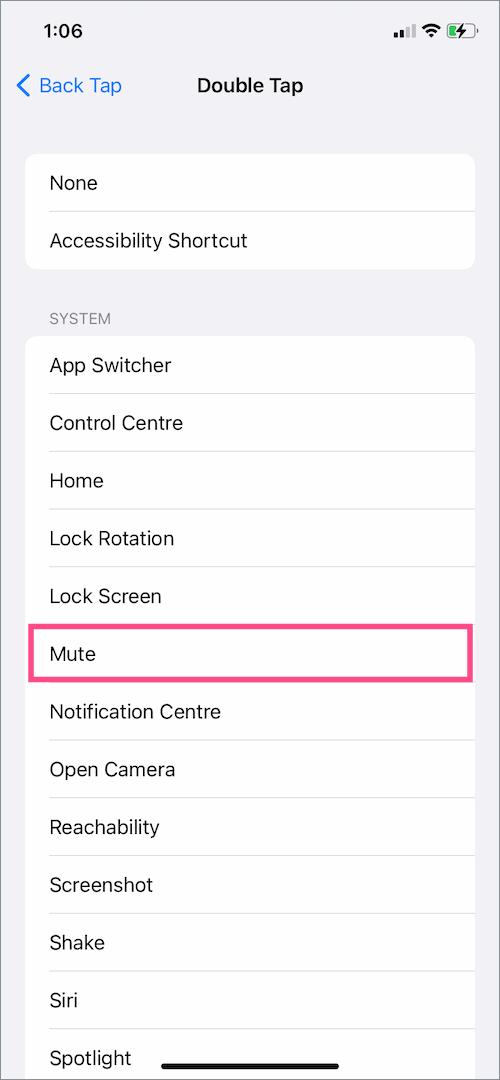
Tap on Double Tap and select Mute under the System category. From iPhone For Dummies by Edward C. You can also assign the action to the triple-tap gesture.
Recessed in such a way it becomes harder to switch off by accident. So to ensure that your iPhones proximity sensor isnt blocked simply buy a case pouch or protective cover that doesnt cover the proximity sensor and youll mute yourself no more. Look Top and left side of your iPhone where you can see a Mute button.
The mute switch is driving me crazy. Setting mute to vibrate might alert you to accidental selection. I think it was a common fault.
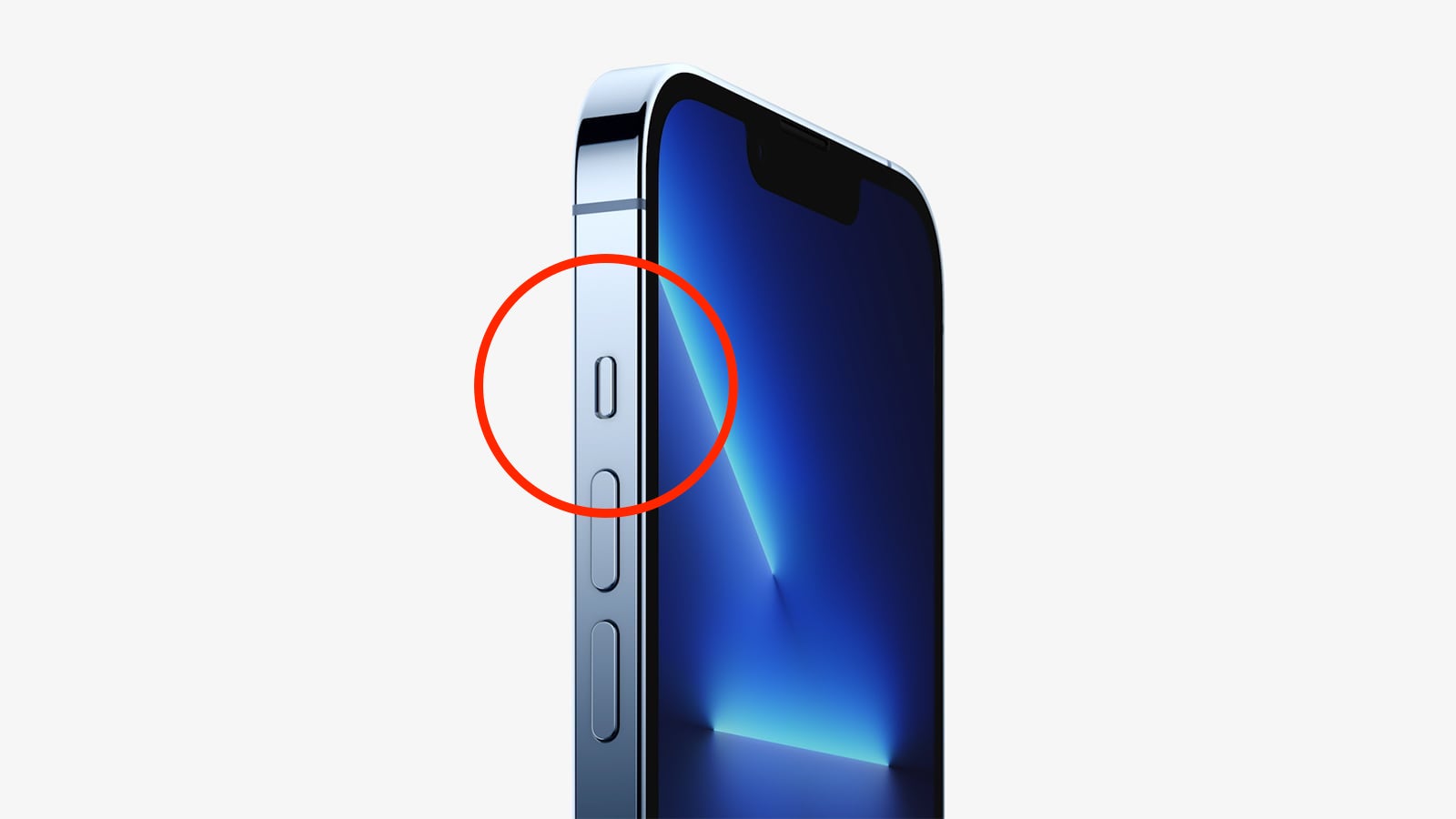
I hope its the same on the iPhone. Move that mute button from top to downside softly. Every iPhone model has a ringsilent switch on its left side at the top.
For eg some iPads Your device is configured to use the silent ring switch. The mute button or switch on the iPhone isnt working. The easiest way to turn off the camera sound on your iPhone 12 11 X 8 7 6 SE or any other model is to flip the mute switch on the side of your device.
I as because looking at the case I have due to the thickness of it the mute switch is sunk in slightly instead of being slightly sticking out. There is no way to disable the working of the physical silent switch. I have a family member with an iPhone 5 and everything works except the ringer switcher is jacked and if you even slightly tap it itll go offon.
Then you can go to Sounds Haptics option to check if there is a right ringtone. To put your iPhone into silent mode simply push the physical mute switch to the left side. Turn Off the Screenshot Sound by Flipping Your iPhones Silent Switch.
Heres the location of the proximity sensor Im talking about. It pretty routinely switches to silent when it is in my pocket. Double-tap or triple-tap firmly on the back of your iPhone to turn on or off the silent mode.
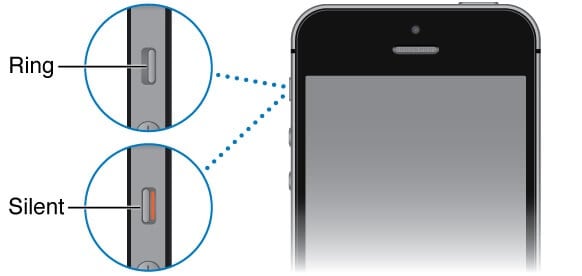
After that you can see a small amount of orange color above. In this video am showing you how to fix silent switch button on iPhone for freewithout wasting your moneySo kindly follow this method step by step till the. How to turn silent mode OFF on your iPhone or iPad.
If I push it with force it will switch over and work correctly but as soon as I let go of the force the button clicks back over to the loud side again. I know there is options in CCSettings to disable and enable the ringer but is there any way to disable the physical button from being able to control it. Restart iPhone to Fix Stuck on Mute Mode on iPhone.
As a result the iPhone cant be put into silent mode or the iPhones mute button or switch stays on a. You cant otherwise override the hardware mute switch. My silent switch is broken and it physically will not switch over from loud mode to silent mode.
Using Mute Button or RingSilent Switch Step 1. Baig Bob LeVitus Wiley 2013. Ive never wished I had a wifi switch or an airplane mode switch.
If your iPhone still keeps in silent you can take the following methods to fix the issue. When your iPhone is in silent mode the ringer will be muted and only vibrate is on. Turn Off the Screenshot Sound by Flipping Your iPhones Silent Switch.
My 3GS had this problem. Hi Ralph Apparently it used to be possible to set the side switch to lock screen orientation instead but this was removed sometime during iOS9. Perhaps there is a fault with yours.
Every iPhone model has a ringsilent switch on its left side at the top. My 4G is very stiff however. Tap that icon to mute or vibrate the.
Flash for alerts If you keep missing calls due to the switch inadvertently getting flipped you may consider enabling LED Flash for Alerts a setting that flashes the iPhone cameras flashlight for alerts. You can easily switch it to set your iPhone into ring or mute mode. Touch and hold the aforementioned Mute button.
From Android Phones For Dummies by Dan Gookin Wiley 2016 Optional To turn off audio from your side of the call tap the Mute icon. Your device does not have the ring silent switch on the device. Next to turn off sound during music or video playback hold the.
You should be able to see the orange indicator when youve muted your iPhone as shown below. The easiest way to turn off the camera sound on your iPhone 12 11 X 8 7 6 SE or any other model is to flip the mute switch on the side of your device.

Screen Mirror Hack How To Turn Off Silent Mode On Iphone Or Ipad
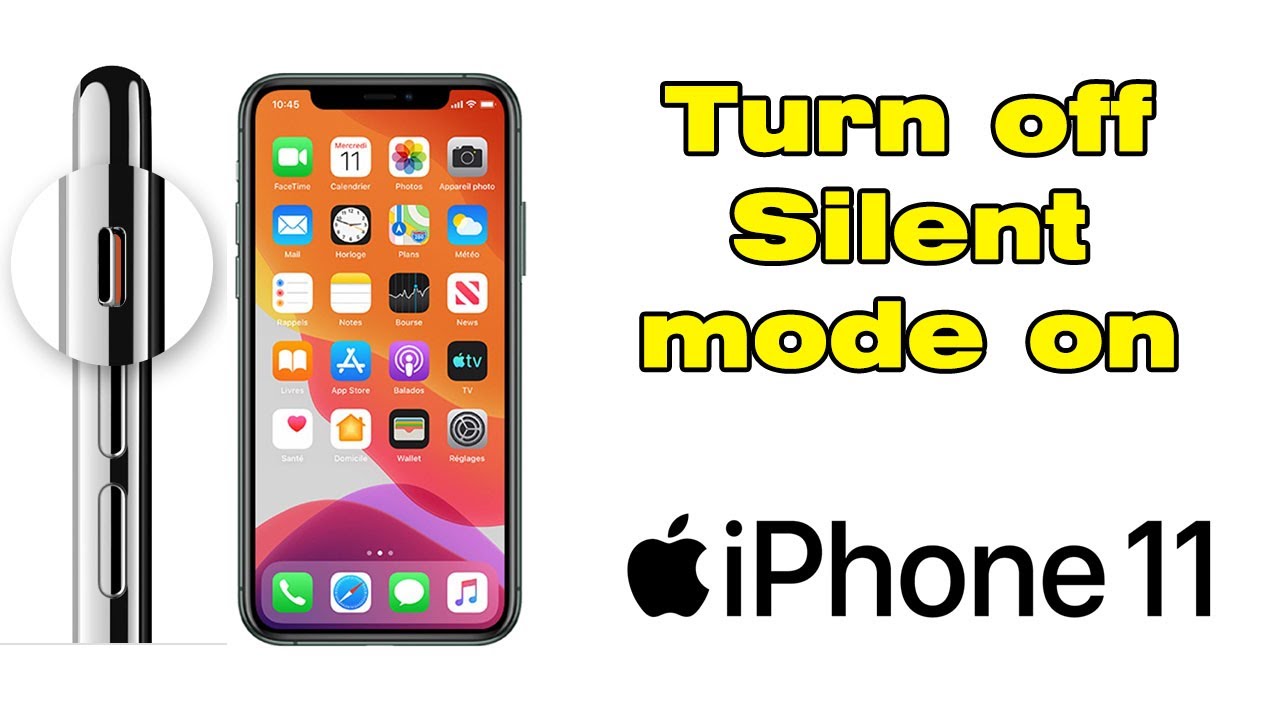
How To Turn Off Silent Mode On Iphone 11 Mute Switch Youtube
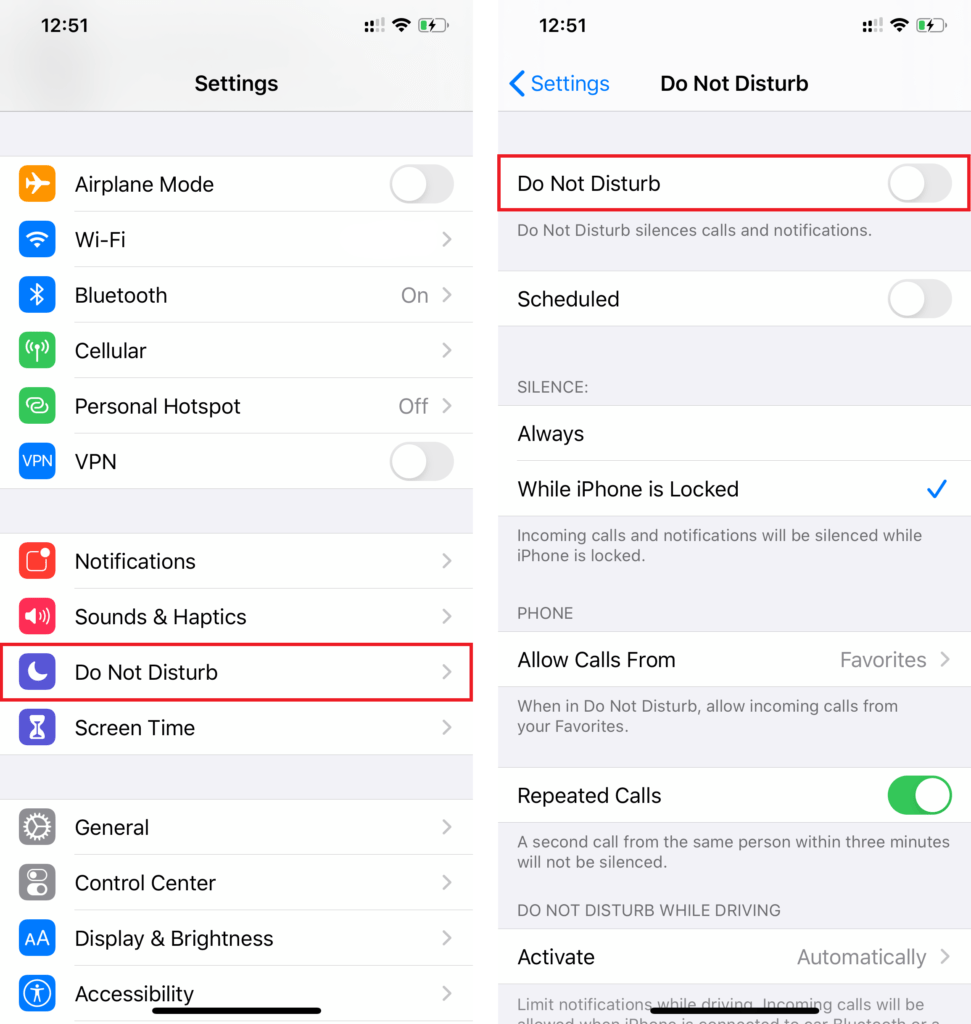
Fix Iphone That Keeps Switching To Silent Mode Saint
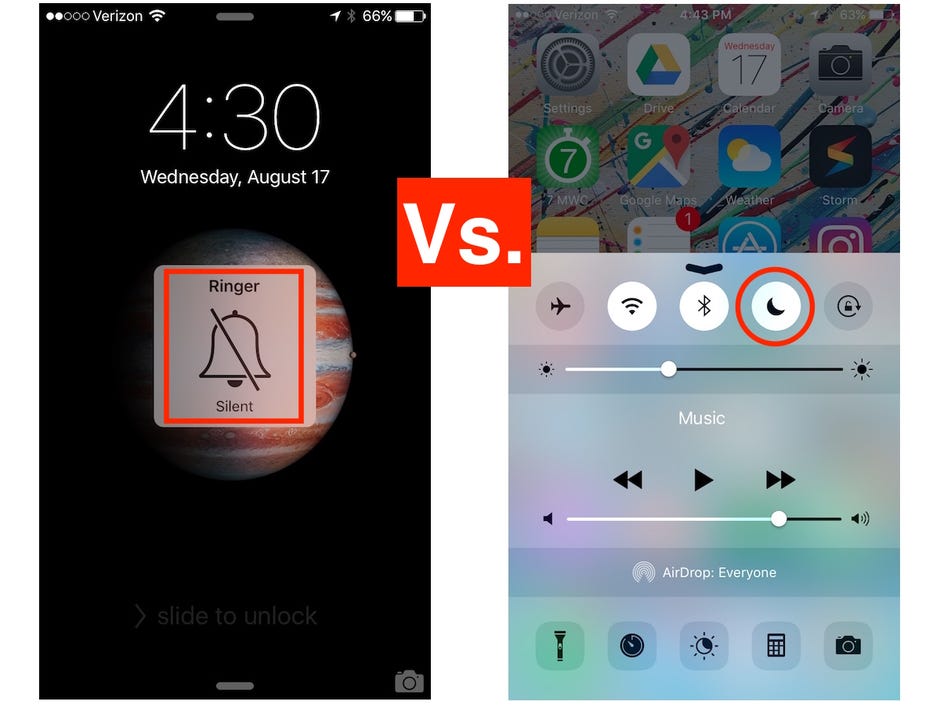
The Difference Between An Iphone S Do Not Disturb And Silent Modes Cnet

How To Mute The Camera Noise On The Iphone 6 Plus Solve Your Tech
How To Turn Off Silent Mode Without Switch In Ios 14 On Iphone
How To Put Your Iphone On Vibrate Ring Or Silent Mode Apple Support Uk
Solved Iphone Silent Switch Not Working 2020 Dr Fone
How To Turn Off Silent Mode On Iphone 13 Mini Pro And Pro Max Technadu
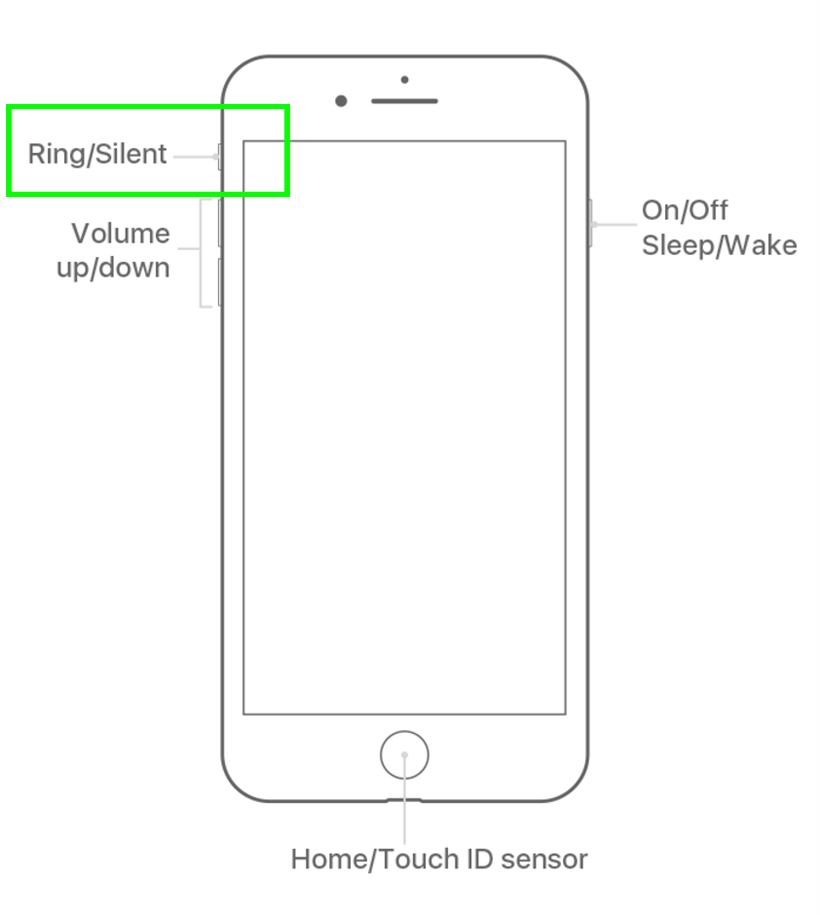
How Do I Silence The Iphone Ringer Enter Vibrate Mode The Iphone Faq
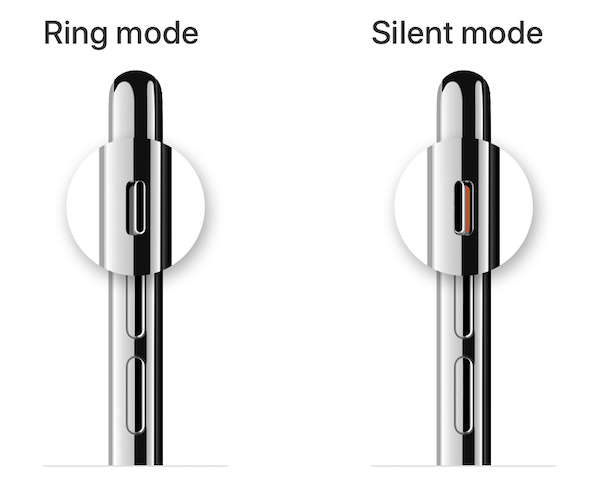
How To Turn Off Silent Mode Without Switch In Ios 14 On Iphone
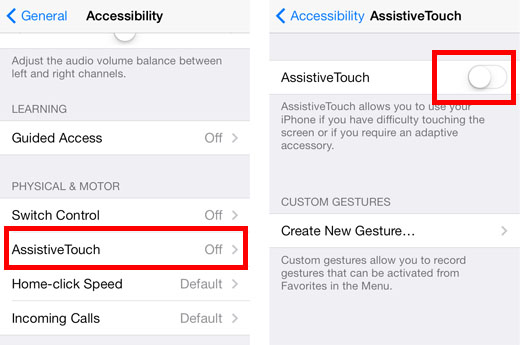
How Do I Replace A Broken Mute Switch On The Iphone The Iphone Faq
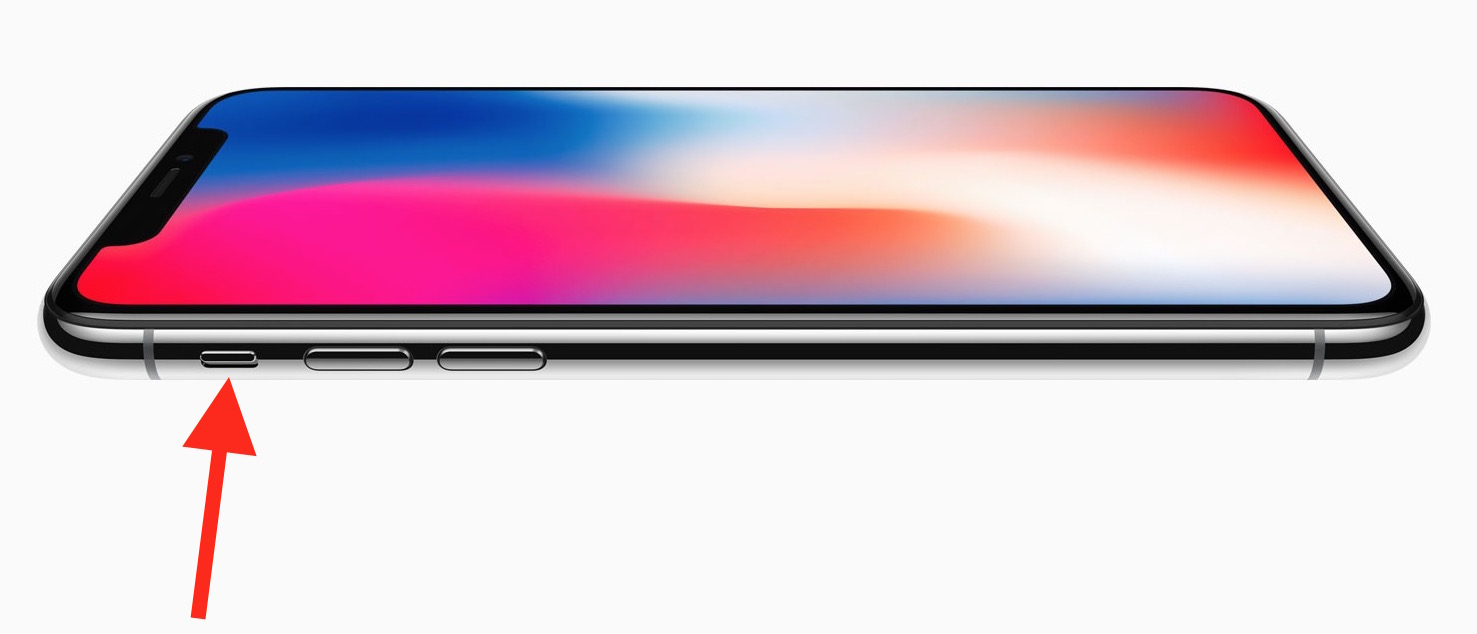
How To Mute Dial Sounds On Iphone Osxdaily
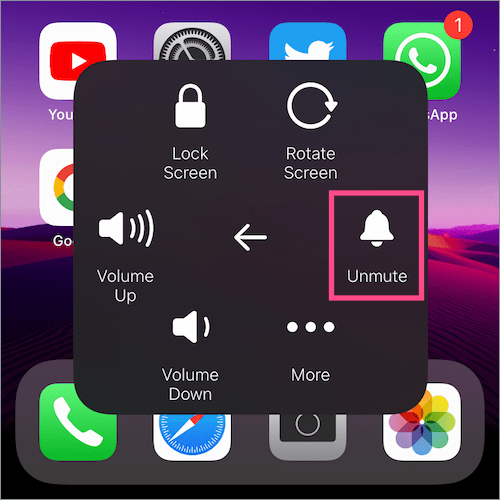
How To Turn Off Silent Mode Without Switch In Ios 14 On Iphone

Disable Screenshot Sounds On Iphone Software Review Rt
How To Turn Silent Mode Off On Your Iphone Or Ipad
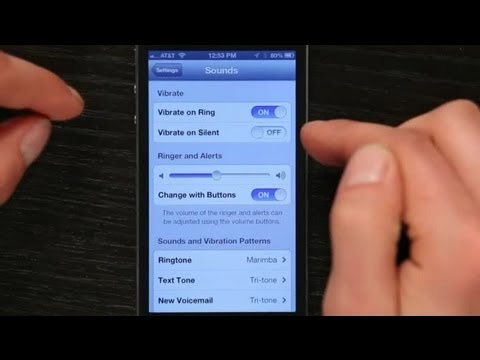
How To Change An Iphone From Silent Mode To Loud Tech Yeah Youtube

How To Turn Off Camera Sounds And Screenshot Sounds On Iphone
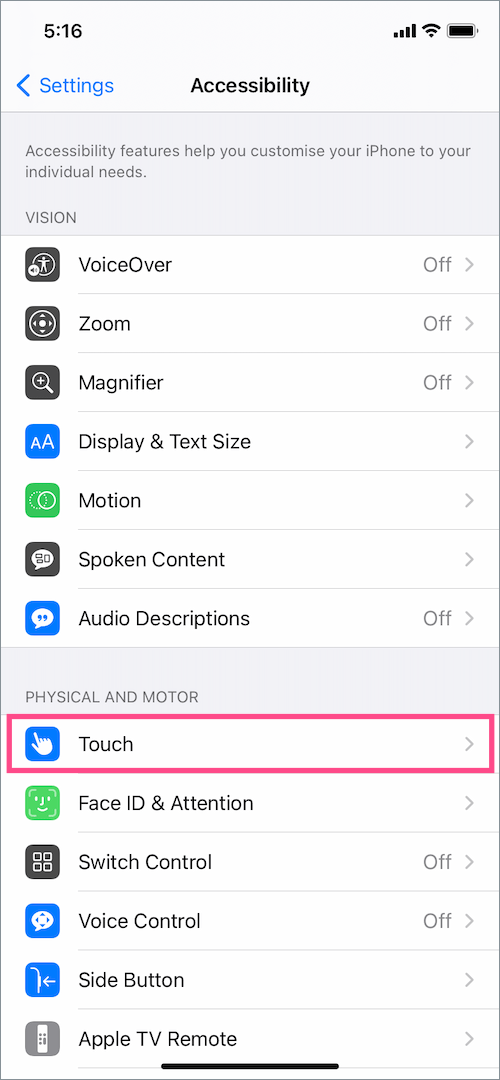
How To Turn Off Silent Mode Without Switch In Ios 14 On Iphone


Posting Komentar untuk "Disable Iphone Mute Switch"