Galaxy Tab A Keeps Dropping Wifi
There are multiple reasons why we suggest you restart Galaxy Tab S5e at. So eventually the lease will expire andor the IP address that the Tab is using gets reassigned to another device.
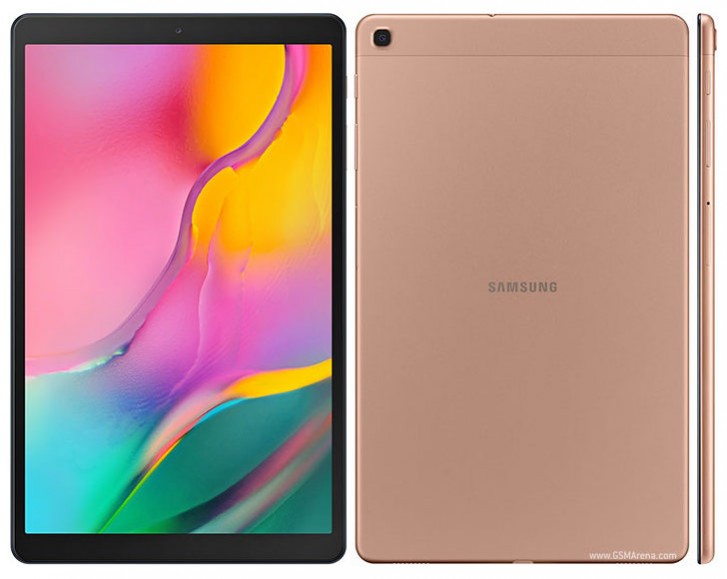
Samsung Updates The 2019 Galaxy Tab A 10 1 And 8 0 To Android 10 With One Ui 2 0 Gsmarena Com News
How to fix android wifi keeps disconnectingwifi keeps droppingwifi keeps turning on and offwifi keeps disconnecting and reconnecting issue usin.

Galaxy tab a keeps dropping wifi. Go to Home Apps Settings WiFi more Keep WiFi on during sleep. Galaxy Tab S6 WiFi Issue. Toggle Airplane Mode.
The WiFi connection appears to be unaffected. Press and hold the Power key. None of my devices has ever had dropping problems with the WiFi iPhone iPad S6 Edge notebook and a wifi extender.
Scroll to and tap General management. Make sure Keep Wi-Fi on is set to Always. Tap Power off and then Power off again to confirm.
When this happens your Tab cannot connect to WiFi. Confirm that Wi-Fi is turned on. Since the Wi-Fi keeps disconnecting on Samsung Tab S7S7 you should toggle the Airplane Mode for a few moments and disable it to stabilize the wireless connections of the Tab.
Hi Has anyone else experienced any issues with the wifi on their Tab S6. The device shows that the device has a wireless connection shows the SSID of the router and shows full-strength for the signal- but the internet connection just stops working. - Samsung Galaxy Tab 3 Lite.
This is taken from the User guide if my. You can also contact the Samsungs technical department and they may be able to assist you on the phone on how to reset the connection or they can access the issue from their end. Wi-Fi Not Working on Samsung Tab S6 Check Your Router.
Hi Try starting the tablet in safe mode and check if the WiFi gets turned off or not. Since you say that it is random you may have to use it in this mode for a while. Erase device factory reset Create a backup of your personal data and remove your Google account.
Hopefully you can stop it from disconnecting at all by choosing an option. Hi Check your Keep WiFi on during sleep options. It will happen in the middle of doing something after working perfectly for hours.
Its irrelevant that other devices arent having problems with your home WiFi the issue you need to focus on is whats going on with this Tab A. So the solution is to assign static IP until the Tabs implementation of DHCP lease renewal is fixed. Firstly ensure that router is turned ON and highlighting that it is connected to a stable internet.
Select Factory data reset from the given options. High wireless data usage was my best clue that something was amiss. An alternative solution is to root your device.
Open Settings tap Connections and then tap Wi-Fi. Settings more networks mobile network uncheck Connection Optimizer. Wipe Cache Partition - to fix Samsung Samsung Galaxy Tab S6 Lite that keeps disconnecting from WiFi network.
I have been having the same issue for the last couple of weeks. Jul 8 2016 at 657 PM. Youll need to uninstall.
If your Galaxy Tab A has wifi issues and you dont know what to do be su. Posted by 2 years ago. If Wi-Fi is on your mobile device.
The only way to fix the issue is to restart the tablet. Hit menu then Advanced. Galaxy Tab S6 WiFi Issue.
Galaxy Tab A wifi issues fix 9. Tap the Wi-Fi switch to turn the feature off shortly. These allow you to specify when to disconnect from WiFi.
Hi all Got a number of wired and wireless devices on my home network all fed by my BT HomeHub 3. But since I bought the S2 it is randomly dropping connection with no pattern. The trick is to find out which one.
What Ive noticed recently is that both my iPad and my wifes Samsung Galaxy Tab keep dropping the internet connection. -- On this Tab A try deleting the WiFi network entry in the Settings Wi-Fi menu and re-add it. If it stays on then a downloaded app is the cause of the problem.
Mine keeps losing connection and when you turn wifi off to try fix the issue it will not let you re-enable wifi. Try resetting network settings see that works. Sometimes it gets corrupted during or after updating or some other reason.
Basic Wi-Fi troubleshooting on a phone or tablet Reboot the mobile device. Read the information then tap Reset to continue. Wifi issues can vary so this troubleshooting video only provides general solutions.
A corrupt cache can affect performance as well as minor hassles. Wait until your phone reconnects to the Wi-Fi internet then do some test. Under the Wi-Fi settings uncheck Smart Network Switch.
Did you try to clean Wipe Cache Partition to see if. Now tap the 3 dots in the top right corner Advanced Wi-Fi Control History Check if any apps have recently disabled your Wi-Fi. - Samsung Galaxy Tab A 80.
To troubleshoot this issue please head to Settings Connections Wi-Fi Tap the cog symbol to the right of your router Forget Back Toggle Wi-Fi off and on again Select your router from the list of available connections and run through the connection steps. In android the system cache is stored in the cache partition. To troubleshoot the network connections Airplane mode plays a significant role whether it is Mobile Data or Wi-Fi.
Forced reboot and resetting the network settings helps for a couple of minutes then the wifi drops again. After 30 seconds tap the Wi-Fi switch again to turn Wi-Fi back on. Were also getting issues with oth.

Samsung Tablets Price In India Samsung Tabs Galaxy Tab Samsung Tablet
Solved Tablet Loses Wifi Connection Samsung Galaxy Tab A 8 0 Ifixit

Galaxy Tab S6 Lite 64gb Chiffon Rose Wi Fi Tablets Sm P610nziaxar Samsung Us

Samsung Galaxy Tab S6 Lite Review Lite Yet Mighty Expert Reviews
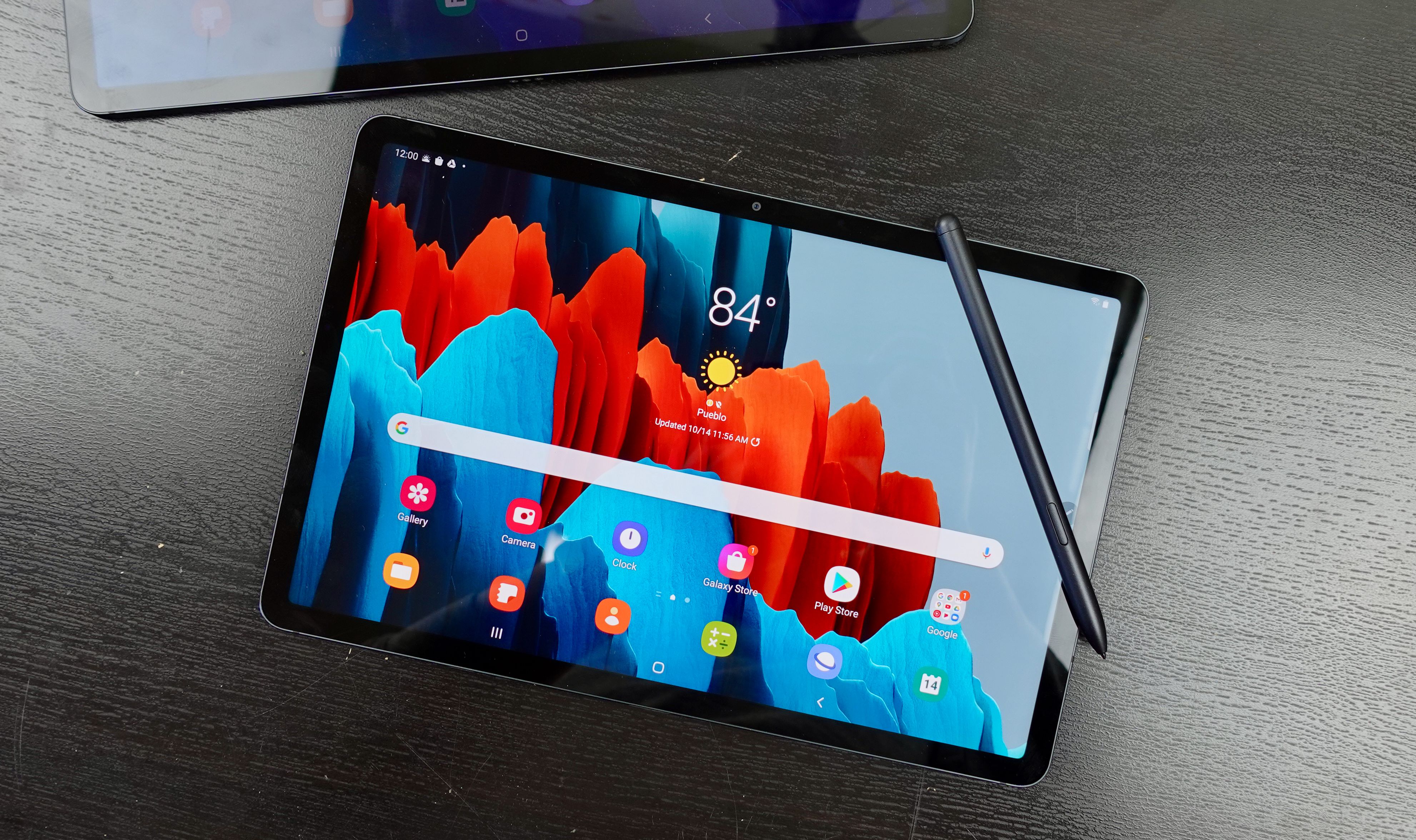
Galaxy Tab S7 And S7 Review Cnn Underscored

Galaxy Tab S6 Lite 128gb Oxford Gray Wi Fi Tablets Sm P610nzaexar Samsung Us
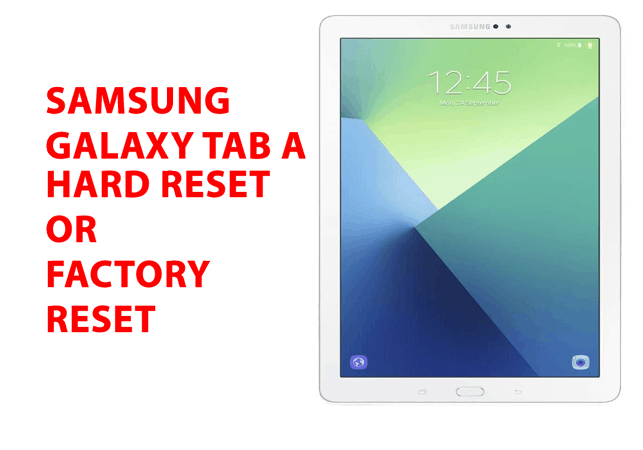
Samsung Galaxy Tab A Hard Reset Factory Reset Recovery Unlock Pattern Hard Reset Any Mobile
Samsung Galaxy Tab A7 Wifi View Specs Samsung Ie


How To Fix Black Screen On Samsung Galaxy Tab Sm T585 A6 A10 1 2016 Many More Youtube
For Samsung Galaxy Tab S7 Case For Samsung Tab S7 Plus Case With Pencil Holder Sm T870 T875 Sm T970 T975 11 12 4 Inch Auto Sleep Tablets E Books Case Aliexpress
Galaxy Tab A 10 1 2019 Sm T515nzdexfe Samsung Business Africa


How To Fix Galaxy Tab A Wifi Issues Wifi Won T Connect Or Keeps Disconnecting

Samsung Introduces The New Stylish And Versatile Galaxy Tab S5e Samsung Global Newsroom

Samsung Galaxy Tab S7 And S7 Plus Review Hardware Can T Carry It All The Verge

How To Fix Galaxy Tab A Wifi Issues Wifi Won T Connect Or Keeps Disconnecting
Galaxy Tab A 2019 10 1 Gold Wi Fi Samsung Levant

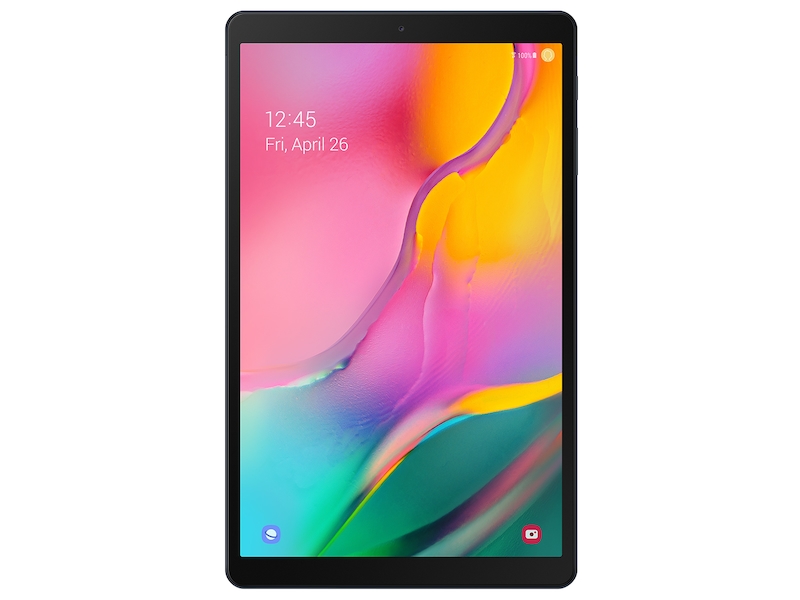
Galaxy Tab A 10 1 2019 32gb Black Wi Fi Tablets Sm T510nzkaxar Samsung Us

14 Best Tablets For Work And Play In 2021 Man Of Many

Samsung Galaxy Tab S6 Lite Review Ndtv Gadgets 360


Posting Komentar untuk "Galaxy Tab A Keeps Dropping Wifi"