Excel Dotted Line Between Columns
Press with left mouse button on Series Lines. 2 select the current line.
How To Remove Dotted Lines In Excel Spreadsheet Planet
Have you ever opened an Excel spreadsheet and discovered that the gridlines were missing.

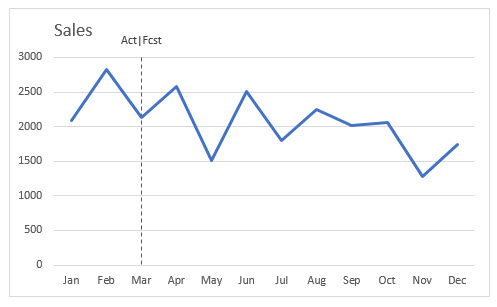
Excel dotted line between columns. Press with left mouse button on Add Chart Element button. How to Remove Dotted Lines in Excel - Spreadsheet Planet. To add the dotted line for the forecasted data in one excel chart just do the following steps.
Select the cells that contain the dotted lines. It is very convenient to show gridlines in Excel spreadsheets as the key idea of the application is to organize the data in rows and columns. To add the dotted line for the forecasted data in one excel chart just do the following steps.
Add dotted forecast line in an Excel line chart. Excel Dashed Line Between Columns. If you want to disable this in Normal view and remove dashed print area lines follow these steps.
Im working in Excel. Scroll down to Display Options section. Dotted Line In Excel Column.
At the bottom of this section use the Gridline color box to expand the dropdown list. 2 select the current line chart right click on it and select Select Data from the pop-up menu list. 2 select the current line chart right click on it and select Select Data from the pop-up menu list.
If you click on one of the dots a second time then you can edit one smaller segment of the line at a time. Column chart in Excel is a way of making a visual histogram reflecting the change of several types of data for a particular period of. Ditto for rows if you have a.
This will reveal a list of border options for the selected cell or a range of cells. 2 select the current line chart right click on it and select Select Data from. Dashed lines on excel sheet how to add column on excel.
The dot controls the piece of the line just before it. Dotted lines in excel. First go to the File.
You can also use the Columns dialog box to adjust the. These lines are called gridlines. In the Columns dialog box select the check box next to Line between.
Go to tab Design on the ribbon. Select the Home tab from the top of the Excel. Right-click on that dot.
First go to the File tab and click on Options at the bottom of the left-side menuIn the Options menu go to Advanced scroll down to Display dotted lines in excel. Ad Quickly Produce Analyses And Data Visualizations Using JMPs Easy-To-Use Interface. Lines are now visible between the columns.
Ive been tasked to make some modifications to an Excel spreadsheet that was developed by another individual. If your currently selected borders are dotted lines simply change the border. If youre not.
Choose Page Layout Columns. In this sheet the gridlines are turned off. If its a whole range of cells then select the range of cells the border encompasses.
The sheet has got a thin line that separates two columns I would like to get rid of. To add the dotted line for the forecasted data in one excel chart just do the following steps. Here are four possible reasons that gridlines are not visible in MS Excel.
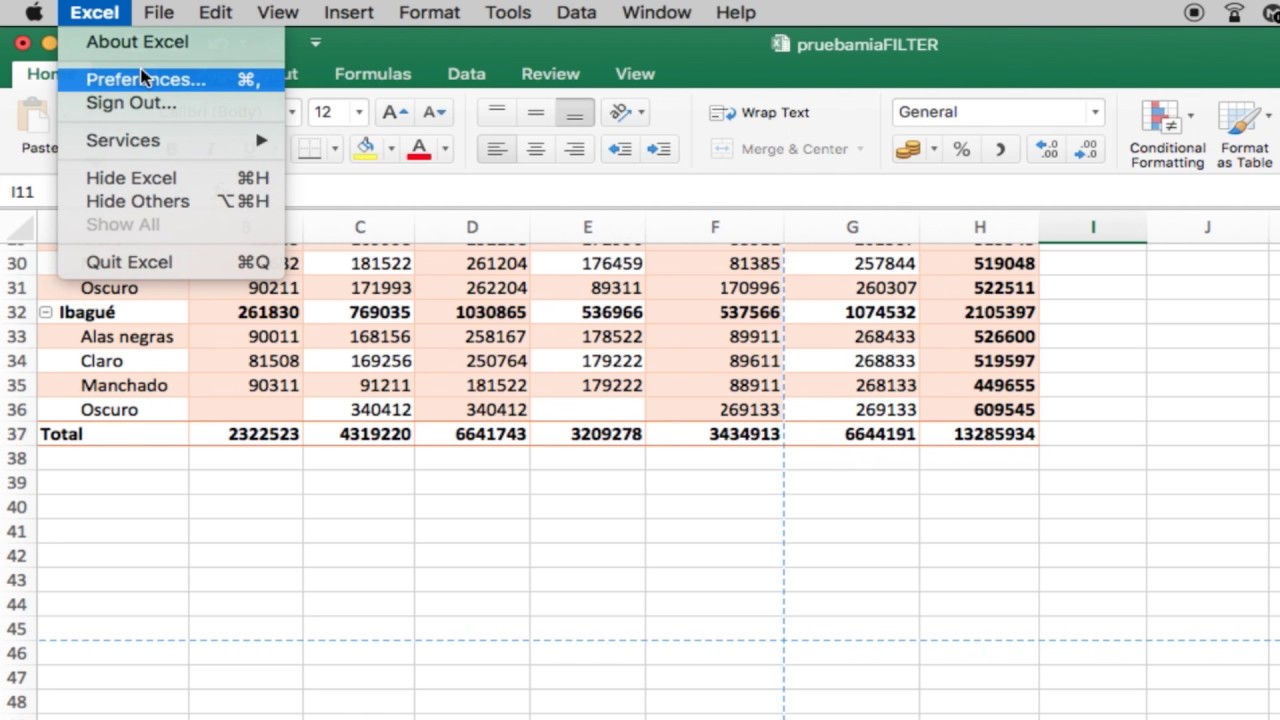
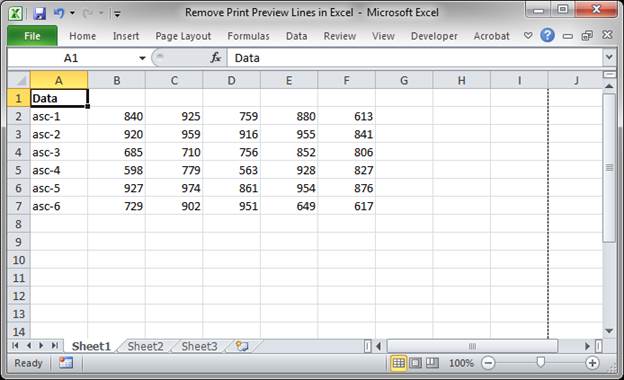
Click the Borders drop-down menu. Beside the source data add a Forecast column and list the forecast. In this video we will see how to hide those blue dotted lines called page breaks.
When you open an Excel document you can see the horizontal and vertical faint lines that divide the worksheet into cells. The gridlines may be turned offClick on. Ad Quickly Produce Analyses And Data Visualizations Using JMPs Easy-To-Use Interface.
Dashed lines on excel sheet how to add column on excel. Excel Dashed Line Between Columns. 1 insert one column and add the forested data into this column.
1 insert one column and add the forested data into this column. Open Excel Workbooks Directly To Format And Prep Your Data Into An Analysis-Ready Table. If this successfully removed the dotted lines.
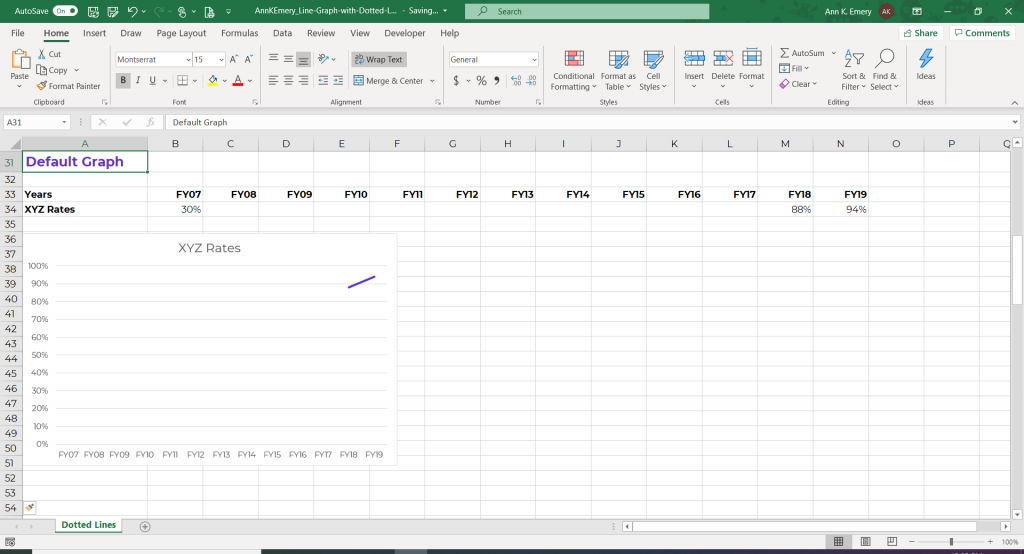
To add a dotted forecast line in an existing line chart in Excel please do as follows. You would click on the dot in this screenshot for example to edit just the section of line to the left of it. How to create a column chart and to combine it with a line in Excel.
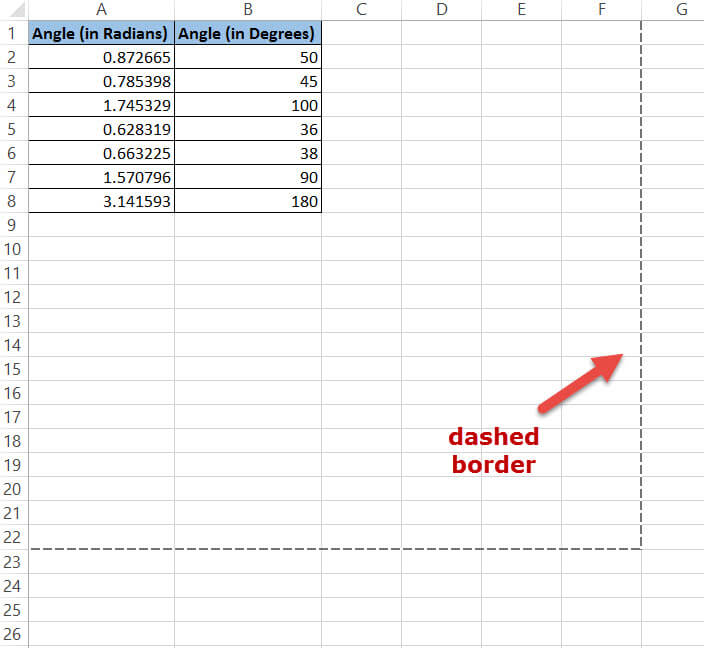
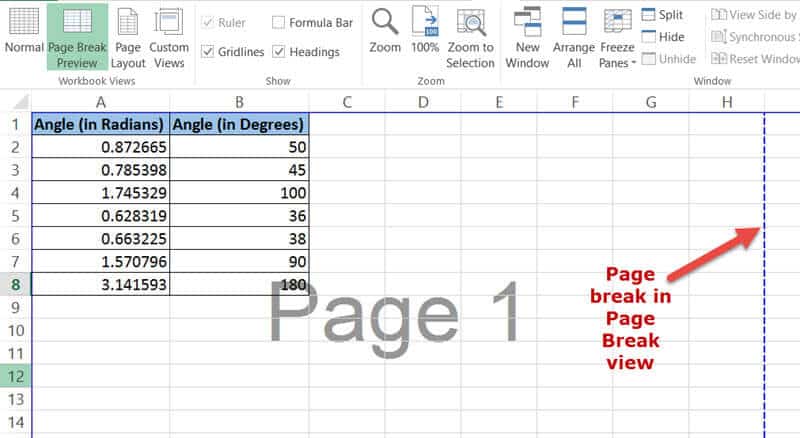
1 insert one column and add the forested data into this column. As you can see there are page break lines between Columns G and H and Rows 25 and 26. In this video we will see how to hide those blue dotted lines called page breaks.
To add the dotted line for the forecasted data in one excel chart just do the following steps. At the bottom of the list choose More Columns. In the Excel Options dialog box that opens click Advanced on the left panel.
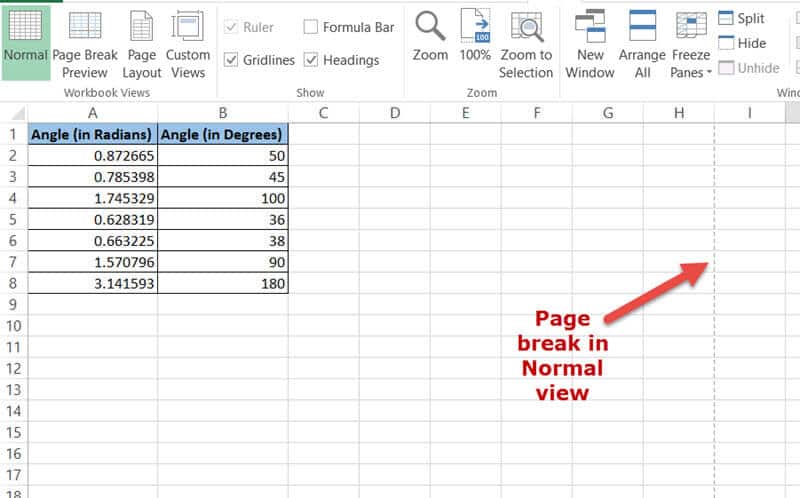
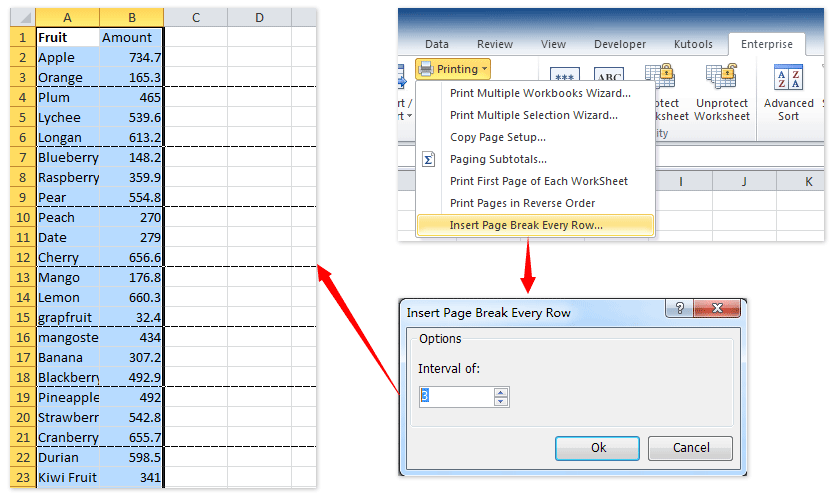
For this simply click on the View tab and select Normal from the Workbook Views group. 1 insert one column and add the forested data into this column. A solid line is a manual page break while a dotted line is where Excel is forcing a break and you cannot remove it except by manipulating your column sizes.
Excel Dashed Line Between Columns. If you want to disable this in Normal view and remove dashed print area lines follow these steps. As you can see there are page break lines between Columns G and H and Rows 25 and 26.
Press with left mouse button on Lines. Dotted Line In Excel Column. Open Excel Workbooks Directly To Format And Prep Your Data Into An Analysis-Ready Table.

How To Add Dotted Lines To Line Graphs In Microsoft Excel Depict Data Studio

How To Remove Dotted Lines In Excel 3 Easy Fix Trump Excel
How To Get Rid Of The Dotted Line In Excel In 10 Seconds Youtube
How To Remove Dotted Lines In Excel Spreadsheet Planet
How To Add Dotted Lines To Line Graphs In Microsoft Excel Depict Data Studio
Remove Print Preview Lines In Excel Teachexcel Com
Adding A Vertical Dotted Line To An Excel Line Chart A4 Accounting
How To Remove Dotted Lines In Excel Spreadsheet Planet
How To Hide Page Breaks In Active Sheet Or All Sheets In Excel

Excel 2010 Make A Dashed Line Youtube
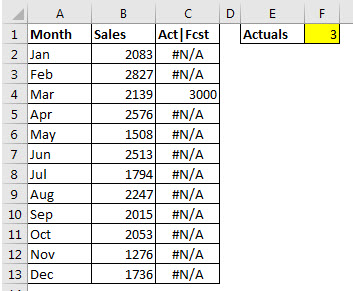
Adding A Vertical Dotted Line To An Excel Line Chart A4 Accounting
I Am Not Able To See A Dotted Line Around My Cell Selection In Excel Microsoft Community
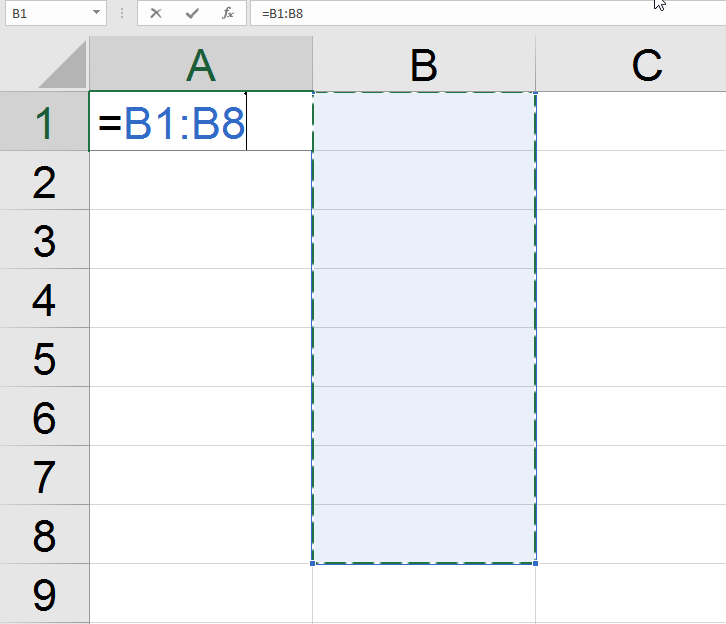
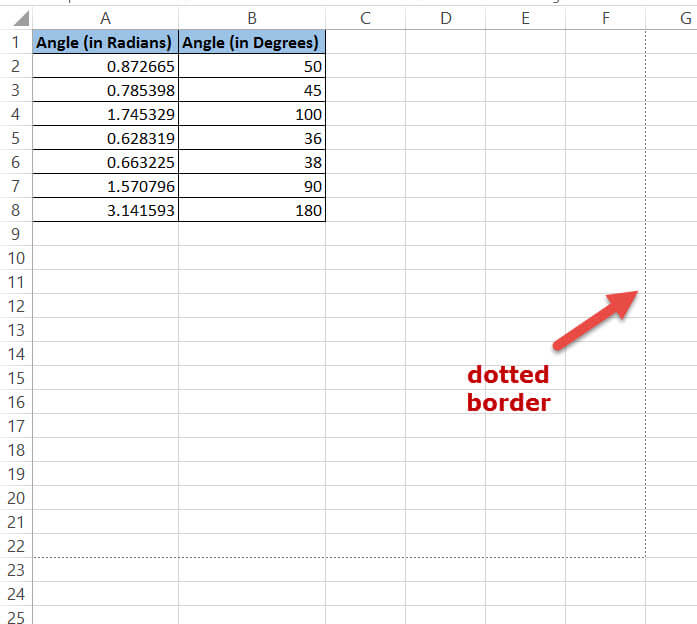
How To Remove Dotted Lines In Excel Spreadsheet Planet

How To Remove Dotted Lines In Excel 3 Easy Fix Trump Excel
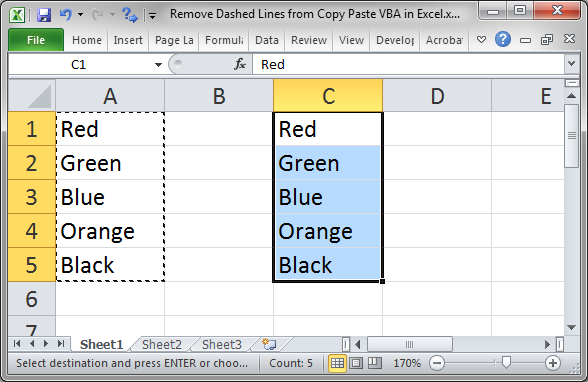
Remove Dashed Lines From Copy Paste Vba In Excel Teachexcel Com

How To Remove The Dotted Borders In Excel My Microsoft Office Tips
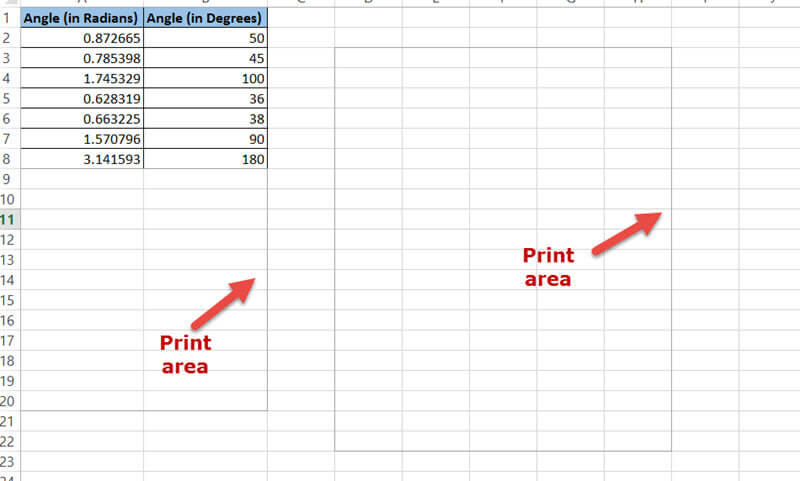
How To Remove Dotted Lines In Excel Spreadsheet Planet
Solved Excel 2016 Dotted Line Appears But It S Not A Page Break Experts Exchange
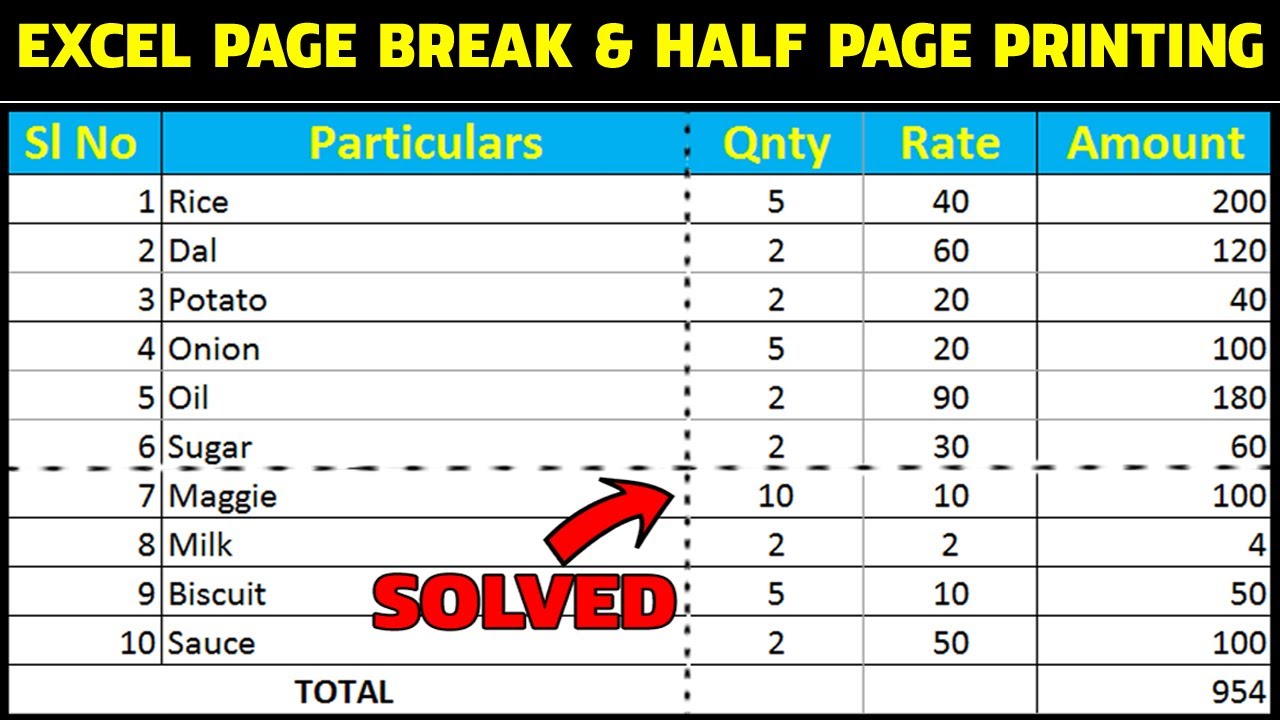
How To Remove Excel Page Break Dotted Line And Fix Half Page Printing Problem Youtube


Posting Komentar untuk "Excel Dotted Line Between Columns"