Windows Defender Not Restarting
Opening Policies and then the Microsoft Folder. After rebooting your computer you will be able to turn Windows Defender on your computer.
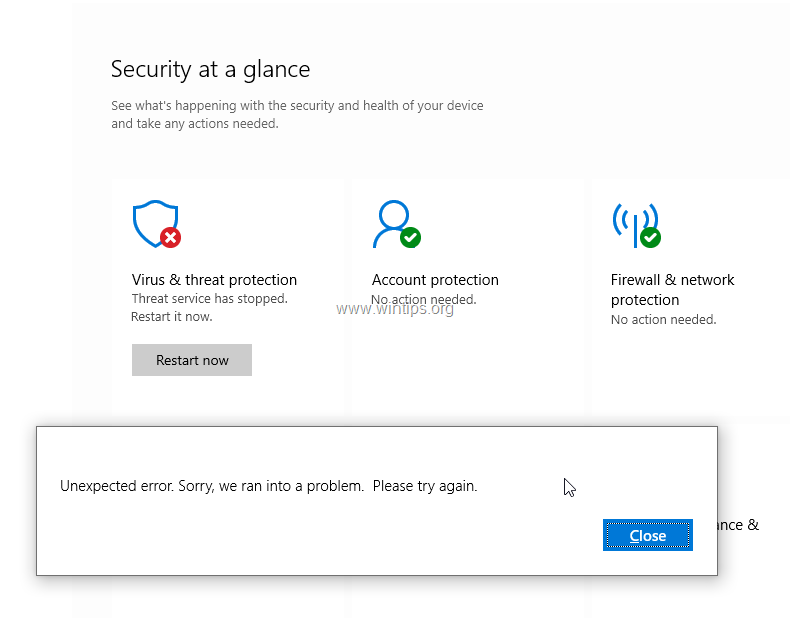
Fix Windows Defender Threat Service Has Stopped Restart It Now Solved Wintips Org Windows Tips How Tos
Both buttons to turn on Defender are grayed out.

Windows defender not restarting. Security Center is not configured to start correctly. Restart Security Center Service. Open the Run box by pressing the Win R keys then type gpeditmsc and click on the Ok button.
This is the result I get. Windows Defender is turned off or not working You may receive a message. Windows Defender Firewall Windows Defender Antivirus Network Inspection Service Windows Defender Antivirus Service.
If your computer is connected the IPv4 connectivity andor IPv6 connectivity status is Internet. DisableAntiSpyware is the name of the file. In the Run dialog box type servicesmsc and press Enter or click OK.
In the right. It is recommended to run a free scan with Combo Cleaner - a tool to detect malware and fix computer errors. This issue occurs if some of the registry entries are corrupted.
Press the Windows keyR keys together. In fact the issue of he Security Center service cant be started may be caused by the following reasons. Reboot your computer.
Go to the right pane and double-click on the Turn. Check if you have a third-party antivirus installed on your. If your computer doesnt appear to be connected select the connection name and select Diagnose this connection.
Many users have fixed the problem simply by uninstalling the third-party antivirus from their computers. To restart this service press Windows Win key R or simply right-click the Start button and select Run from the contextual menu. Turn off the anti-spyware registry.
Now look for the Windows Defender Firewall service. Open the connection name to view the connection Status. Check to see if the issue with Defender not working in Windows 11 has been resolved.
The most common reason for this issue to occur is the third-party anti-virus in the system. These antivirus softwares have a setting that disables the Windows Defender. Type gpeditmsc and press the OK button.
Videos you watch may be added to the TVs watch history and influence TV. Windows Defender Threat Service Has Stopped Restart It Now Microsoft Defender Not Working Due to 3 rd Party Antivirus. And lastly if I go into Task Manager Services there are 2 entries for Windows Defender both are stopped.
In order the Microsoft Defender to work correctly on. System File Check ScanSFC 5. Here go to the left pane and navigate to the following.
Double click on the Windows Defender folder and in the right pane double click on the Disable AntiSpyware value. Remove the Third-party Software. Video Showing How to Fix Windows Defender if Its Not Turning on.
Check each service status running or not. If playback doesnt begin shortly try restarting your device. To restart right-click on the service and.
First of all ensure that you havent installed any other third-party. Windows Defender has been turned off and it isnt monitoring your computer. You will see a list of services.
It can be done by following the below-provided steps. Double clicking on the Windows Defender folder. In the next step restart the services already running.
Sometimes group policy disables the Windows Defender and then it stops to start on theWindows 10 computer. Open Run dialog box and type gpeditmsc and click on the OK button. Perform right-click on the service and select the.
I also uninstalled Spybot SearchDestroy before attempting to restart the Windows Defender Threat service and any other programs I had used. Check your system for viruses. After that click OK to save the file and restart your computer.
The Local Group Policy Editor window will open. Fix 2 Uninstall third-party antivirus. Change the value to 0 and click on.
Modify the Registry. Go to the Start icon and search the services app. Restart it now in Windows 10.
Your Registry fix was what worked a 1 to a 0 yeesh how simple Im laughing my tail off at how easy it was to fix. Restarting the service from the service console may also prompt the same error. If any of these services is not running select the service and press the Start button.
Follow the steps below. Check Time and Time Zone. At this case the previously installed security product has modified the Windows Registry so the default Windows protection cannot be.
The log on user for Security Center is configured incorrectly. To do that follow the step-by-step guide. Enable Microsoft Defender Antivirus Services.
If there are some minor problems or something hampered the process it can be easily resolved by restarting Windows firewall service. The next step to resolve the Defender error Threat Service has. Close any open programs and restart your computer.
At the startup of Windows XP you may see an error that says Unable to Start Windows Defender service. Thank you very very much. Then double-click it to open it and in the Value Data field type 0.
Open the Run dialog by clicking Win R keys on the keyboard. Change Windows Defender Startup Type. In the Local Group Policy Editor interface go to the left pane and navigate to Computer Configuration.
Windows Defender not restarting Error. If I got to Control Panel then Security and Maintenance window. Prior to that try to restart Windows 10 or Windows 8 81 to see if a reboot will work for Windows Defender unable to turn on issue.
The above issue commonly occurs if you have installed a different security product on your system but you have decided to return back to the default Windows security protection Windows Defender on Windows 10 Windows 8 or Security Essentials on Windows 7. You will need to purchase the full version to remove infections and eliminate computer errors. So if this is the case with you then you can simply resolve this issue by changing the group policy.
Scroll down to find the Windows Defender Firewall service. New dword file for Windows Defender. If I search for Windows Defender in the search window on the task bar.
Right click on the service and click Restart option from the drop down menu. In services window scroll down and locate Security Center service from the lists of services. In this article let us look at different ways to fix the Microsoft Defender Threat Service Has Stopped issue in detail.
Download Computer Malware Repair Tool.

How To Fix Windows Defender Not Turning On Youtube
Windows Defender Threat Service Has Stopped Restart It Now Windows Os Hub
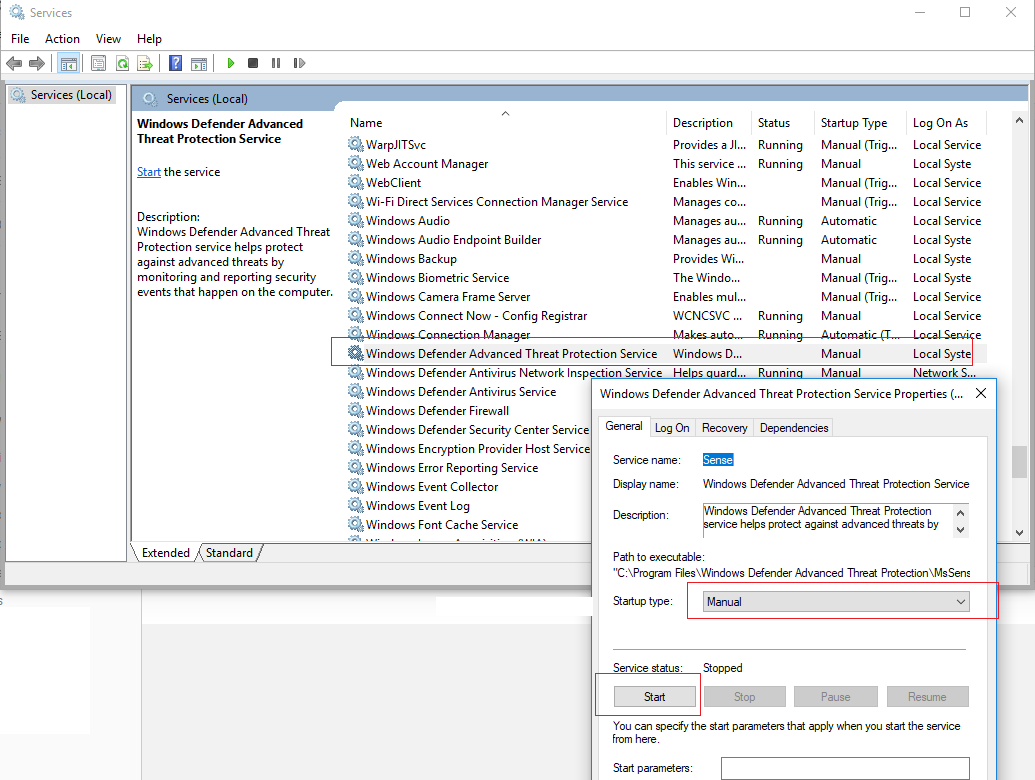

Windows Defender Threat Service Has Stopped Restart It Now Youtube
Windows Defender Threat Service Has Stopped Restart It Now Windows Os Hub
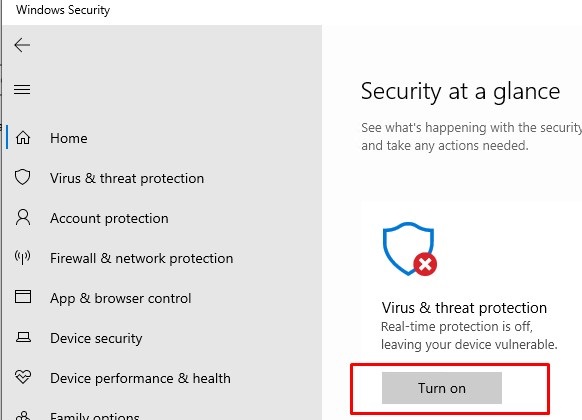
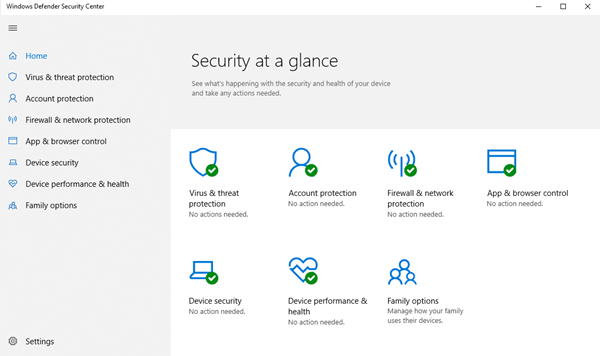
Can T Turn On Windows Defender In Windows 11 10
Windows Defender Threat Service Stopped And Won T Restart Microsoft Community


Solved How To Fix Windows Defender Not Working Issue Quick Way
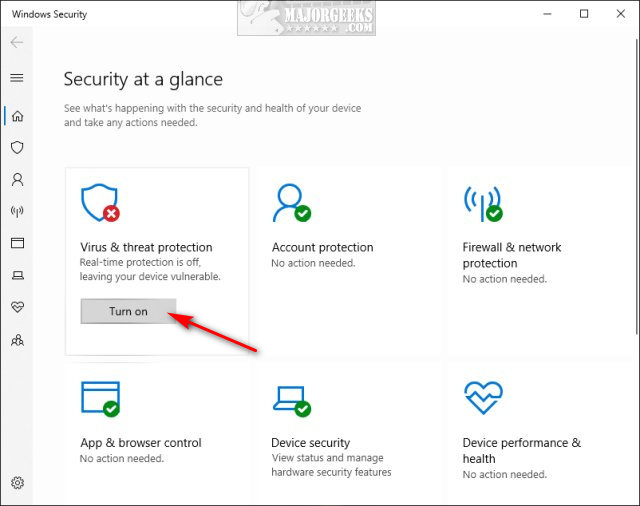
Microsoft Defender Threat Service Has Stopped 2020 Majorgeeks

Windows Defender Threat Protection Has Stopped An Restarting Gives Me This Message When I Try To Restart It I Don T Know When It Turned Off And I Have No Other Anti Virus What
Windows Defender Is Not Working Properly Hp Support Community 6078398

Windows Defender Unexpected Error Microsoft Community

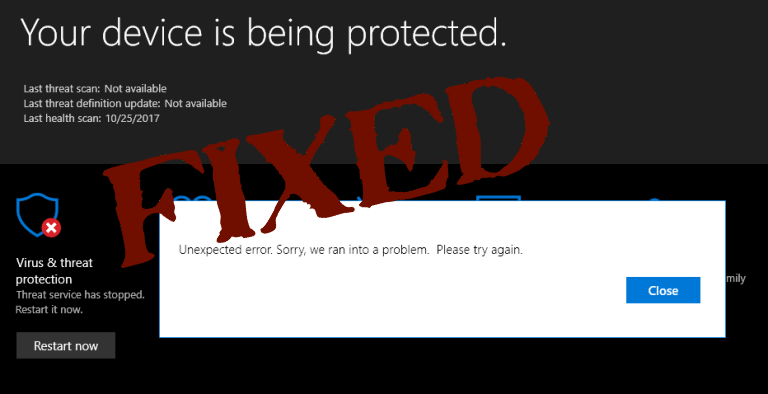
Solved Windows 10 Defender Unexpected Error Microsoft Defender Threat Service Has Stopped Error
Windows Defender Virus Threat Protection Restart Now Microsoft Community
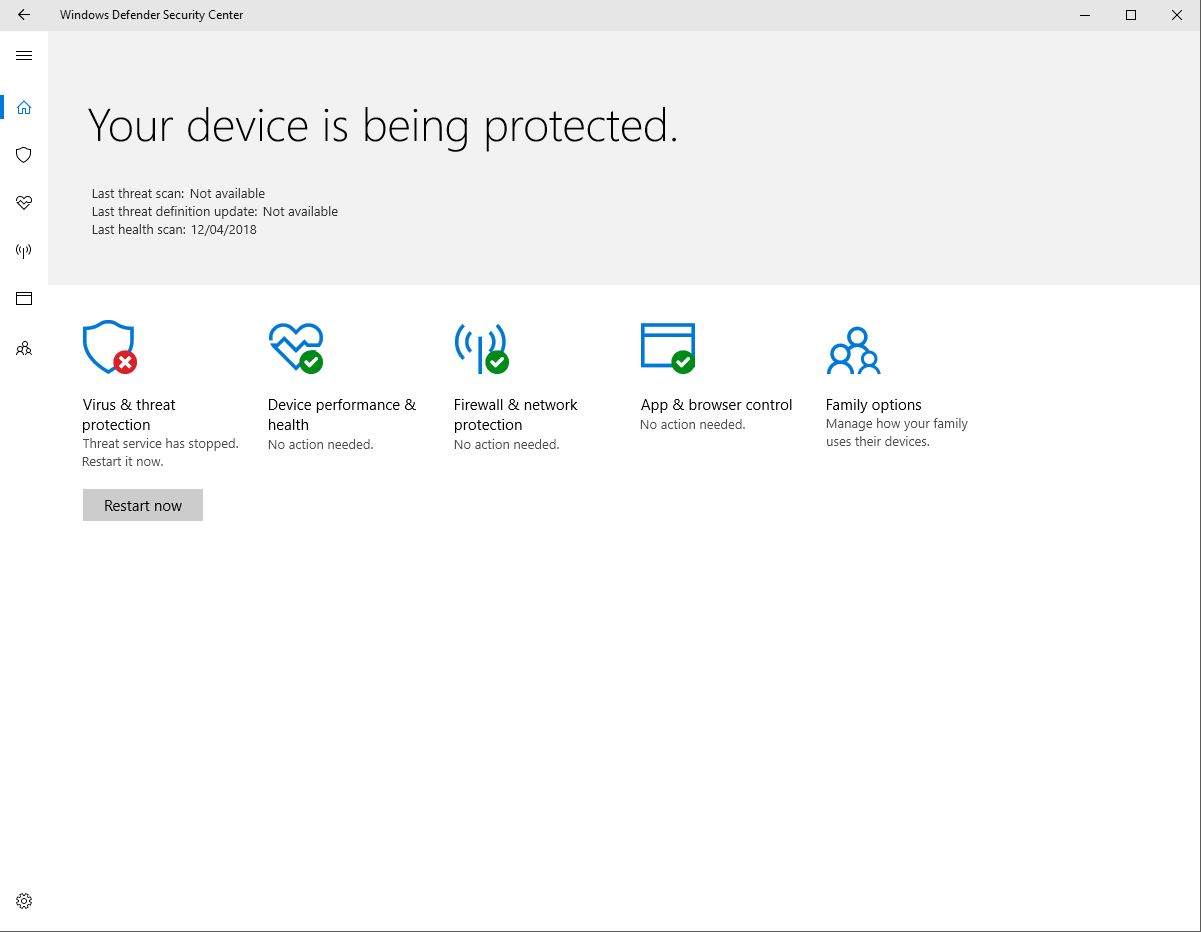
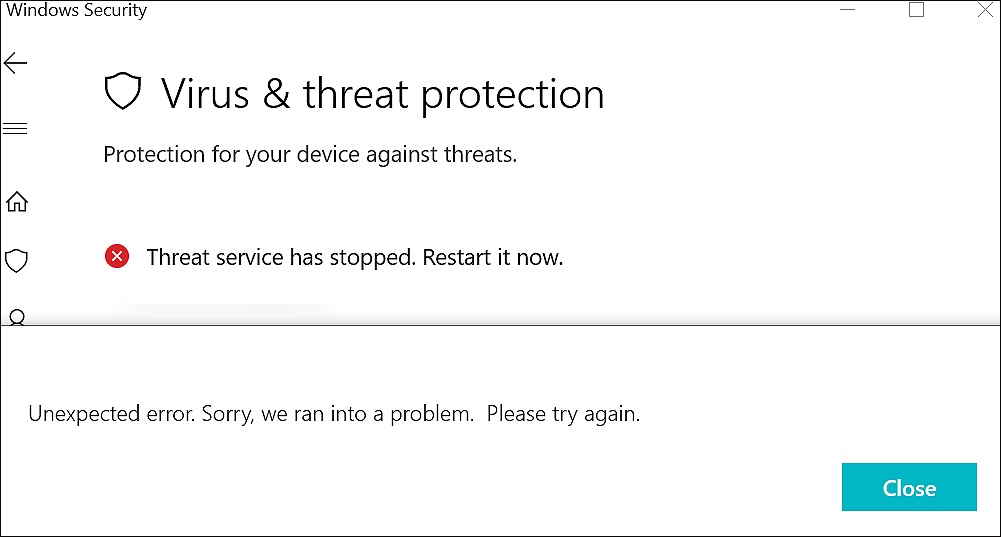
How To Remove The Windows Defender Threat Service Has Stopped Error Message Techquack
Windows Defender Threat Service Has Stopped Restart It Now Windows Os Hub
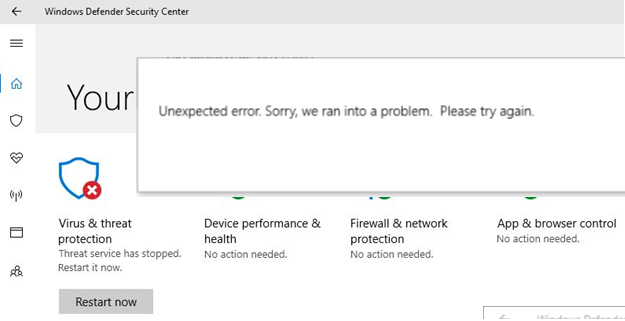
Windows Defender Threat Service Has Stopped Microsoft Community


Windows 10 Threat Service Has Stopped Restart It Now Technipages

Solved Microsoft Defender Threat Service Has Stopped Youtube
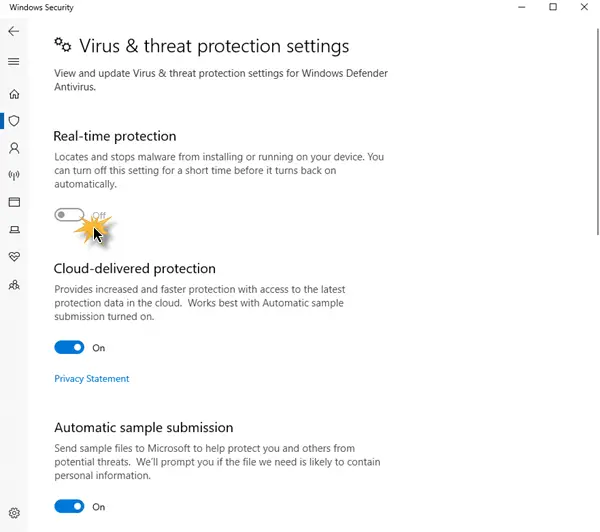
Can T Turn On Windows Defender In Windows 11 10


Posting Komentar untuk "Windows Defender Not Restarting"