Hp Officejet Pro 8600 Will Not Print Wirelessly From Mac
Open an MS Office document select the print icon and then select Print. Open a document or photo click File and then click Print.
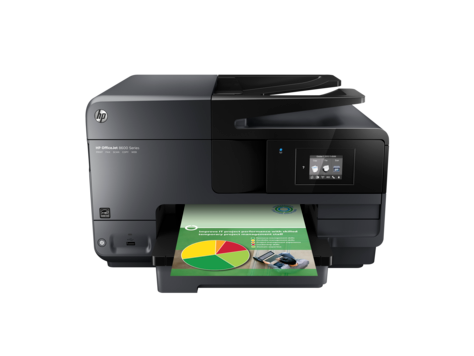
Hp Officejet 8600 Series Printer Software And Driver Downloads Hp Customer Support
Problem showed up right out of the box.

Hp officejet pro 8600 will not print wirelessly from mac. Download the latest drivers firmware and software for your HP Officejet Pro 8600 e-All-in-One Printer - N911aThis is HPs official website that will help automatically detect and download the correct drivers free of cost for your HP Computing and Printing products for Windows and Mac. Simply connect to the internet and easily email your images to. Windows has a built-in print option for phones and tablets.
Choose Print Fax or Print Scan or Printers Scanners. The HP Officejet Pro 8600 Plus printer makes printing from your smartphone tablet and laptop. HP Officejet Pro 8600 Plus no longer printing wirelessly My HP Officejet Pro 8600 Plus has printed wireless for both my MacBook Pro and iPad for over a year.
HP Officejet Pro 8600 Plus e-All-in-One Printer - N911g. Extended warranty refers to any extra warranty. HP hp officejet pro 8600 missing or failed printhead HP 86008610 Printer WiFi Setting HP Officejet Pro 8600 Plus Testbericht - Erfahrungen - Inbetriebnahme - Review - Deutsch Teste RD - HP Officejet Pro 8600 Plus hp officejet pro 8600 printhead cleaning Hp Officejet Pro 8600 Plus HP Officejet Pro 8600.
Get Your Solution Now. Printer Repair Maintenance Installation Services. We are surprised that our HP 8600 printer cannot connect wirelessly to the iMac using what is referred to as wireless Direct As you say the iMacs keyboard and mouse are connected via Bluetooth.
Open HP Smart if its installed on you Mac. This document is for HP Officejet Pro 8600 8600 Plus and 8600 Premium e-All-in-One printers N911. This document contains specifications for the printer including model numbers system requirements and print.
I have an HP officejet pro 8600 plus and can not print from my mac book pro. If you do not have HP Smart download it from HP Smart - Mac App Store. HP Officejet Pro 8600 Plus e-All-in-One Printer automatic two-sided printing accessory.
Printer Repair Maintenance Installation Services. Confirm AirPrint or Secure AirPrint displays in the Use or Print Using menu and then click Add. This document contains more information on installing and using HP Smart to diagnose problems.
The Wireless Network Test Results notice says your hp printer is unable to connect to your wireless. If your printer is not listed click the plus sign click Add Printer or Scanner click the name of your printer and then continue to the next step. Printing with ePrint by email works perfectly.
Hold down the Control key as you click in the list at the. Up to 20 cash back Hello I have an HP officejet pro 8600 plus and can not print from my mac book pro. Get Your Solution Now.
Enable Bonjour Apples version of Zeroconf provide a name for this Bonjour Service. Up to 20 cash back Choose System Preferences from the Apple menu. Manufacturers warranty refers to the warranty included with the product upon first purchase.
I already tried rebooting all machines uninstalling and reinstalling HPs softwares and drivers. In summary the HP Officejet Pro 8600 remains unable to accomplish the simple task of printing the envelop information on an envelop and letter body on the letter paper after over 15 hours and many sheets of paper and envelops spent with HP support internet research testing experiments and driver reinstallations It can only accomplish the task correctly if an envelop is in a word file containing only envelops and body in a file containing only things to print. I am connected to the wireless network but - Answered by a verified Technician We use.
I am connected to the wireless network but i lose the connection constantly. Advanced Settings enable IPP Internet Printing Protocol. As of this morning it no longer will.
Set priority printing mine is set to 9100 Printing. HP Officejet Pro 8600 N911gs firmware is CKP1CN829AR. Ad Connect Your Printer to a Wireless Network.
Ad Connect Your Printer to a Wireless Network. When I had the older HP softwares and drivers. However I do see an iMac wireless connection option for connecting peripheral devicesprinters - referred to as wireless.
HP wireless direct printing HP webOS printing TouchPad only Apple AirPrint. Provide domain name for the serv ices. Use to print any file type or size wirelessly to.
This is what gets Airprint working on the HP OfficeJet Pro 8600.
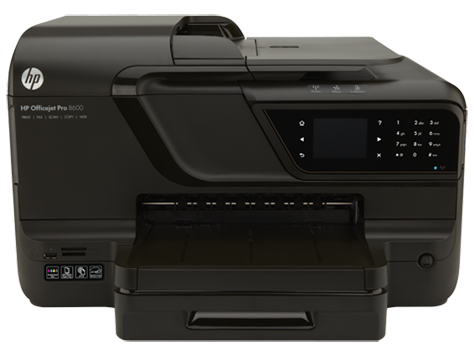
Hp Officejet Pro 8600 E All In One Printer Series N911 Software And Driver Downloads Hp Customer Support
Hp Chromebook Does Not Recognize Hp Officejet Pro 8600 Print Hp Support Community 4936287


Hp Officejet Pro 8600 Plus E All In One Printer Series N911 Hp Customer Support
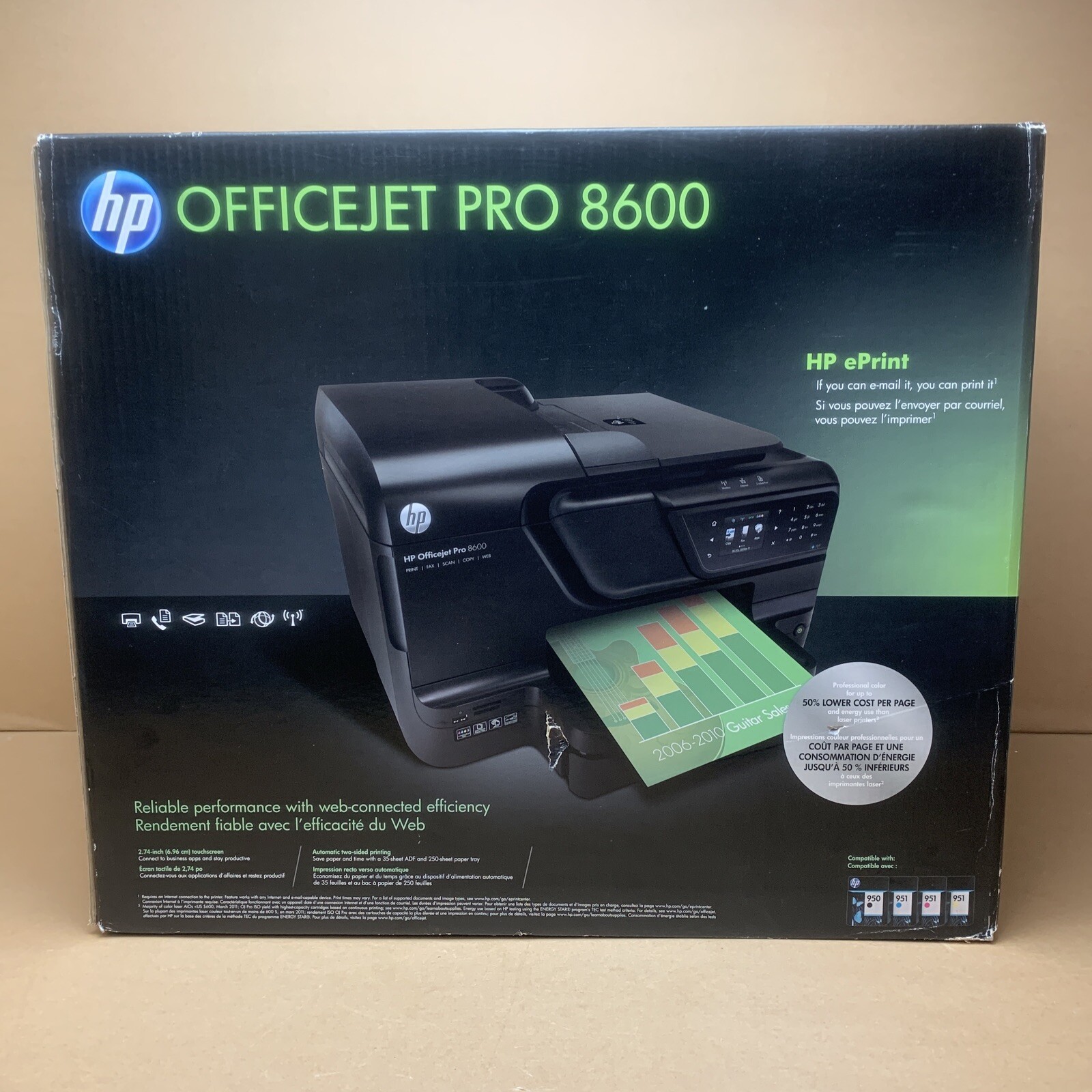
Hp Officejet Pro 8600 E All In One Wireless Color Printer Black For Sale Online Ebay

Pin On California
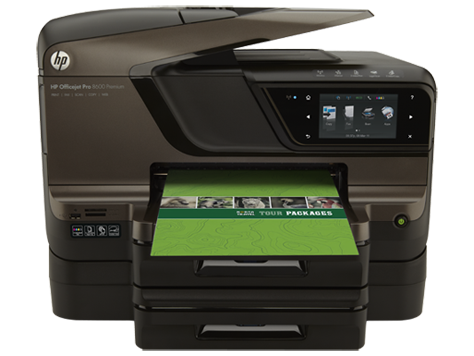
Hp Officejet Pro 8600 Premium E All In One Printer Series N911 Hp Customer Support

Bestbuys My Pwinit Giveaway Entry Hp Hewlett Packard Printers 214 27 Not Pwinning Yet Click Here Hp Officejet Pro Hp Officejet Multifunction Printer

How Do I Change Wifi Settings Of My Hp Laserjet P1102w Printer Fixprinterproblems Over Blog Com Printer Wifi Wireless Printer
Solved How To Get The Hp Officejet Pro 8600 Plus To Print On Cardstock Hp Officejet Pro 8600 Plus Ifixit

Troubleshoot Hp Officejet Pro 6830 With Printhead Problem Wireless Printer Hp Officejet Hp Printer
Error With Hp Officejet Pro 8600 Printing Head Is Missing Hp Support Community 8050684


123 Hp Com Hp Printer 123 Hp Com Setup Download Free Drivers Printer Hp Printer Setup

Most Companies Are Ignoring The Ipad Printing Problem Apple Printer Printer Wireless Printer

Hp Officejet Pro 8600 Printers Fixing Poor Print Quality Hp Customer Support

Hp Officejet Pro 8600 Airprint Setup And Troubleshooting Process
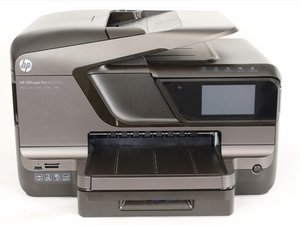
Hp Officejet Pro 8600 Plus E All In One Printer N911g


Why Hp Officejet Pro 8600 Keeps Going Offline Printer Technical Solution

How To Complete Hp Officejet Pro 8600 Wireless Setup

Hp Officejet Pro 8600 Plus E All In One Review Hp Officejet Pro 8600 Plus E All In One Photo Printer Hp Officejet Best Printers


Posting Komentar untuk "Hp Officejet Pro 8600 Will Not Print Wirelessly From Mac"