How To Remove Shortcut Sign From Icons
Remove shortcut icons arrow in any windows 10 PC. You can also grab the shortcut by either clicking and holding or pressing and holding on it and then dragging and dropping it to the Recycle Bin.

Toolbar icons in Microsoft Edge Heres How.

How to remove shortcut sign from icons. Right-click the icon youd like to delete. Tap on Delete to remove a shortcut Another way is to select the shortcut you want to remove and then press the Delete key on your keyboard. Remove the - Shortcut Text by Editing the Registry Manually.
Learn how to remove shortcut arrow on icons in windows 10. Switch to the Shortcut tab. Open the Microsoft Edge app.
Next you are going to create a new value inside the Shell Icons key. If you have updated Windows 10 since Oct 2020 there are. Using Finder Preferences Step 1.
Name the new value 29. Type in regedit Registry Editor. Right-click on the desktop icon that has the shield icon over it and then click the Properties option.
Choose Delete from the pop-up context menu. Double-click the new 29 value and type you can also copy-paste the following into the Value data box to remove arrows from. In the Target box add the following path at the beginning of the existing target path.
Press the Windows key D on your keyboard to display the Windows desktop. To remove the - Shortcut text for any PC running Windows Vista all the way through Windows 10 you just need to make an adjustment to one setting in the Windows Registry. The button will now be named Restore Shortcut Arrows To Shortcut Icons Thats all it takes.
On that tab go to. Then click Additional Tweaks in the left pane. Unzip and load the program.
Follow the steps to remove shortcut marks from icons-1. You will see the Finder Preferences tab on your screen. You can also press the Win key to open your Start Menu.
Click the icon with your left mouse button once so that it is highlighted. To undo that change you can delete the file called 29 from the folder you created. Right click on the icon that you want to remove from desktop.
Remove the yellow and blue shield icon from program icons. In the registry editor copy the below path paste it in the address bar and press Enter. To delete an icon created by saving a file the installation of a software program or user-created shortcuts.
Click Show desktop icons to uncheck the option and hide all desktop icons. How to Remove Shortcut Arrows. You will be automatically taken to the target folder.
Then you need to do some manual settings to get out of the problem. Now you are going to modify that value. Right-click an empty area on the desktop and select View in the drop-down menu.
The changes wont take place until you click Apply then Close and then. Remove Text from a Shortcut. Customize your desktop screen easy.
What to do to remove shortcut marks from desktop icons-If you dont want shortcut marks to show on icons. To remove arrows from shortcut icons with Ultimate Windows Tweaker choose the Customization section on the left click the File Explorer tab and then click Remove Shortcut Arrows From Shortcut Icons To put them back follow the same process. Look through all the icons placed on your desktop.
This time instead of typing a space hold down the Alt key and type 255 on the numeric keypad. Clicktap on the icon item to check add or uncheck remove it in the toolbar. First of all go to the Finder option of your Mac present on the top left corner.
Cmd c start Step 3. Check Remove arrows from Shortcut Icons. If you want to remove the icon use these step right click the mouse after that click to the view icon after that unclick the show desktop iconwhich helps to remove the shortcuts icons from.
Right click the Shell Icons folder icon and choose New String Value. See screenshot below 3. To remove text from a shortcut right-click on the shortcut icon and select Rename from the popup menu.
Press the Delete key on your keyboard. Click the Apply button. In the drop-down menu that appears select Delete.
Open RUN program by pressing the combination of WINDOWSR keys on the keyboard. Click the Start Menu icon. Clicktap on the Settings and more AltX button and clicktap on Show in toolbar.
Remove Shortcut Arrow on Shortcut Icons. Open the start menu search for Registry Editor and click on the result to open the registry editor. Click on it and choose Preferences from the available options.
Click on the Yes button when a window pops up to ask you Are you sure you want to move this shortcut. Show or hide all desktop shortcut icons.

How To Make A Desktop Shortcut To A Website Or Website A Desktop Icon Desktop Icons Shortcut Icon How To Make

How To Remove Checkboxes From Icons In Windows 11 In 2021 Icon Small Icons Check Box

Remove Arrow From Desktop Icons Win Vista 7 Desktop Icons Icon Shortcut Icon

How To Remove The Windows Shortcut Arrow From Desktop Icons In Window 10 Desktop Icons Windows Desktop

Create A Desktop Shortcut Icon My Tech Gurus Shortcut Icon Genius Quotes Desktop Icons

How To Remove Or Add Icons From Facebook App Shortcut Bar In 2021 Facebook App App Ads
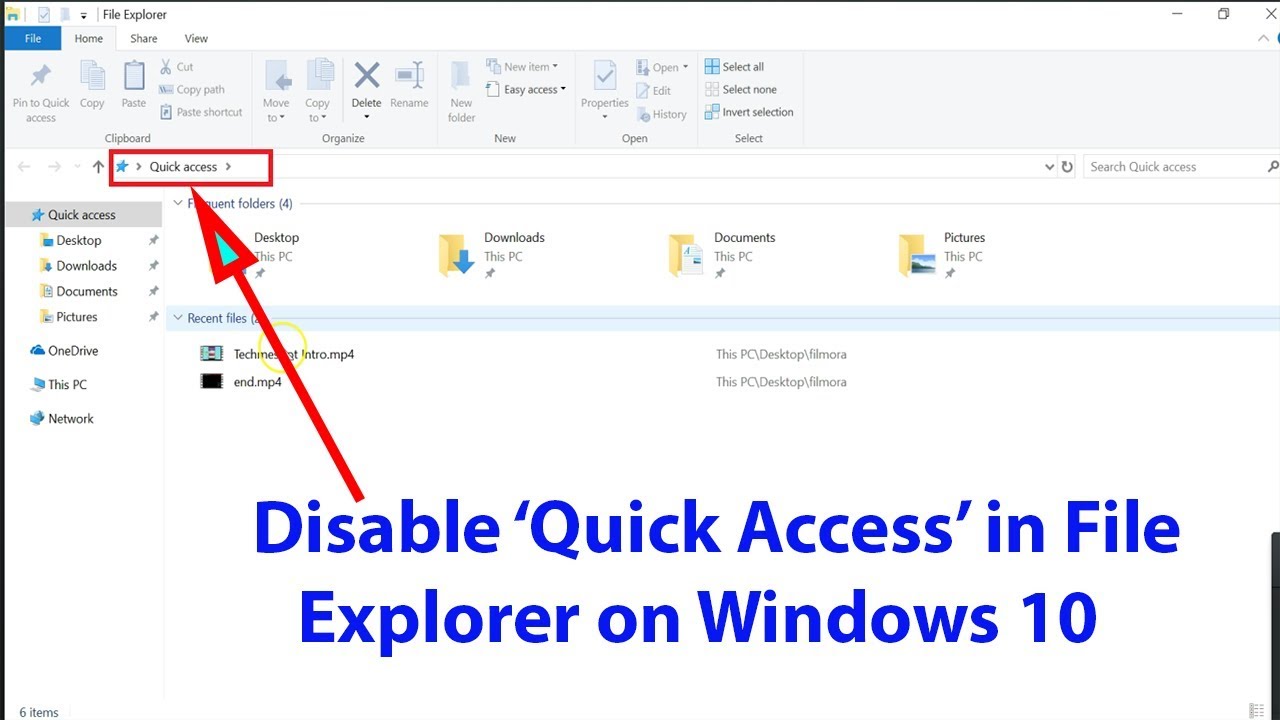
Windows 10 Tutorial How To Disable Quick Access In File Explorer Windows 10 Tutorials Windows 10 Quick Access

I Guess You Don T Really Like The Shortcut Arrow Displayed On Your Desktop Icons Actually To Me It Makes The Desktop Desktop Icons Android Apps Shortcut Icon

How To Create Shortcut Icons With No Text Label In Windows Http Terablitz Com Windows How To Create Shortcut Icons With No Text Lab Shortcut Icon Icon Labels

How To Show Hidden Files Windows 10 Cmd 4 Ways Windows 10 Windows Registry Windows

How To Customize The Desktop Shortcut Arrows In Shortcut Icon Custom Shortcut
How To Remove Or Add Icons From Facebook App Shortcut Bar In 2021 Facebook App App Ads

How To Disable App Shortcuts On Oneplus 5 Bestusefultips Settings App Oneplus App

How To Remove Or Change Arrows On Shortcut Icons In Windows 7 8 And 10 Shortcut Icon Pc System Icon

How To Remove Or Add Icons From Facebook App Shortcut Bar In 2021 Facebook App How To Remove App

How To Remove The Windows Shortcut Arrow From Desktop Icons Desktop Icons Computer Repair Services Computer Repair

Remove Shortcut Sign From Desktop Application Icon Application Icon Icon Desktop

How To Remove Shortcut Arrow From Desktop Icons In Windows 10 Desktop Icons How To Remove Windows 10

Removing Arrows From Shortcuts Windows 7 8 8 1 Step By Step Guide Most Useful Tricks Trick Shortcut Windows


Posting Komentar untuk "How To Remove Shortcut Sign From Icons"