How Do You Turn Off An Ipod Nano 3rd Generation
Then wait a few seconds for your device to restart. How To Turn An ipod Nano Off And Save Battery LifeYou can find the latest deals on iPod Nanos here.

Apple Ipod Nano 3rd Generation Review 2010 Pcmag Australia
IPod Classic 3rd generation Posted on Feb 7 2010 834 AM Reply I have this question too 210.
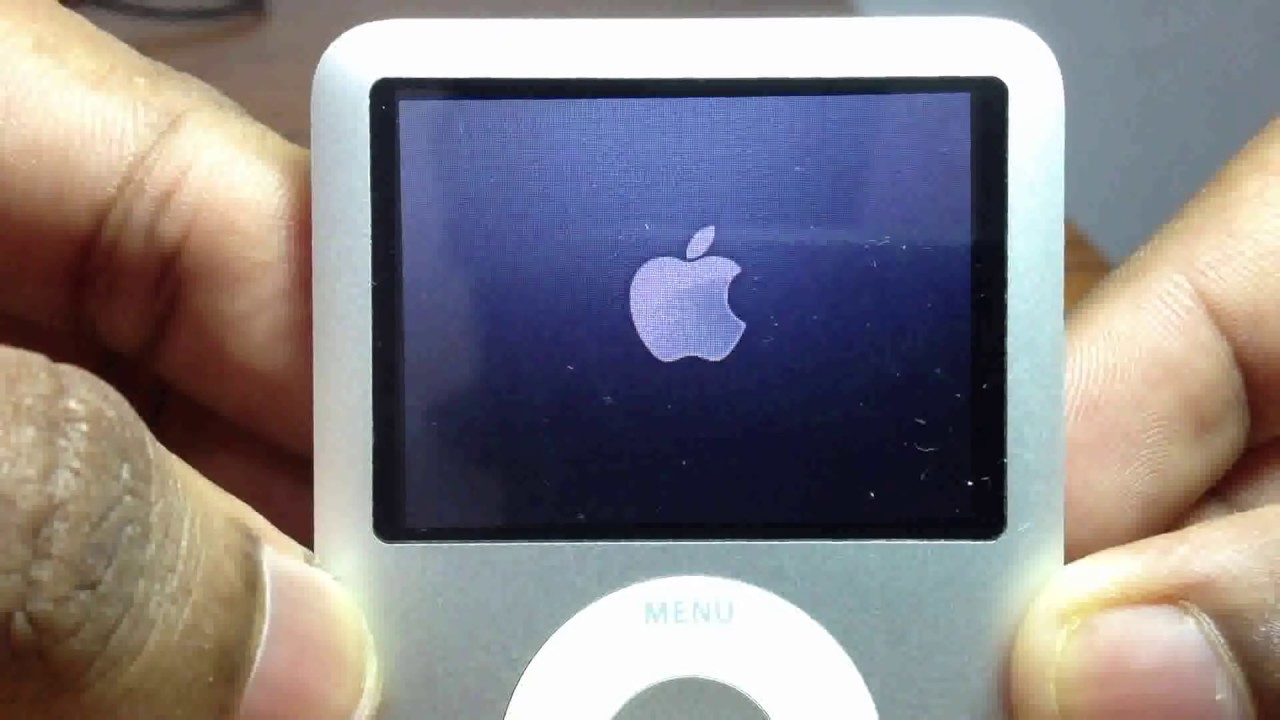
How do you turn off an ipod nano 3rd generation. - iPod Nano 3rd Generation Skip to main content Fix Your Stuff Community Store. To turn it off completely you need to press down on the center button then the menu button and it will turn off. When I plug my ipod nano into sync my songs nothing downloads to my ipod nano.
MegaFastfinger shows us how to put your iPod Nano 4G on standby. To turn the nano on. Toggle the Hold switch on and off.
Try doing a hard reset. To turn off the 7th generation ipod nano or 6th generation ipod nano do the following. To turn the nano on hold the SleepWake button until the screen lights up.
Hold the SleepWake button until the screen goes dark. Hope this helps - iPod Nano 3rd Generation. When it goes to sleep it saves the batteryAfter holding down the playpause button it will turn off or go into low power mode after a period of time.
IPod Nano 3rd Generation Display Replacement Good luck. In this video I show you how to turn off an iPod Nano - a hard reset to solve any ipod problem you may have in the software for example. Hold the Menu and center button till the apple logo shows.
The play pause button is the one that has the two lines and the triangle side by side. The play pause button is the one that has the two lines and the triangle side by side. Turn on the ipod.
The first step to any repair though is getting the iPod open without damaging any of the pieces. About Press Copyright Contact us Creators Advertise Developers Terms Privacy Policy Safety How YouTube works Test new features Press Copyright Contact us Creators. This is for the Click Wheel series of iPods only that is the iPod mini iPod Photo iPod Click Wheel iPod nano and iPod Video5G.
Ive tried holding the play button but I still lose battery power so I assume that is not the correct way to turn it off. I attached the diagnostic menu for your test just in case. Just press the playpause button until the screen turns blackthen slide right the hold switch to prevent it from reactivating.
If the Apple warranty no longer covers your iPod it may be more inexpensive to do simple repairs yourself instead of purchasing a new iPod. To turn it off you have to push a button on the click wheel of the iPod. I have searched the manual and I do not have a setting on my ipod nano for the library.
To turn it back on you press down on the playpause button for a few seconds and it will turn back on. The nano is now off. You will push and hold the play pause button until the iPod goes off.
Press and hold both the SleepWake and Home button until the screen turns off. In order to access the inbuilt Diagnostic menu on the Nano you need to press a combination of keys immediately after restarting it. To turn it off you have to push a button on the click wheel of the iPod.
Turn on icloud music library on ipod nano. The Nano technically does not turn off it goes to sleep. Turn off iPod nano - Press and hold PlayPause.
This video will show you how to open up iPod Video Classic 3rd generation 4th generation and Nano 1st and 3rd generations. You may need to repeat this step. How do you turn an iPod 3rd generation off.
Go into settings then music and change the shuffle setting from on to off. Most functions of the iPod nano music FM radio and pedometer stop when you turn the device off. Press and hold the Menu and Select buttons until the Apple logo appears about 6 to 10 seconds.
Plug your iPod into power then try again. Toggle the Hold switch to Hold the off. If you have an ipod classic or an ipod nano generation 1 through 5 the hold switch may be in the lock position and preventing it from turning on.
You will push and hold the play pause button until the iPod goes off. Answered Feb 16 14 at 1412. I receive a message that states that I am to turn on icloud music library on your ipod will not load apple music.
For more details about the keys of the ipod nano 3rd generation visit. You just press down on the playpause button for a few seconds and the iPod will turn off meaning its on standby. If you turn it.

Apple Ipod Nano 3rd Generation Unboxing Youtube

How To Completely Reset The Ipod Nano 3rd Generation Youtube
Apple Ipod Nano 3rd Generation Productreview Com Au

Solved How Do I Turn It Off Ipod Nano 3rd Generation Ifixit

Soft Reset Apple Ipod Nano 3rd Generation How To Hardreset Info

Apple Ipod Nano 3rd Generation 8gb Personal Music Player

Ipod Product Guide Get Cash By Selling Your Apple Ipod Ipod Touch Ipod Nano Ipod Shuffle Sellyourmac Com

Apple Ipod Nano 3g 8gb Mp3 Player Mb261ll A For Sale Online Ebay

Best Buy Griffin Reflect Case For 3rd Generation Apple Ipod Nano Blue 8172 Nreflctb
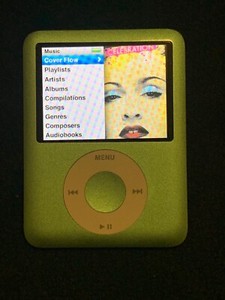
Used Apple Ipod Nano 3rd Generation 8gb A1236 Light Green 885909342327 Ebay

Contour Design Isee Nano V3 Case For Ipod Nano 3rd Isee Nv3 B

Apple Ipod Nano 3rd Generation Mp3 Mp4 Player A1236 W Genuine 4gb Sto Ogreatgames
Ipod Nano 3rd Generation Reset And Other Features Youtube

Apple Ipod Nano 3rd Gen Video Review Youtube

How To Turn Off Ipod Nano 4 Steps With Pictures Wikihow
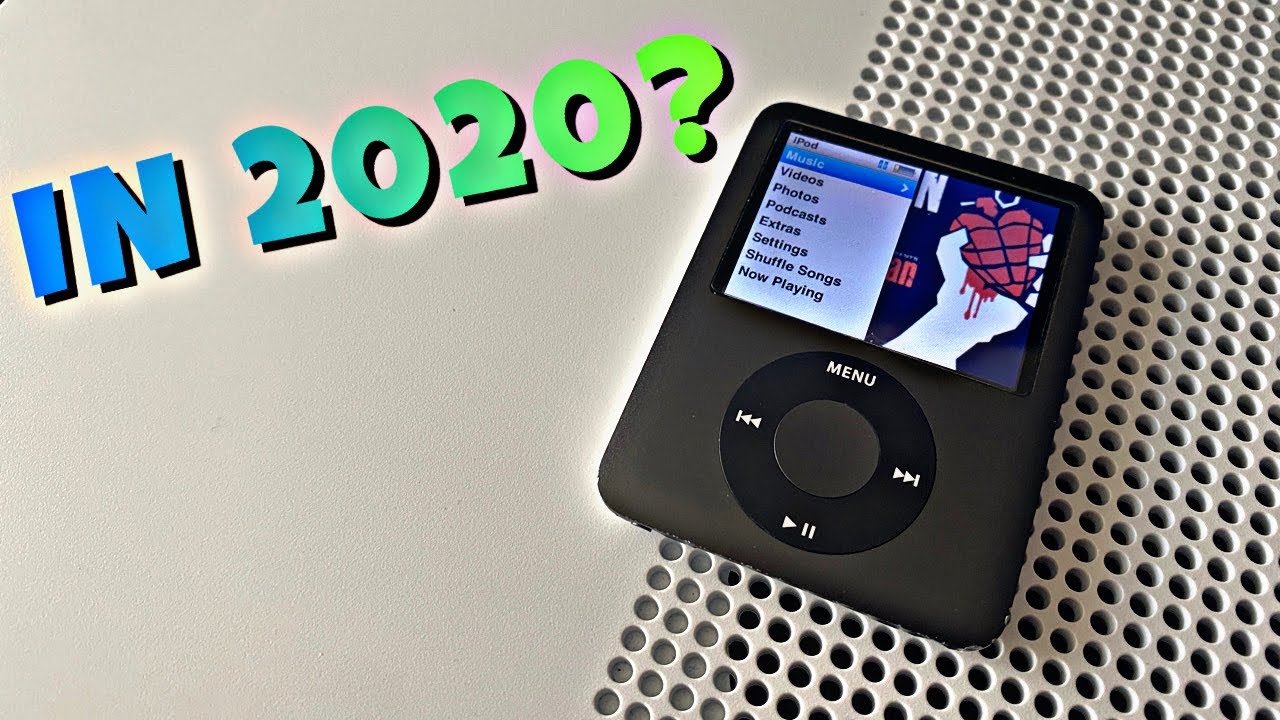
Using An Ipod Nano 3rd Gen 2007 In 2021 Classic Tech Youtube

Customer Reviews Apple 4gb Ipod Nano 3rd Generation Silver Ma978ll A Best Buy

Apple Pink Ipod Nano 3rd Generation For Parts Only Sold As Is Ebay
Apple Ipod Nano 3rd Generation Review Mp3 Players Mp3 Portable Media Players Good Gear Guide


Posting Komentar untuk "How Do You Turn Off An Ipod Nano 3rd Generation"