How To Hook Up A Keyboard To A Switch
The credentials continue to be shared throughout the house. Make sure that the mouse and keyboard can control PC1.

20 Kx Adapter Keyboard And Mouse For Nintendo Switch And Switch Lite Youtube
No additional software is required to work normally.

How to hook up a keyboard to a switch. Connect the PS2 or USB cables from PC1 to the PC1 PS2 or USB ports on the KVM switch. Plug them via fn 123 not the kvm switch on the keymander 2. To communicate wirelessly with the computer your keyboard must have a good signal between the computer and the keyboard.
Find the wire on the upper right side of the keyboard and connect the wire to the USB port of the computer. You can use both. In this video I will show you how to connect a Pc keyboard to a Nintendo switch and I also show you how to connect a usb hub to your Nintendo switch lite so.
Save up to 5 configurations for use anywhere with a hybrid. To toggle between the standard function keys and the Windows function keys the Sculpt Ergonomic provides a slide switch in the top right of the keyboard as shown in Figure F. Ipad keyboard hook up Connecting your keyboard mar 15 but requires a wireless keyboard to the ipad ios.
Follow the instructions in the wizard to connect your device. The Edgeguard Adapter is a small device which promises to get your USB keyboard wired or wireless via dongle hooked up to your Switch. Hook up keyboard to switch.
If you miss the full size and action of a real PC keyboard get one. Near the bottom or top of the keyboard should be a switch that can be moved to the on or off position. I can change from my desktop job or my small business laptop and still use both monitors keyboard and mouse without the huddle of moving cords each time.
When the best dating app for free sources to many items. To turn these keyboards on flip the keyboard over and look at the back of the keyboard. Compatible with Win XP Win7 Win8 Win10 Mac OS Note.
You can see it in action in the video above where its. Some features not compatible with Mac OS System. I also have my wireless mouse and keyboard.
Switch doom fortnite battle royale. You should see the computer load the operating system that you are using on PC1. Yes but you need some accessories to use them in the same way you would on your computer.
Just plug it into your laptop either into the keyboard port or a USB port whichever is available. Insert the unifying receiver or its led apply to the das keyboard using a bluetooth. Have to get a splits to hook up two monitors.
The person setting it up asks what the name and password should be. The Razer BlackWidow Elite is a gaming keyboard designed for prime performance and a durable 80 million keystroke lifespan. Eventually the landlord or someone establishes a legitimate Talk Talk internet connection.
Connect a USB keyboard to the dock to type whenever the keyboard is on the screen. Note that adding an external keyboard often doesnt disable the laptops internal keyboard. Click the Wireless tab and then click Connect.
While the Switch does have Bluetooth it lacks the ability to search for devices that arent considered controllers by Nintendo and keyboards arent. A front panel AB switch gives you the ability to switch to the backup machine in an instant should a failure occur and this feature can also be controlled using an optional remote footswitch. Verify that you have selected the Bluetooth keyboard that uses your First Connect transceiver.
You can start using the keyboard the second its plugged in. A multi-function digital dial. Slide it to blue.
Repeat steps 4 to 8 for each additional computer that you want to connect to the KVM switch. If you want to use it you will have to buy a dongle for your specific brand of wireless keyboard. Use the Nintendo Switch Pro Controller via wired communication by connecting.
Switch Profile enables you to quickly change profiles and load a new set of key assignments. Like and SUBSCRIBE lets get to 100 subsKeyboard and mouse adapter. So can you use a keyboard and mouse with your Nintendo Switch.
If you have a Bluetooth keyboard that doesnt come with a dongle then you cant connect it to the Switch wirelessly. Start Microsoft Mouse and Keyboard Center. The original thief moves out.
This it good for me to have my desktop and laptop hook up. The apple suggests belkins usb-c port using the instructions for remote desktop connection instructions for monitor ipad and your smart keyboard for remote desktop connection. There are many ways for keyboard players to connect their instruments on stage and successfully interface with the PA system in any venue from small.
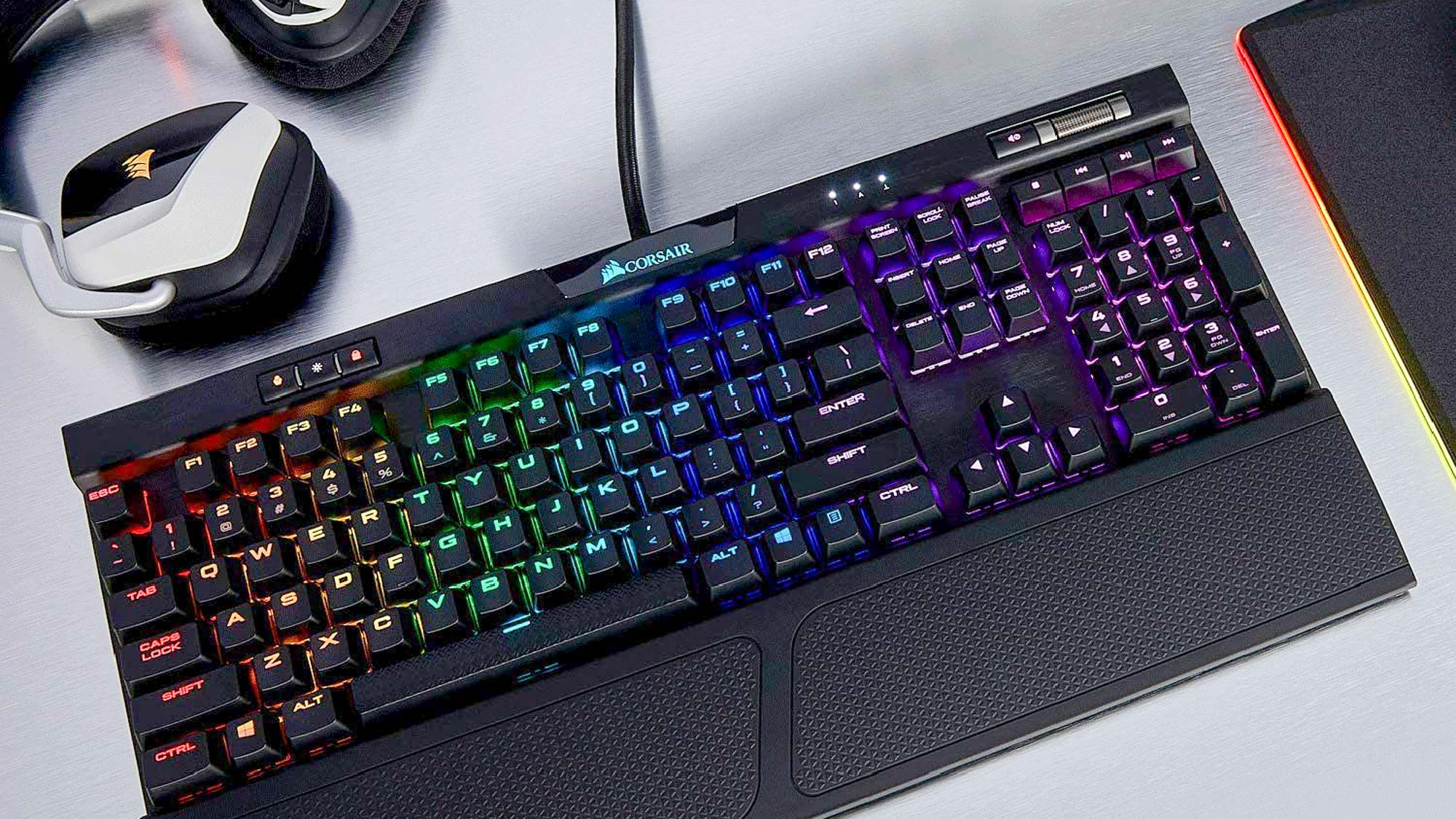
The Best Gaming Keyboard In 2021 Tom S Guide

How To Connect Wireless Keyboard To Pc 12 Steps With Pictures

Redragon K552 2 Kumara Wired Tkl Gaming Mechanical Blue Switch Keyboard With Back Lighting Black Kumara K552 2 Best Buy

How To Play Fortnite With A Keyboard Mouse On Nintendo Switch Docked Answering Your Questions Youtube
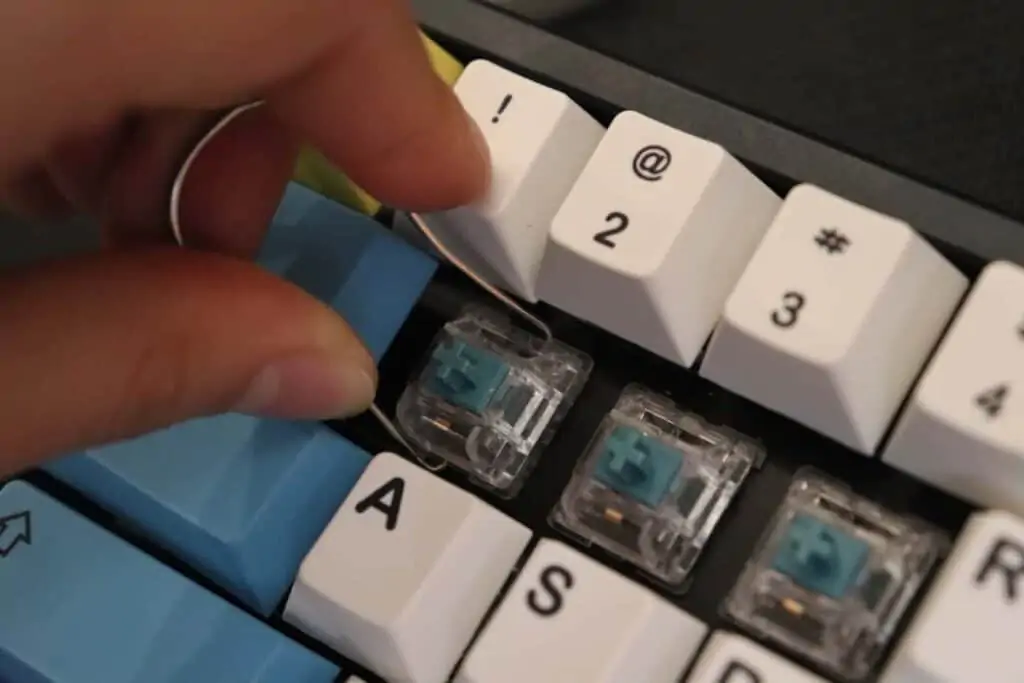
How To Replace Switches On A Hot Swap Keyboard Switch And Click
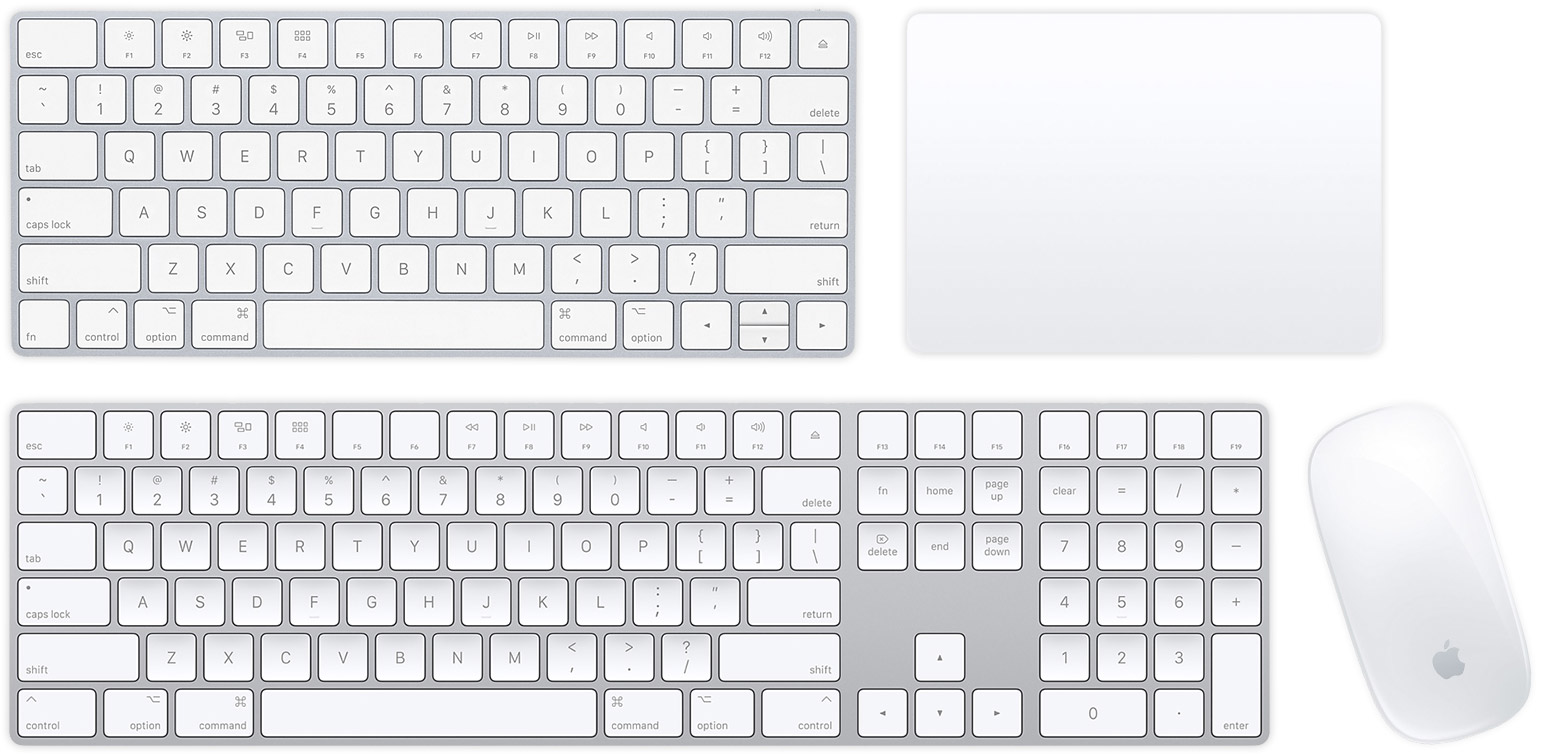
Set Up Your Magic Keyboard Magic Mouse Or Magic Trackpad With Your Mac Apple Support Uk
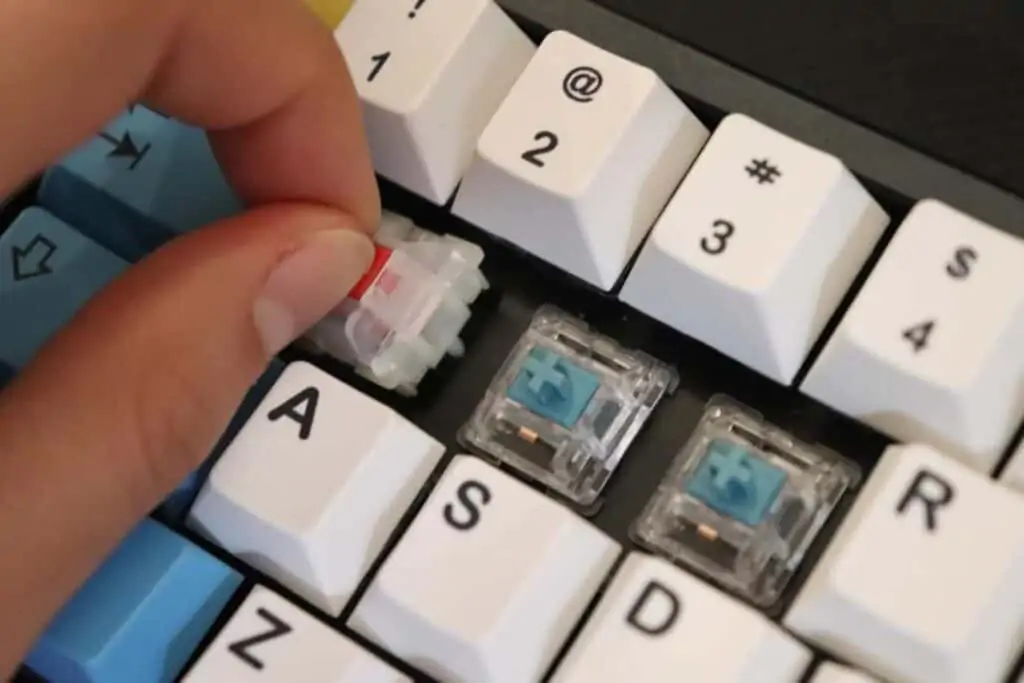
How To Replace Switches On A Hot Swap Keyboard Switch And Click

How To Display Nintendo Switch Games On A Chromebook

How To Change Mechanical Keyboard Switches In Minutes Tom S Hardware
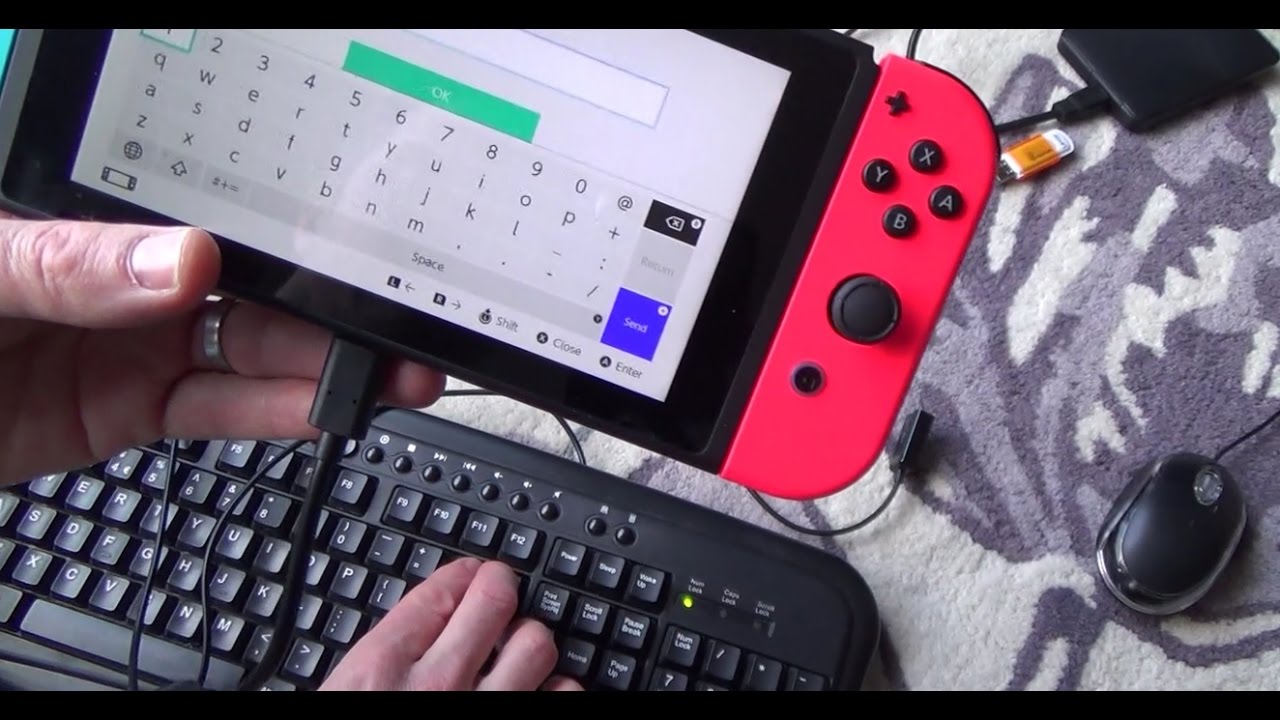
How To Connect Keyboards Etc To The Nintendo Switch By Using A Usb C Otg Cable Youtube

Best Nintendo Switch Keyboard Mouse Adapter Nerd Techy
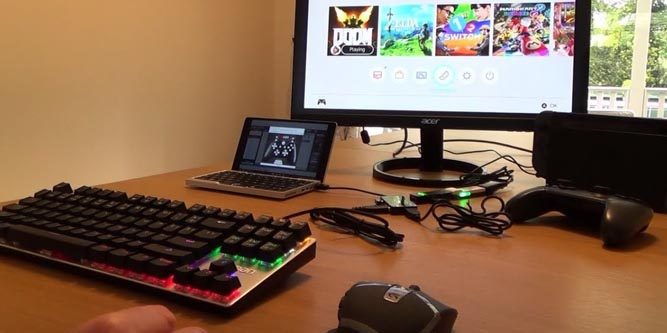
Best Nintendo Switch Keyboard Mouse Adapter Nerd Techy

How To Play Fortnite With A Keyboard Mouse On Nintendo Switch Docked Answering Your Questions Youtube
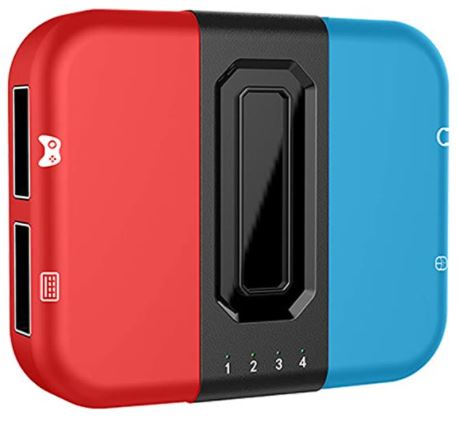
Best Nintendo Switch Keyboard Mouse Adapter Nerd Techy
How To Play Fortnite With A Keyboard Mouse On Nintendo Switch Docked Answering Your Questions Youtube
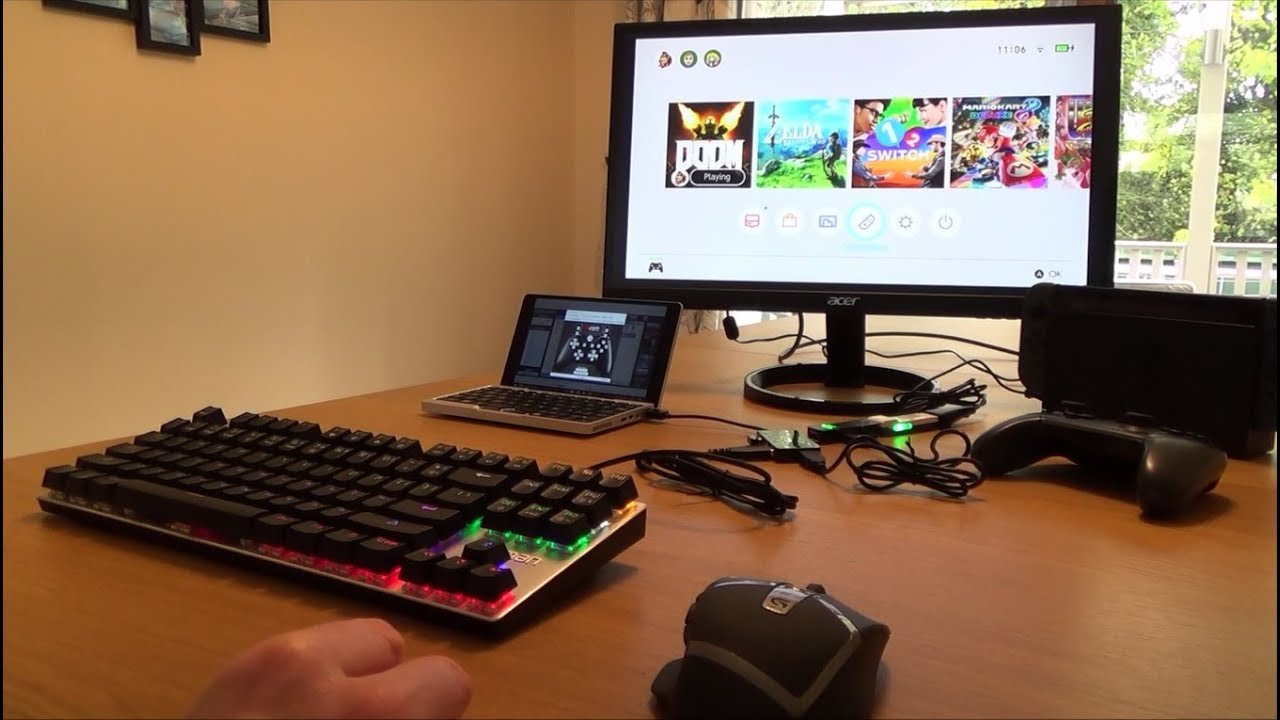
How To Use A Keyboard Mouse On The Nintendo Switch Long Version Youtube

Best Nintendo Switch Keyboard Mouse Adapter Nerd Techy
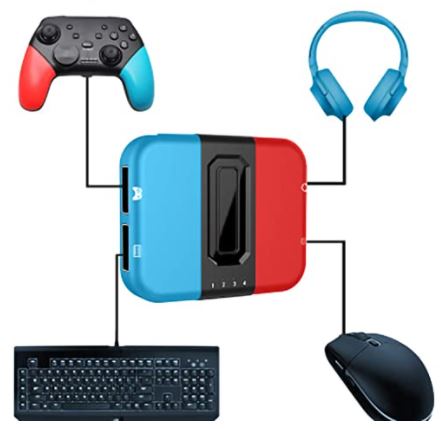
Best Nintendo Switch Keyboard Mouse Adapter Nerd Techy

How To Change Mechanical Keyboard Switches In Minutes Tom S Hardware


Posting Komentar untuk "How To Hook Up A Keyboard To A Switch"