How Do I Get Rid Of Ads On Facebook Timeline
Go to Browsing Ads and pop-ups. To delete your Automated Ads.
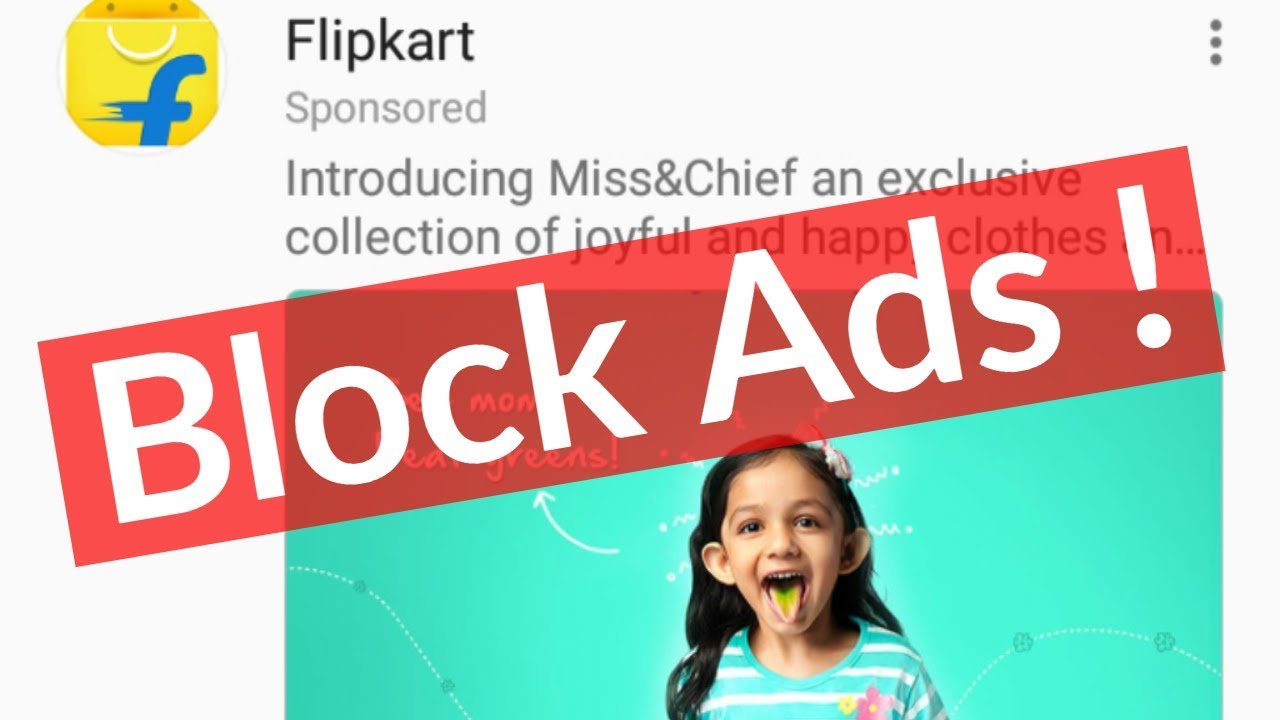
How To Block Remove Ads From Facebook App News Feed Stop Pop Up Ads On Messenger 2021 Youtube
They do that by luring you into reviewing people who are friends of the Friends you already have.

How do i get rid of ads on facebook timeline. Go to your Facebook Page. The bubble-gum colours of the game-ads at the top left corner of Facebook pages above the chat is super annoying to me at least. Facebook goes in for a face lift.
Select the Ad Center tab. For this go to Facebook Settings Privacy Settings Ads Ad Settings. You cant block Facebook ads entirely.
Or through a political ad in your Facebook feed. No there is no option to block ads on your timeline. Tap Ad Preferences Ad Topics.
If they gave their users the option to block ads Facebook would be a much less attractive option for advertisers. Its simple to choose a few companies and sites like Facebook where you dont want to see targeted ads. Follow the on-screen instructions to install an ad-blocker extension for Safari or Chrome.
You can delete individua. If someone has tagged you on that particular ad and you dont want to be troubled by notifications then select turn. Hide ad topics permanently.
Under Settings go to Notifications scroll down to Video and click to expand the drop-down and choose off You can also control notifications about tags birthdays. However as mentioned in the above steps. Or you can click the Choose all companies button at the bottom to opt out of targeted.
Facebook ads are usually targeted to a particular group. It can strip out most sponsored stories or in-line newsfeed ads. In the Ad set the option to Not Allowed and No one.
Facebook has an agenda. Twitters Q3 data licensing sales came to 143 million up 12 from a year ago and its ad revenue climbed 41 year over year to 114 billion. Get rid of and Remove Advertisers and Businesses.
When consulting we advise businesses to avoid doing these sponsored story kind of ads. In the Settings tab select in the bottom-left corner. Click Data about your activity from partners and turn the toggle off to stop Facebook from showing personalized ads.
Activate ads and pop-ups blocking. But you dont have to stop there. Facebook makes the majority of its revenue from advertisers paying to advertise on the Facebook platform.
First Go to your account settings located under the drop down menu top right under account. To do this you need to remove your interests stop advertisers and businesses from uploading lists of your profile information disable ads based on your personal information set ads to not allowed hide ad topics. You cant completely opt-out of Facebook ads but you can change your preferences so that you see ads of your choice.
Fix login issues and learn how to change or reset your password. In the your information section of Facebooks ad settings you can toggle off the social networks ability to use your relationship status your company your job title and your education for ads. Learn what to do if youre having trouble getting back on Facebook.
They would lose billions of dollars and probably go out of business. Next select Facebook Ads. I mean ALL of the friends that ALL of your friends have and there are millions.
There are however a few ways to rid yourself of the ads outside Facebooks controls. After installing the plugin head to Facebook and then hit the wrench icon at the top of the page and then select Social Fixer Options. Find your ad and select View Results.
Using personal information from Facebook to target an audience raises issues on. Answer 1 of 4. To be more specific what Social Fixer does is change the way you see Facebook.
Adjust settings manage notifications learn about name changes and more. Most of us hate ads. Now your Facebook ads should be gone.
Pick any political ad you come across in your. Social Fixer is a browser add-on software that attaches to your browser and works with it that gives you a ton of features to manage Facebook. That is it this is exactly how you can get rid of the sponsored ads on your Facebook news feed.
Disable the About your info and remove your categories. To boost readership and promote their algorithms. Control who can see what you share and add extra protection to your account.
How to Block Sponsored Ads in Facebook News Feed. Select OK to confirm. But perhaps most tempting is that fact that you can get rid of Timeline.
If you dont want to see the ad on your newsfeed then click on hide ad. According to Facebook help guide If you dont want to see a specific ad you can click the x on the top right corner of the ad and choose I dont want to see this. When you delete your Automated Ads your plan ends immediately and your results will no longer be available.
Blocking Targeted Ads on Facebook. In the pop-up menu tap See fewer ads about this topic. Ads help keep Facebook free and we strive to show you only ads that are relevant and interesting to.
Next visit and edit Third party ad settings and social ad settings. Add Clario Extension to your browser. When you click like on a product or page Facebook can use that information your profile picture and your name to showcase targeted ads to people on your timeline.

Here S How You Can Stop Seeing Ads On Facebook
How To Get Rid Of Sponsored Ads On Facebook

Stop Video Ads From Playing On Facebook

How To Turn Off Political Ads On Facebook And Instagram Pcmag
Stop Video Ads From Playing On Facebook

How To Stop Sponsored Ads On Facebook 2021 Sociallypro

Here S How You Can Stop Seeing Ads On Facebook
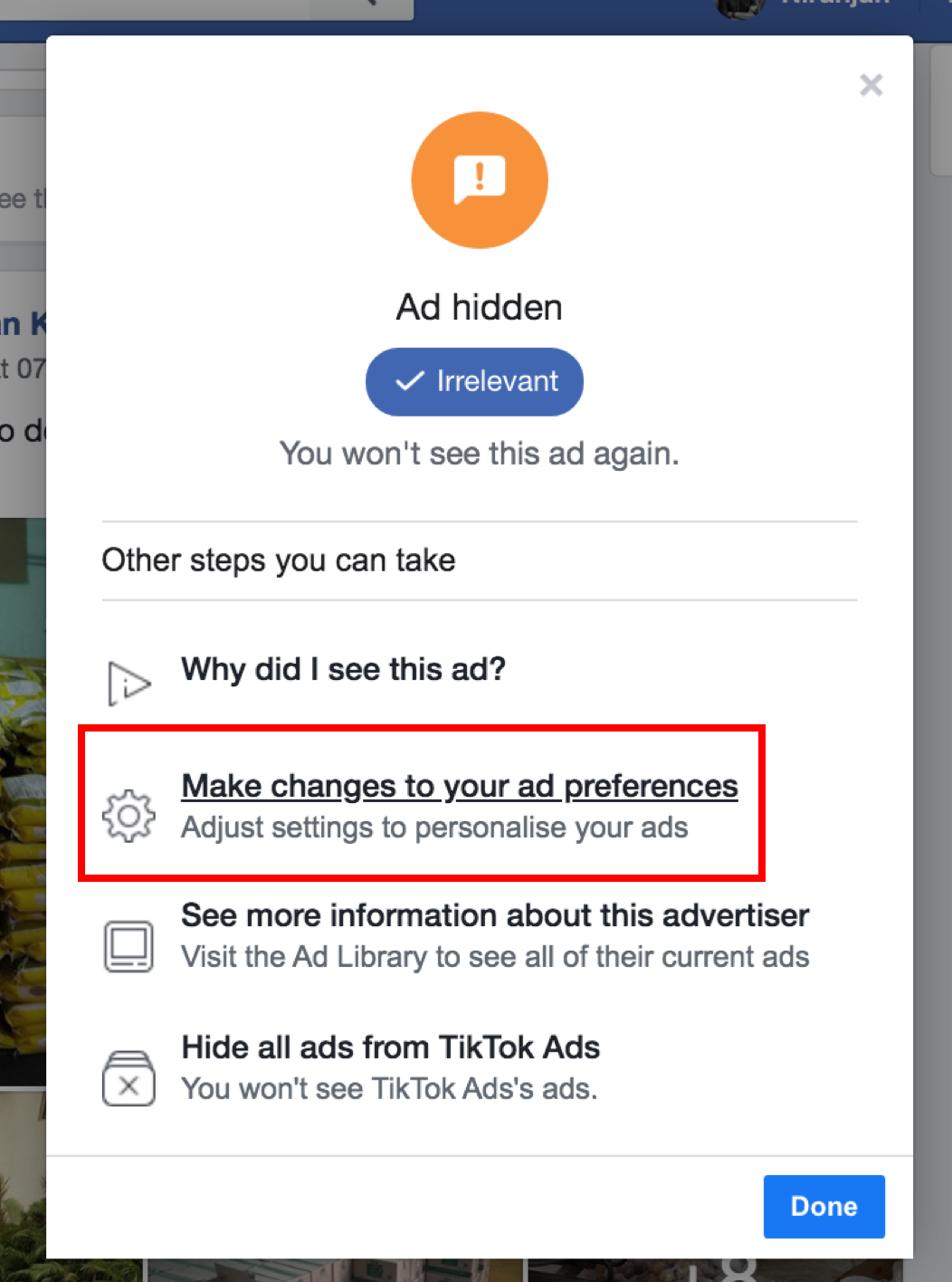
Here S How You Can Stop Seeing Ads On Facebook

How To Stop Sponsored Ads On Facebook 2021 Sociallypro

How To Turn Off Political Ads On Facebook And Instagram Pcmag

Here S How You Can Stop Seeing Ads On Facebook

How To Stop Sponsored Ads On Facebook 2021 Sociallypro

How To Hide Specific Ads On Facebook How To
How To Get Rid Of Sponsored Ads On Facebook


Here S How You Can Stop Seeing Ads On Facebook
Here S How You Can Stop Seeing Ads On Facebook
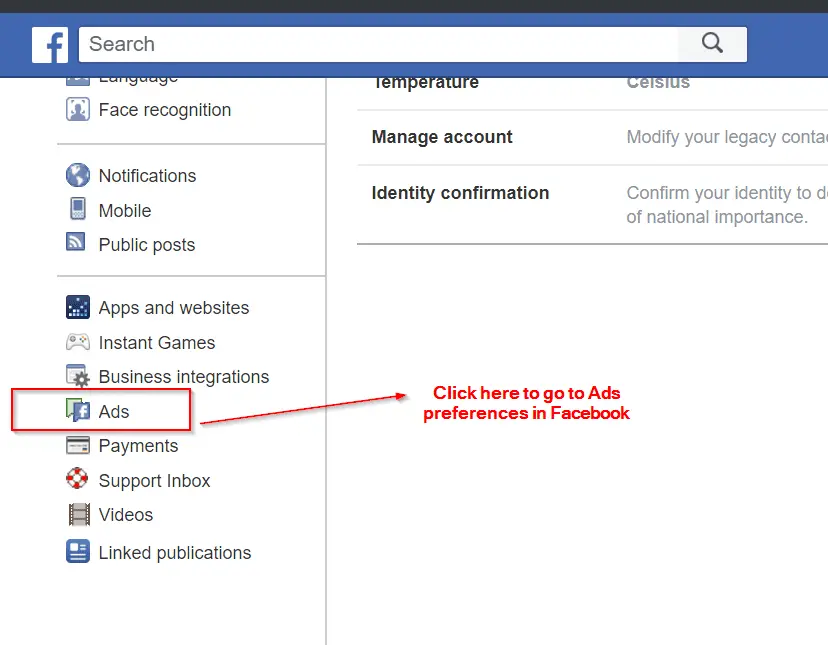
How To Block Ads On Facebook Instructions 2020

How To Hide Specific Ads On Facebook How To
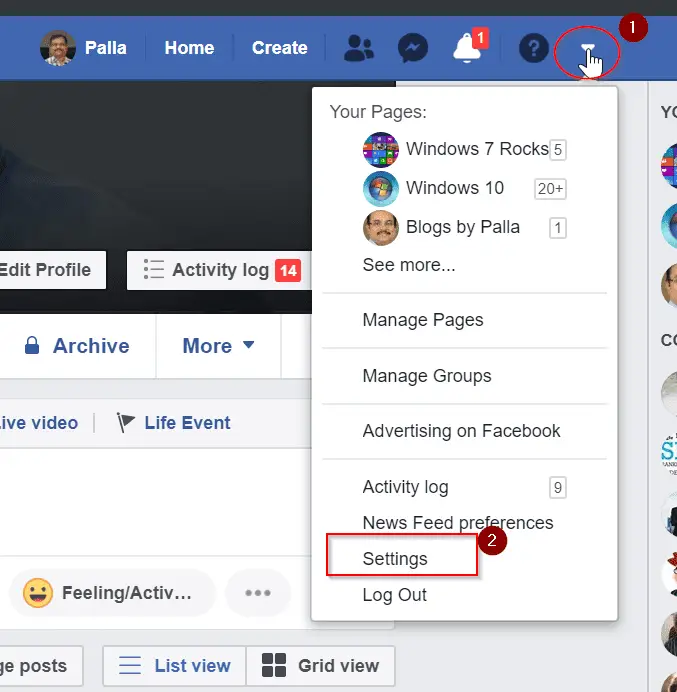
How To Block Ads On Facebook Instructions 2020


Posting Komentar untuk "How Do I Get Rid Of Ads On Facebook Timeline"