Imac Hard Drive Spinning In Sleep Mode
When it is idle that is not actively performing any tasks and the display is turned on it uses 691W of power. Put that iMac to sleep and it uses only 122 W of power.
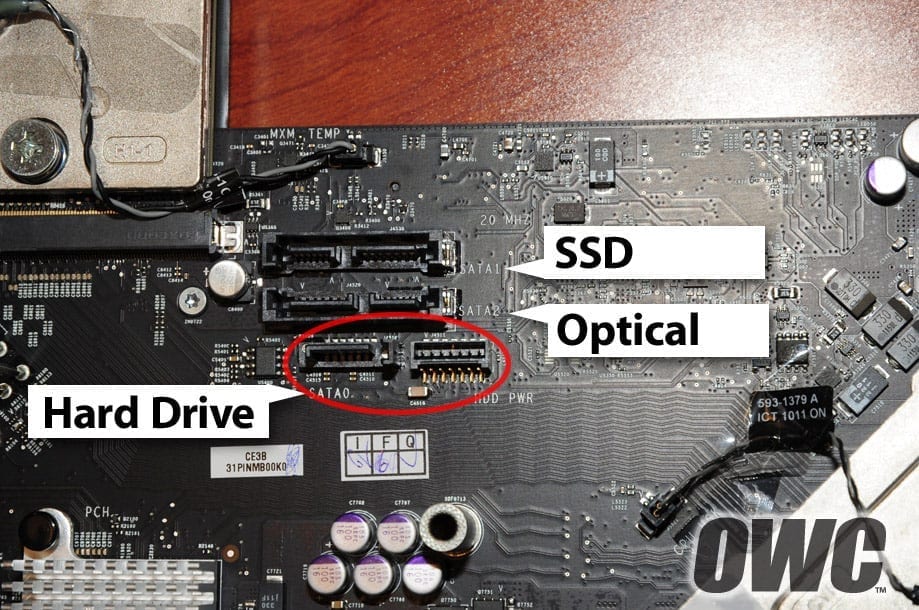
Further Explained Apple S Imac 2011 Model Hard Drive Restrictions
Put your Mac to sleep by choosing the Apple menu from the upper-left menu bar and then choosing Sleep.
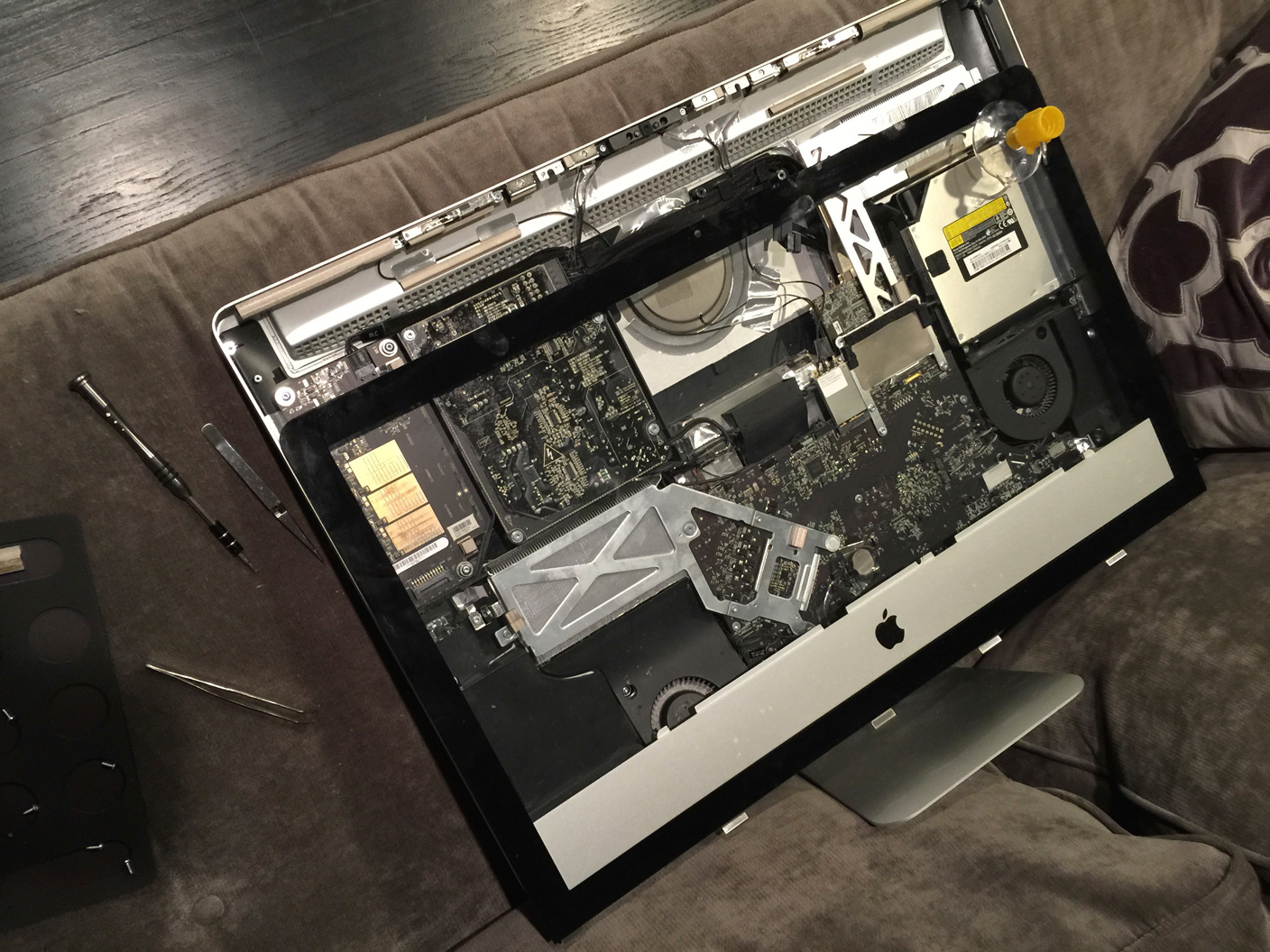
Imac hard drive spinning in sleep mode. Can I boot Mac from an external hard drive internal hard drivehard drive closure 3. A You eject the hard disks each time before you enter sleep. An alternative to this is.
- Wake up the computer from sleep. While the iMac is asleep the hard drive spins up and down every minute or so without fail creating an annoying rattling sound as it spins up - characteristic of hard drives. Also when placed in sleep the monitor takes about 30 seconds to go black.
Hard drive spins up periodically even with sleep option enabled. A new hard drive was installed in my Toshiba Notebook a few weeks ago. I have a 2008 Mac Pro with the original OSX drive and then two other hard drives one I.
How to ignore second hard drive. External hard drive spinning up during sleep. It doesnt exhibit this behaviour when it is powered on just when it is asleep.
I have a brand-new G-Technology 2TB G-Drive Mobile USB-C USB 31 Gen 1 Portable External Hard Drive Silver - 0G10339. But it becomes strange when I shut down or sleep mode the Mac because when the machine is OFF the fan runs riot. Wake the computer after it has gone to sleep.
Turning the Mac all the way off but keeping it plugged in power use goes down to 024W. I have two external hard drives hooked to both my iMac and Mac-Mini. Ever since then no matter what I try I cant put the notebook to sleep.
You can hear the hard drive running and the hard drive. - Power on the external devices first. Standby after some time.
- Power on the external devices. Also when placed in sleep the monitor takes about 30 seconds to go black. This option allows you to stop your hard drive from spinning when you are not using your Mac so you can save energy and prevent deterioration of your hard drive which prolongs its lifespan.
And since your MacBook performs some activity during sleep a writingreading process might keep the hard disks awake. When my iMac 27 is in sleep mode I have noticed that the hard drive spins up very regularly every 4 or 5 minutes. When powering the computer on.
It will go to sleep for a few seconds then the hard drive starts again by itself. One potential issue that may lead to this behavior is if if the iMac goes into deep sleep aka. Waking up from Standby always takes longer than waking up from normal sleep because in standby mode RAM sleeps as well so the whole working environment has to be saved to disk and reloaded when the machine wakes up.
IMac is working quite well even the fan doesnt behave strange as along as the computer is running. When my iMac 27 is in sleep mode I have noticed that the hard drive spins up very regularly every 4 or 5 minutes. You see when a hard drive spins at such a high speed usually 5400 rpm for a laptop there will be a thin layer of air that keeps the readwrite head from touching the disk which can be disastrous.
Answer 1 of 2. This is incredibly annoying especially at night. Therefore there is an option called HDD sleep.
When my imac mojave 10144 sleeps the light on the g-drive keeps blinking and the drive seems to be spinning. Fusion Drive constantly spinning up and down. Ive tried disabling Power Nap and checking and unchecking Automatically put hard disks to sleep when.
This spinning requires energy and too much spinning can wear off your hard drive. If its off or in sleep mode the fan is spinning at high speed. Press Command Option Escape to force quit any application that is not responding.
She said this one chirps sometimes while spinning even while asleep because the hard drive doesnt stop and that i could try googling seagate hard drive chirping. Finder slow after wake up from standby mode. Not seen the eject after wake from sleep issue using Mountain Lion.
I use firewire 800 connections. It also wakes on its own for no apparent reason. Yes it does so to prevent any accidental damages to your hard drive.
You can try both wake up methods to see. It also wakes on its own for no apparent reason. Hard drive spinning in sleep mode is this normal.
Unfortunately Mac OS doesnt eject hard drives when the machine enters sleep. The apple tech told me its probably because they replaced it with a HD from a different manufacturer than i used to have. - Then wake the computer from sleep its possible the iMac will wake up on its own when it senses external devices being powered on.
There are at least three solutions to this problem. I have put hard disks to sleep when possible checked do not use time machine and enable.

How To Now S The Right Time To Swap Your Old Imac S Hard Drive For A Fast New Ssd 9to5mac
Imac No Booting Up Only Hard Drive And Super Drive Spinning Imac Intel 24 Emc 2134 And 2211 Ifixit

Big Sur Disconnecting My External Hdd Apple Community

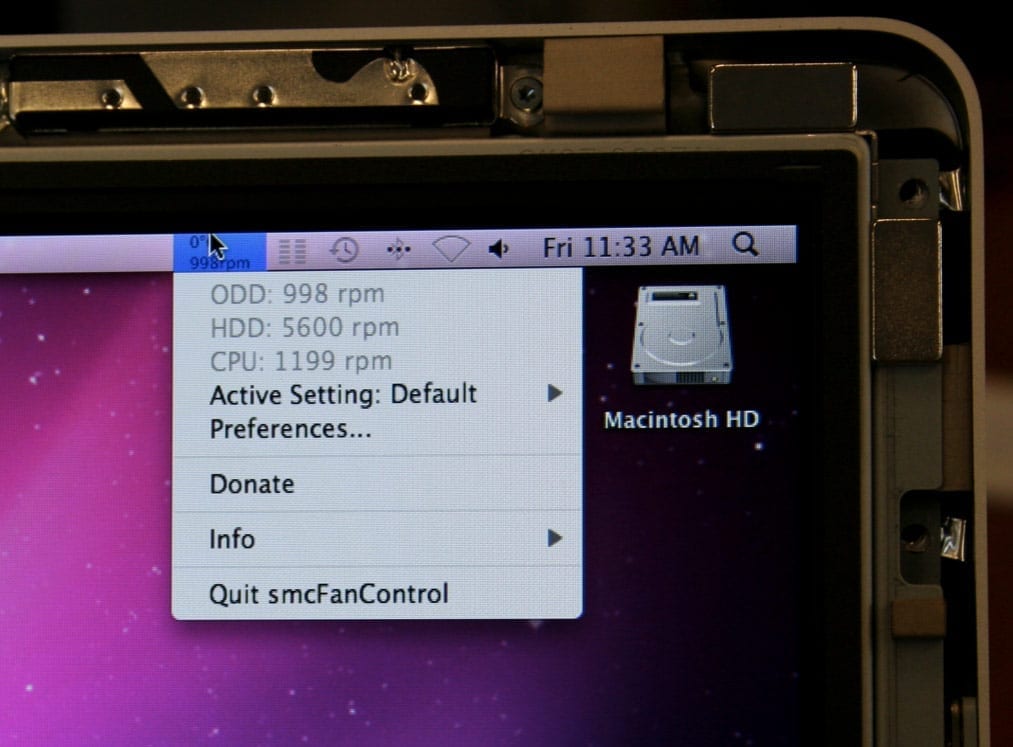
Diagnosing Imac Fan Speed Issues After Upgrading Hard Drive
How To Fix Common Mac Startup Problems Macrx Cult Of Mac

Adjust Time Period For Hard Disk Sleep In Os X Cnet
Is It Better To Shut Down Sleep Or Leave A Mac Turned On When Not Being Used Osxdaily
Further Explained Apple S Imac 2011 Model Hard Drive Restrictions
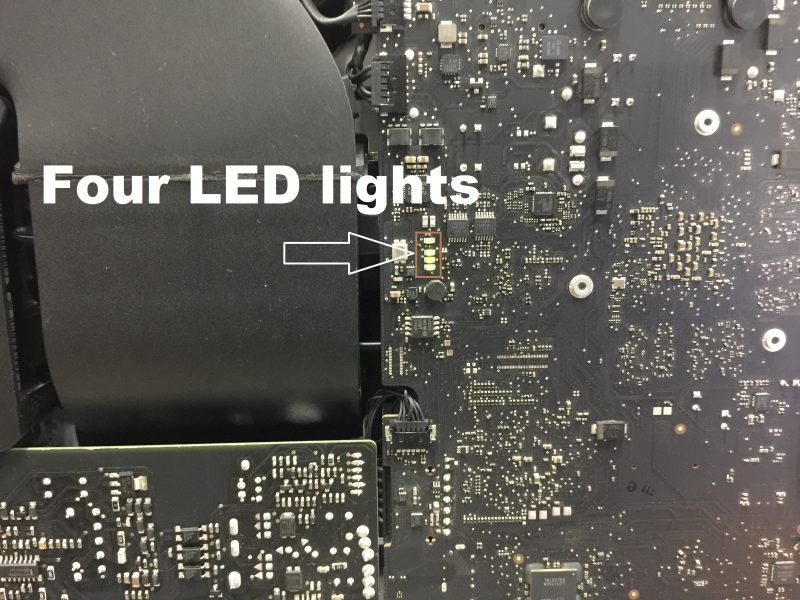
What To Do When Your Imac Won T Turn On It Tech Online

Easily Resolve Mac External Hard Drive Sleep Problems
Imac Hard Drive Spins Up Every 5 Minutes Apple Community

Amazon Com Owc 2 0tb Hdd Upgrade Kit For All 2011 Imac Models Electronics
Imac Intel 27 Emc 2390 Hard Drive Replacement Ifixit Repair Guide

How To Now S The Right Time To Swap Your Old Imac S Hard Drive For A Fast New Ssd 9to5mac
Faulty Cpu Odd Sensors Or Fans After Dual Drive Kit Upgrade Imac Intel 27 Emc 2429 Ifixit

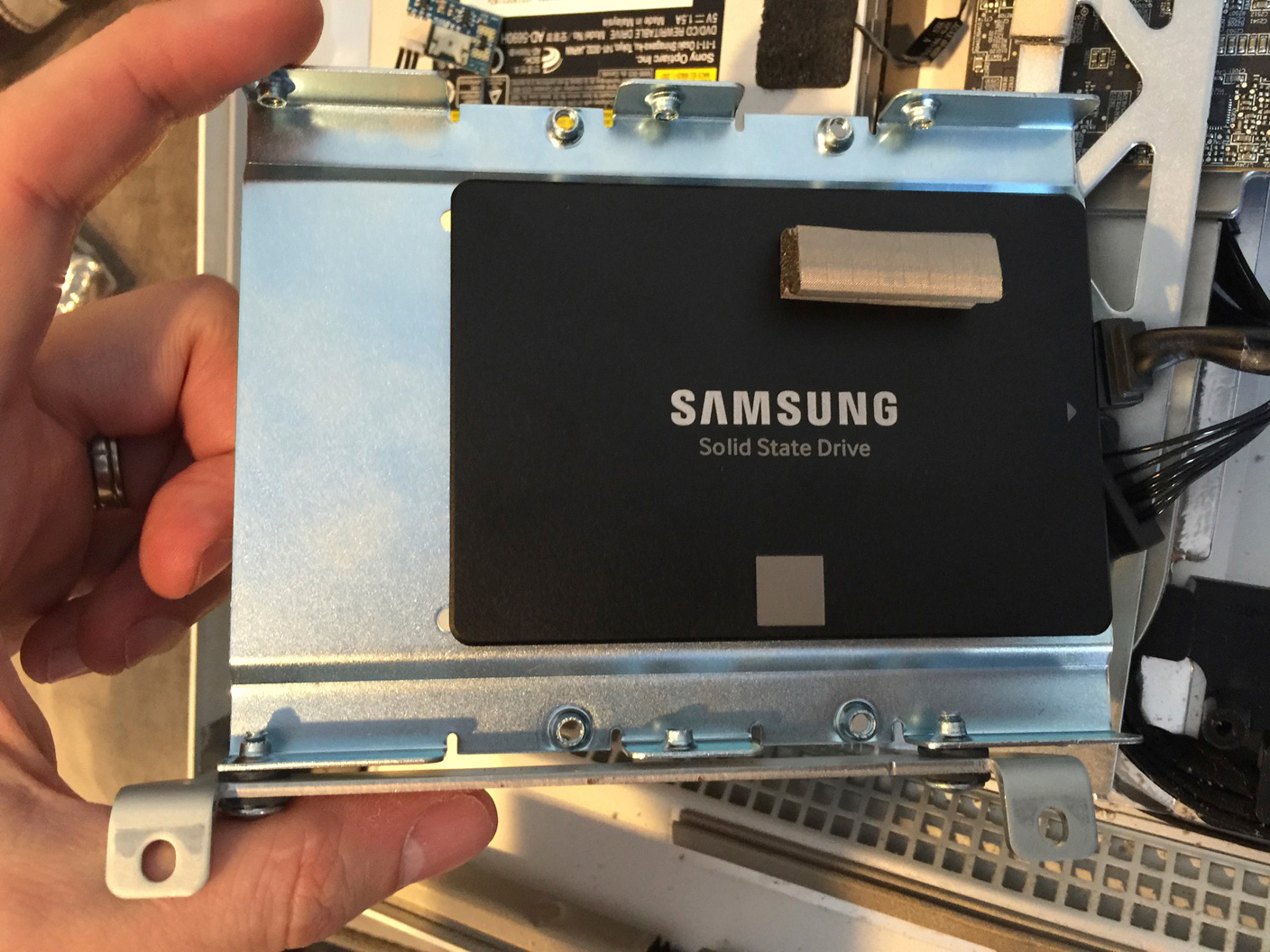
How To Now S The Right Time To Swap Your Old Imac S Hard Drive For A Fast New Ssd 9to5mac
External Hdd Disks Getting Ejected When Mbp Goes In Sleep Mode Issues What Is The Best Set Up Macrumors Forums
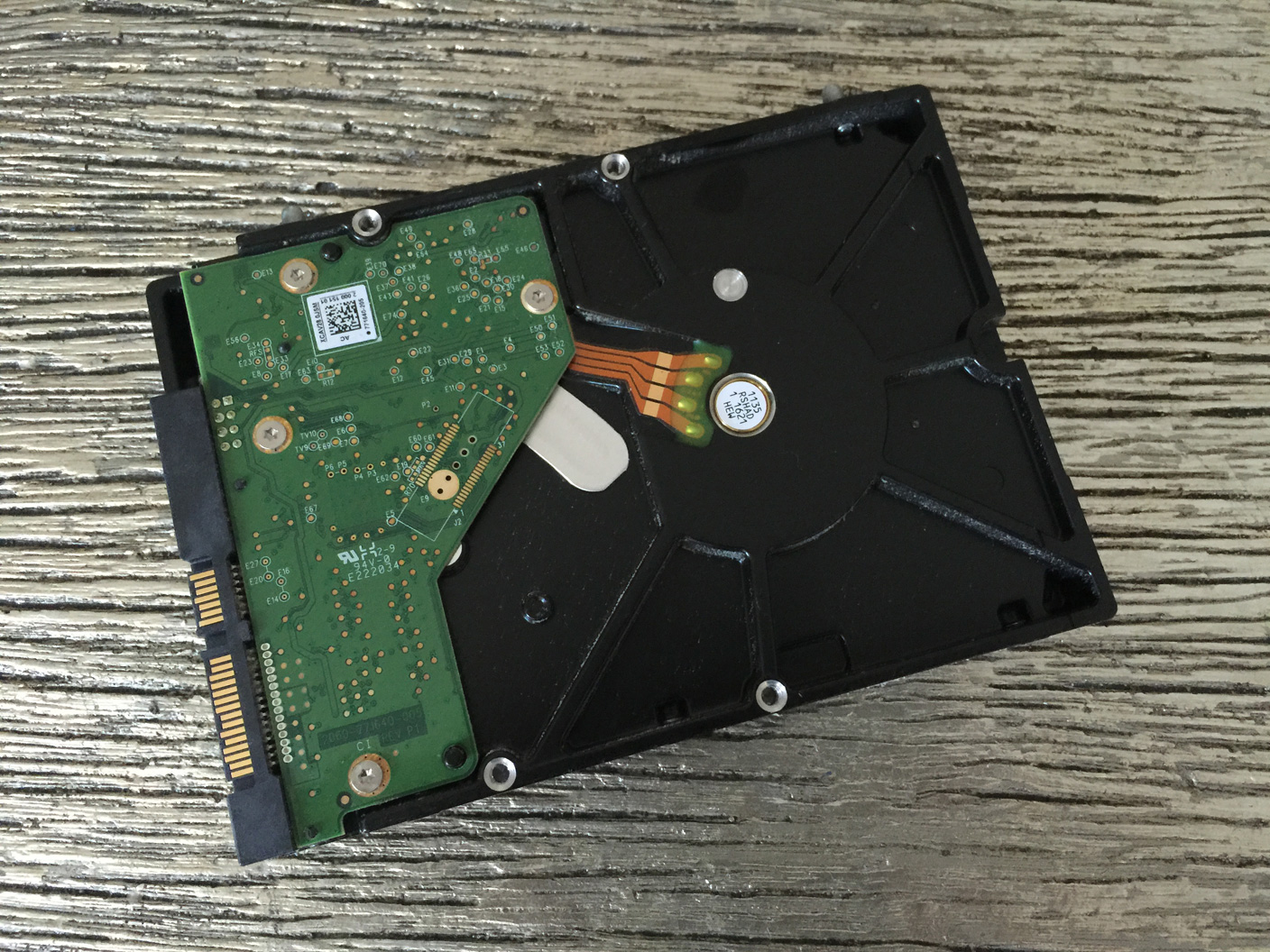
How To Now S The Right Time To Swap Your Old Imac S Hard Drive For A Fast New Ssd 9to5mac
Imac Intel 27 Emc 2390 Hard Drive Replacement Ifixit Repair Guide


Posting Komentar untuk "Imac Hard Drive Spinning In Sleep Mode"